Overview
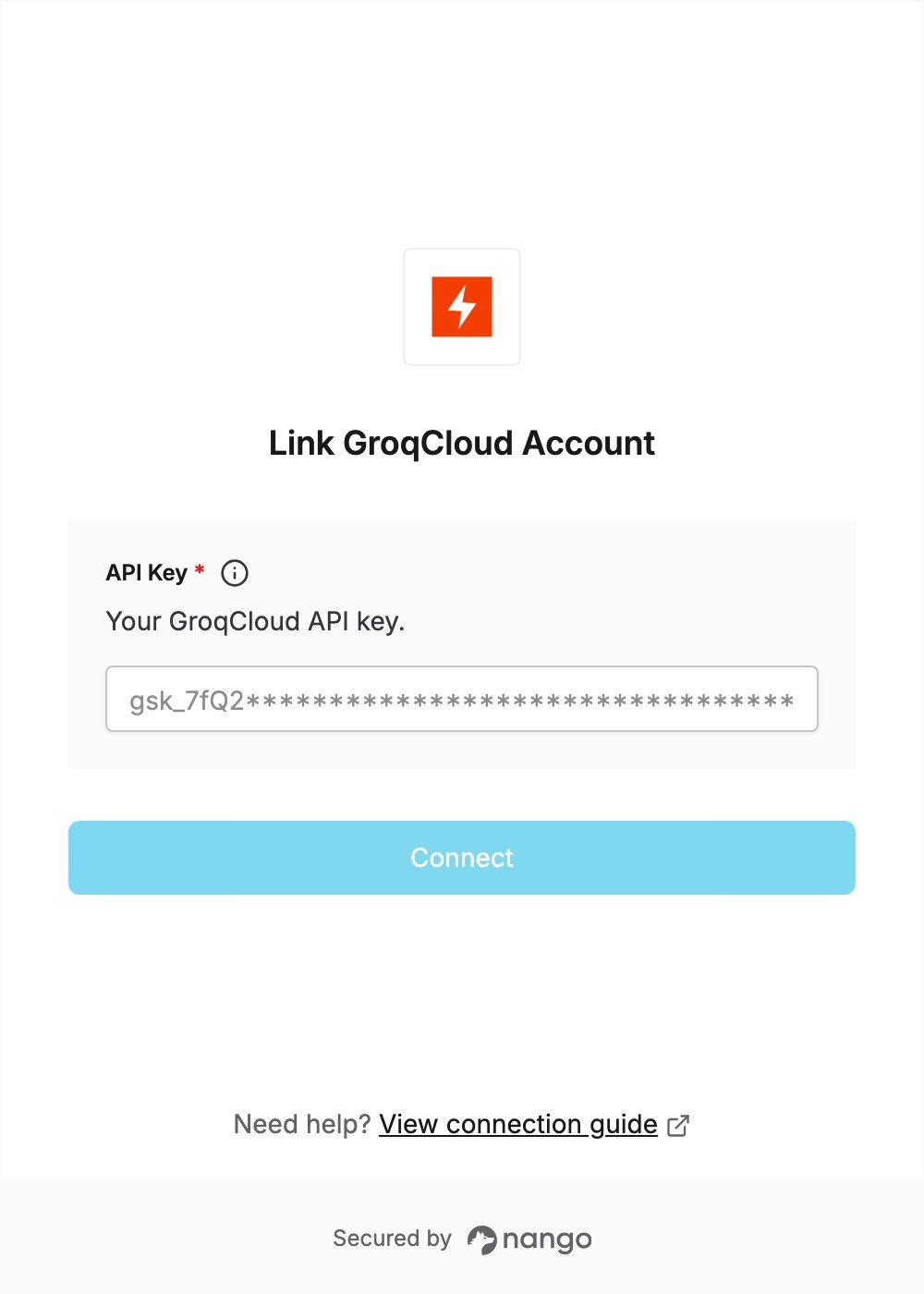
To connect with GroqCloud, you need:- API Key — a GroqCloud API key.
Prerequisites
- A GroqCloud account. You can sign up on the free tier with Google, GitHub, SSO or email.
Step 1: Create an API key
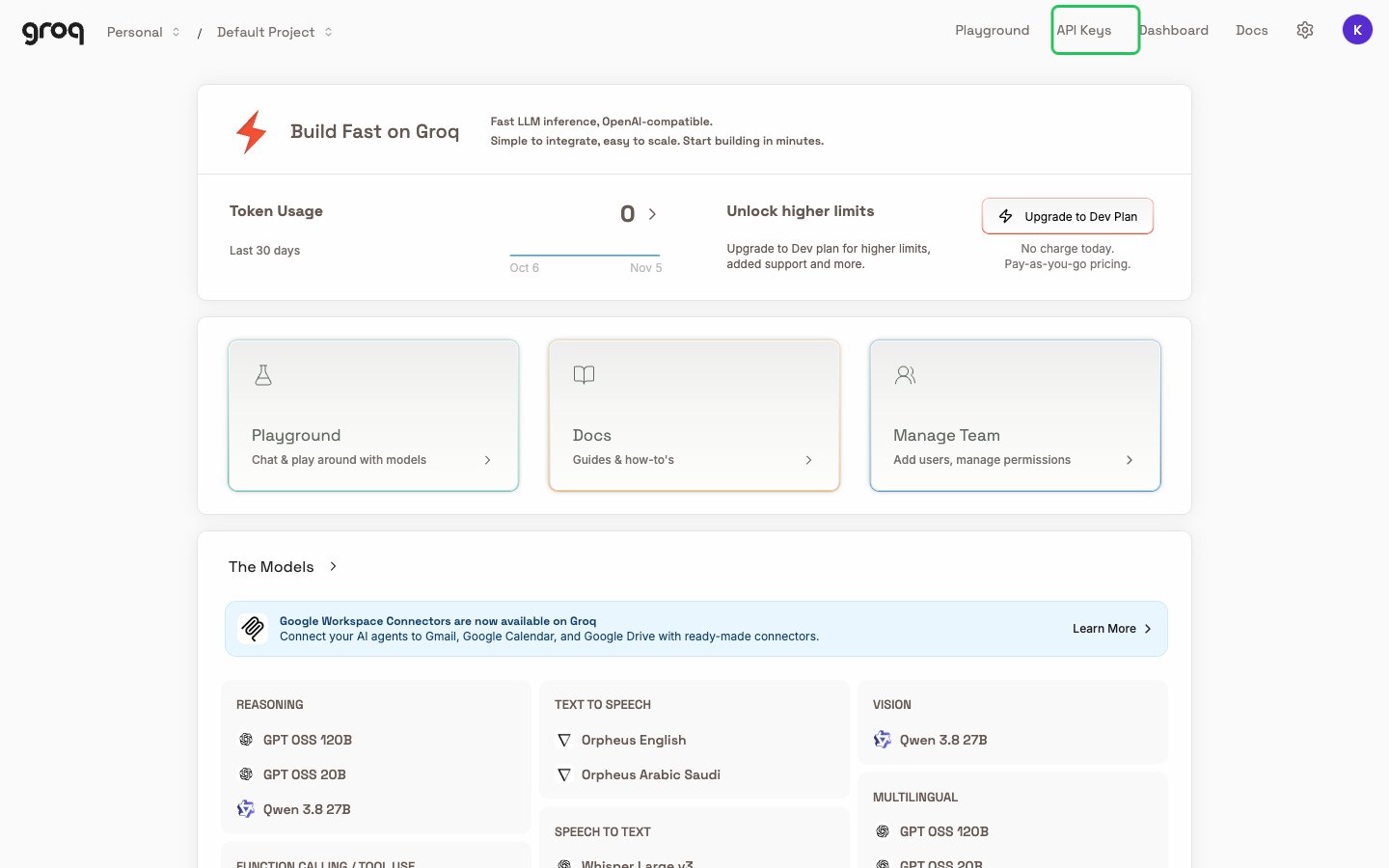
- Log in to the GroqCloud console. In the dropdown at the top left, pick the project the key should belong to: API keys are specific to the selected project. Then click API Keys in the top navigation.
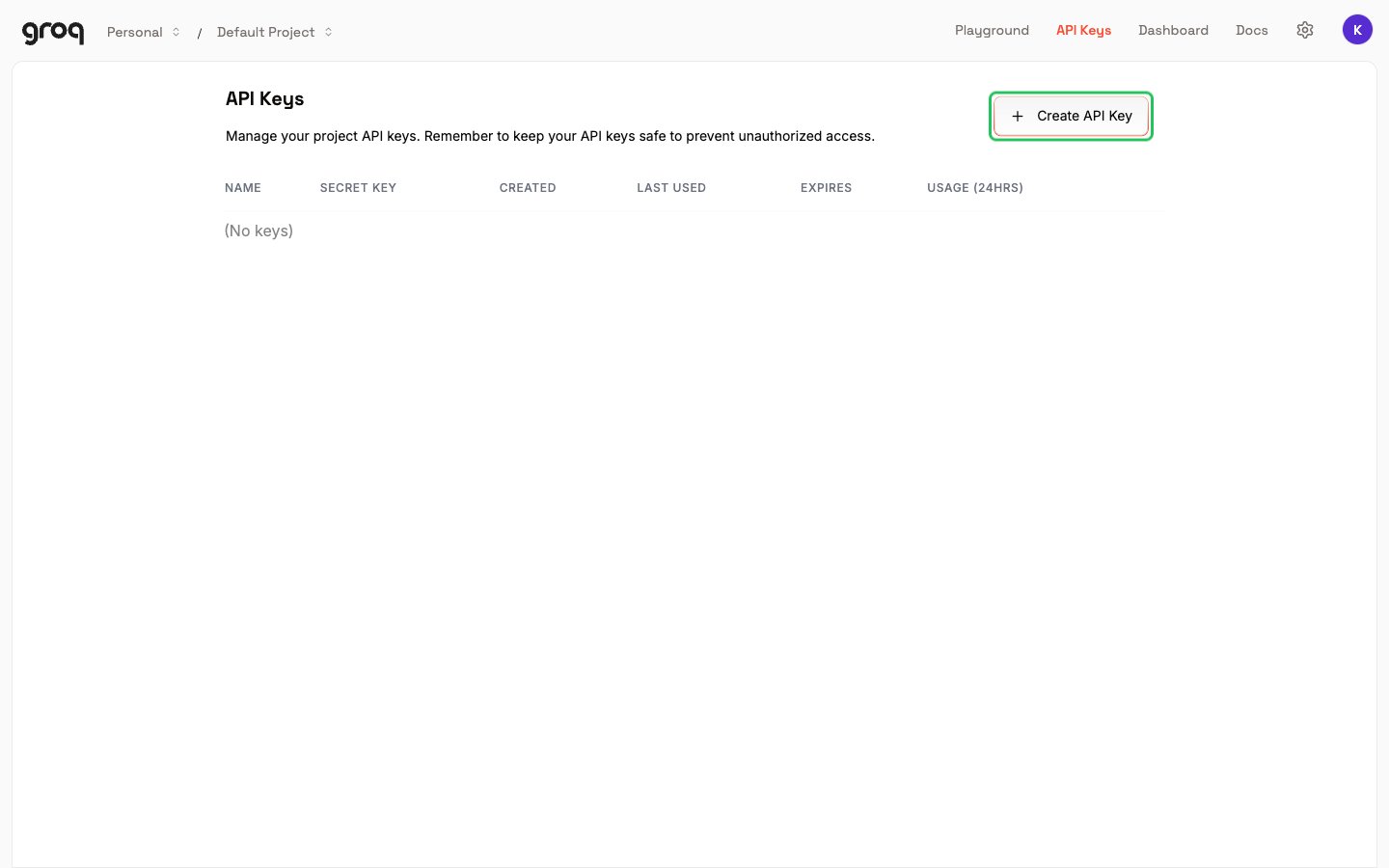
- On the API Keys page, click Create API Key.
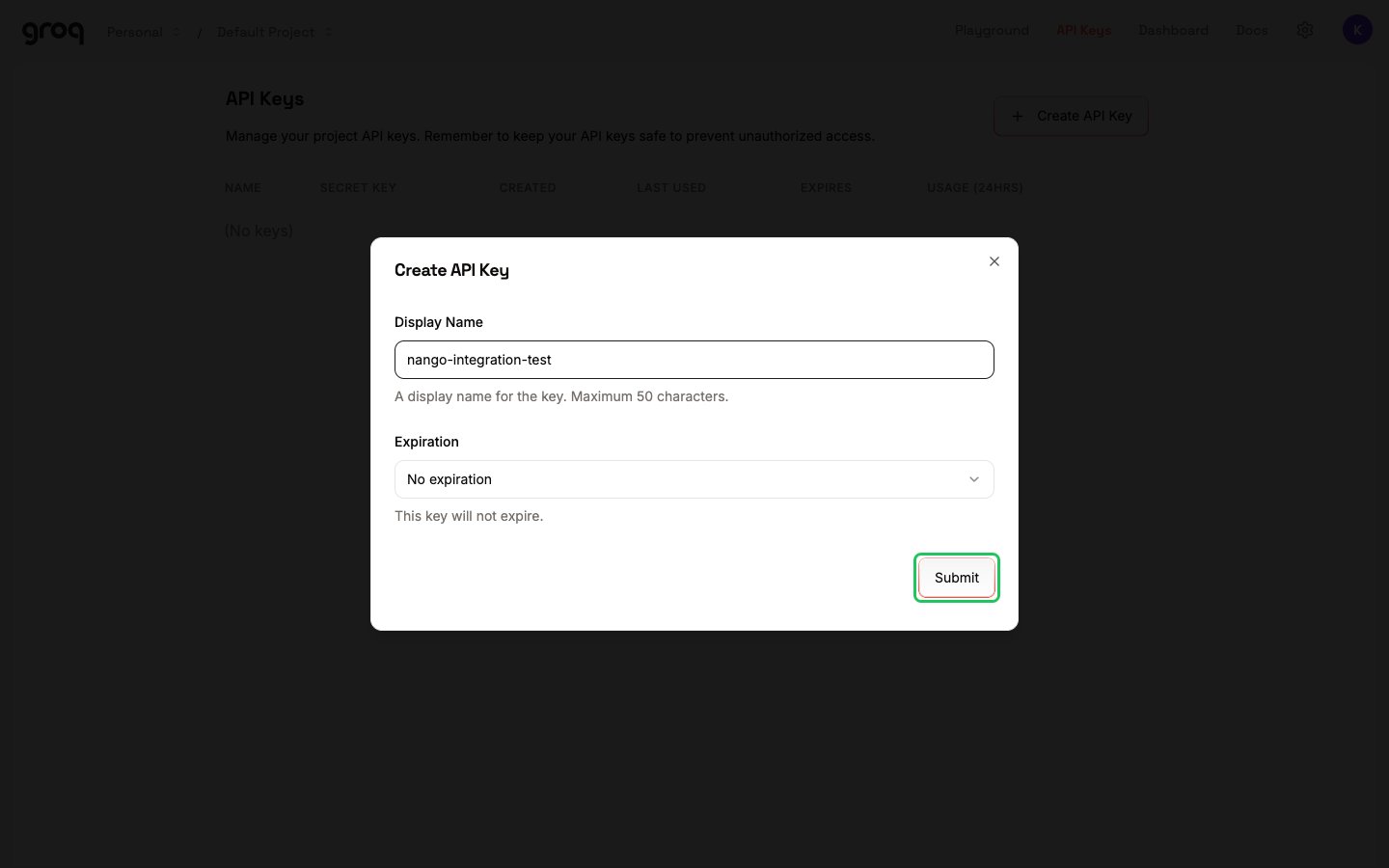
- Enter a Display Name, optionally choose an Expiration, and click Submit.
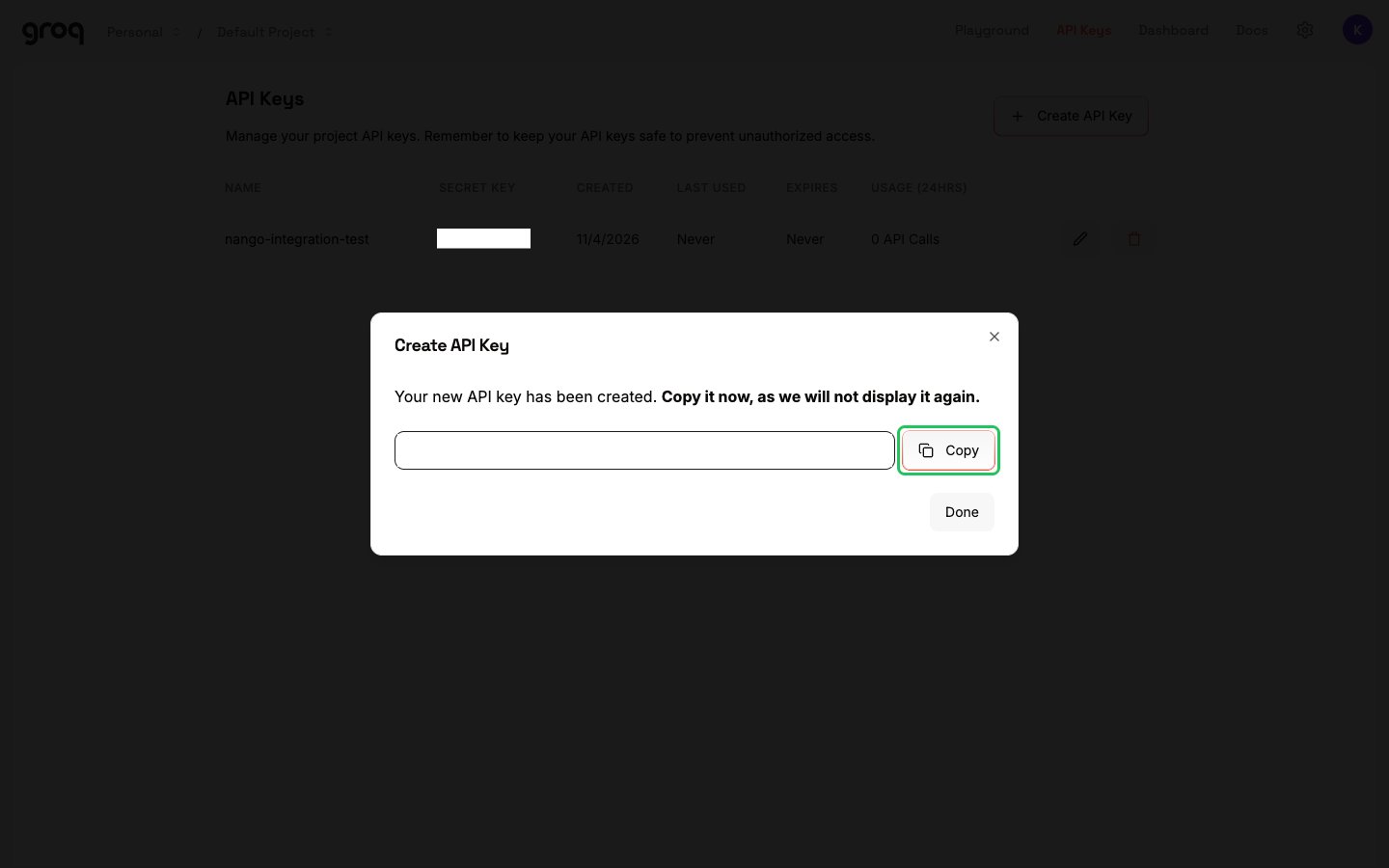
- Click Copy to copy the new key, which starts with
gsk_. GroqCloud shows it only once.
Step 2: Enter your API key in the Connect UI
- Open the form where you need to authenticate with GroqCloud.
- Enter your API Key.
- Click Connect.