Overview
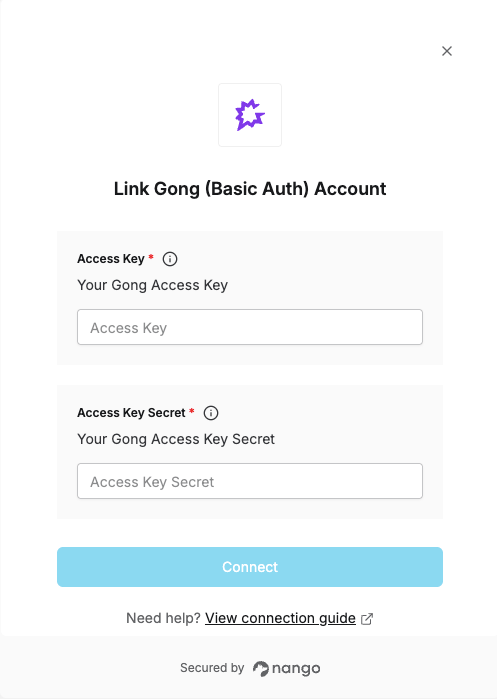
To authenticate with Gong, you need:- Access Key — Your Gong Access Key.
- Access Key Secret — Your Gong Access Key Secret.
Prerequisites
- A Technical Admin role in Gong — only Technical Admins can create API keys.
- Available on any Gong plan; no specific paid tier is required.
Step 1: Find your API key and API key secret
- From the left sidebar, click Admin center.
- In the Settings tab, click API under Ecosystem.
- Click + Get API key.
- Enter a name for the key in the Key name field.
- Enter the number of days until the key expires in the TTL (days) field. Leave this field empty if the key should not expire.
- Optionally, enter the IP addresses, CIDR blocks, or IP ranges to allow in the Trusted IPs field. Separate entries with line breaks or spaces. IPv4 and IPv6 are supported. See Nango’s public IP addresses if you restrict this, since Nango’s proxy will be making the calls.
If you leave this field empty, the key can be used from any network location.
- Click Get API key. The access key and secret are displayed.
- Copy the access key and secret to be used later — the secret can’t be retrieved once you close the dialog box.
- Click Done.
Step 2: Enter credentials in the Connect UI
Once you have your Access Key and Access Key Secret:- Open the form where you need to authenticate with Gong.
- Enter your Access Key as the username and your Access Key Secret as the password.
- Submit the form, and you should be successfully authenticated.