Overview
To authenticate with GIPHY, you need:- API Key — a key created in the GIPHY Developer Dashboard.
Prerequisites
- A GIPHY account. API keys are free. If you don’t have an account, sign up.
Step 1: Create an API key
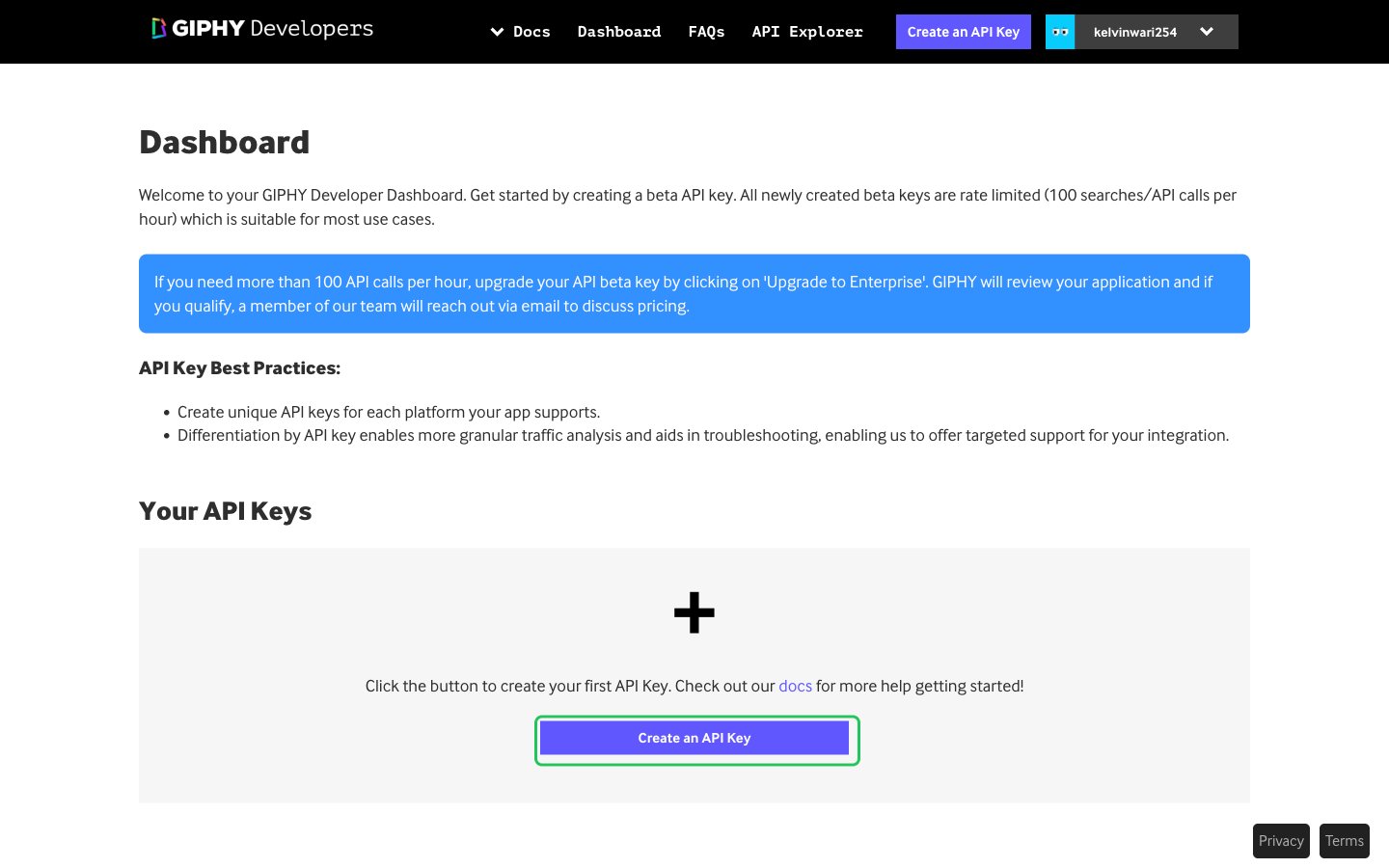
- Log in to the GIPHY Developer Dashboard.
- Click Create an API Key.
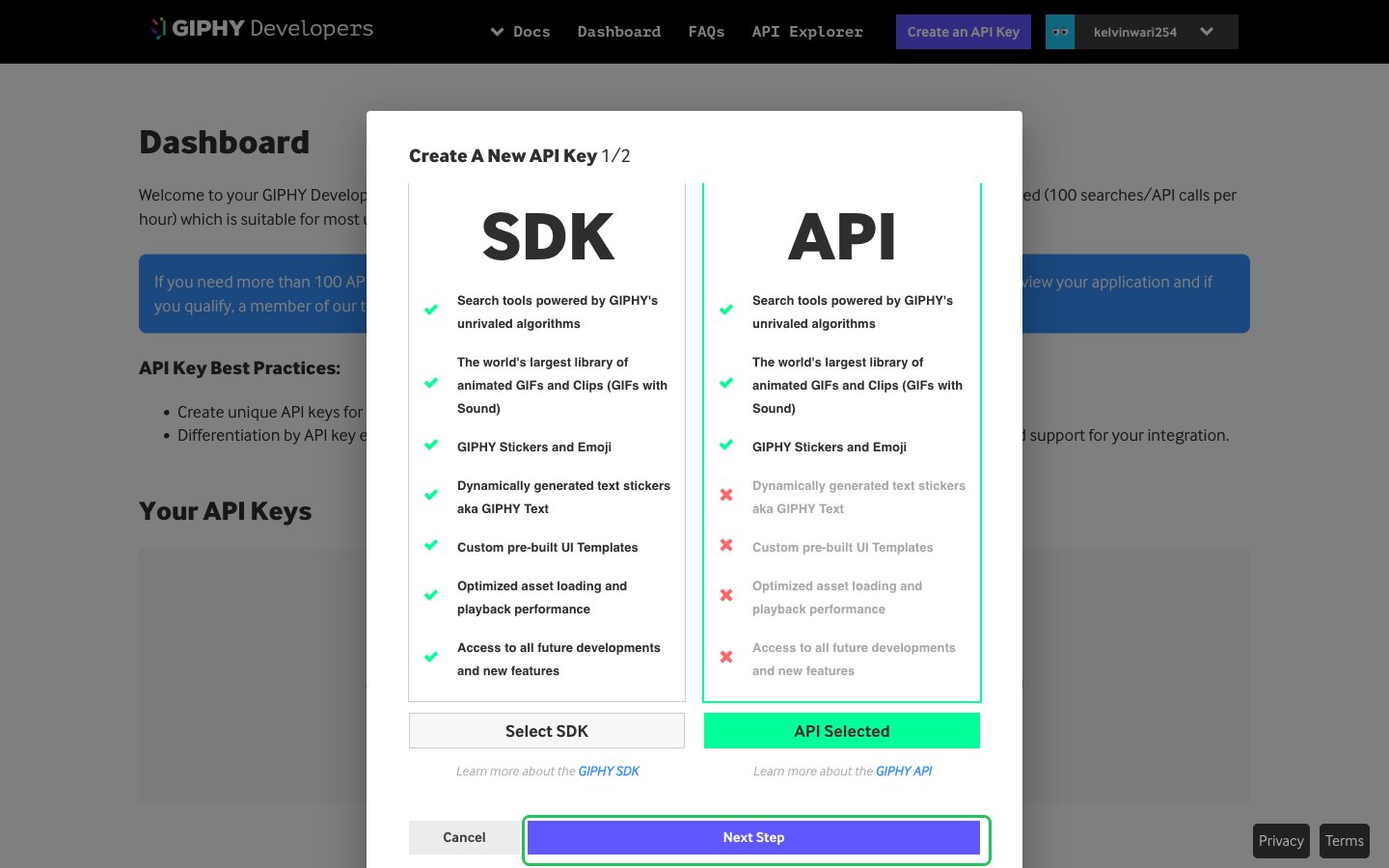
- Click Select API to choose the API key type, then click Next Step.
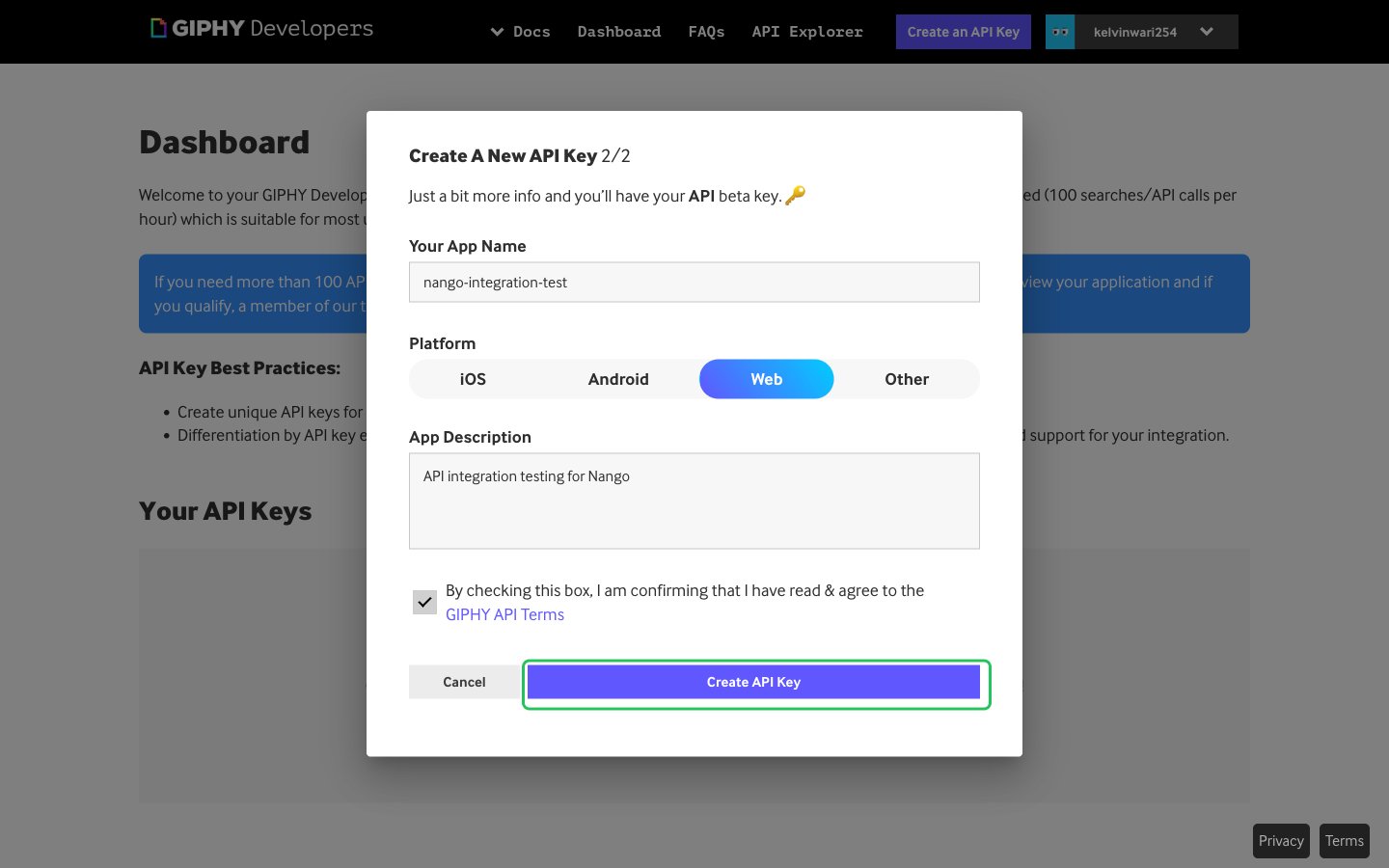
- Enter an app name, choose a platform, add an app description, accept the GIPHY API Terms, then click Create API Key.
- Your new app appears under Your API Keys. Copy the value in its API Key field.
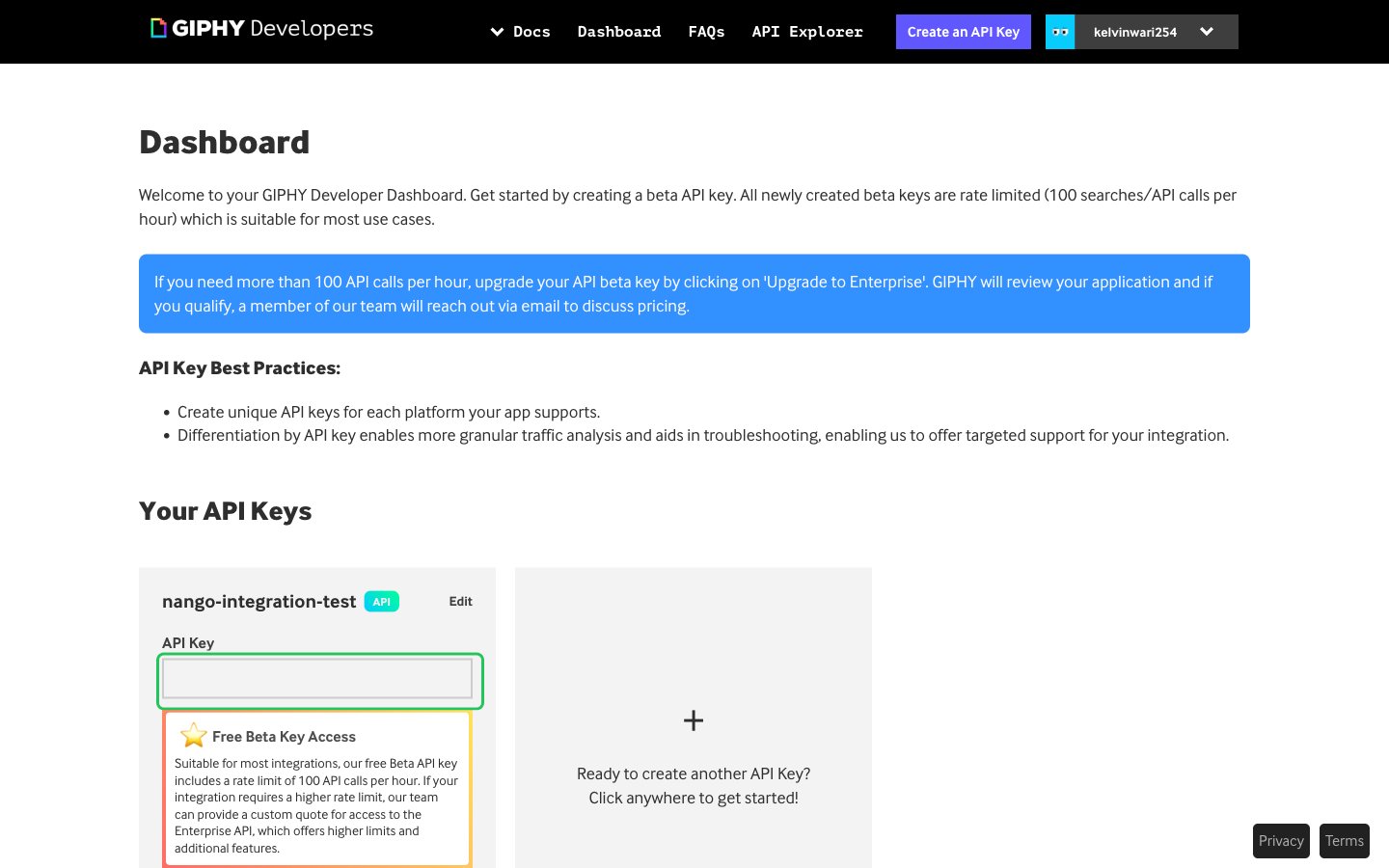
New keys are beta keys, limited to 100 API calls per hour. To raise the limit, apply to upgrade the key from the dashboard.
Step 2: Enter your API key in the Connect UI
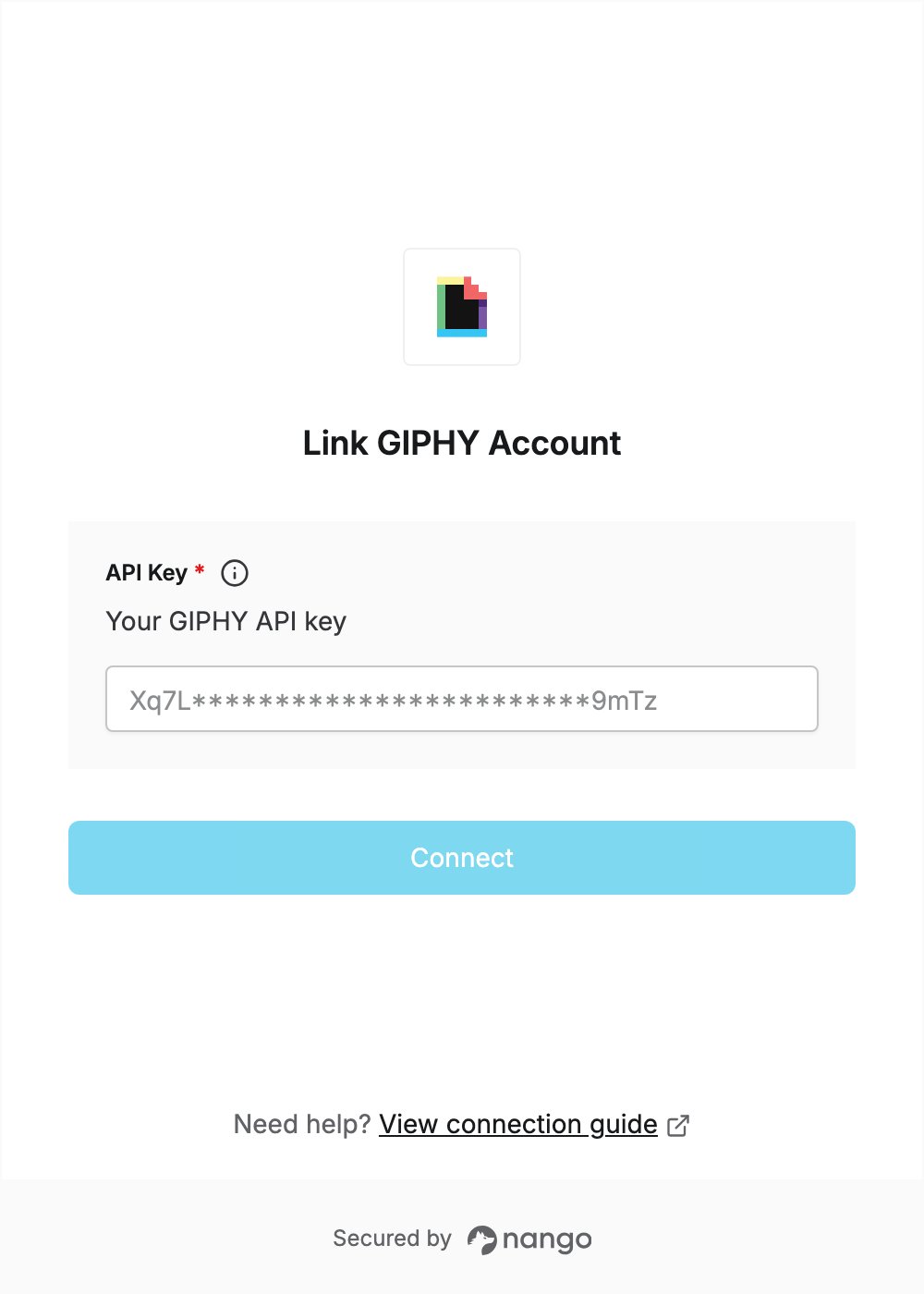
- Open the form where you need to authenticate with GIPHY.
- Enter your API key in the API Key field.
- Submit the form, and you should be successfully authenticated.