Overview
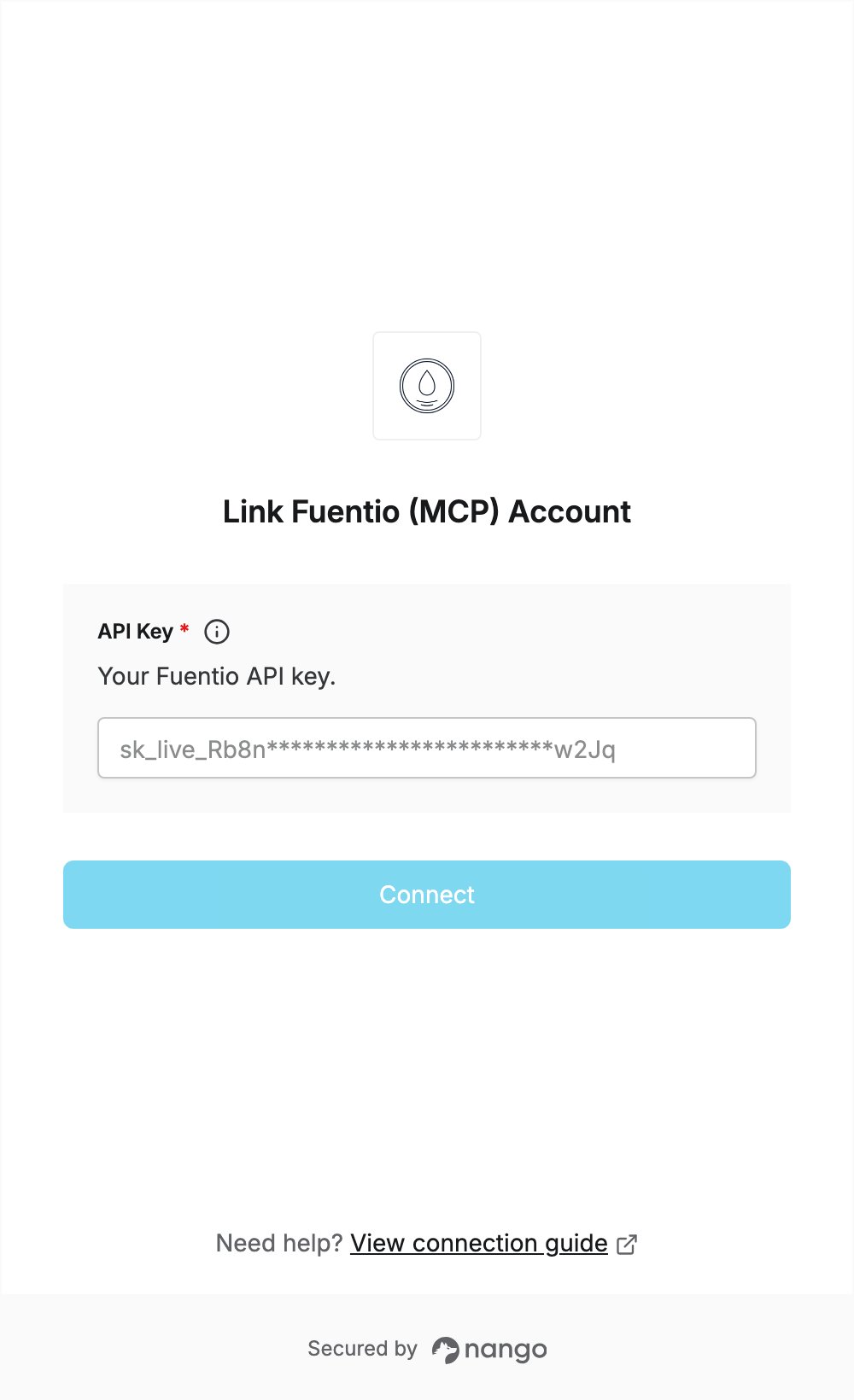
To authenticate with Fuentio, you need:- API Key - a Fuentio API key.
Prerequisites
- An email address. The free plan gives 100 units a month, with no card needed.
Step 1: Get your free API key
- Open the Fuentio pricing page or the Fuentio connect page.
- Enter your Email, optionally choose a Use case, and accept the Terms.
- Click Create my key.
- Open the email from Fuentio with the subject Your Fuentio API key and copy the key. It starts with
sk_live_.
Step 2: Enter your API key in the Connect UI
- Open the form where you need to authenticate with Fuentio.
- Enter your API Key in the designated field.
- Click Connect. Nango checks the key with Fuentio and rejects it if it is wrong.