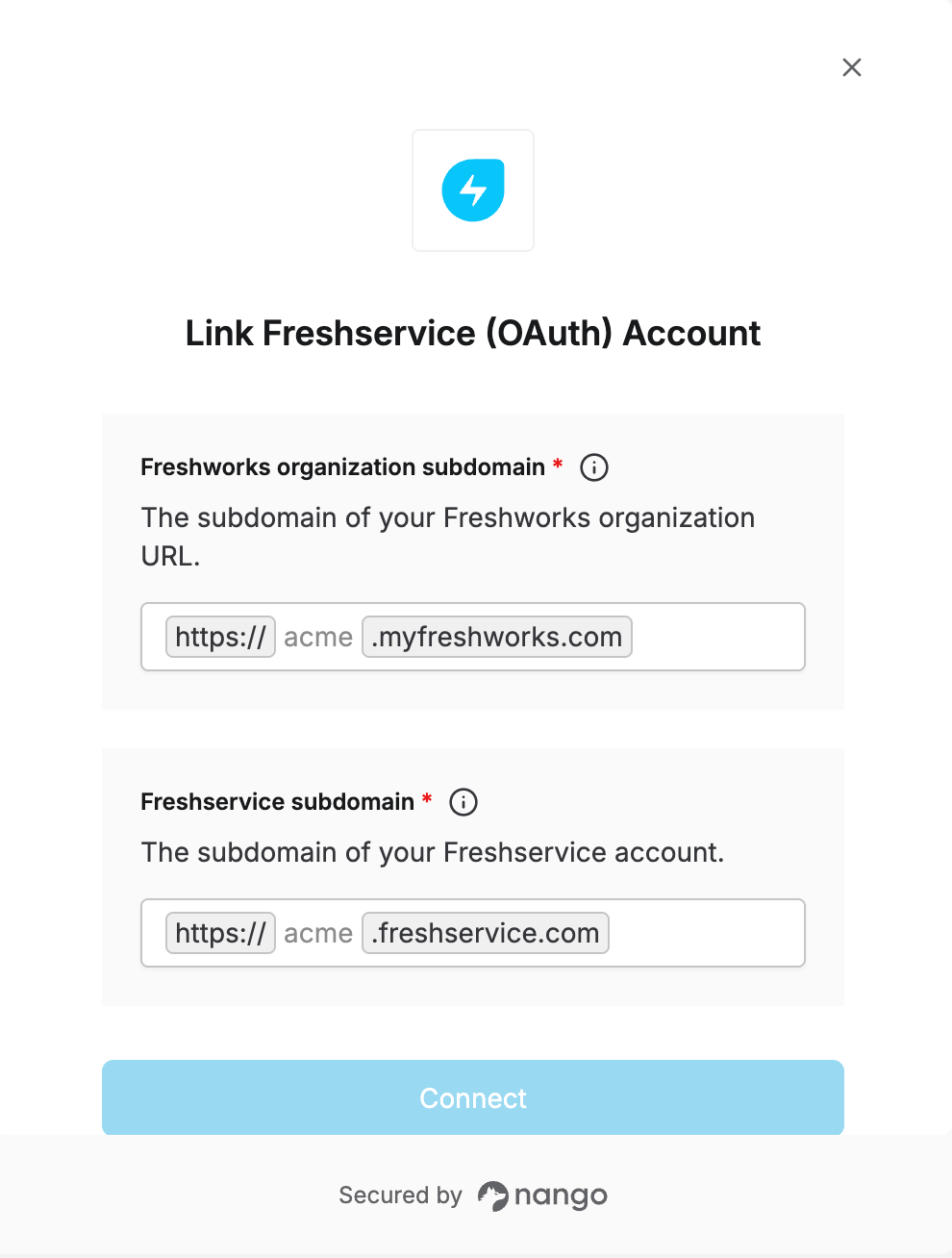
Overview
To authenticate with Freshservice, you need:- Freshworks organization subdomain — the subdomain of your Freshworks organization URL, used to log in.
- Freshservice subdomain — the subdomain of your Freshservice account, used for API calls.
Prerequisites
- A Freshservice account that belongs to a Freshworks organization.
Step 1: Find your Freshworks organization subdomain
- Sign in to your Freshworks account at myfreshworks.com.
- Look at the URL in your browser’s address bar. It follows the pattern
acme.myfreshworks.com. Your organization subdomain is the part before.myfreshworks.com, such asacme.
Step 2: Find your Freshservice subdomain
- Sign in to Freshservice.
- Look at the URL in your browser’s address bar. It follows the pattern
acme.freshservice.com. Your Freshservice subdomain is the part before.freshservice.com, such asacme.
Step 3: Enter your details in the Connect UI
- Open the form where you need to authenticate with Freshservice.
- Enter your Freshworks organization subdomain and Freshservice subdomain.
- Click Connect, then log in to your Freshworks account and approve access.