

Overview
To authenticate with Formstack Documents, you need:- API Key - The key used as the Basic Auth username.
- API Secret - The secret used as the Basic Auth password.
Webmerge branding.
Prerequisites
- You must have access to a Formstack Documents account.
Step 1: Generate your API key and secret
- Sign in to your Formstack Documents account.
- In the top navigation bar, open the menu that displays your name.
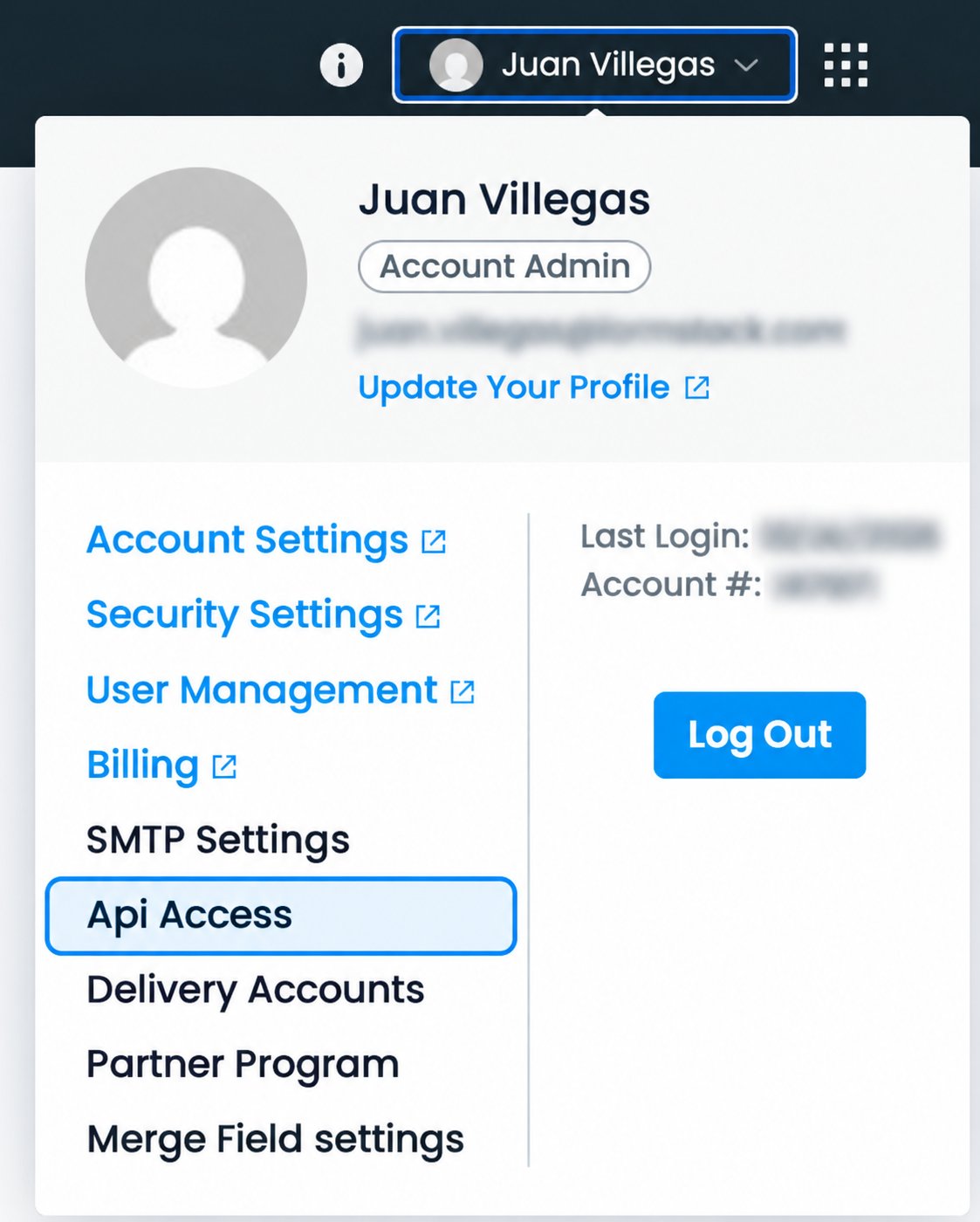
- Select API Access.
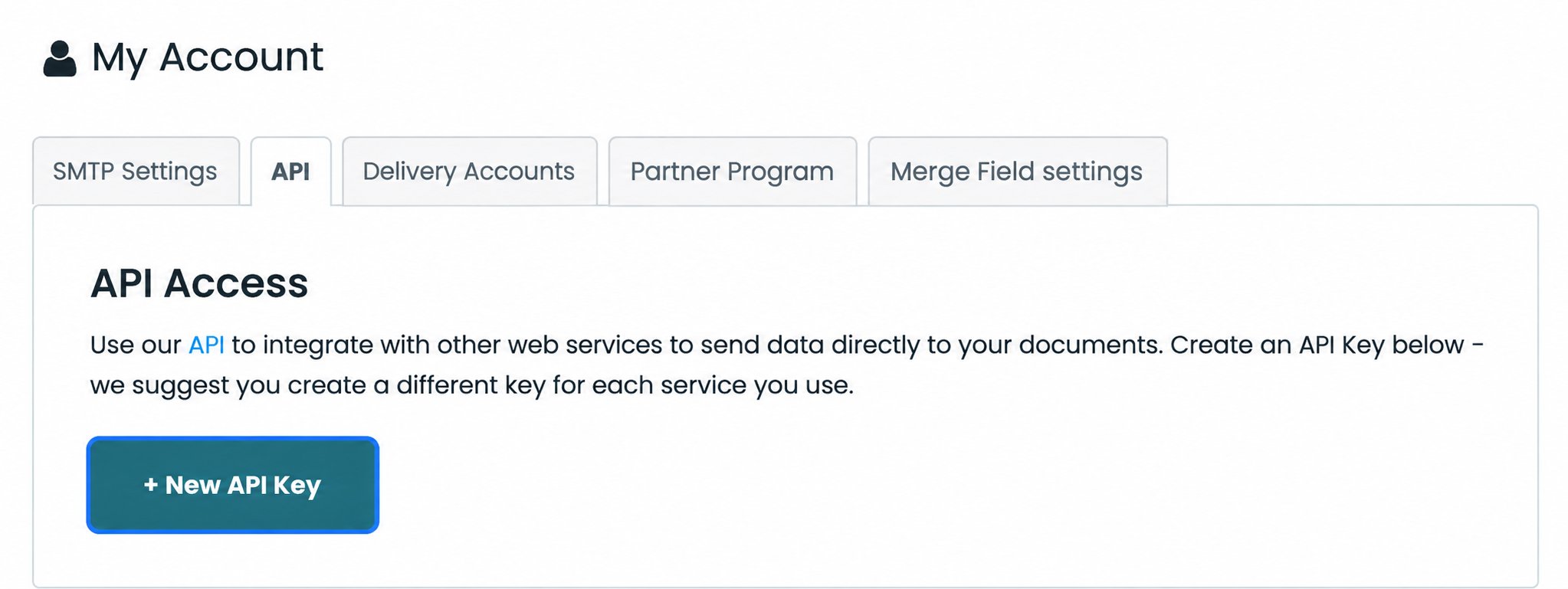
- On the API Access page, click New API Key.
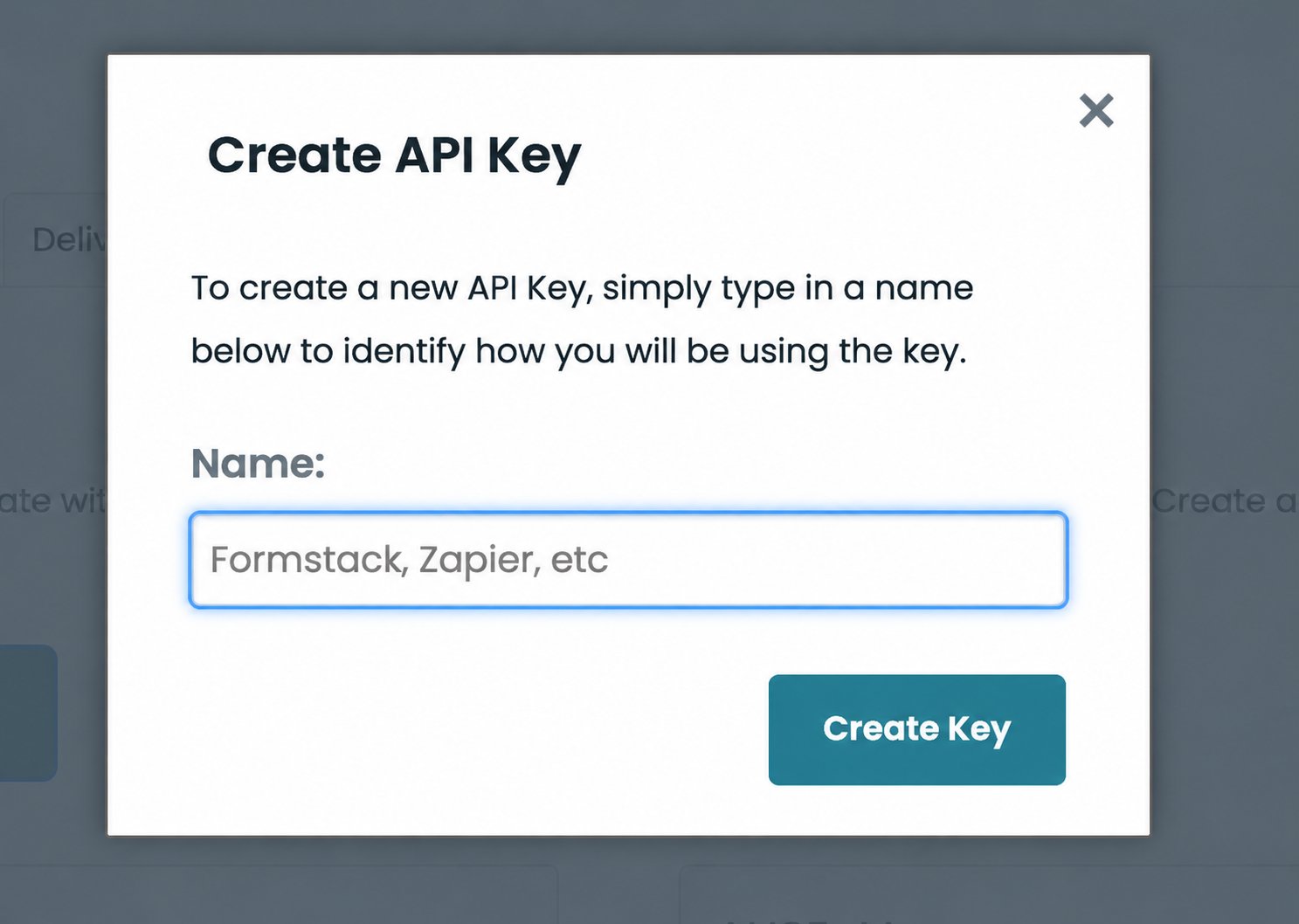
- Enter a descriptive name for the API key, then click Create Key.
- Copy the generated API Key and API Secret.
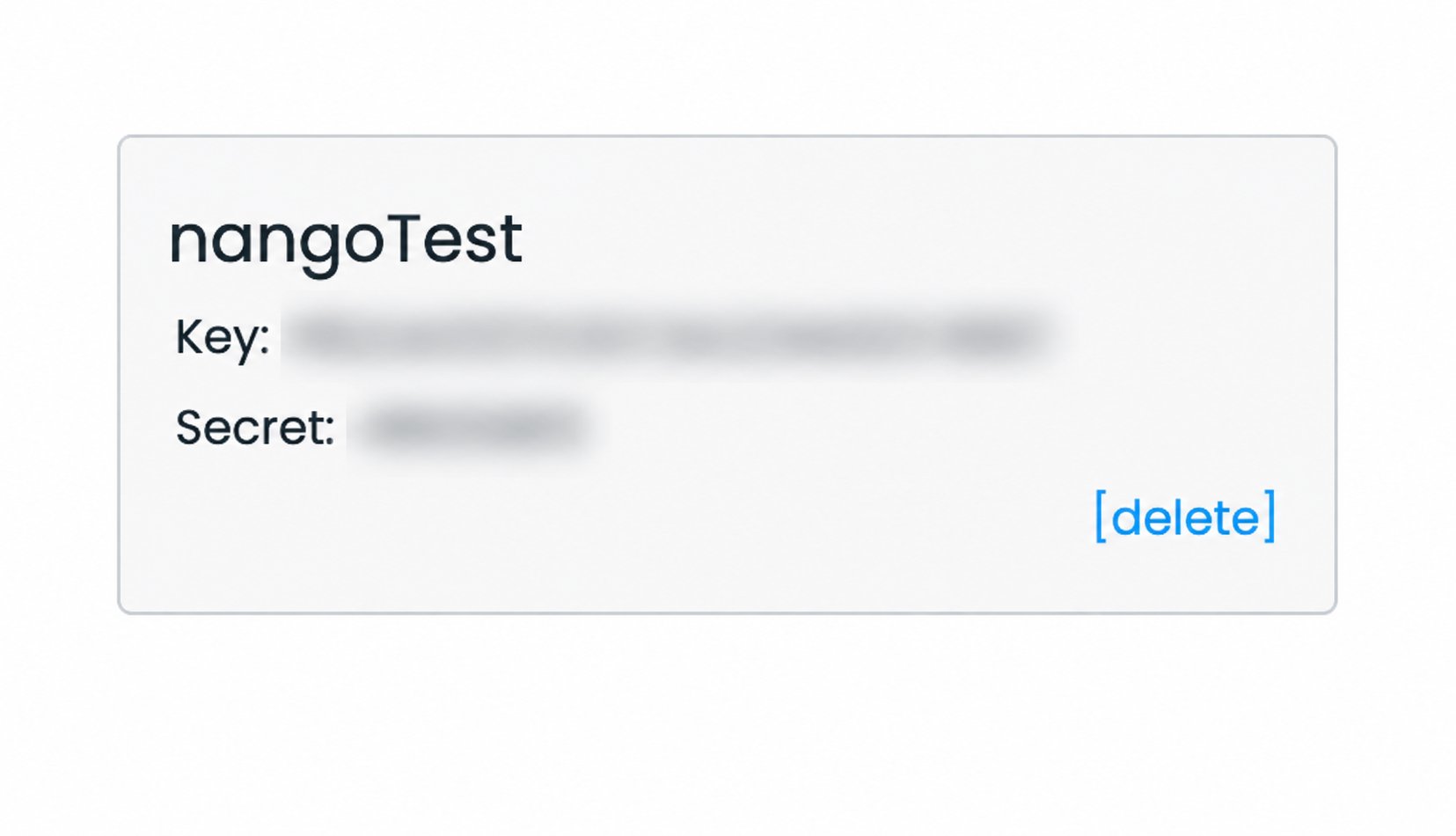
You can retrieve the API Key and API Secret later by opening the menu with your name and returning to API Access.
Step 2: Enter credentials in the Connect UI
Once you have your API Key and API Secret:- In Nango, open the Connections tab, select Add Test Connection, choose Formstack Documents, and click Authorize.
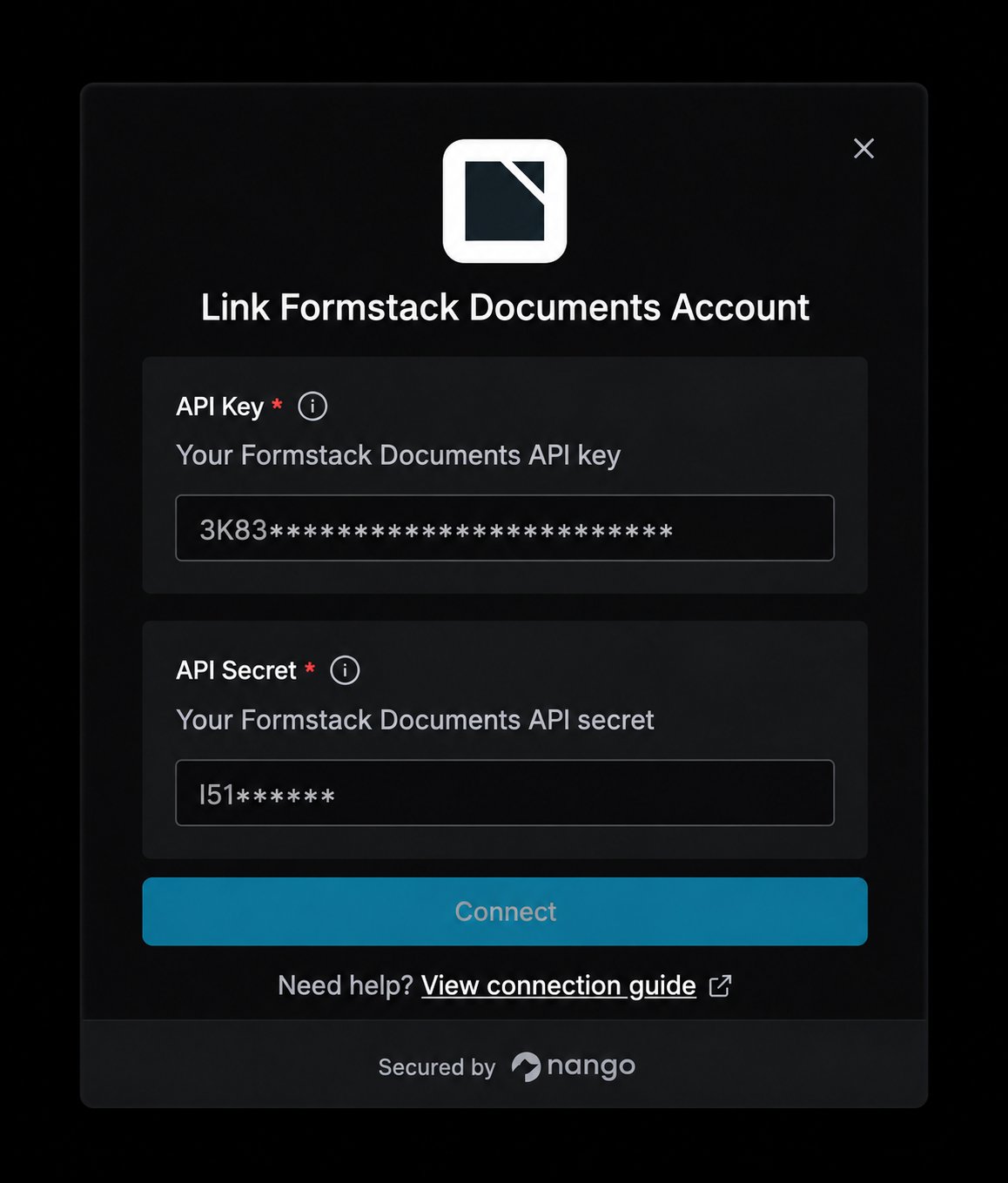
- Enter the API Key in the API Key field.
- Enter the API Secret in the API Secret field.
- Click Connect to complete authentication.