Overview
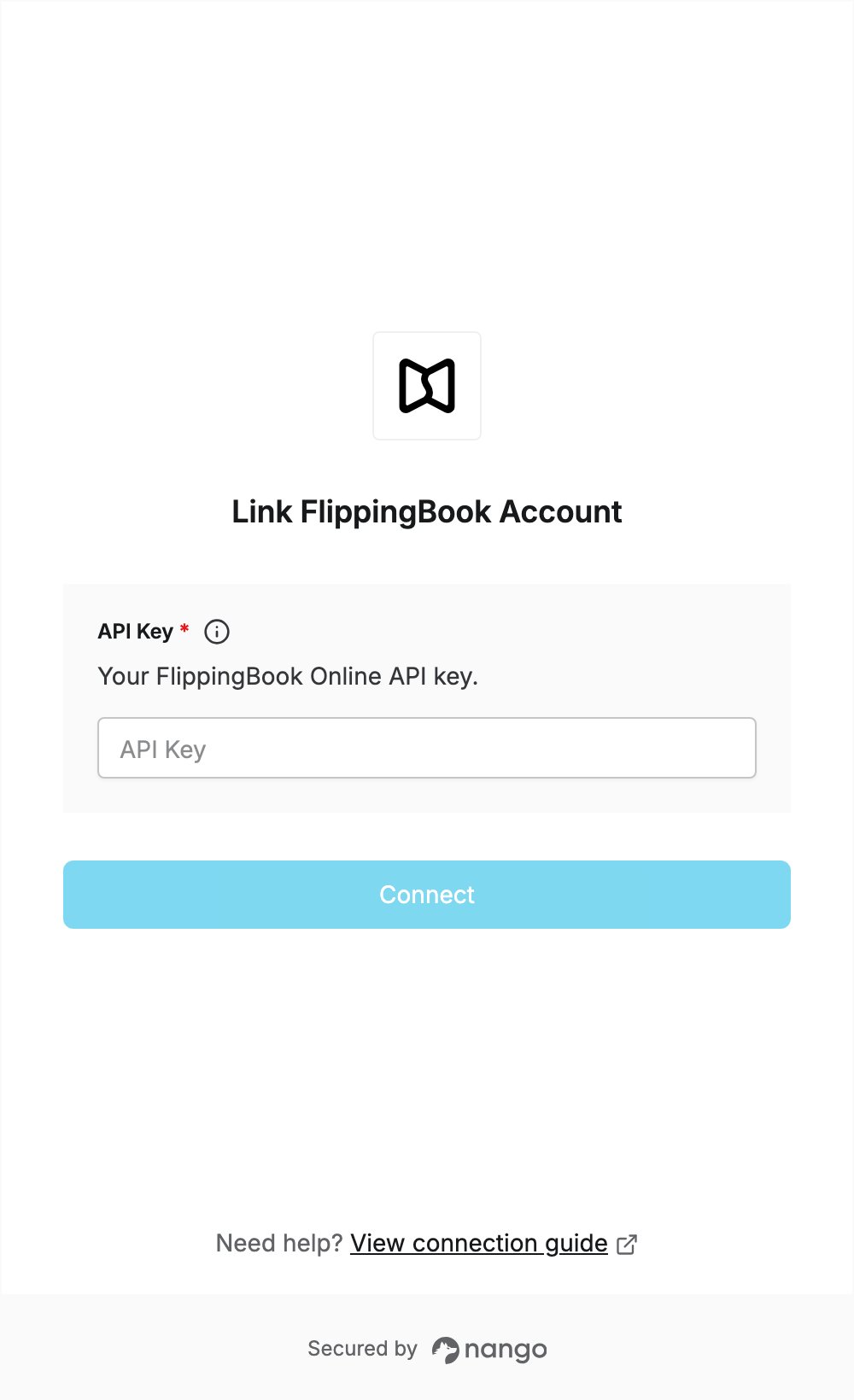
To authenticate with FlippingBook, you need:- API Key — a FlippingBook Online API key.
Prerequisites
- A FlippingBook Online account on the Advanced, Team or Enterprise plan. API usage is only available on these plans.
Step 1: Create an API key
- Log in to FlippingBook Online.
- Click your name in the top-right corner and select Profile.
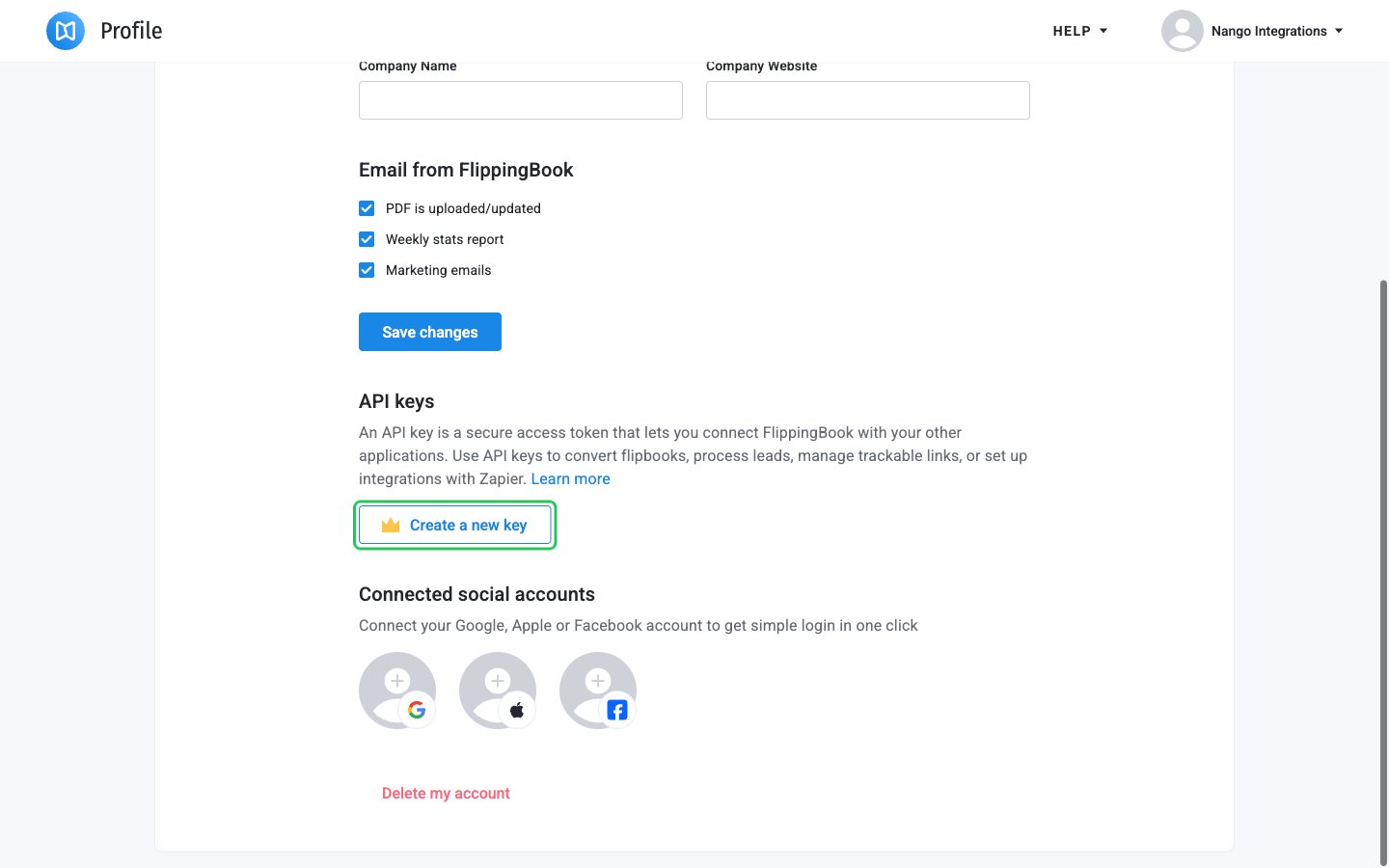
- Scroll to the API keys section and click Create a new key.
- Click the copy icon next to the new key to copy it. The page only shows the first part of the key, so use the copy icon rather than selecting the text.
Step 2: Enter your API key in the Connect UI
- Open the form where you need to authenticate with FlippingBook.
- Enter your API key in the API Key field.
- Submit the form. Nango checks your key with FlippingBook, and you should be successfully authenticated.