Overview
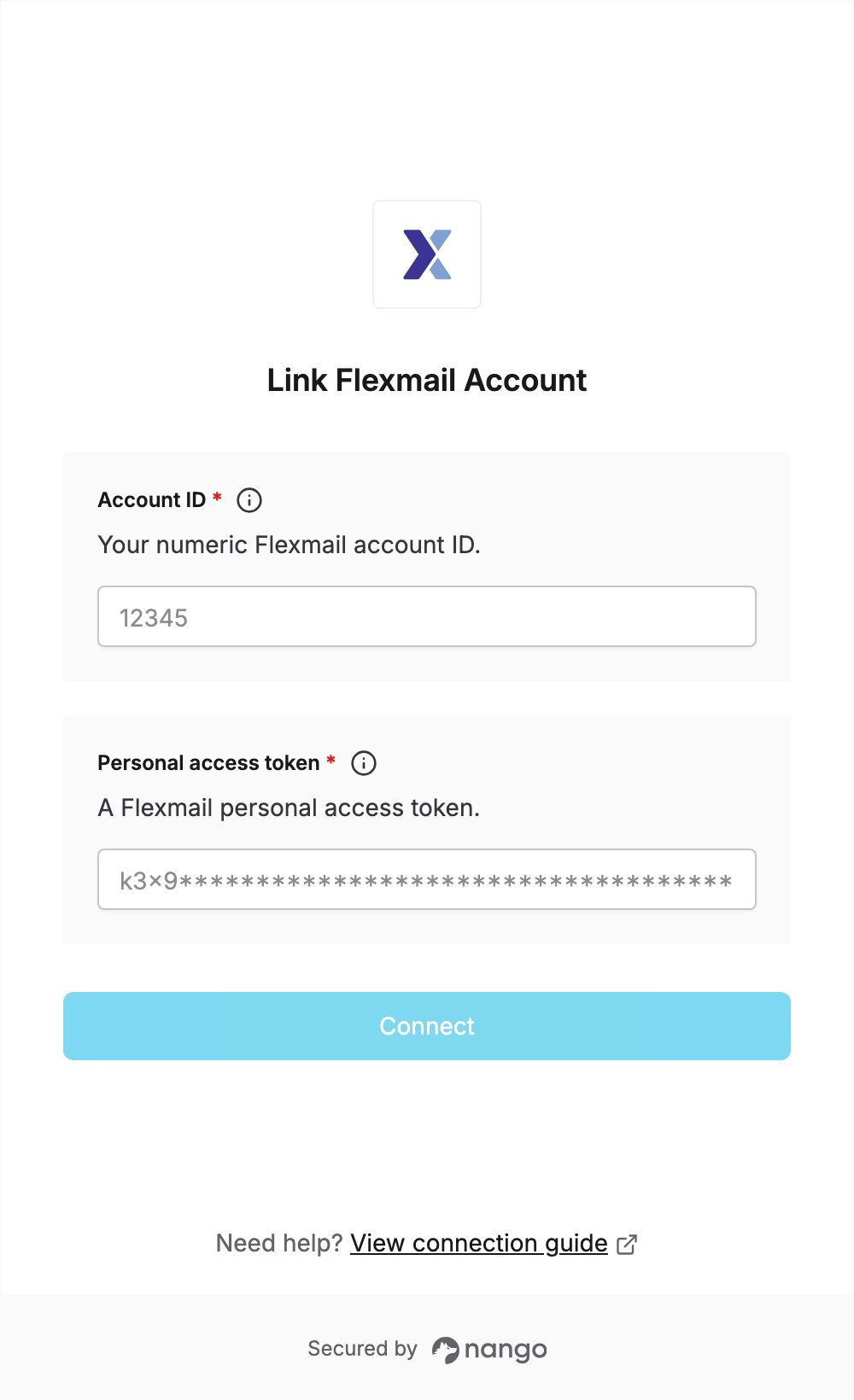
To authenticate with Flexmail, you need:- Account ID - the numeric ID of your Flexmail account.
- Personal access token - a token created in your Flexmail account. This is not your Flexmail login password.
Prerequisites
Step 1: Find your account ID
- Log in to the Flexmail app.
- Open the account menu at the top right. Your numeric account ID is shown in brackets next to Profile, for example Profile (12345).
- Click Settings.
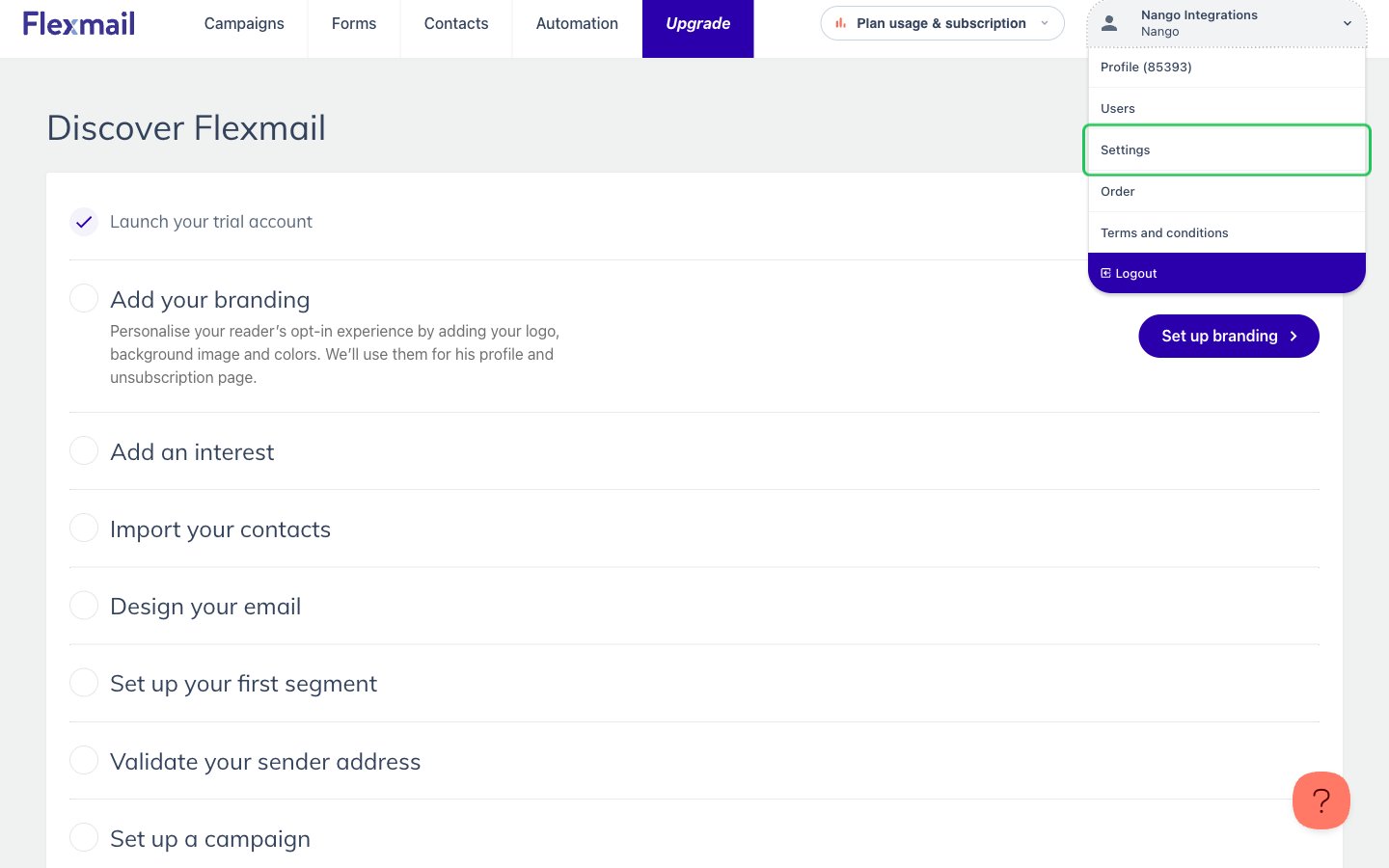
- On the Settings page, your account ID is also listed as Account ID under General.
Step 2: Create a personal access token
- On the Settings page, under API, click Personal access tokens.
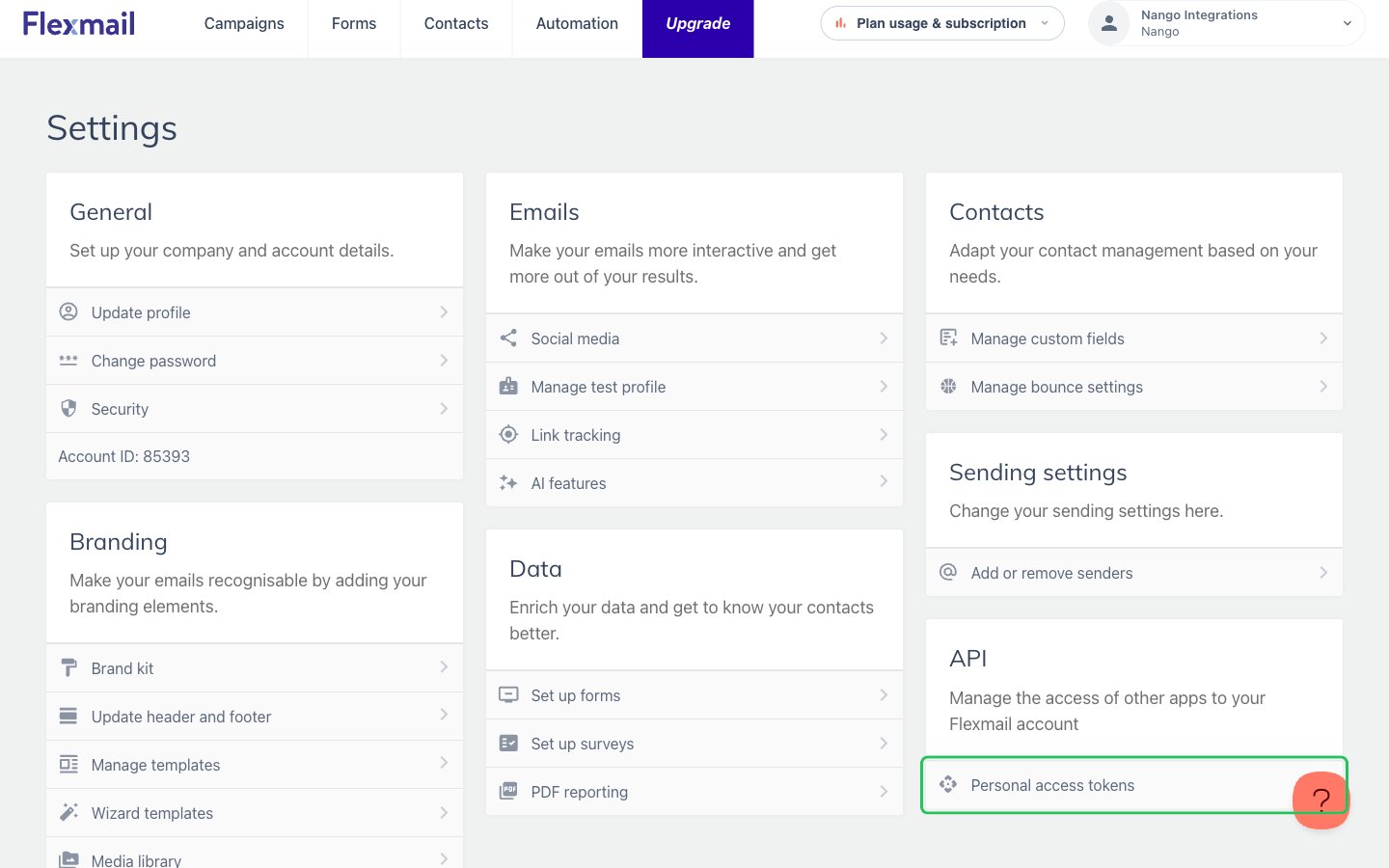
- Click Create token.
- Enter a descriptive name for the token, such as the name of your app, then click Create token.
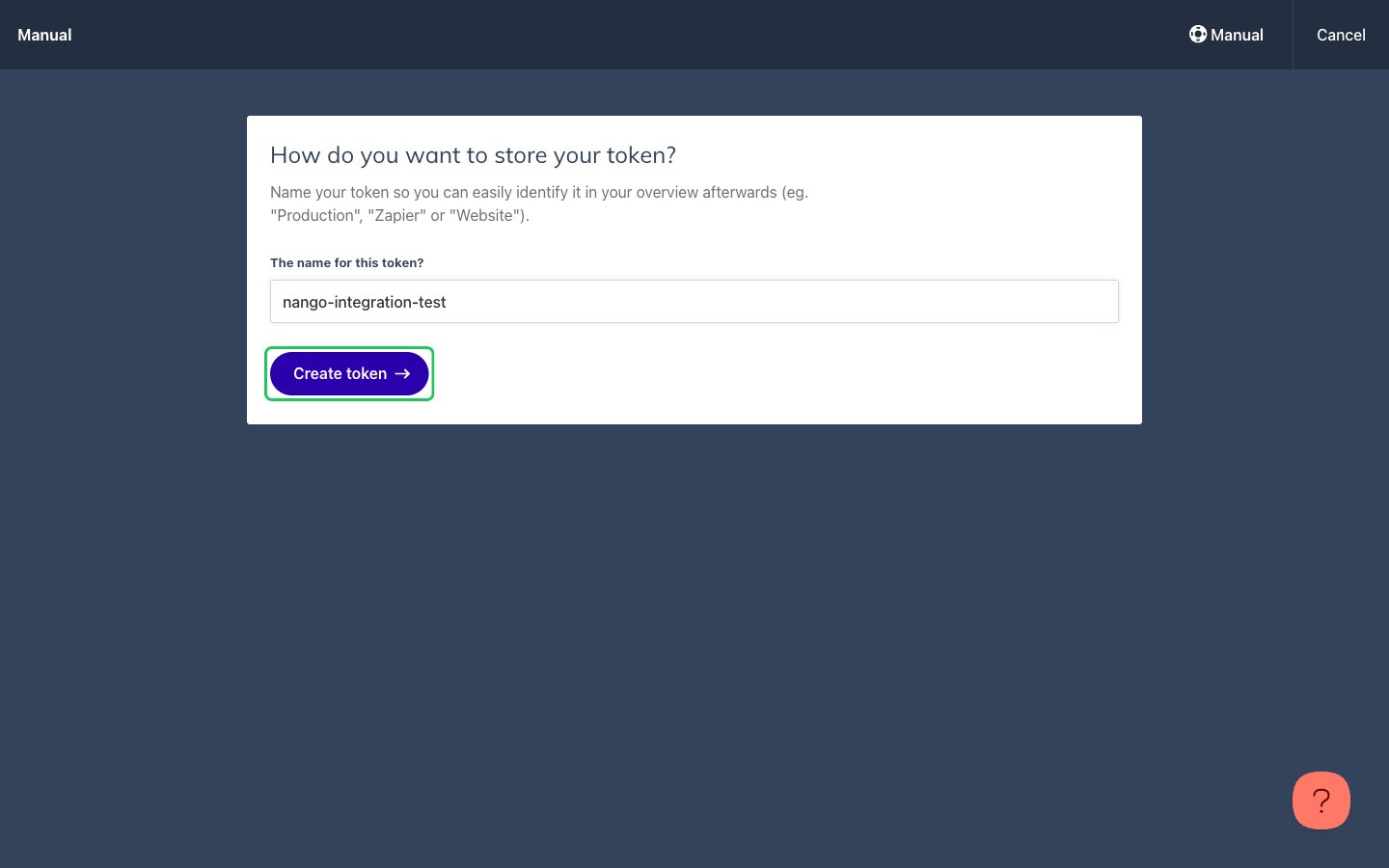
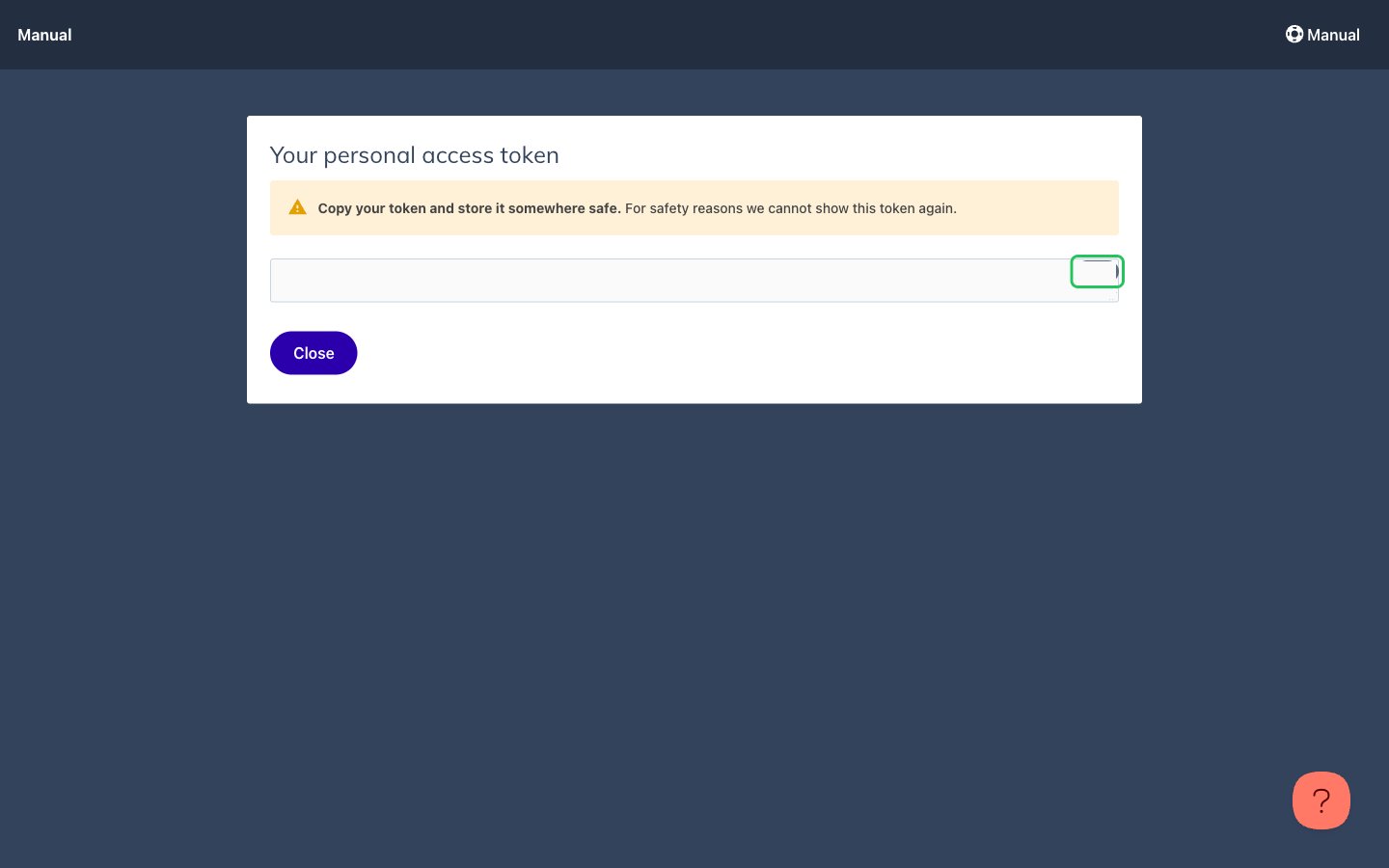
- Click the copy button next to the token and store it securely. Flexmail shows the token only once.
Step 3: Enter your credentials in the Connect UI
- Open the form where you need to authenticate with Flexmail.
- Enter the account ID from Step 1 in the Account ID field.
- Paste the token you copied in Step 2 into the Personal access token field.
- Submit the form, and you should be successfully authenticated.