Overview
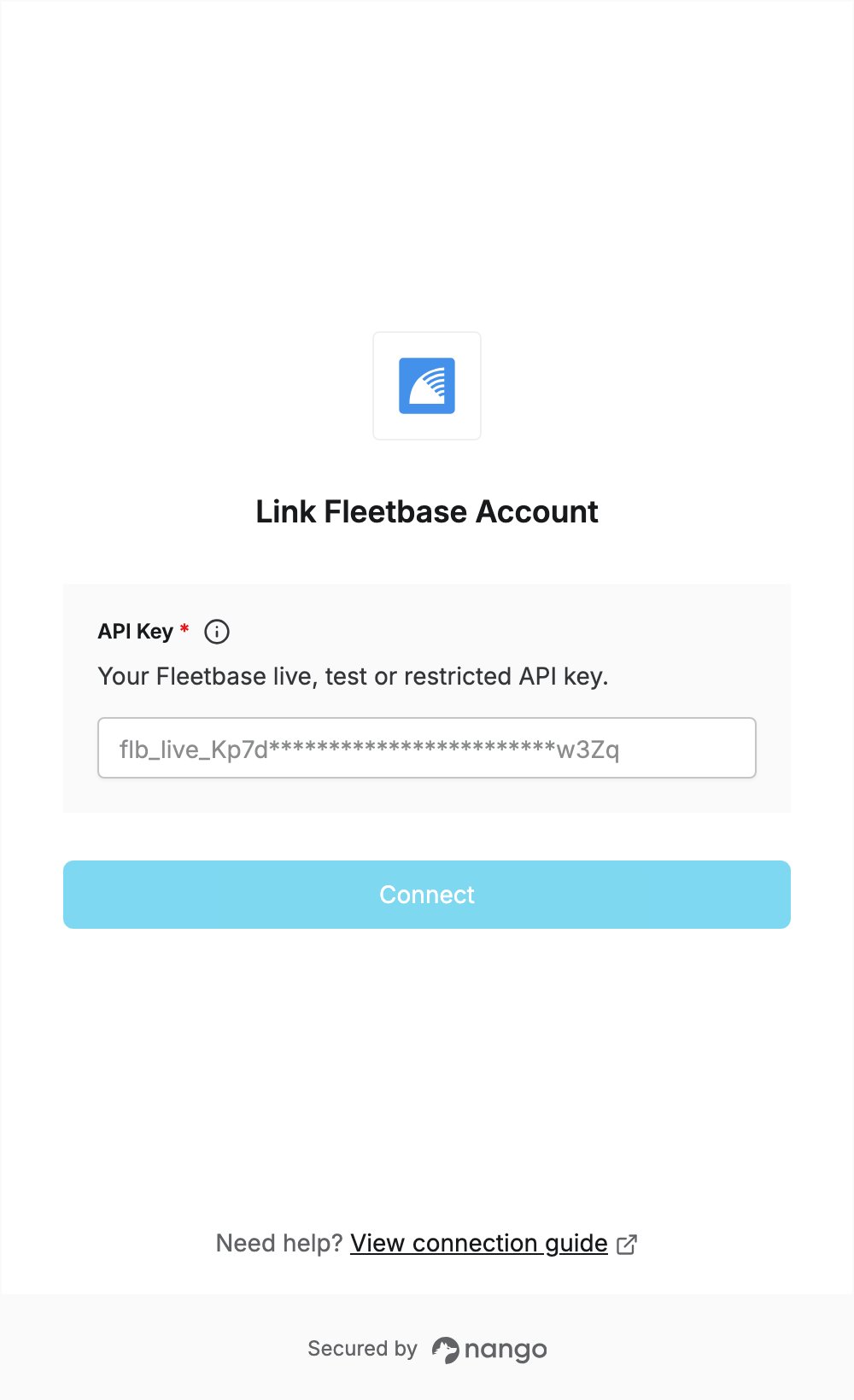
To authenticate with Fleetbase, you need:- API Key — a secret API key from the Fleetbase Developers Console.
Prerequisites
- A Fleetbase Cloud account. New accounts can try the full platform free for 7 days.
Step 1: Create an API key
- Sign in to the Fleetbase console.
- Open the Developers extension, then go to the API Keys section.
- To work with test data, first turn on the View test data toggle in the section header. Keys created this way are test keys and start with
flb_test_; live keys start withflb_live_. - Click New to create a key, then copy it.
Step 2: Enter your API key in the Connect UI
- Open the form where you need to authenticate with Fleetbase.
- Enter your API key in the API Key field.
- Submit the form, and you should be successfully authenticated.