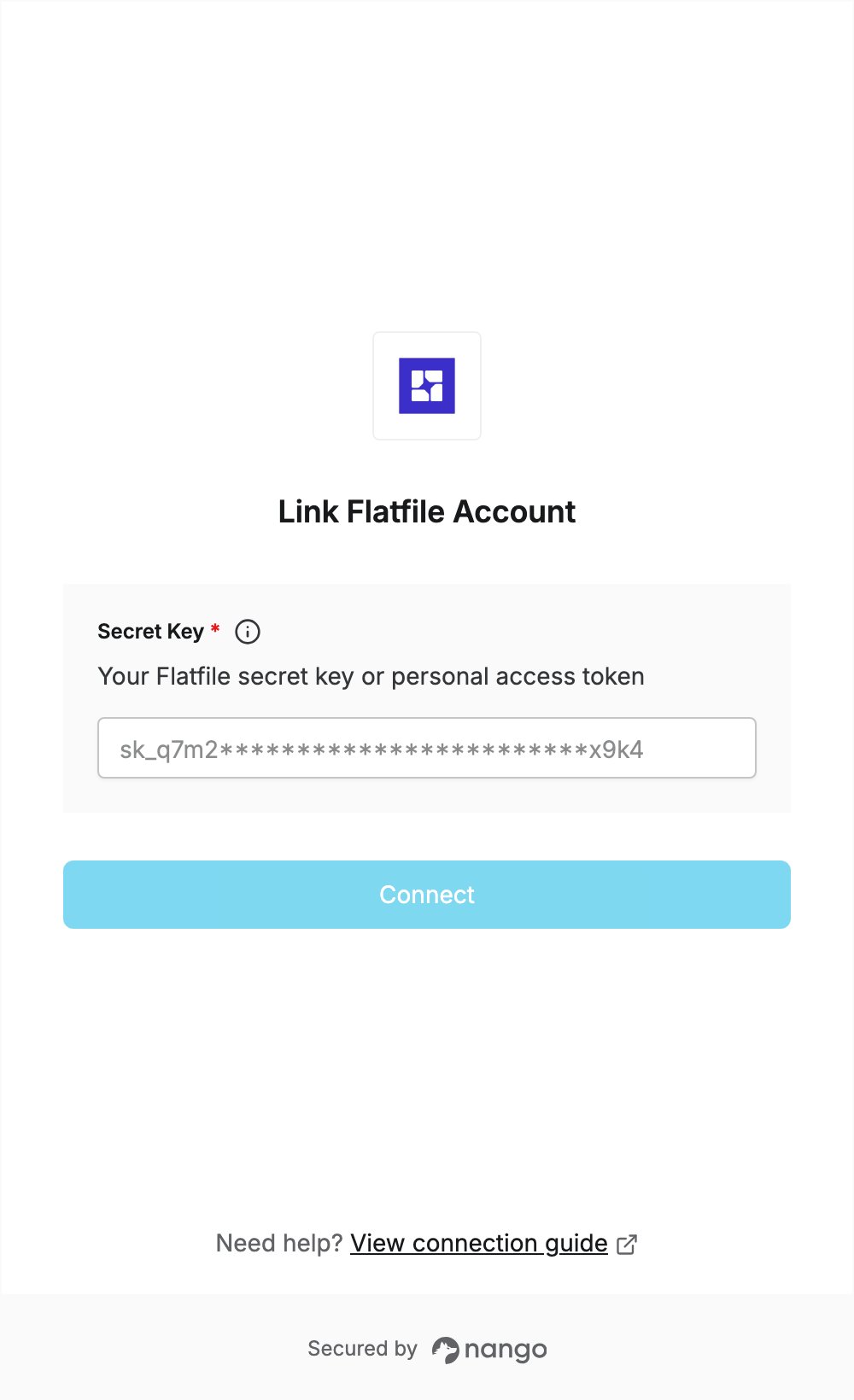
Overview
To authenticate with Flatfile, you need:- Secret Key — the secret key of a Flatfile environment (starts with
sk_), or a personal access token (starts withpat_).
Prerequisites
- A Flatfile account. You can sign up for free; usage in your development environment is always free.
Step 1: Get your secret key or personal access token
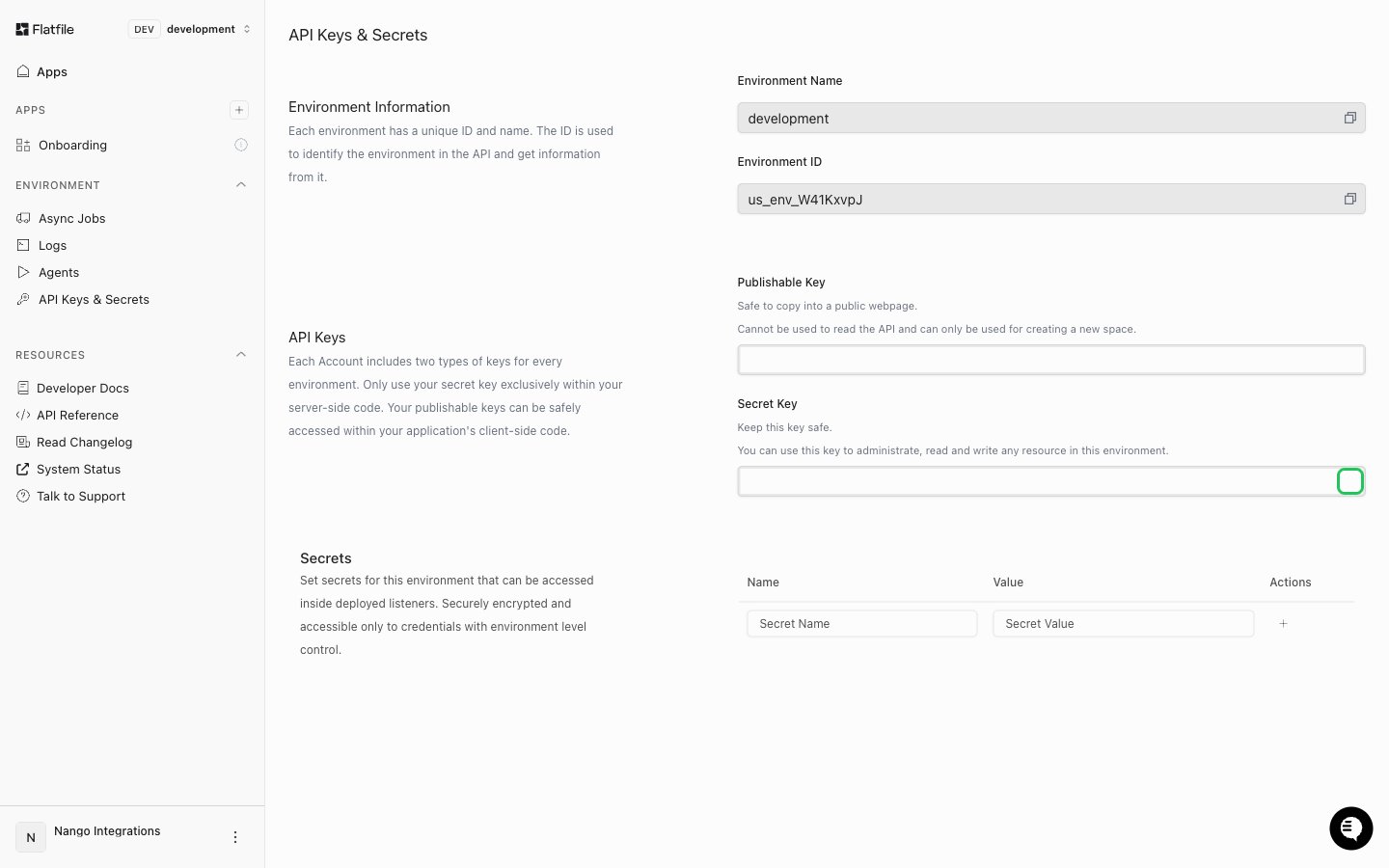
Secret key- Log in to Flatfile and click API Keys & Secrets in the sidebar.
- Pick the environment you want to connect (for example, development) with the switcher at the top left. Each environment has its own keys, created automatically.
- Under API Keys, copy the Secret Key (starts with
sk_) with the copy button. Don’t use the Publishable Key (starts withpk_): it can only create a Space.
- Open the user menu (the three dots next to your name, bottom left) and select Personal Access Tokens.
- Click New Personal Access Token, enter a name, then click Create Token.
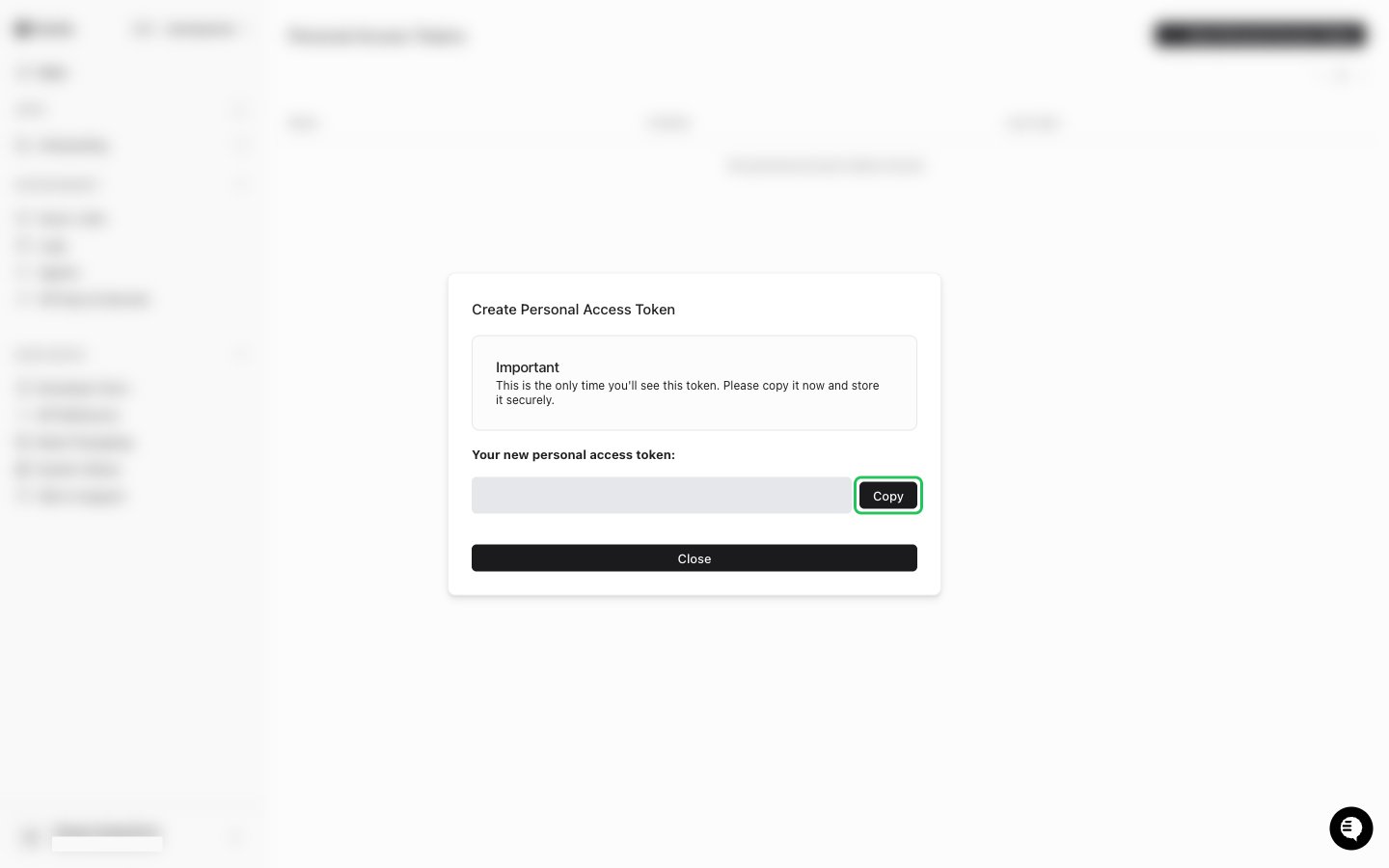
- Copy the token (starts with
pat_) with the Copy button. Flatfile shows it only once.
Step 2: Enter your secret key in the Connect UI
- Open the form where you need to authenticate with Flatfile.
- Enter your secret key or personal access token in the Secret Key field.
- Submit the form, and you should be successfully authenticated.