Overview
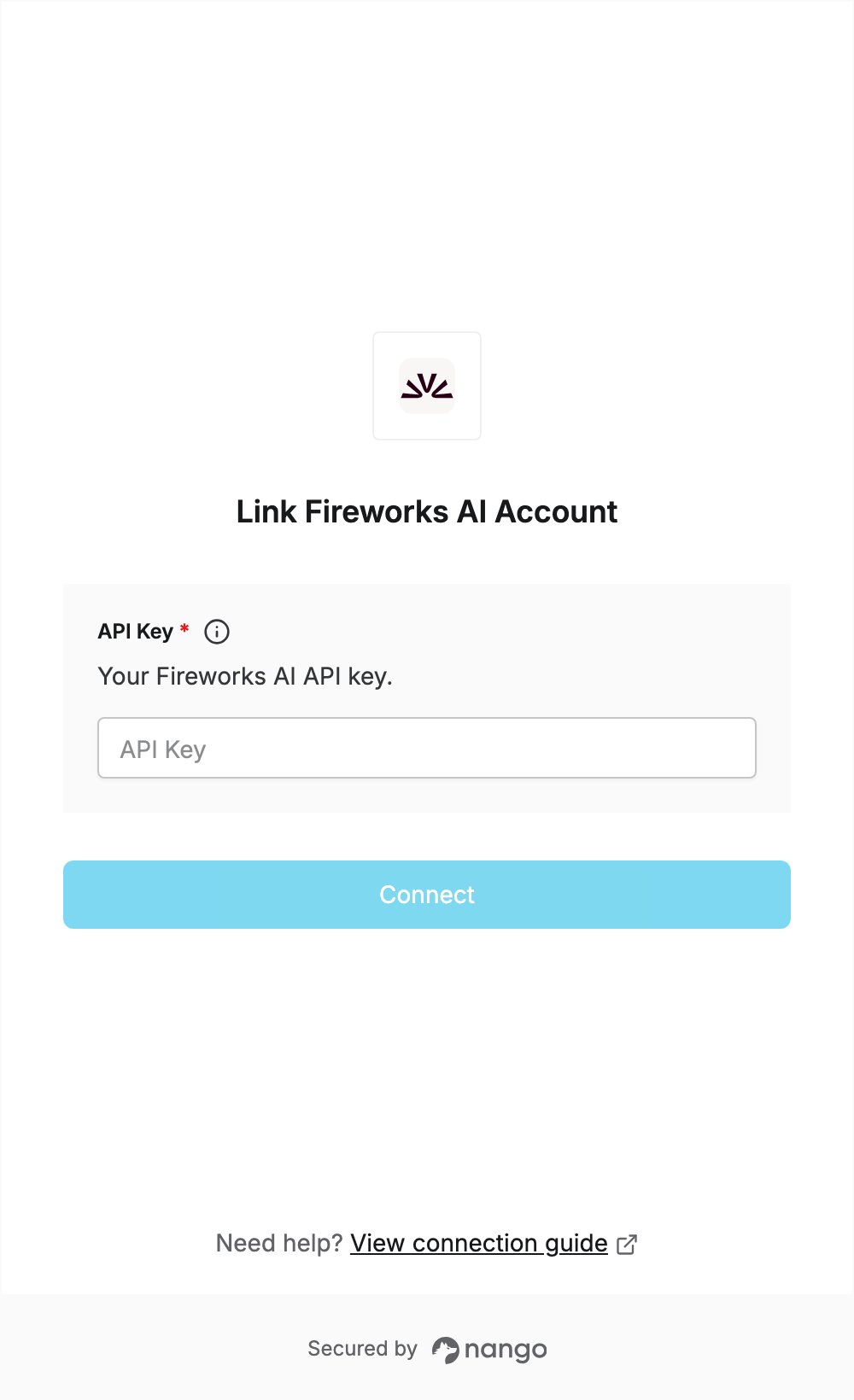
To authenticate with Fireworks AI, you need:- API Key — a Fireworks AI API key.
Prerequisites
- A Fireworks AI account. You can sign up at app.fireworks.ai/signup.
Step 1: Create an API key
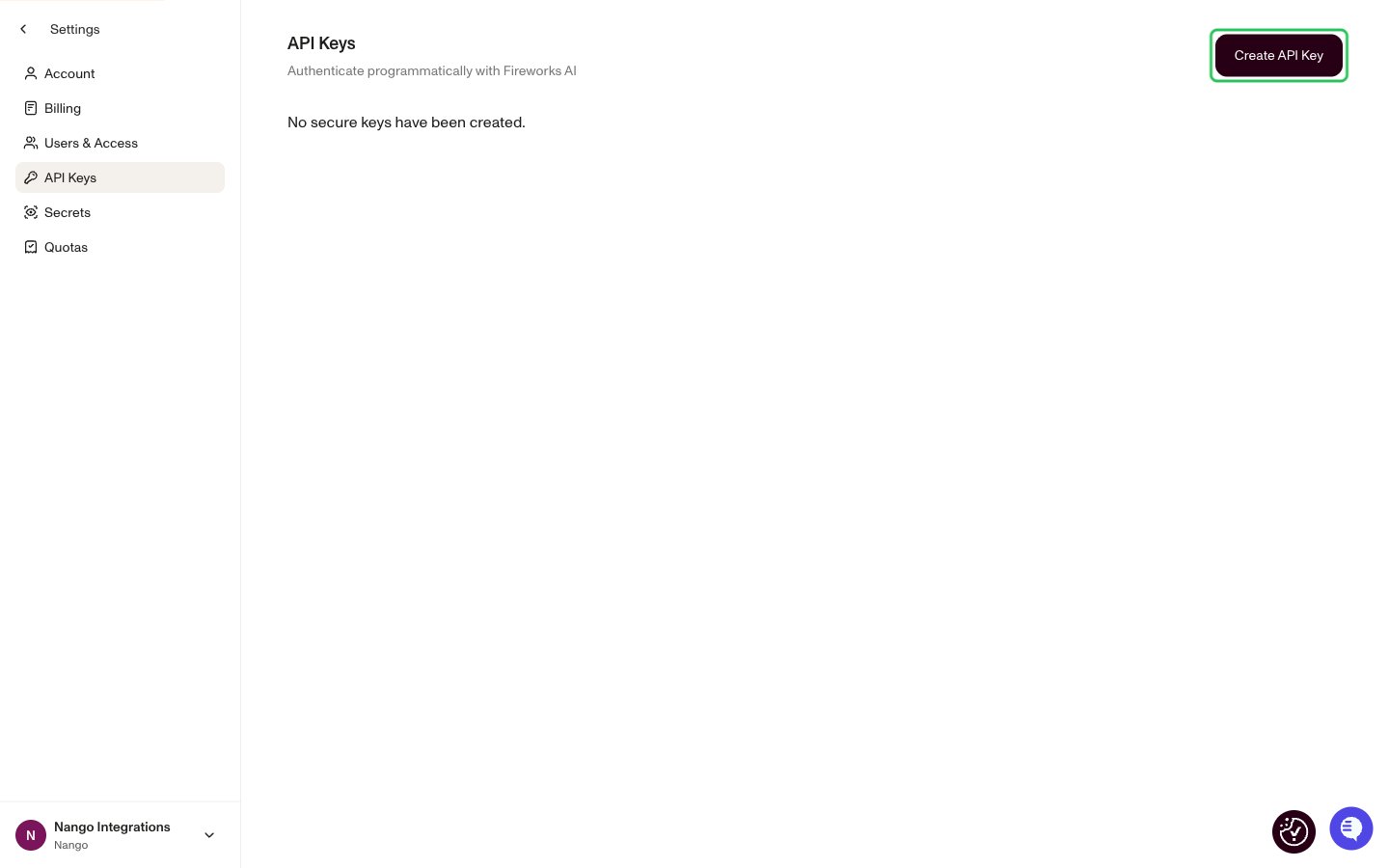
- Sign in at app.fireworks.ai, then go to Settings -> API Keys, or open app.fireworks.ai/settings/users/api-keys.
- Click Create API Key.
- Enter a name for the key, optionally choose an Expiration (keys expire at most 1 year after creation), then click Generate Key.
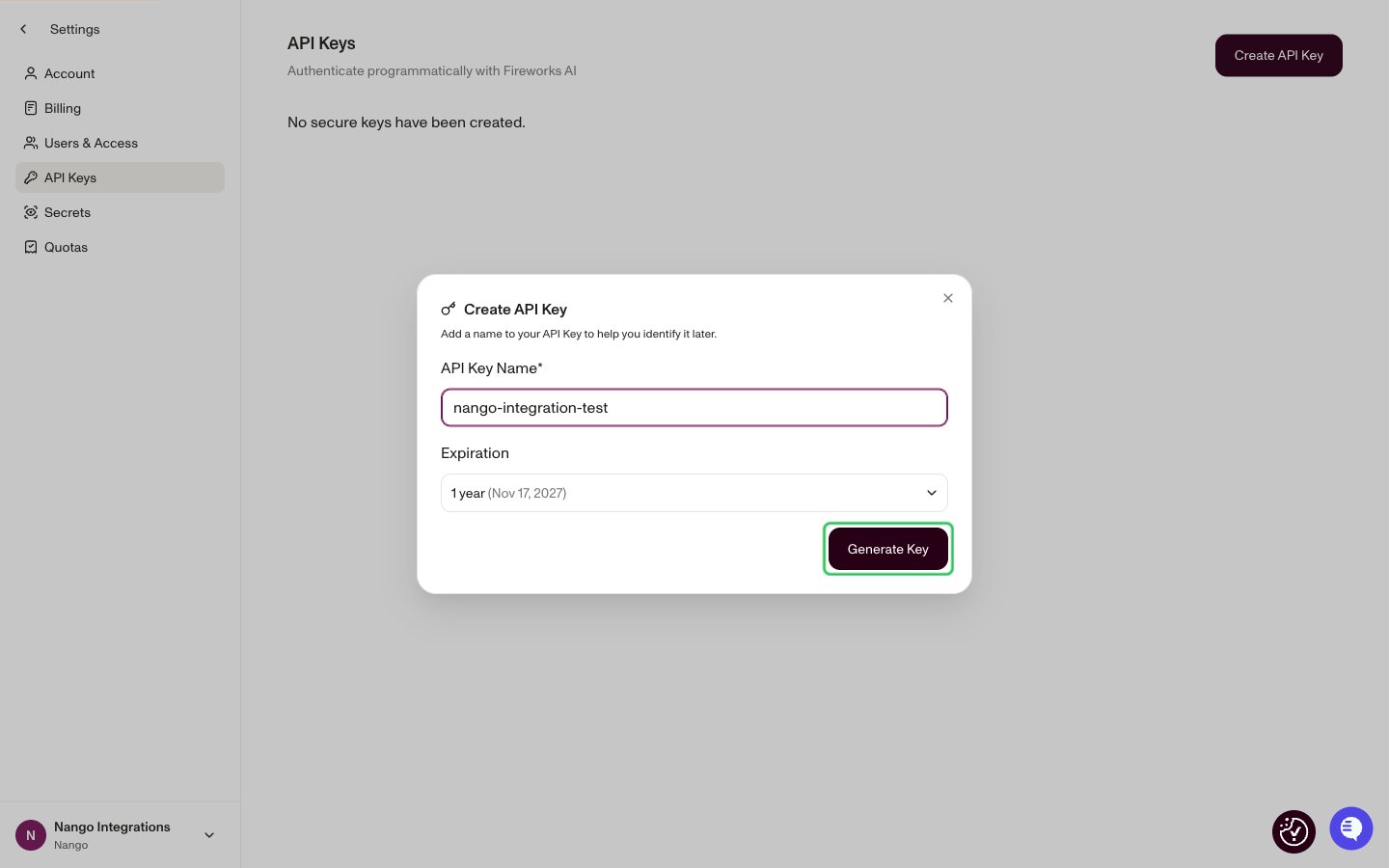
- Copy the API key. It is only shown once, when it is created.
Step 2: Enter your API key in the Connect UI
- Open the form where you need to authenticate with Fireworks AI.
- Enter your API Key in the designated field.
- Submit the form, and you should be successfully authenticated.