Overview
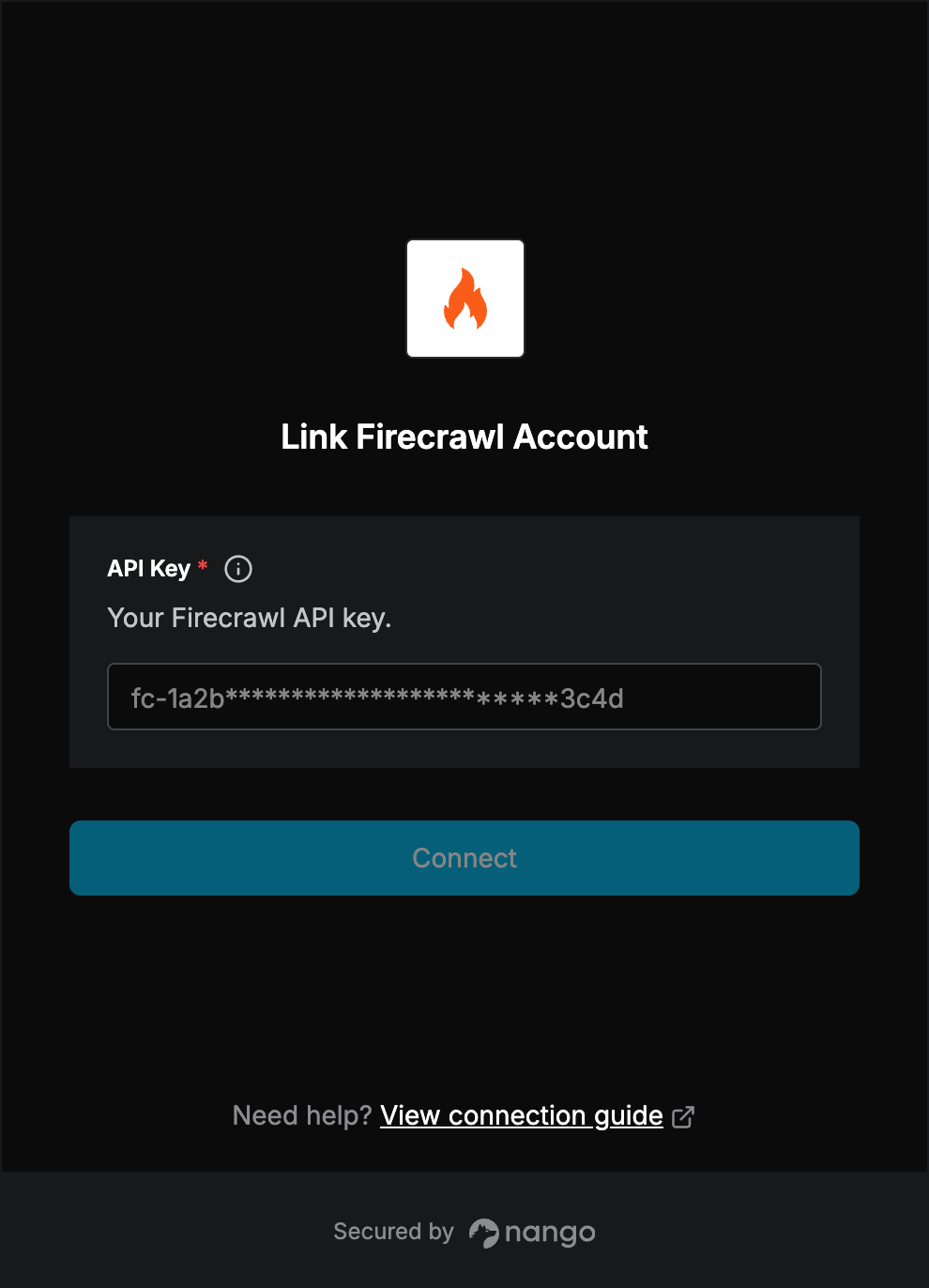
To authenticate with Firecrawl, you will need:- API Key - A key generated from the API Keys page of your Firecrawl dashboard.
Prerequisites:
- You must have a Firecrawl account. Sign up at firecrawl.dev.
Step 1: Generating your Firecrawl API key
- Log in to the Firecrawl dashboard.
- Navigate to API Keys.
- Copy an existing key, or click Create API Key to generate a new one.
- New API keys start with
fc-. Older keys in UUID format also work.
Step 2: Enter credentials in the Connect UI
- Open the form where you need to authenticate with Firecrawl.
- Enter your API Key.
- Submit the form.