Overview
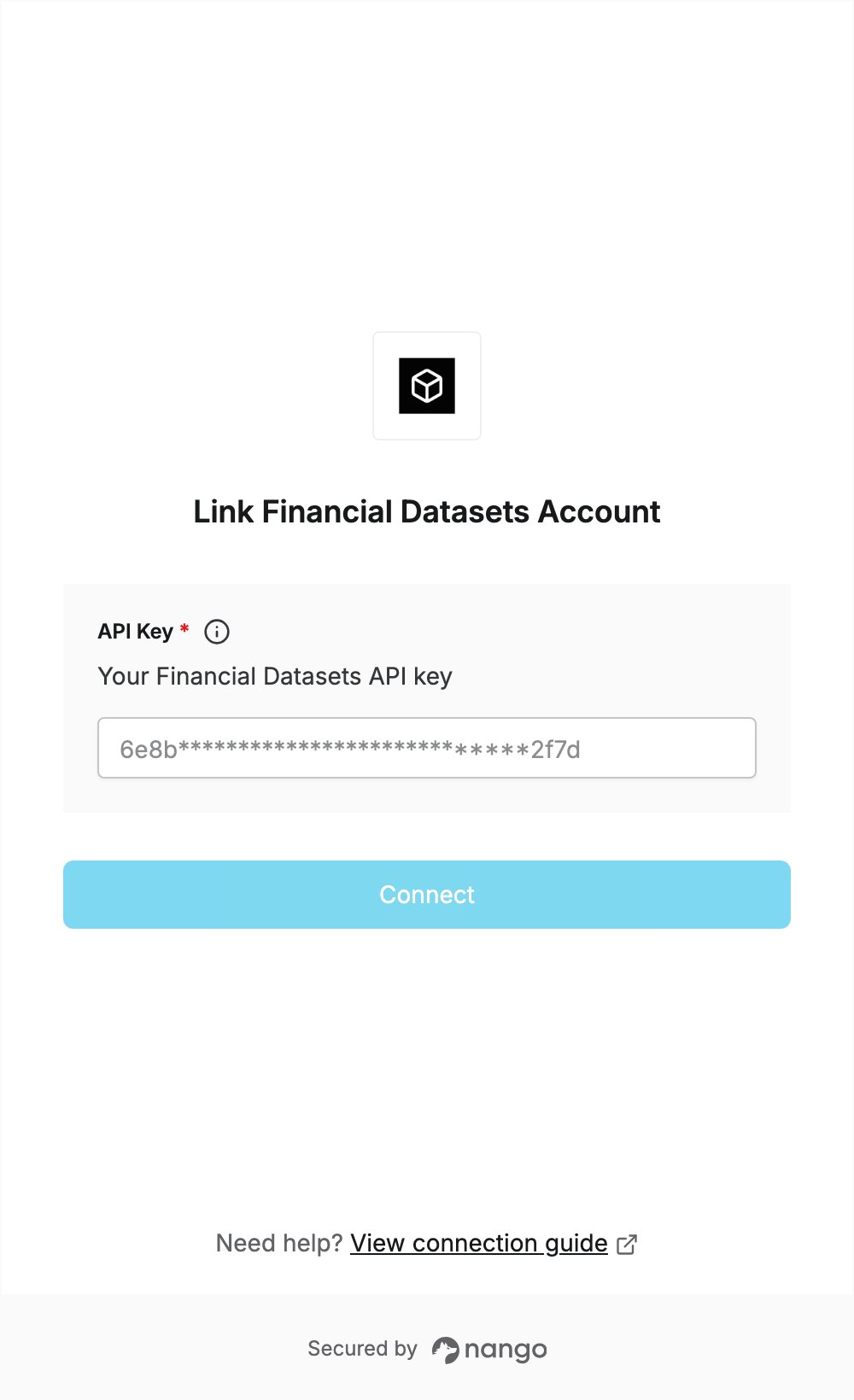
To authenticate with Financial Datasets, you need:- API Key — an API key from your Financial Datasets dashboard.
Prerequisites
- A Financial Datasets account. Sign up if you don’t have one.
- A funded account: every data call returns
402 Payment Requireduntil you buy credits or subscribe to a plan. The smallest option is a one-time $20 Credits purchase that includes 1,000 requests.
Step 1: Create an API key
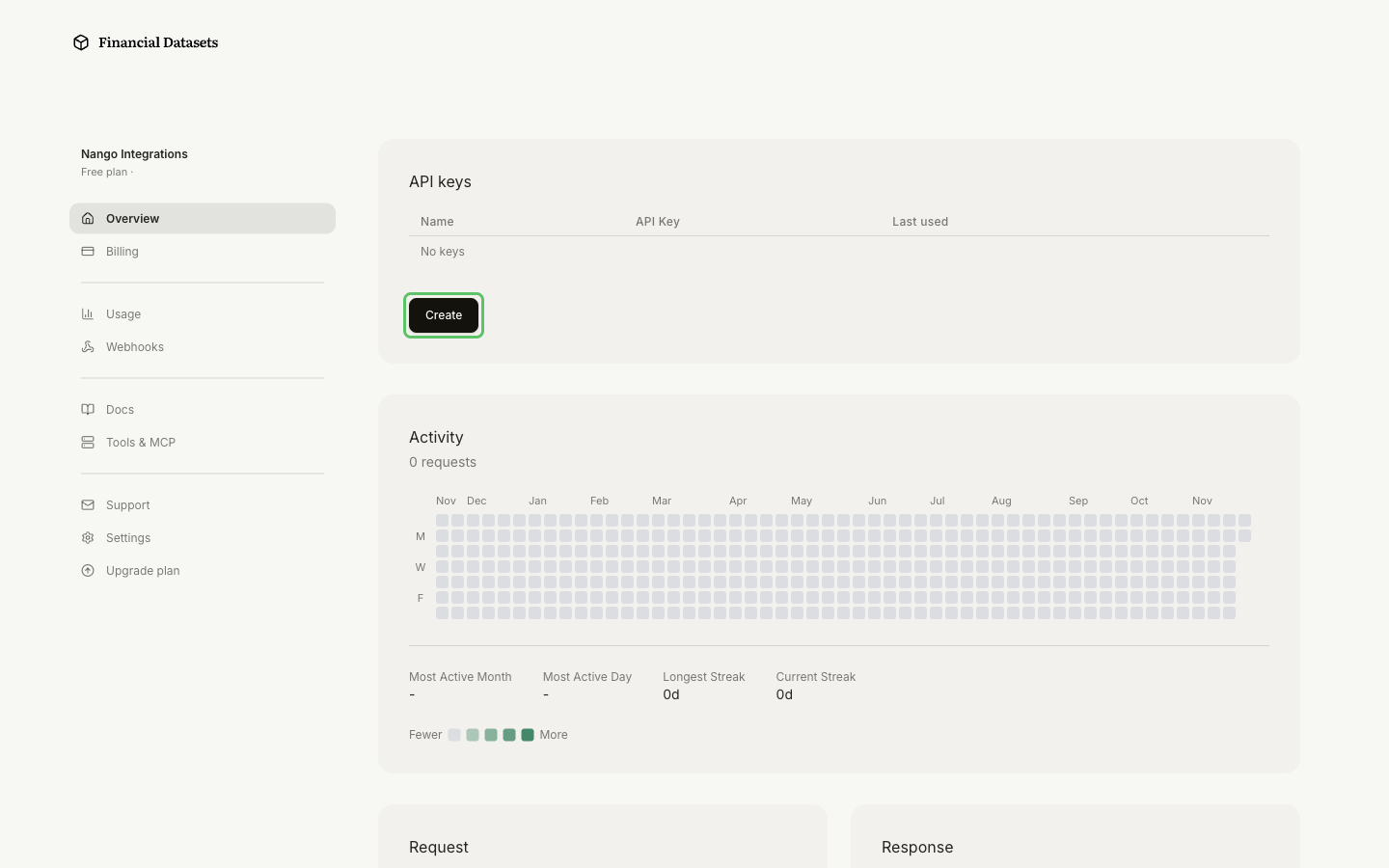
- Log in to Financial Datasets. You land on the dashboard Overview page.
- In the API keys section, click Create.
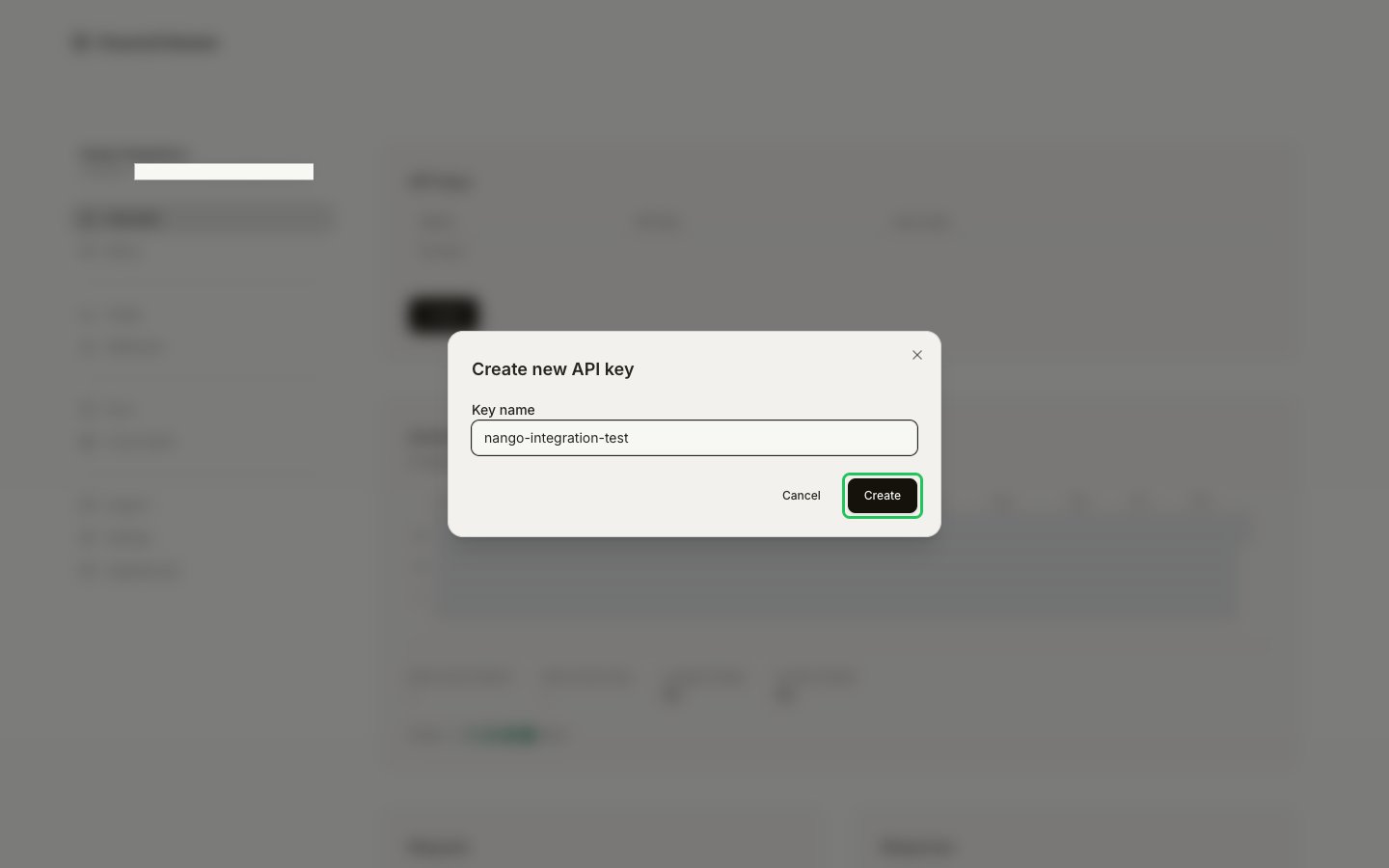
- Enter a name for the key, for example
nango, and click Create.
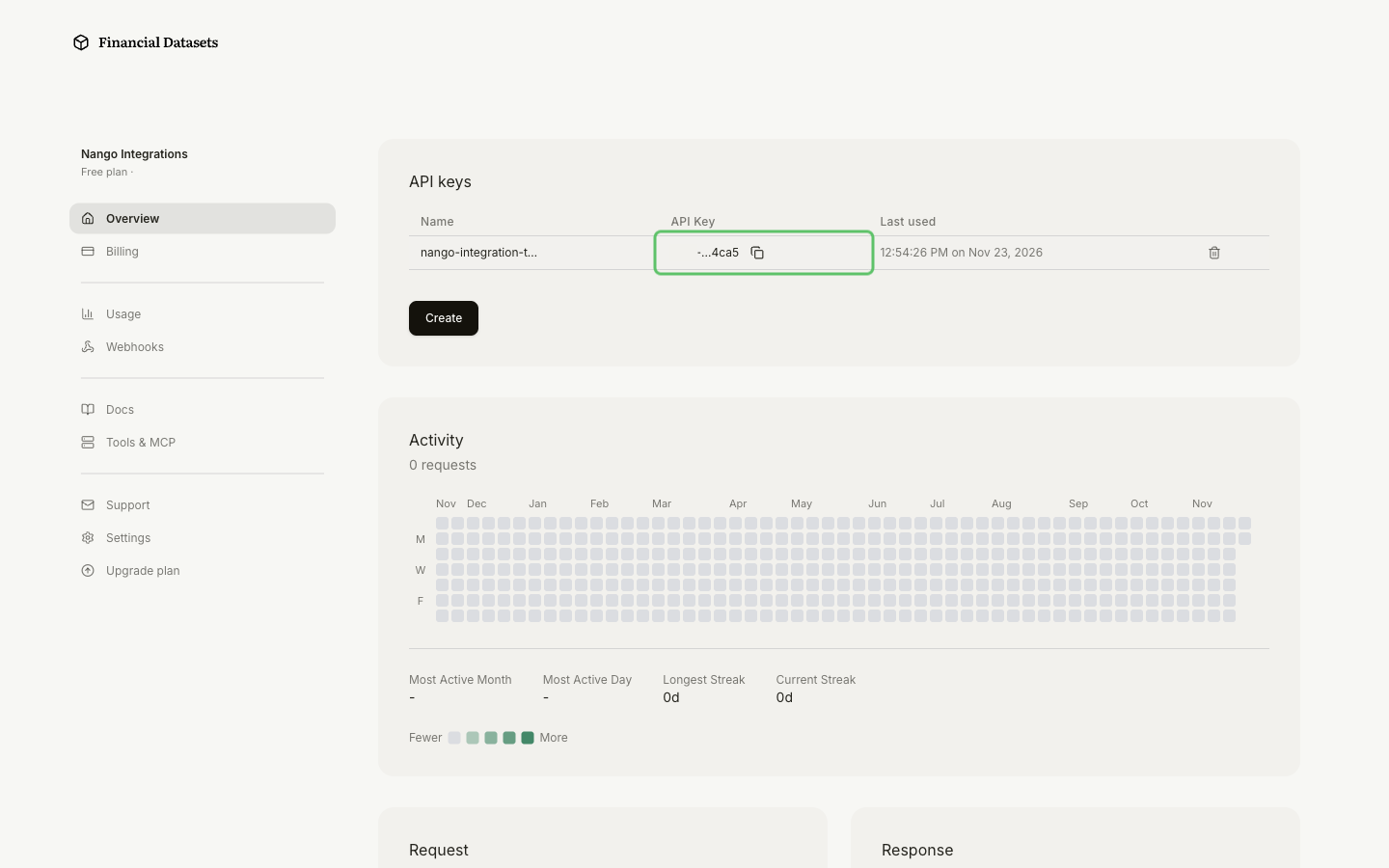
- The new key appears in the API keys table. Click the copy icon next to it to copy the full key.
Step 2: Enter your API key in the Connect UI
- Open the form where you need to authenticate with Financial Datasets.
- Paste the key you copied in Step 1 into the API Key field.
- Submit the form. Nango checks the key and rejects it if it is wrong or revoked. A valid key on an account that is not funded yet still connects, but data calls return
402 Payment Requireduntil you add credits.