Overview
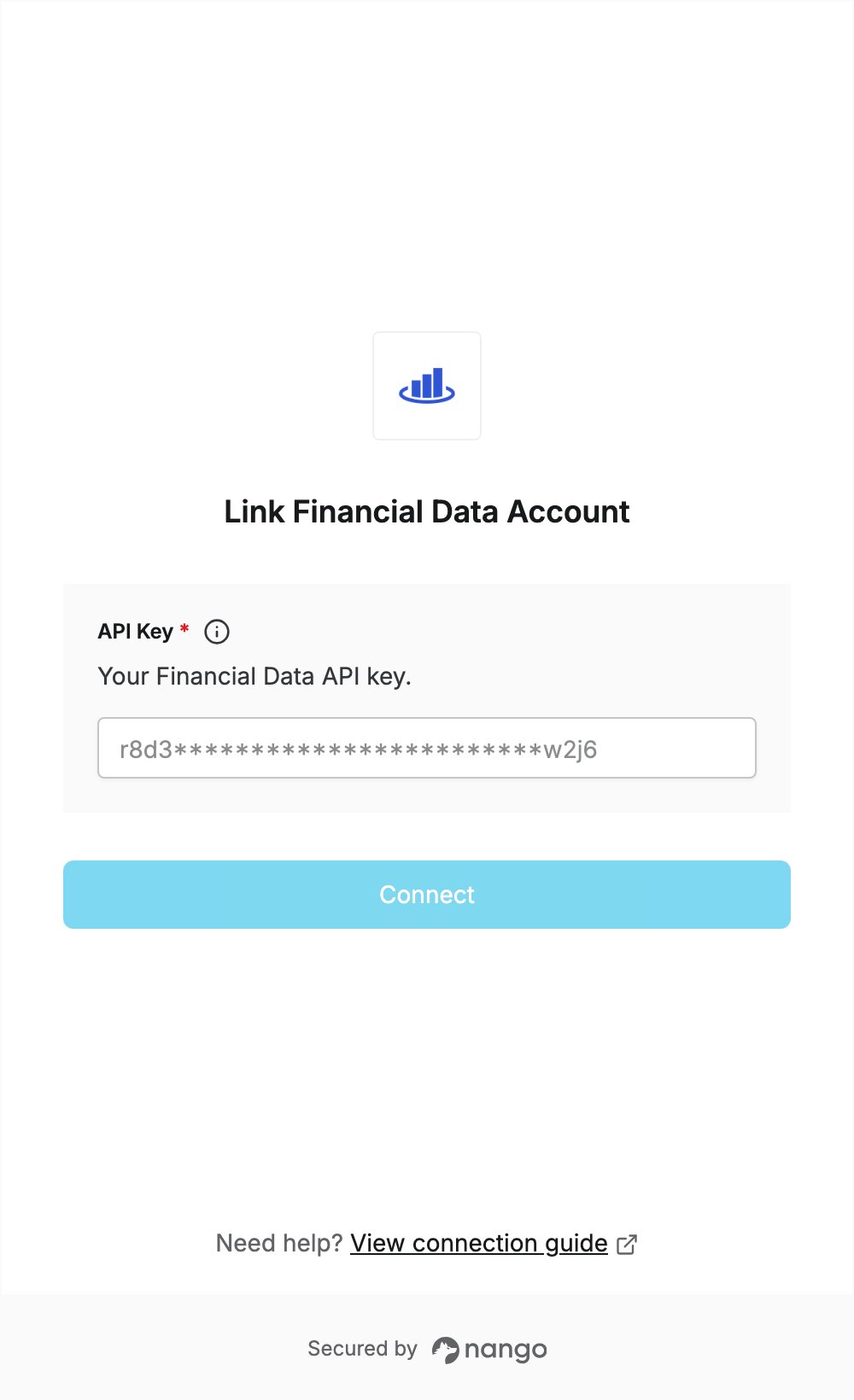
To authenticate with Financial Data, you need:- API Key — the API key shown on your Financial Data dashboard.
Prerequisites
- A Financial Data account with a subscription. The Free plan covers the endpoints labelled Free subscription in the API documentation.
Step 1: Copy your API key
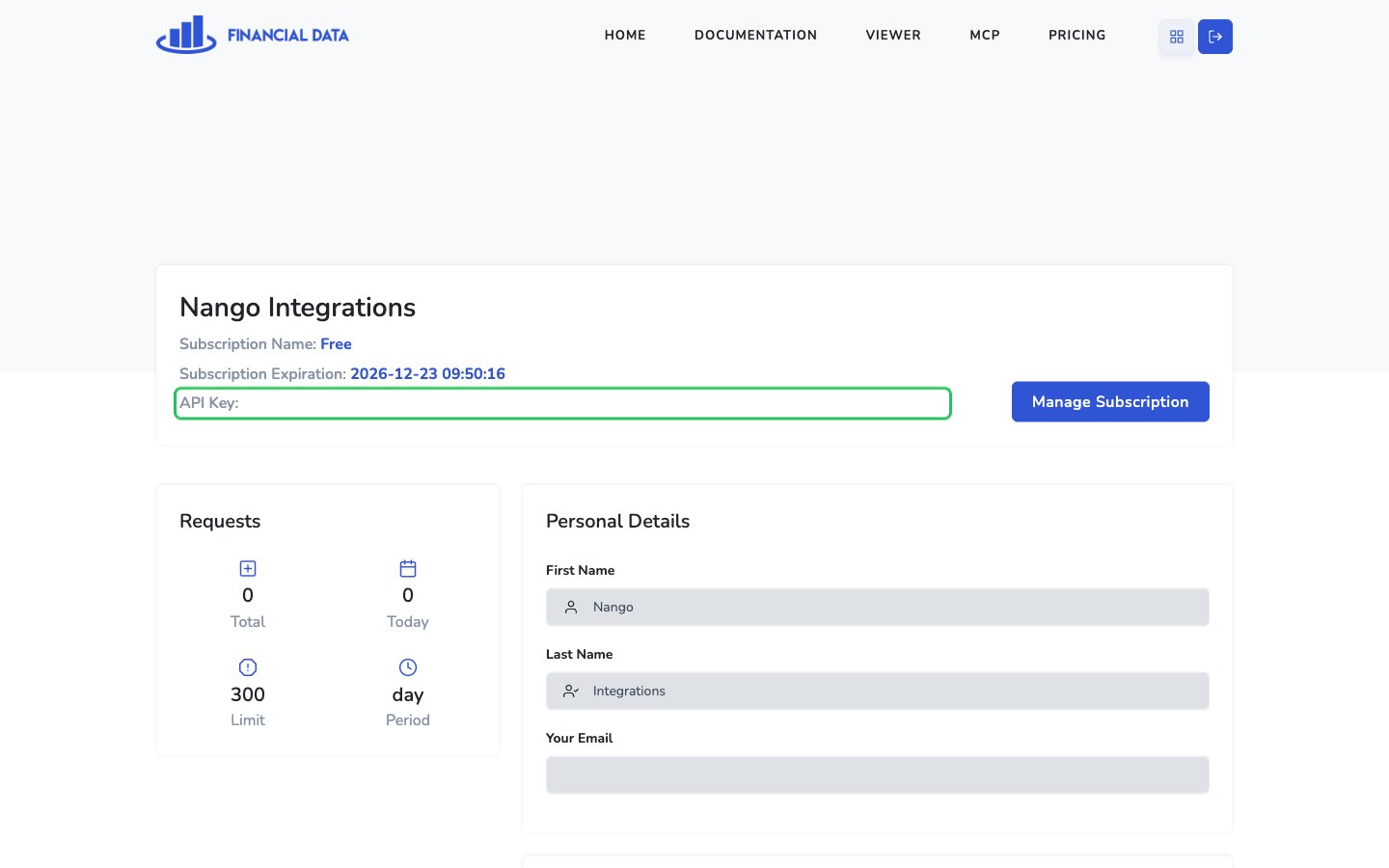
- Sign in at financialdata.net/sign-in. You land on the Dashboard.
- If Subscription Name says Not subscribed, click Manage Subscription, choose a plan (click Get Started on the Free plan), and complete the checkout.
- Back on the Dashboard, copy the value next to API Key. Each account has one API key.
Step 2: Enter your API key in the Connect UI
- Open the form where you need to authenticate with Financial Data.
- Paste the key you copied in Step 1 into the API Key field.
- Submit the form, and you should be successfully authenticated.