Overview
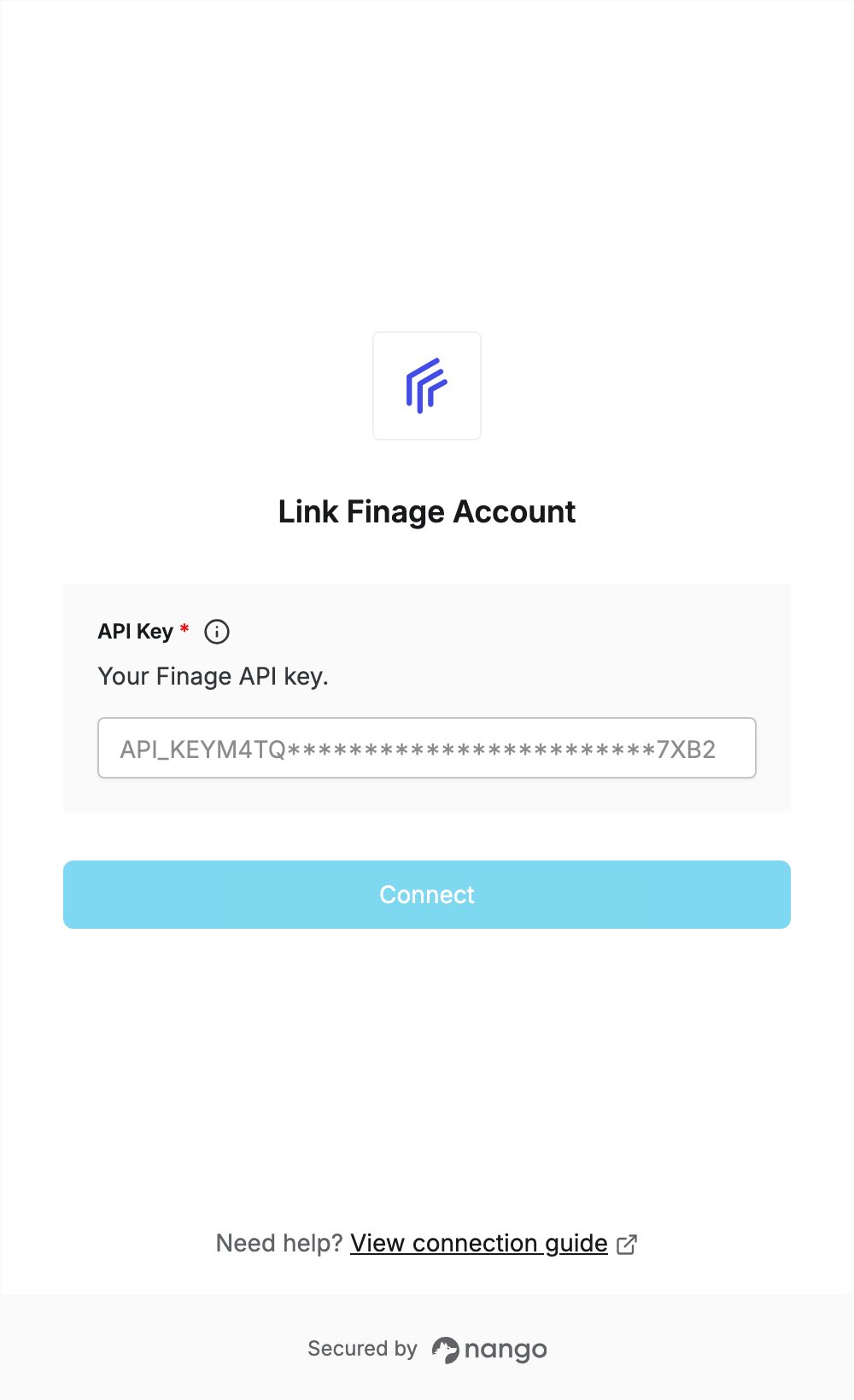
To authenticate with Finage, you need:- API Key — the API key of your Finage account.
Prerequisites
- A Finage account. Register with your email to get started for free; Finage offers a free trial before you pick a paid plan.
Step 1: Copy your API key
- Sign in to the Finage Moon dashboard.
- In the left sidebar, under Services, click API.
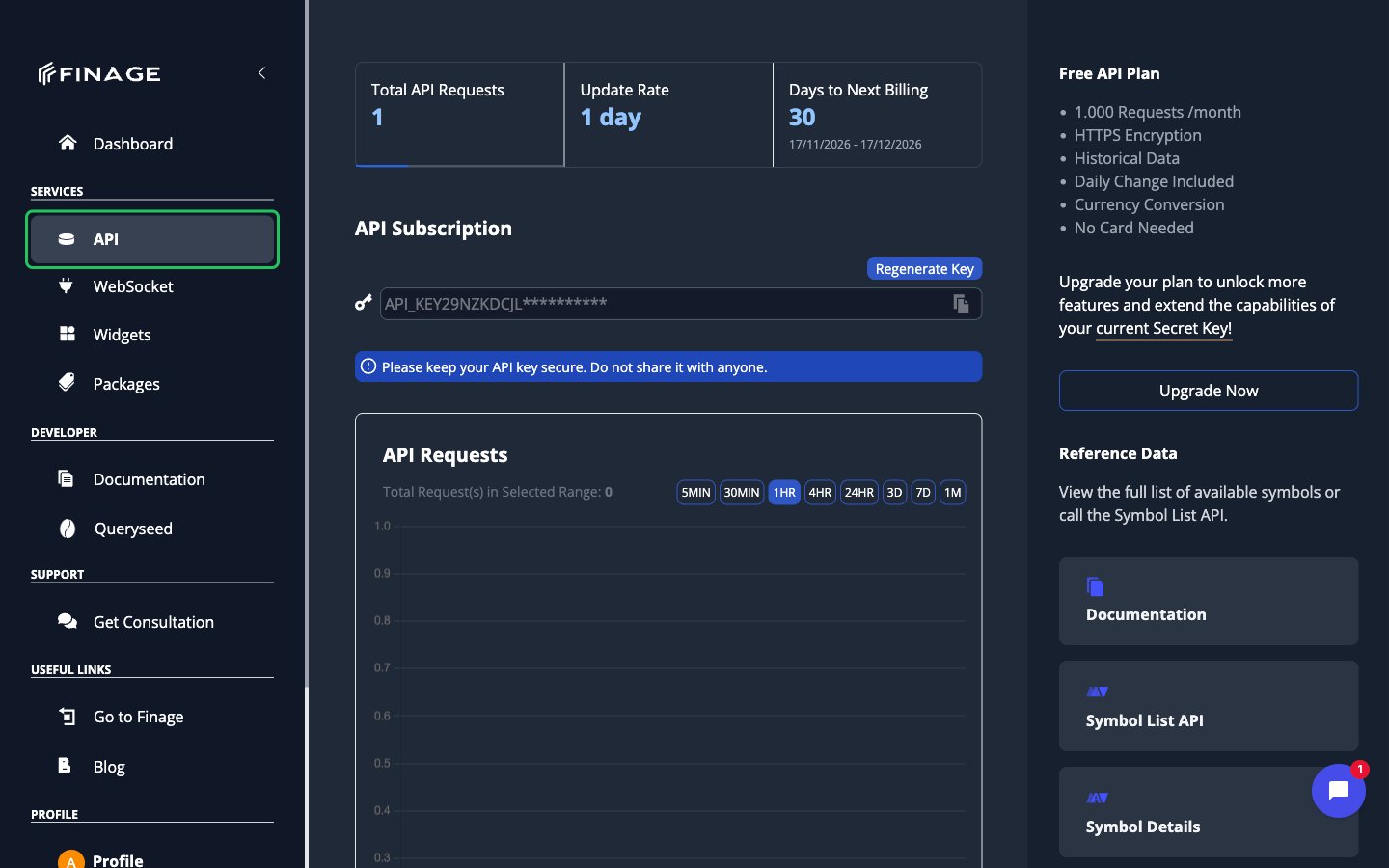
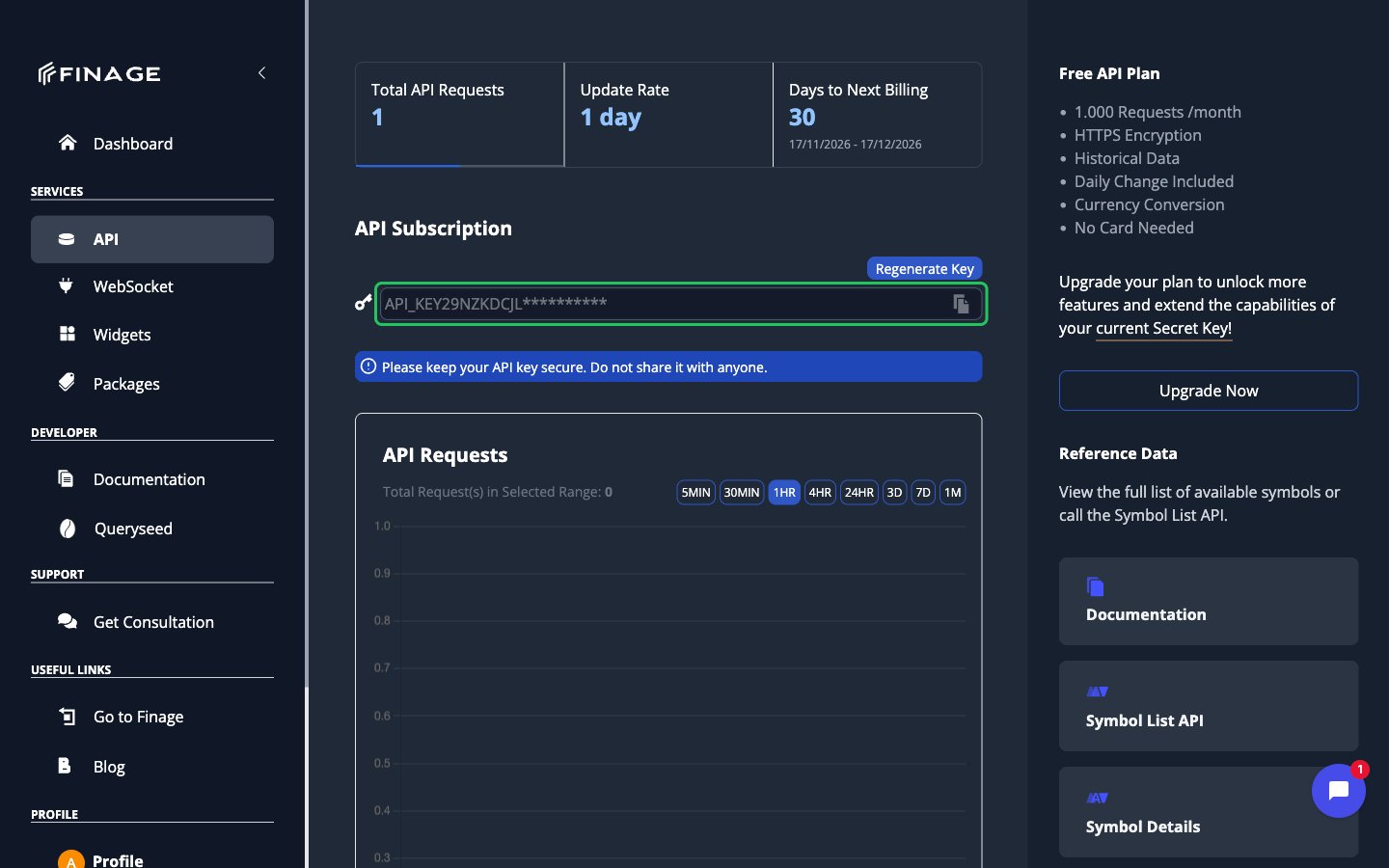
- Under API Subscription, click the API key field or its copy icon to copy your API key. It starts with
API_KEY.
Step 2: Enter your API key in the Connect UI
- Open the form where you need to authenticate with Finage.
- Enter your API key in the API Key field.
- Submit the form, and you should be successfully authenticated.