Overview
To authenticate with Filestack, you need:- API Key — your Filestack application’s API key.
Prerequisites
- A Filestack account. The free plan needs no credit card, and your API key is available as soon as you confirm your email.
Step 1: Copy your API key
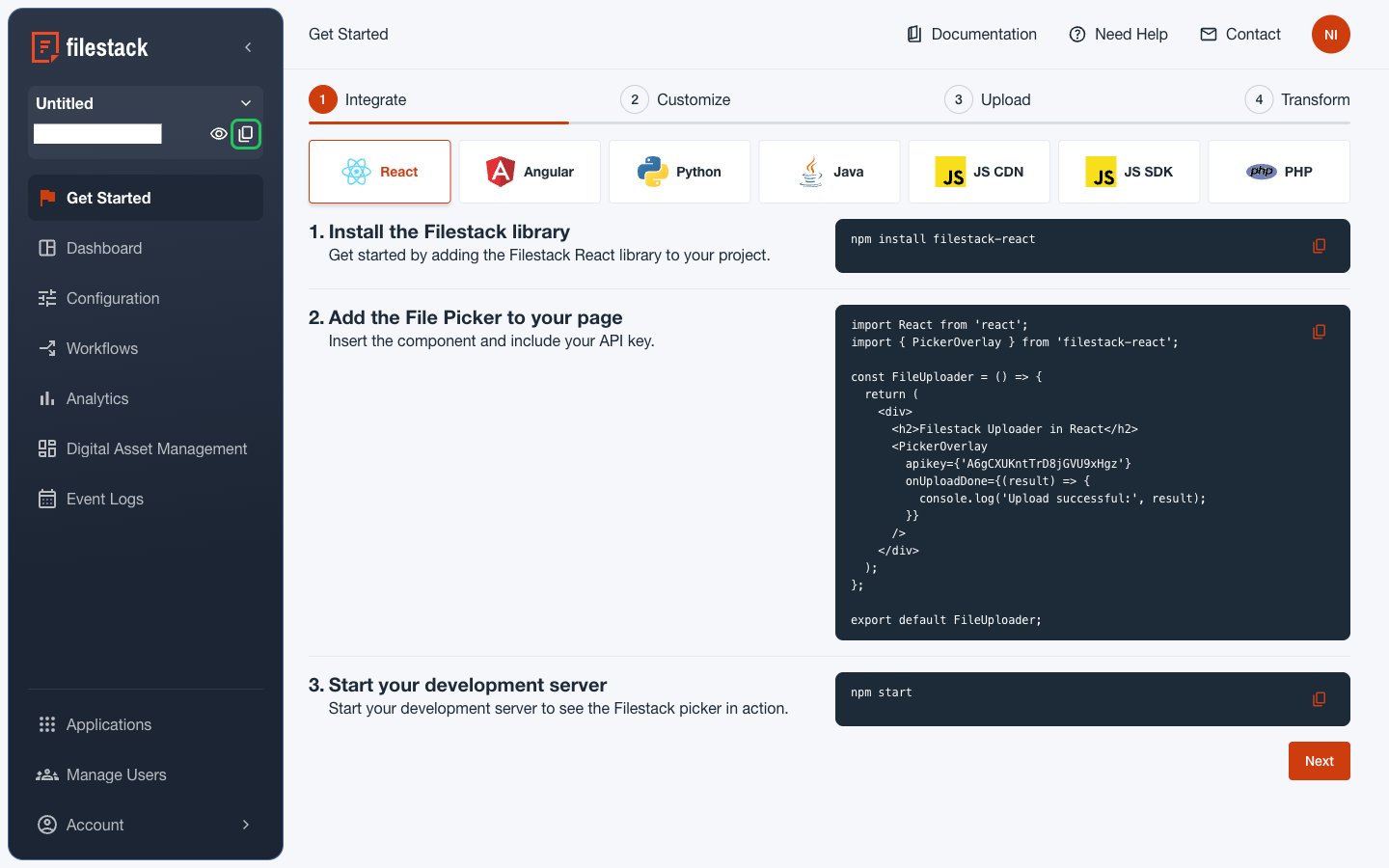
- Log in to the Filestack Developer Portal. Your first application is created for you.
- In the left sidebar, under your application’s name, click the copy icon next to the masked API key.
Step 2: Enter your API key in the Connect UI
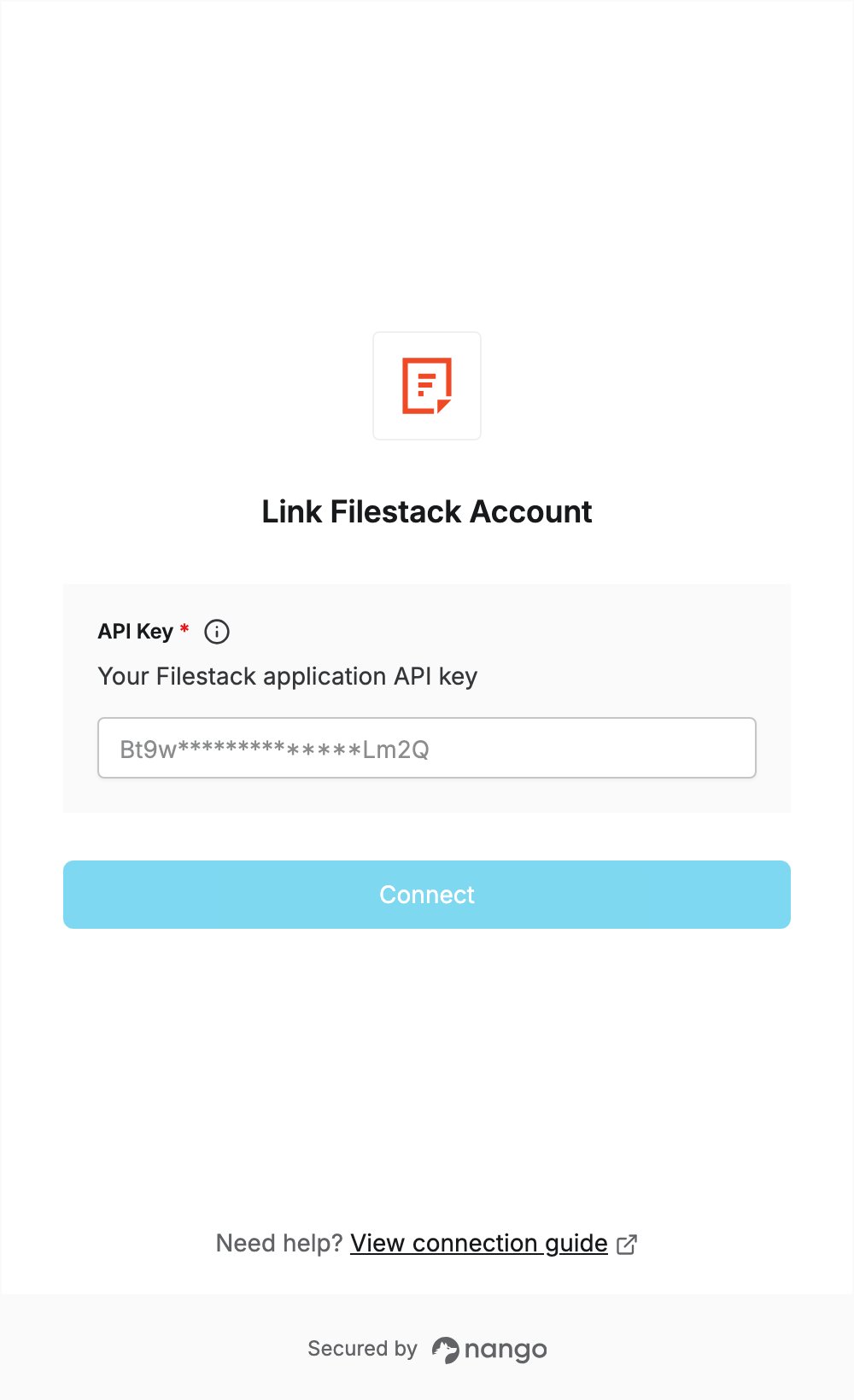
- Open the form where you need to authenticate with Filestack.
- Enter your API key in the API Key field.
- Submit the form. The connection is saved without checking the key: if the key is wrong, the first API request returns an authentication error.