Overview
To authenticate with Filescan, you need:- API Key — an API key from your Filescan.io profile settings.
Prerequisites
- A Filescan.io account. The free Community account works (sign up).
Step 1: Create an API key
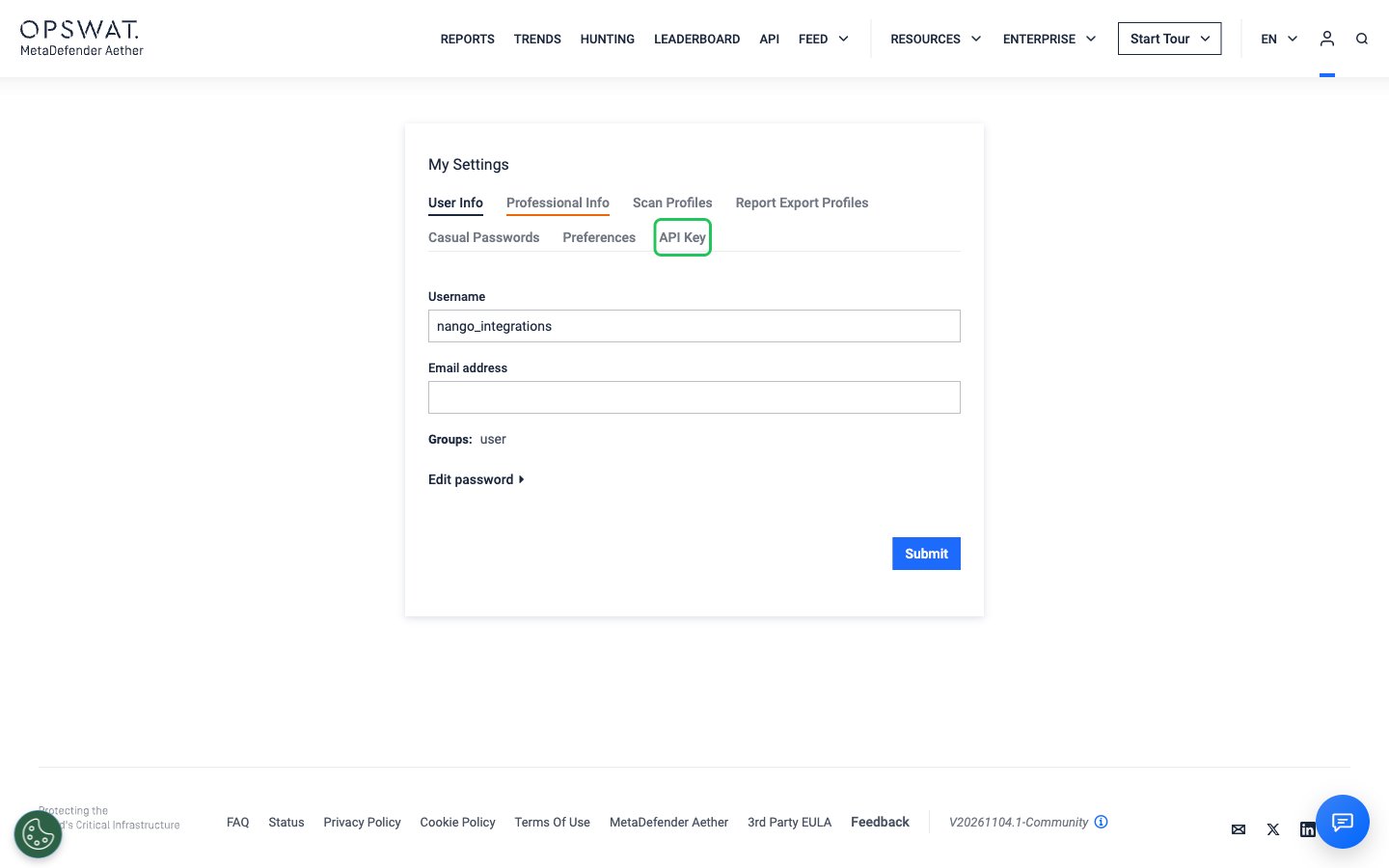
- Sign in to Filescan.io and open your profile settings (My settings) at filescan.io/users/profile.
- Open the API Key tab.
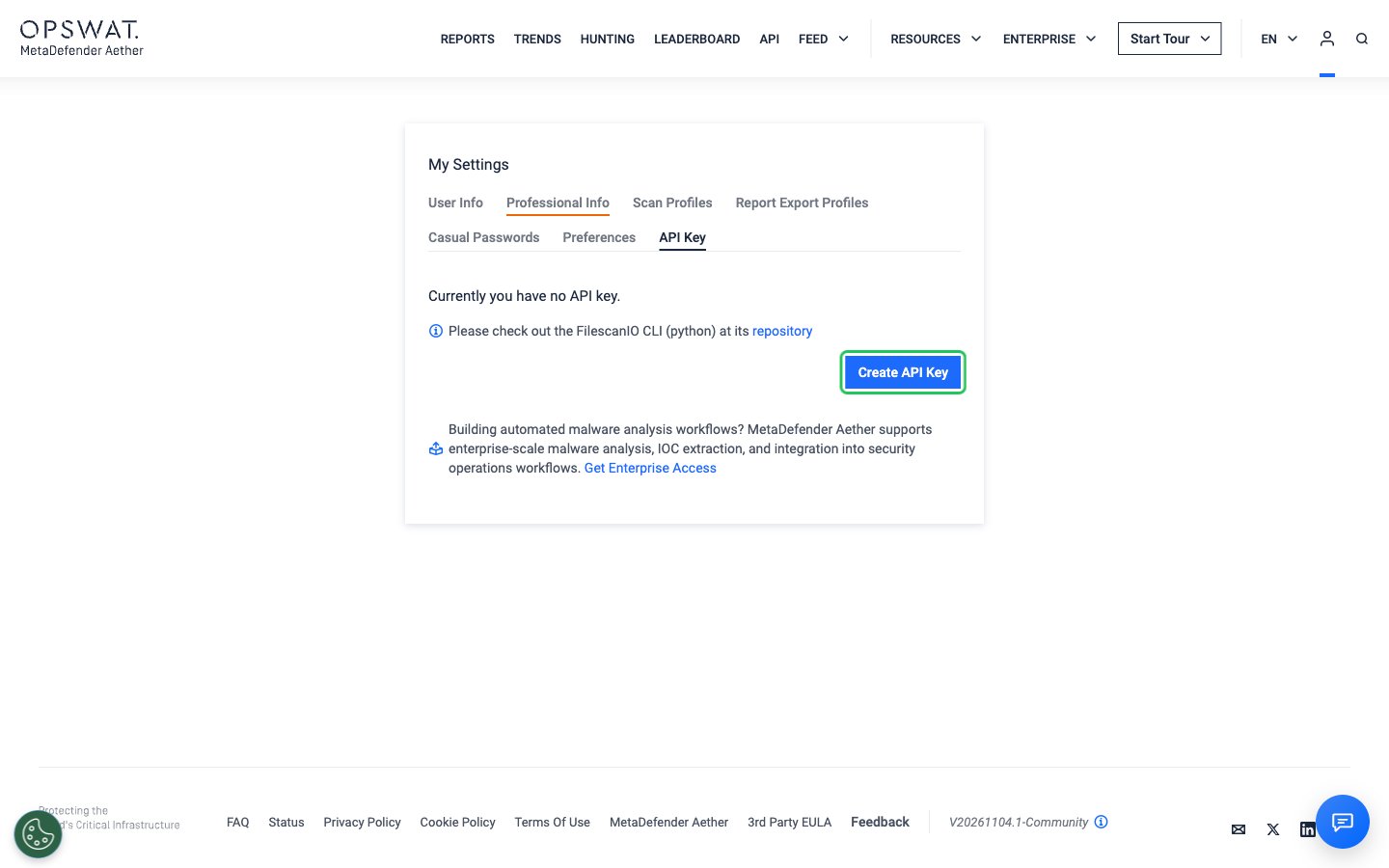
- Click Create API Key.
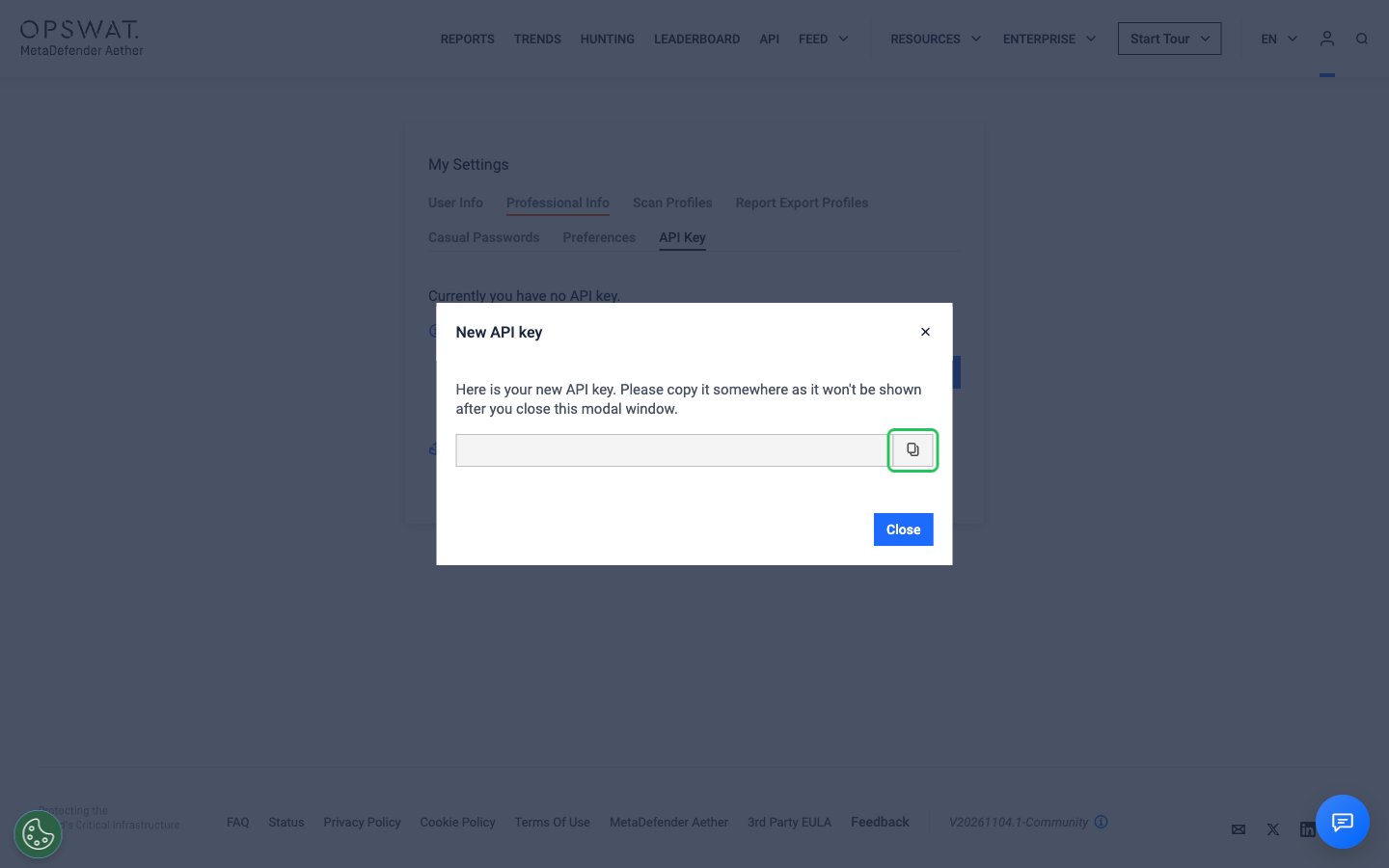
- In the New API key window, copy the key with the copy button. The key is shown only once, so copy it before you click Close.
Step 2: Enter your API key in the Connect UI
- Open the form where you need to authenticate with Filescan.
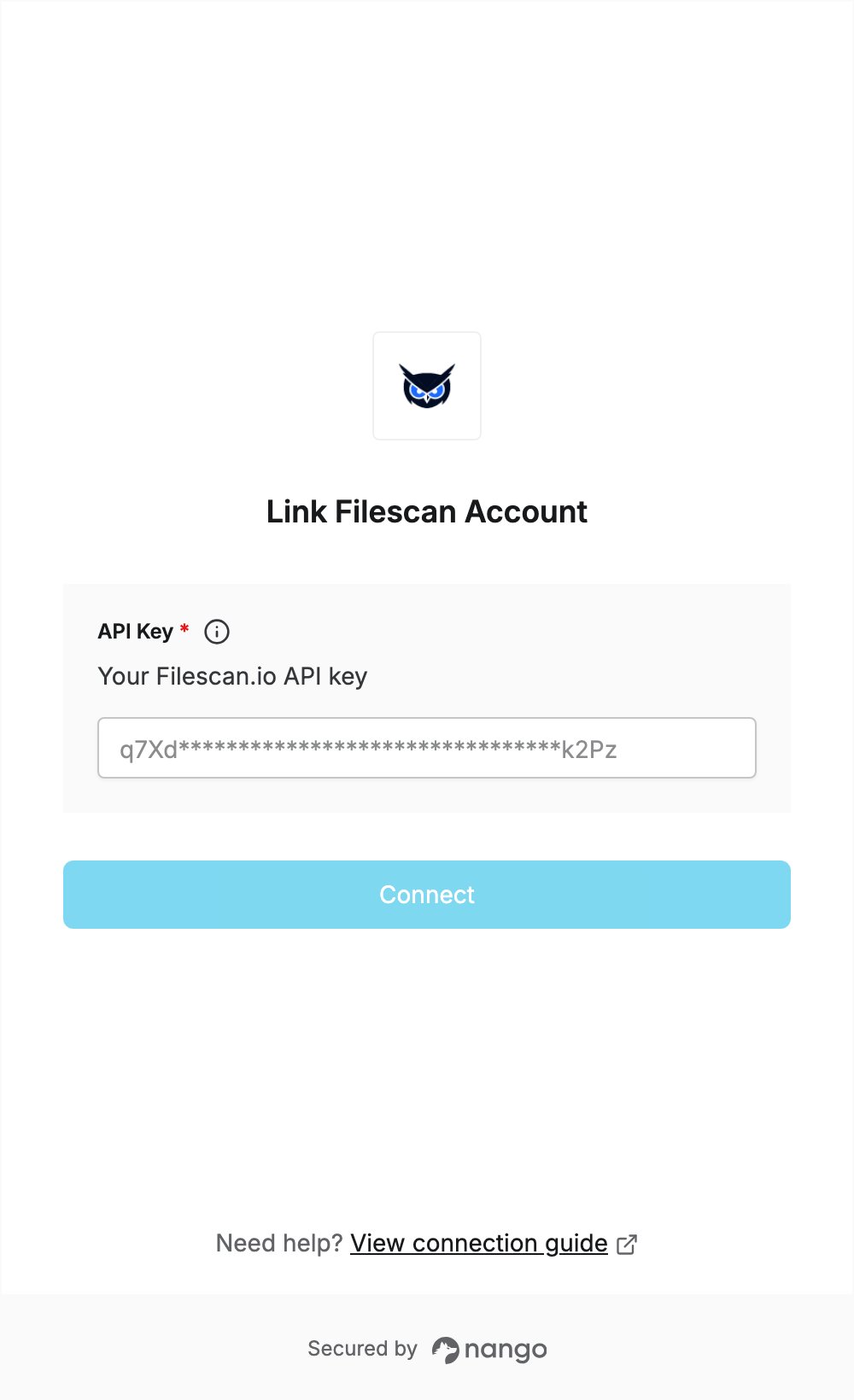
- Paste the key into the API Key field.
- Submit the form. Nango checks the key with Filescan and rejects it if it is wrong.