Overview
To authenticate with FilePost, you need:- API Key — the key FilePost issues to your account when you sign up with your email address.
Prerequisites
- A FilePost account. The Free plan is enough and needs no credit card: it gives one provisional upload, then 15 uploads per month once you verify your email.
Step 1: Get your API key
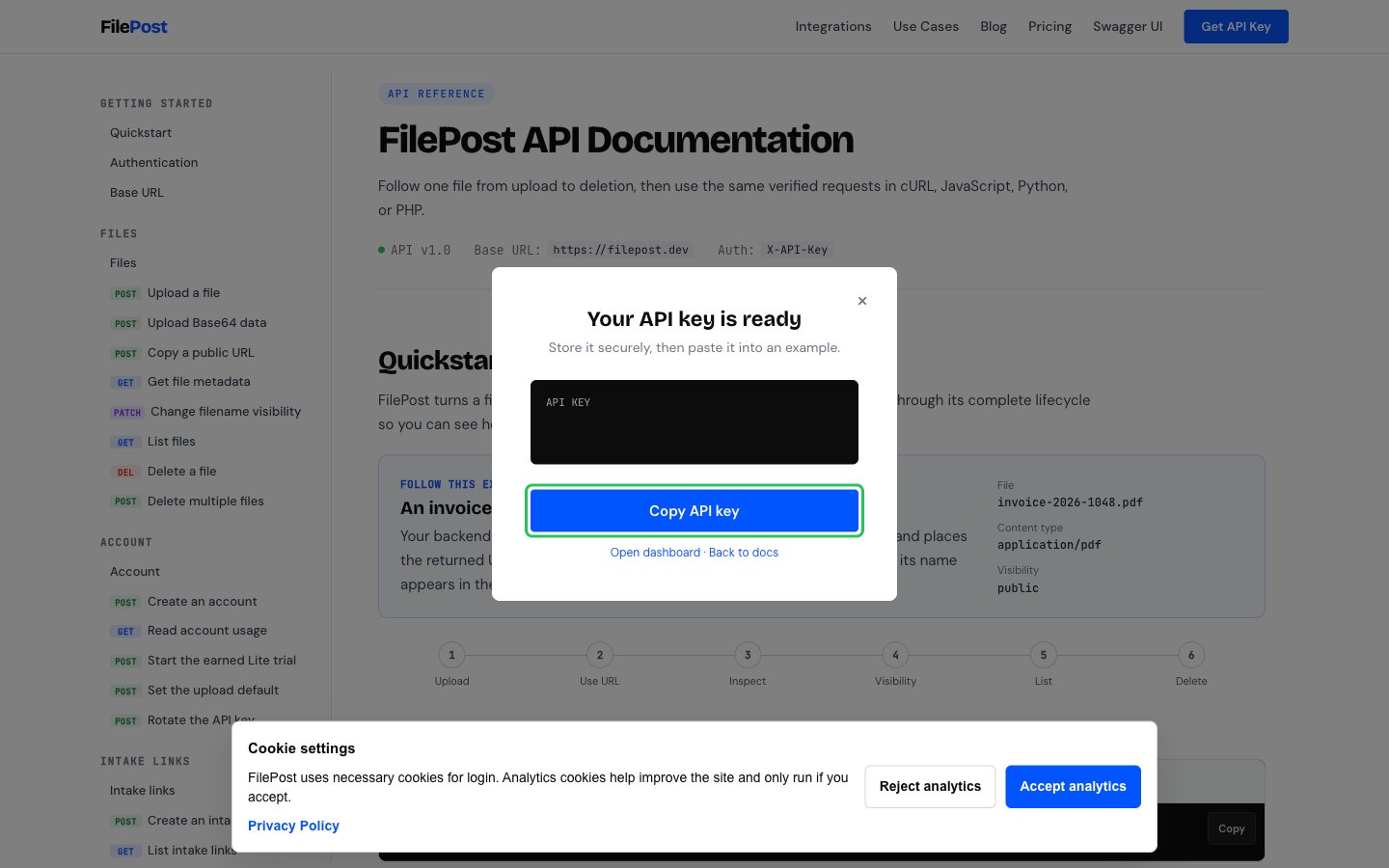
- Open the FilePost API documentation and click Get API Key in the top navigation.
- Enter your email address and click Get API key.
- In the Your API key is ready dialog, click Copy API key and store the key securely. The key starts with
fh_.
- Optional: verify your email from the FilePost dashboard to unlock the full free allowance.
Step 2: Enter your API key in the Connect UI
- Open the form where you need to authenticate with FilePost.
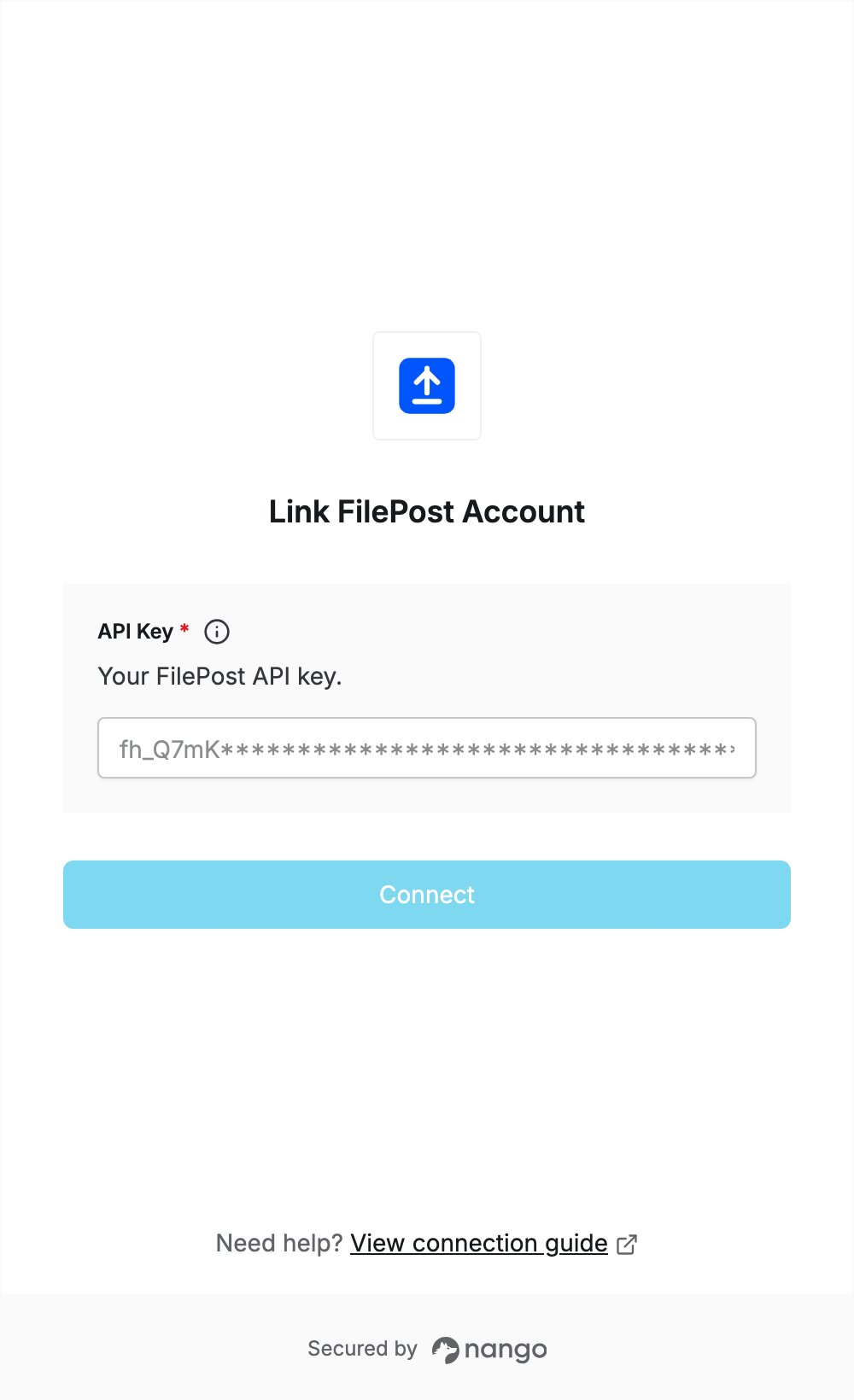
- Enter your API key in the API Key field.
- Submit the form, and you should be successfully authenticated.