Overview
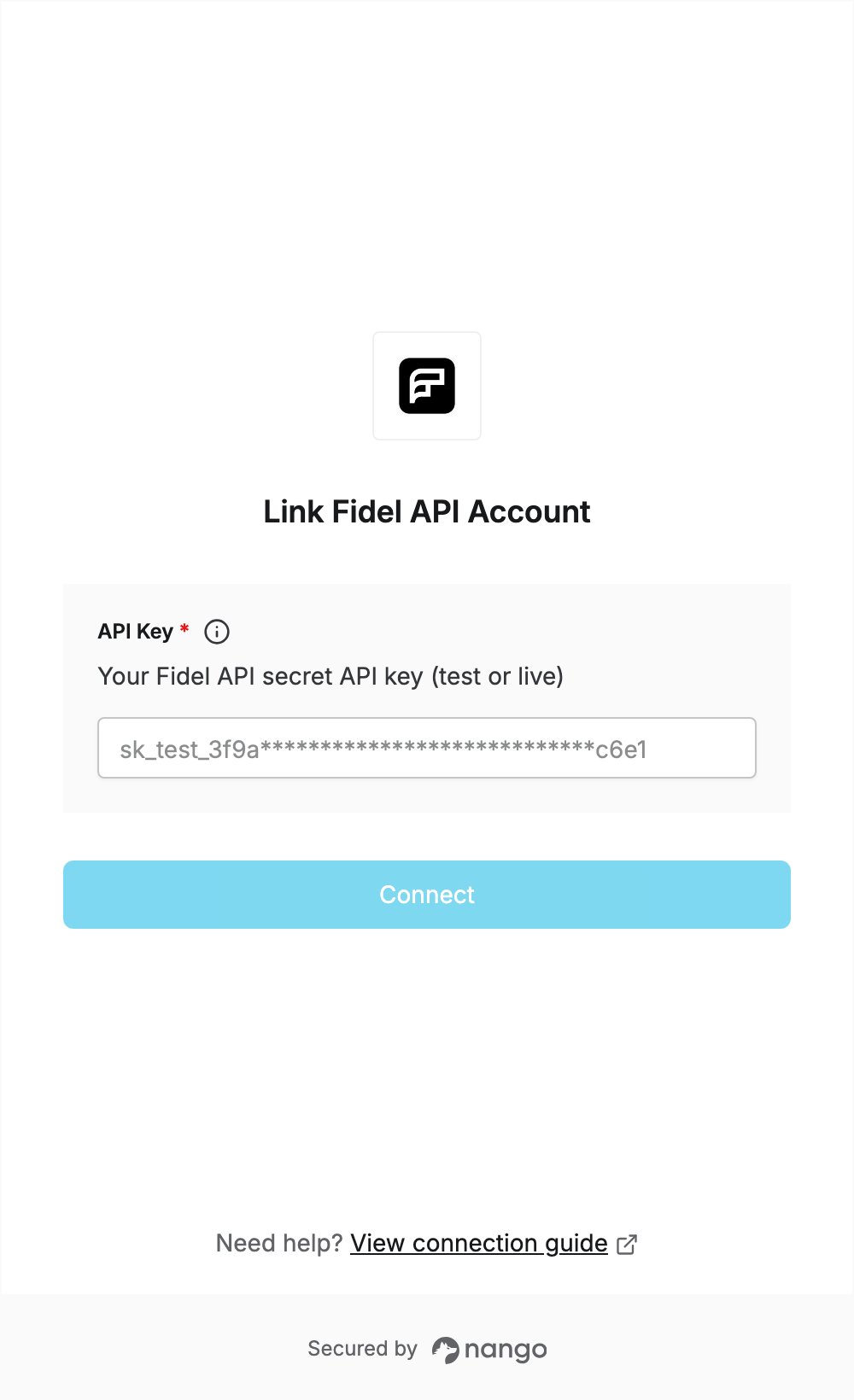
To authenticate with Fidel API, you need:- API Key — a secret API key (test or live) from your Fidel API dashboard.
Prerequisites
- A Fidel API account. Sign-up is free and needs no credit card; a new account gives you test API keys.
Step 1: Create an API key
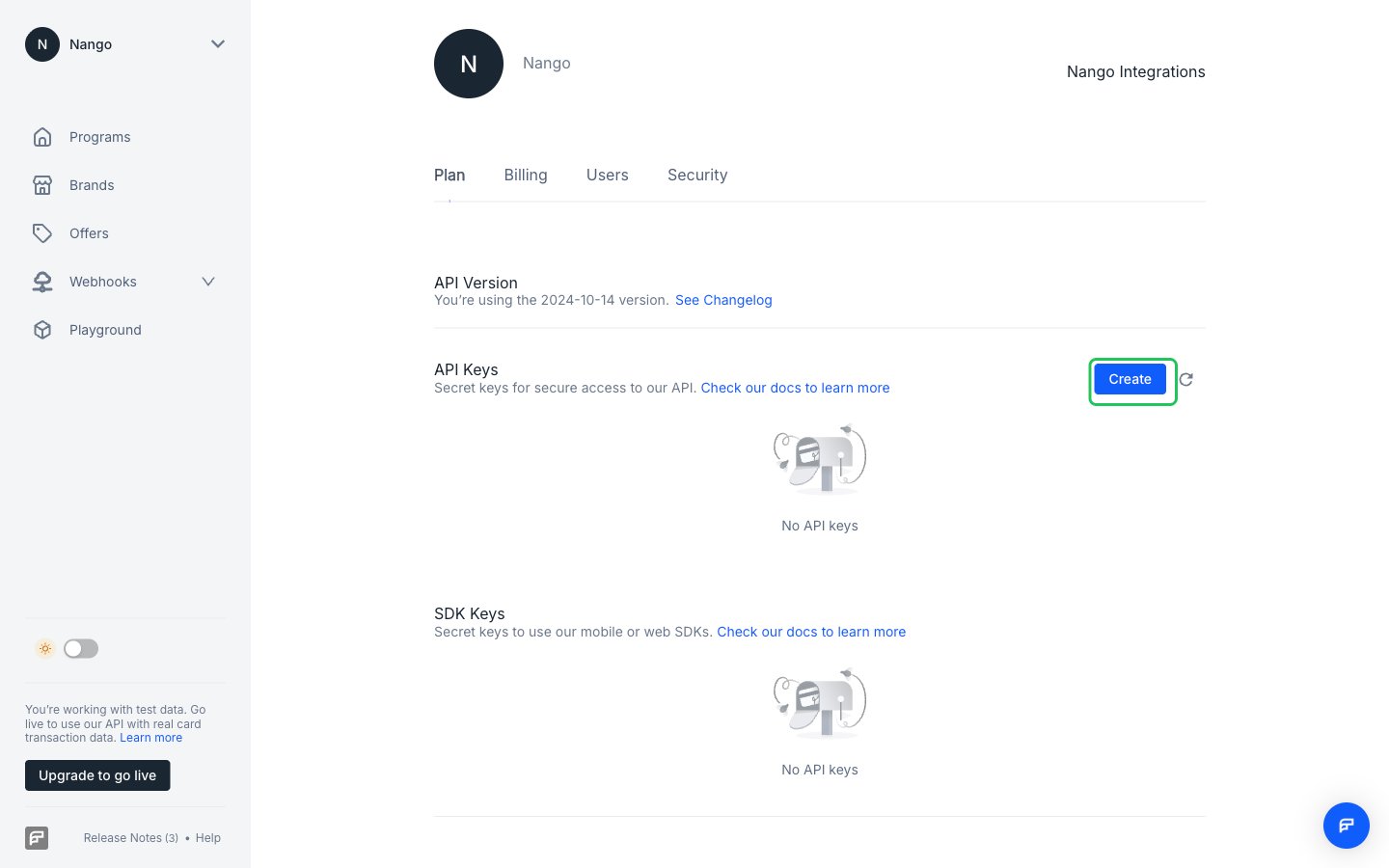
- Log in to the Fidel API dashboard and go to Account Settings > Plan.
- In the API Keys section, click Create.
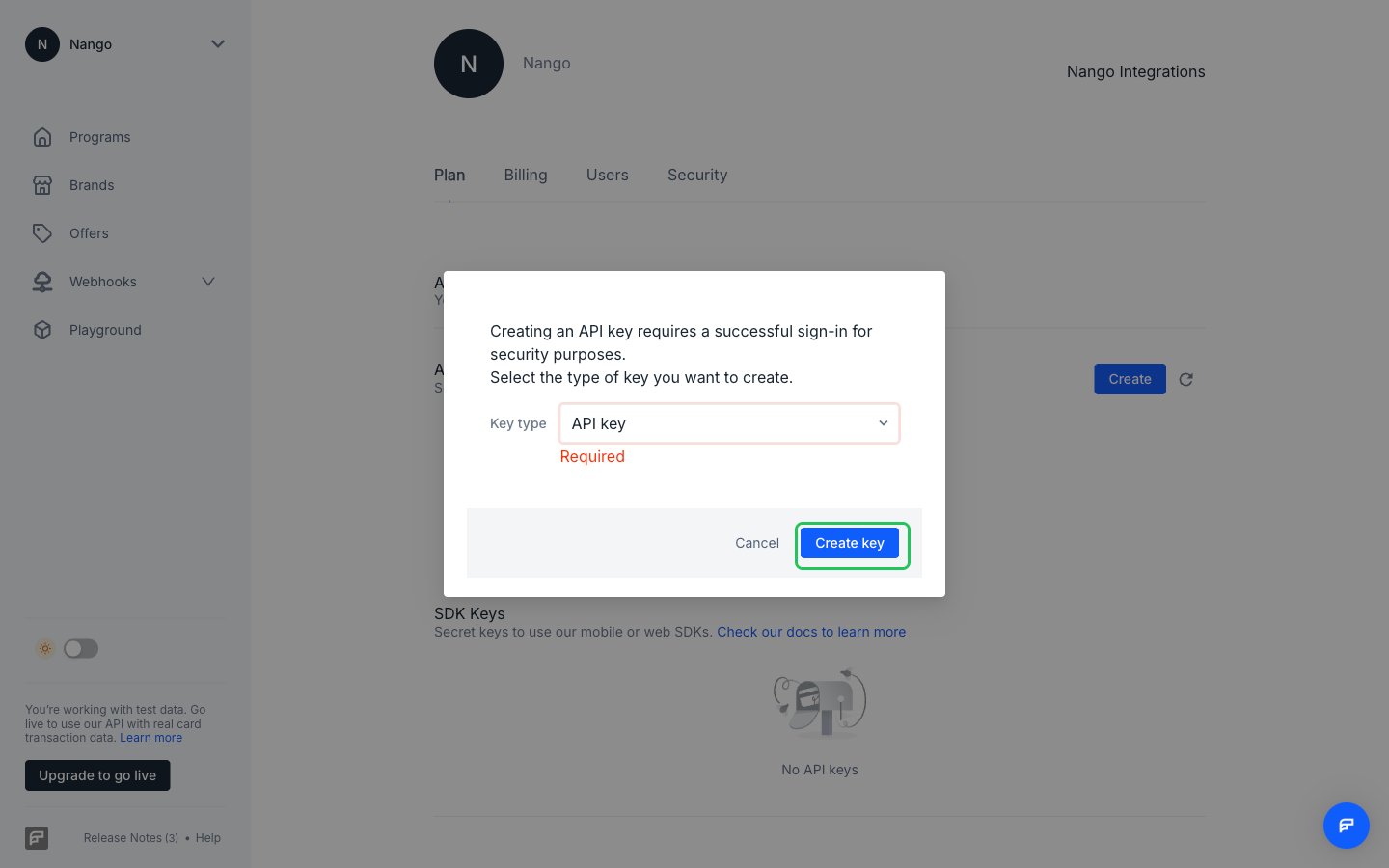
- Set Key type to API key (not SDK key), then click Create key.
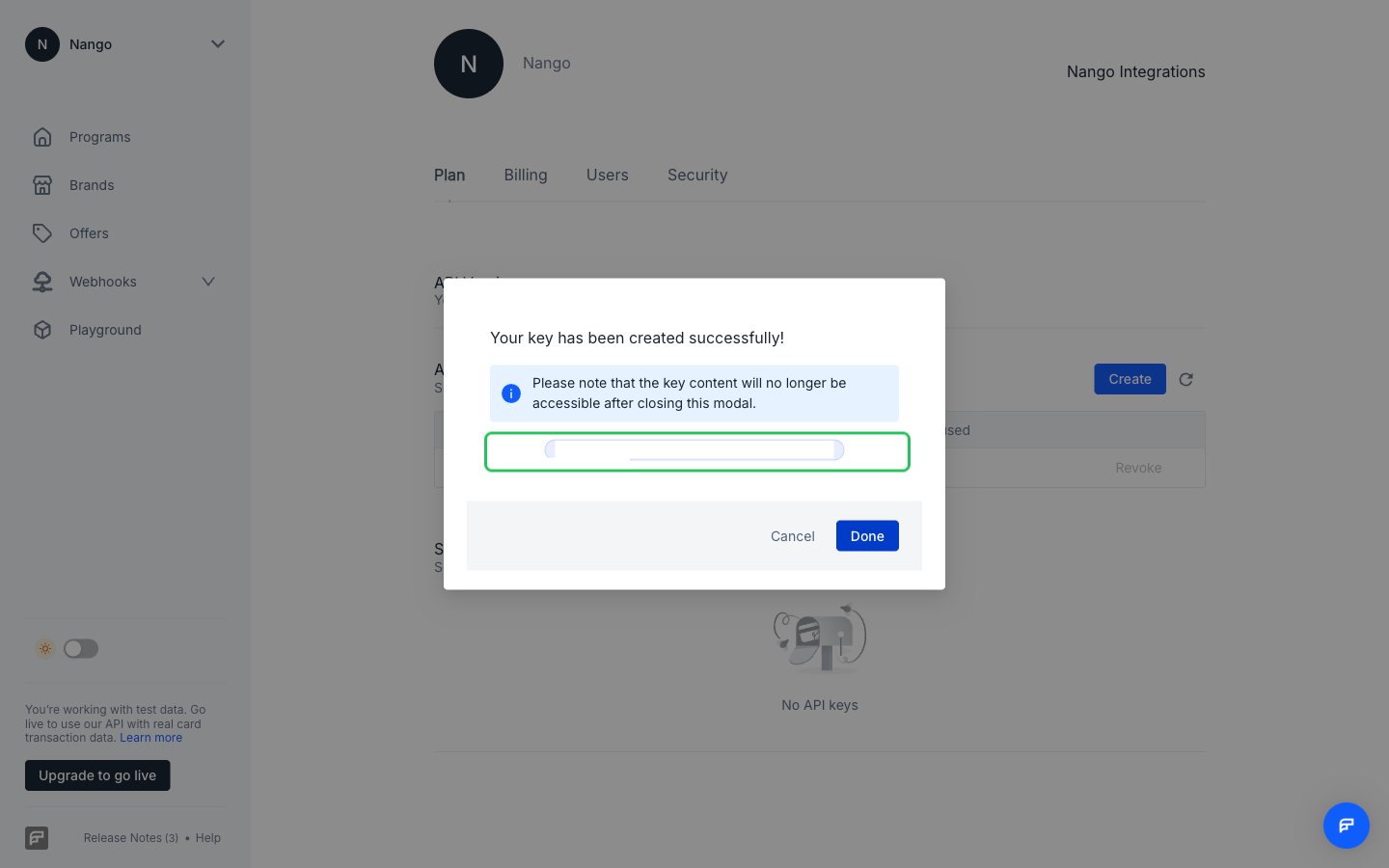
- Copy the key, then click Done. Fidel API shows the key only once.
sk_test_ and returns test data. To use live data, switch on the Live Mode toggle at the bottom left of the dashboard and create a live API key the same way.
Step 2: Enter your API key in the Connect UI
- Open the form where you need to authenticate with Fidel API.
- Enter your secret API key in the API Key field.
- Submit the form, and you should be successfully authenticated.