Overview
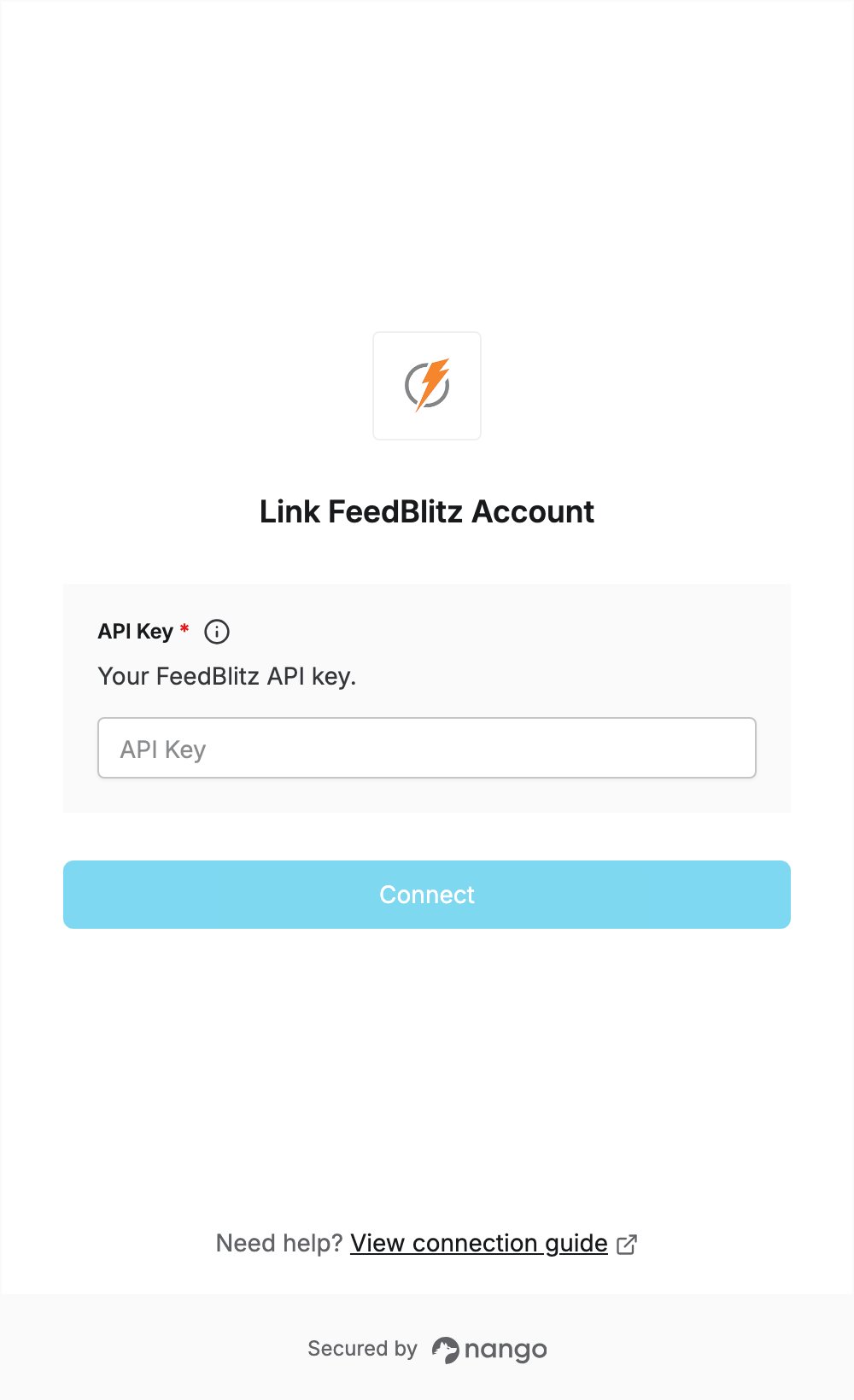
To authenticate with FeedBlitz, you need:- API Key — a FeedBlitz API key.
Prerequisites
- A premium (paid or trial) FeedBlitz publisher account. New accounts can start a free 30-day trial from feedblitz.com/pricing.
Step 1: Get your API key
- Log in to your FeedBlitz account at app.feedblitz.com.
- Open My Account | API Keys in the left sidebar, or go to feedblitz.com/f?pl_api.
- Generate a new key and copy it. API keys are case sensitive.
Step 2: Enter your API key in the Connect UI
- Open the form where you need to authenticate with FeedBlitz.
- Enter your API Key in the designated field.
- Submit the form, and you should be successfully authenticated.