Overview
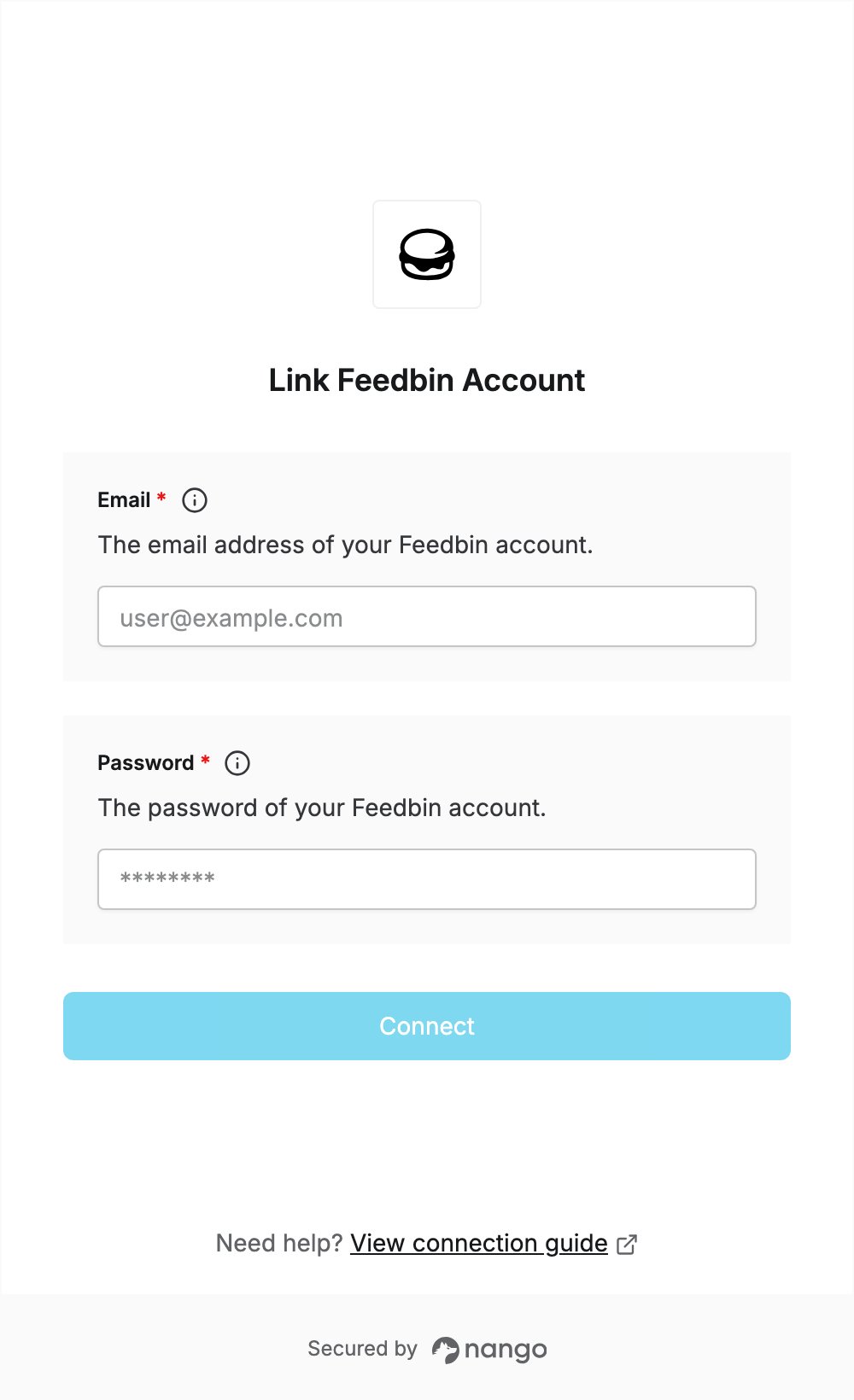
Feedbin’s API uses your account login, so there is no API key to create. To authenticate with Feedbin, you need:- Email — the email address of your Feedbin account.
- Password — the password of your Feedbin account.
Prerequisites
- A Feedbin account. You can sign up for a 30-day free trial.
Step 1: Find your account email
- Log in to Feedbin.
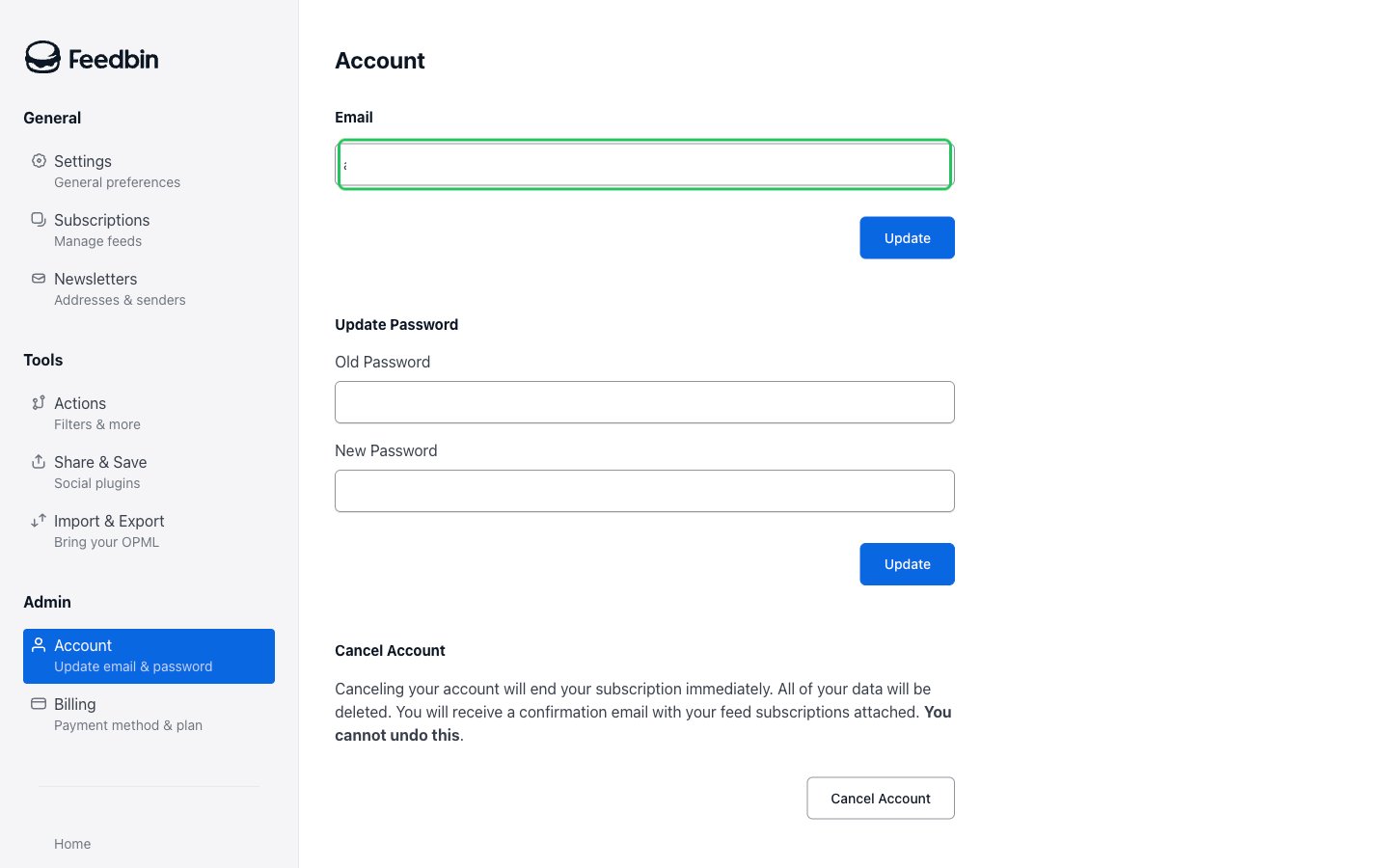
- Go to Settings > Account. The Email field shows your account email. You’ll enter it in the Email field of the Connect UI.
Step 2: Enter your credentials in the Connect UI
- Open the form where you need to authenticate with Feedbin.
- Enter your Feedbin account email in the Email field.
- Enter your Feedbin account password in the Password field.
- Submit the form. Nango checks your credentials with Feedbin, and you should be successfully authenticated.