Overview
To authenticate with Fax for Agents, you need:- API Key — a Fax for Agents API key, test (starts with
ffa_test_) or live (starts withffa_live_).
Prerequisites
- A Fax for Agents account. Sign in with a magic link, a passkey, GitHub or Google. Test mode is free.
Step 1: Create an API key
- Sign in at app.faxforagents.com.
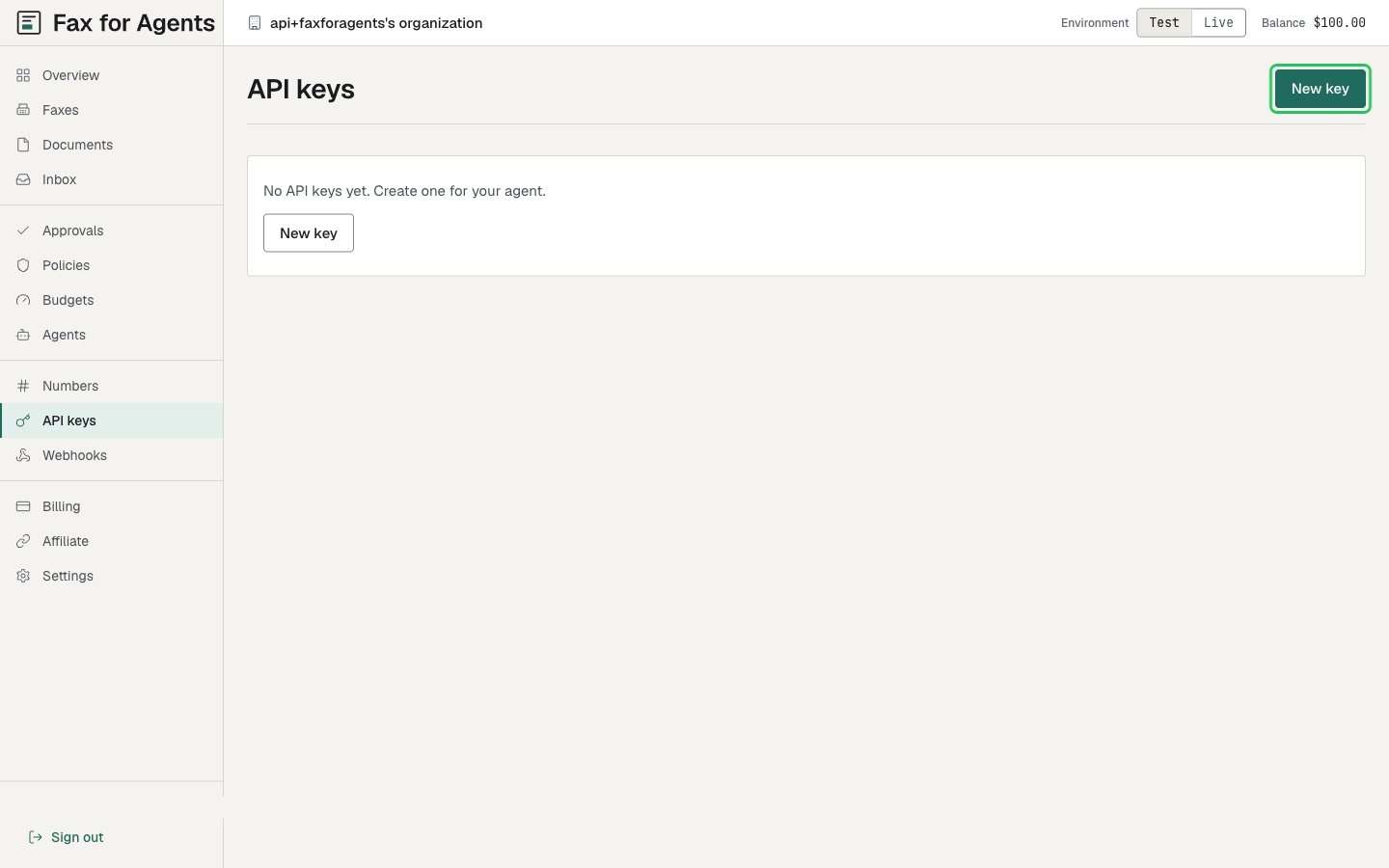
- Click API keys in the left sidebar, then click New key.
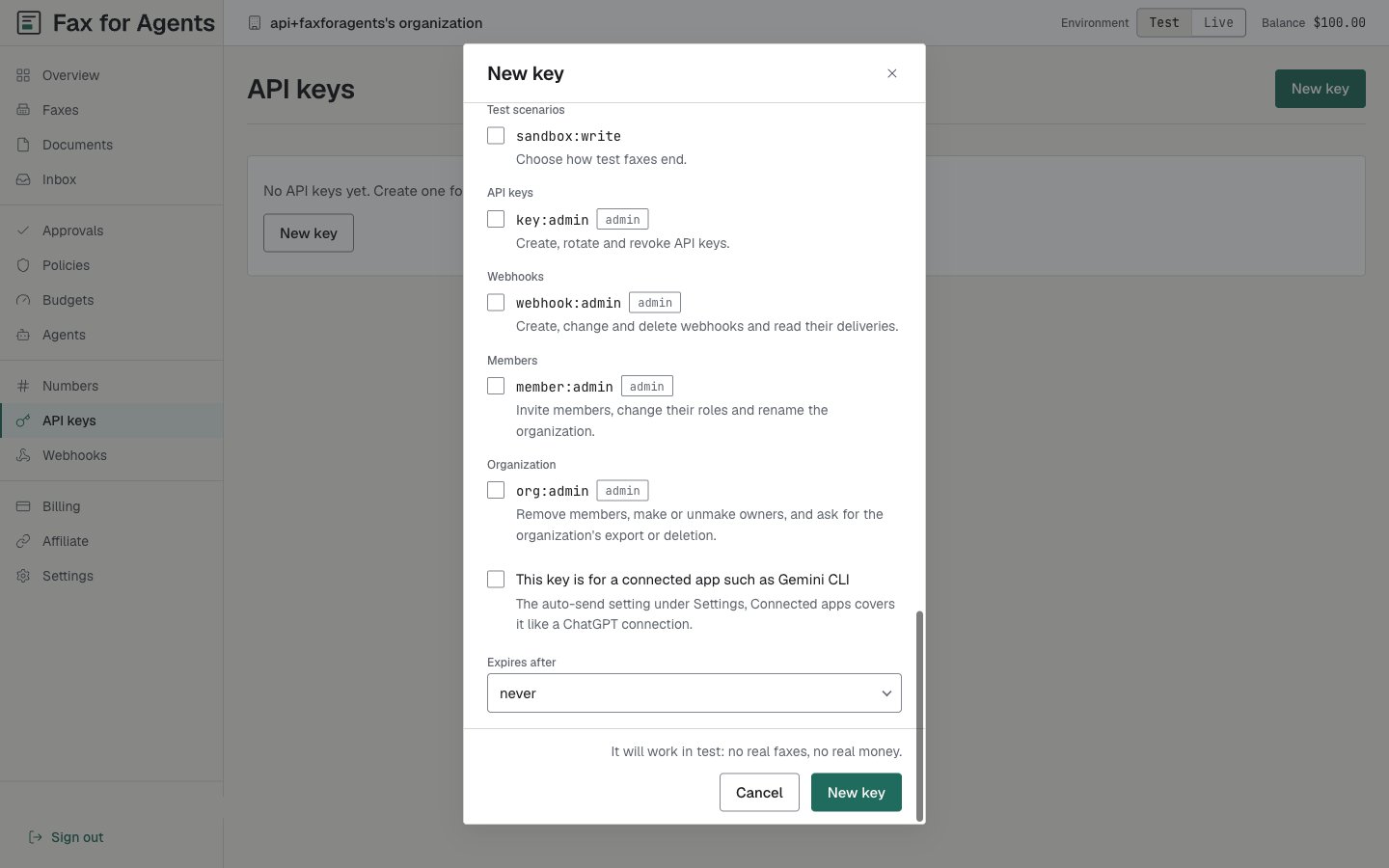
- Enter a label and choose the environment: test for a test key (
ffa_test_...) or live for a live key (ffa_live_...). Both kinds work with Nango. - Optionally open Advanced: choose the permissions and keep only the permissions your integration needs. The key’s permissions decide which calls it can make.
- Click New key.
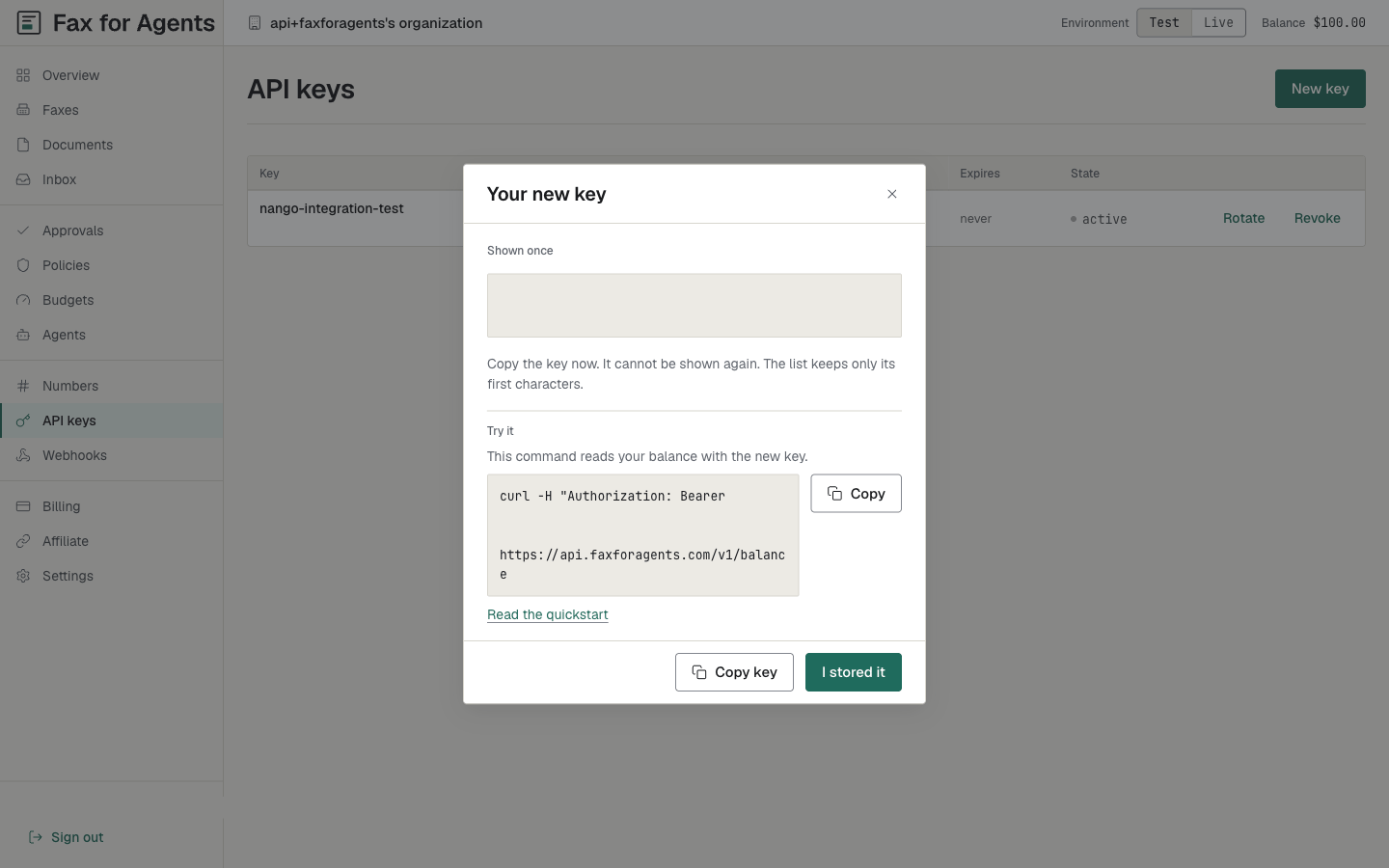
- Click Copy key, then I stored it. The key is shown only once.
Step 2: Enter your API key in the Connect UI
- Open the form where you need to authenticate with Fax for Agents.
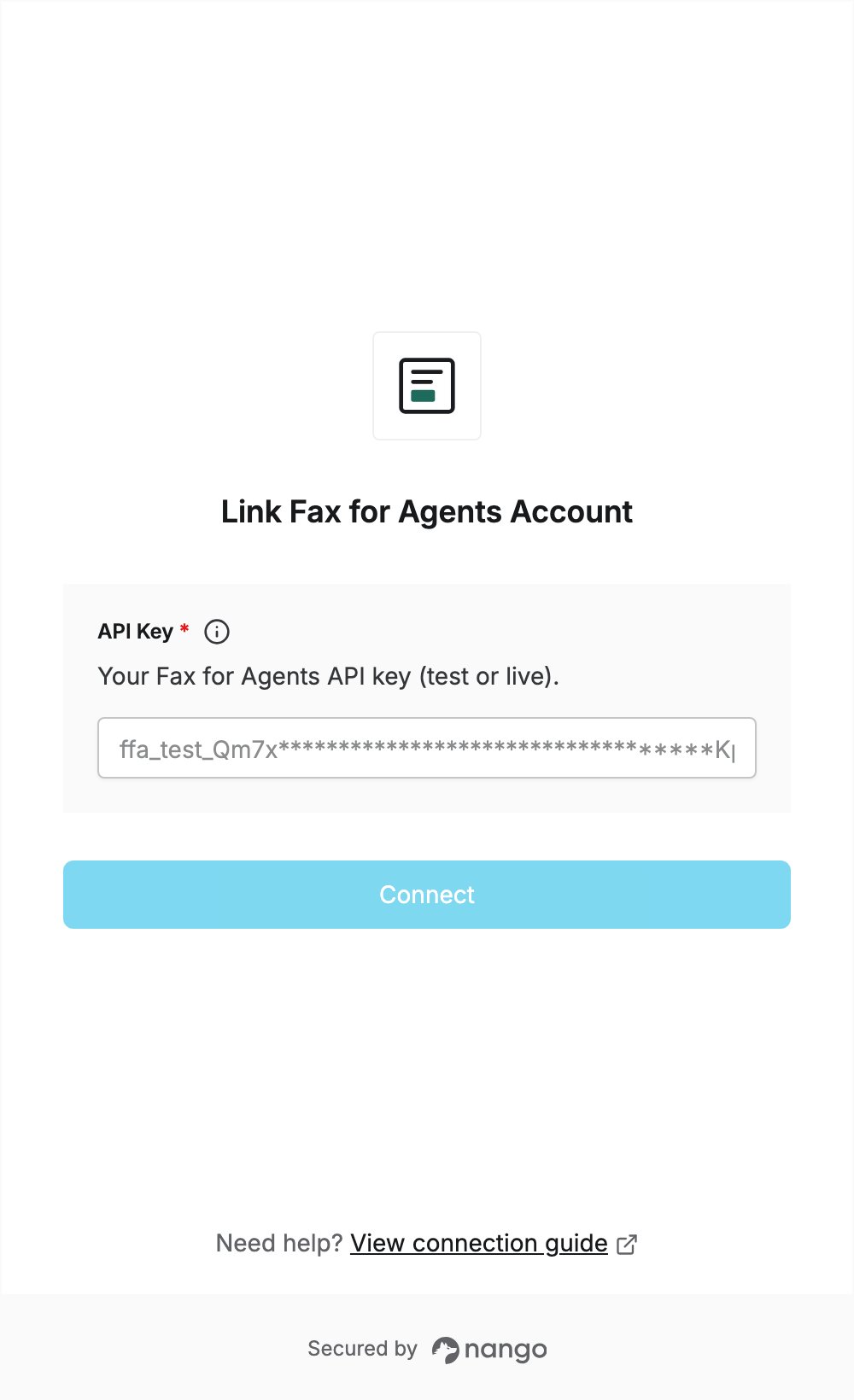
- Paste the key you copied in Step 1 into the API Key field.
- Submit the form, and you should be successfully authenticated.