Overview
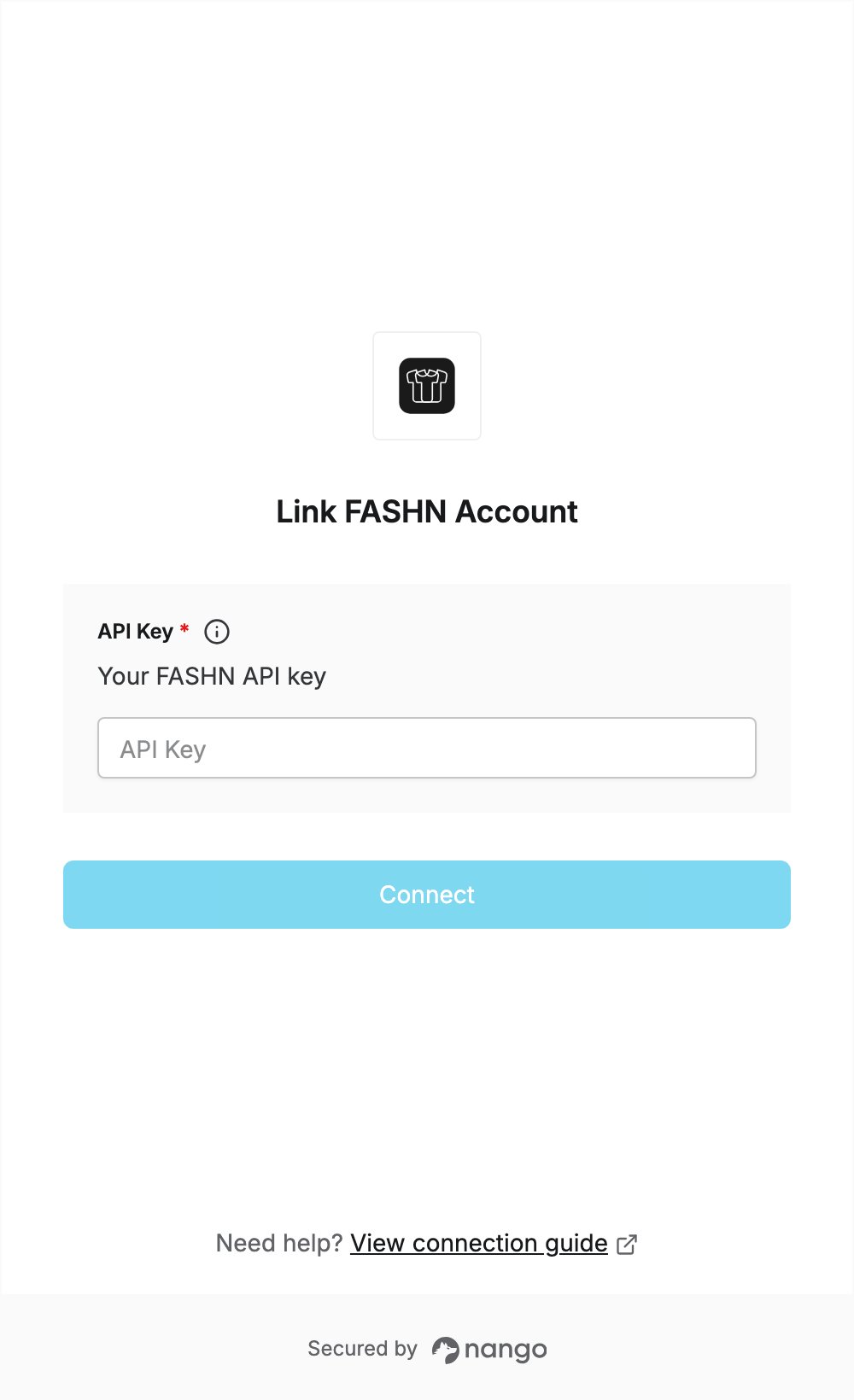
To authenticate with FASHN, you need:- API Key — a FASHN API key created in the Developer API dashboard.
Prerequisites
- A FASHN account with API credits. You must buy API credits before you can create an API key; the minimum purchase is $7.50 (100 credits).
Step 1: Buy API credits
- Sign in to FASHN.
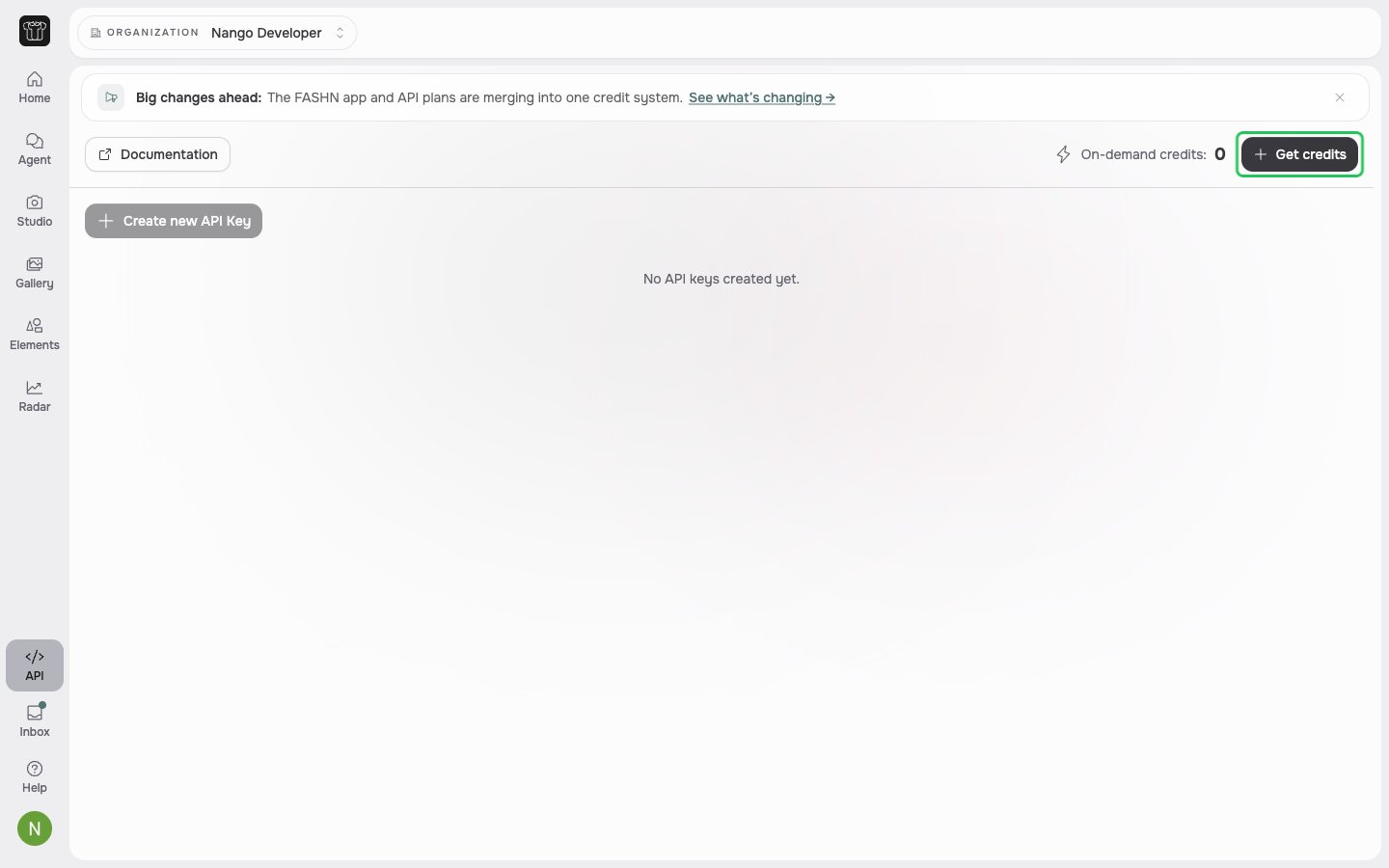
- Open the Developer API page.
- Click Get credits and buy API credits. Create new API Key stays disabled until you have on-demand credits.
Step 2: Create an API key
- On the Developer API page, click Create new API Key.
- Copy the key right away: you can’t view it again after closing the window.
Step 3: Enter your API key in the Connect UI
- Open the form where you need to authenticate with FASHN.
- In API Key, paste the key you copied in Step 2.
- Submit the form. Nango checks the key with FASHN before saving the connection.