Overview
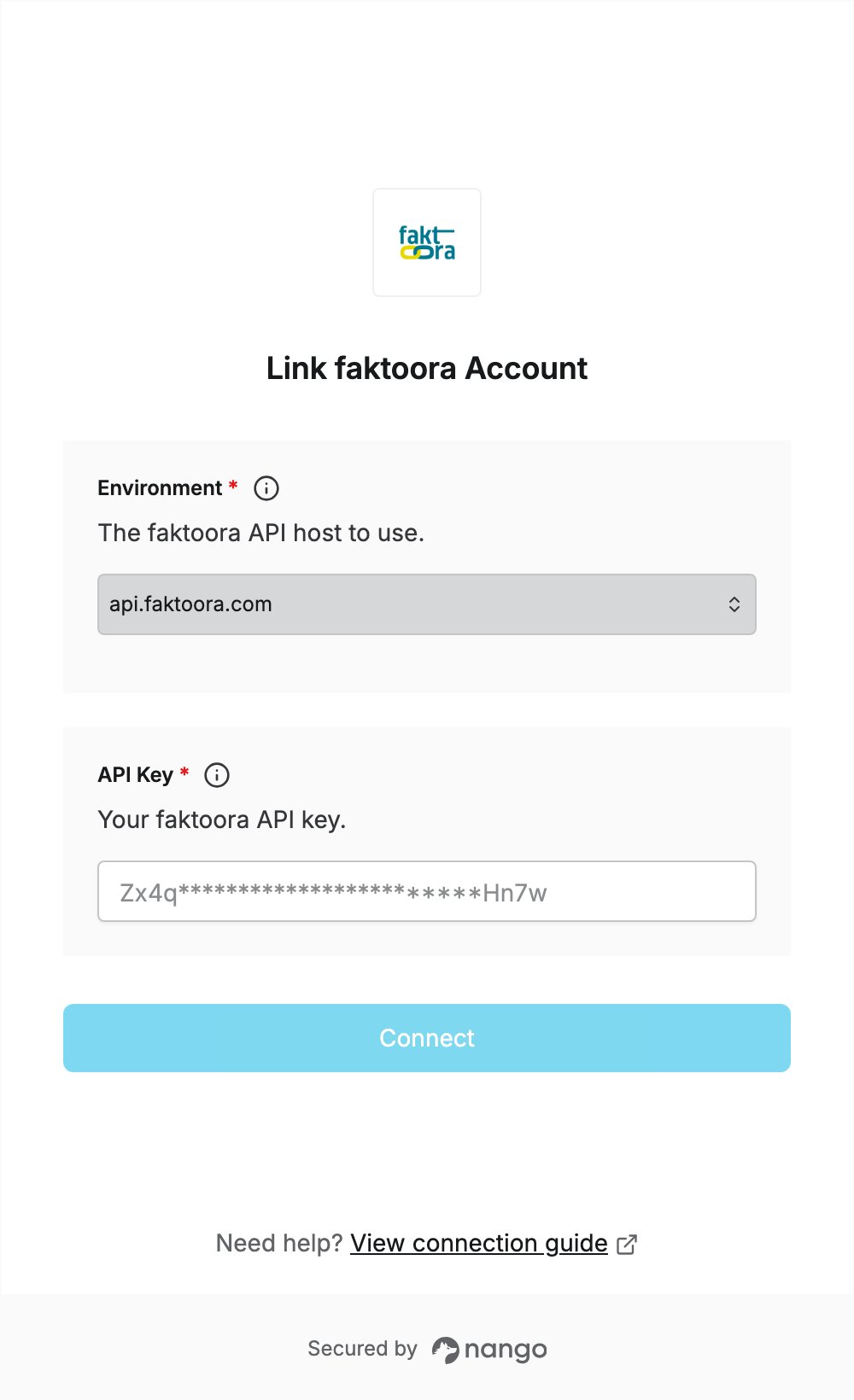
To authenticate with faktoora, you need:- Environment — the faktoora API host your account is on.
- API Key — a faktoora API key.
Prerequisites
- A faktoora account with API access. See faktoora pricing for the plans that include an API connection.
Step 1: Choose your environment
faktoora has three API hosts. Select the one you want to connect to:
Use
api.faktoora.com for your live faktoora account. faktoora provides a sandbox environment on request.
Step 2: Create an API key
- Sign in to your faktoora account.
- Click the down arrow next to your profile picture.
- Click API Access.
- Create a new API key and copy it.
Step 3: Enter your credentials in the Connect UI
- Open the form where you need to authenticate with faktoora.
- Select your Environment and enter your API Key in the designated fields.
- Submit the form, and you should be successfully authenticated.