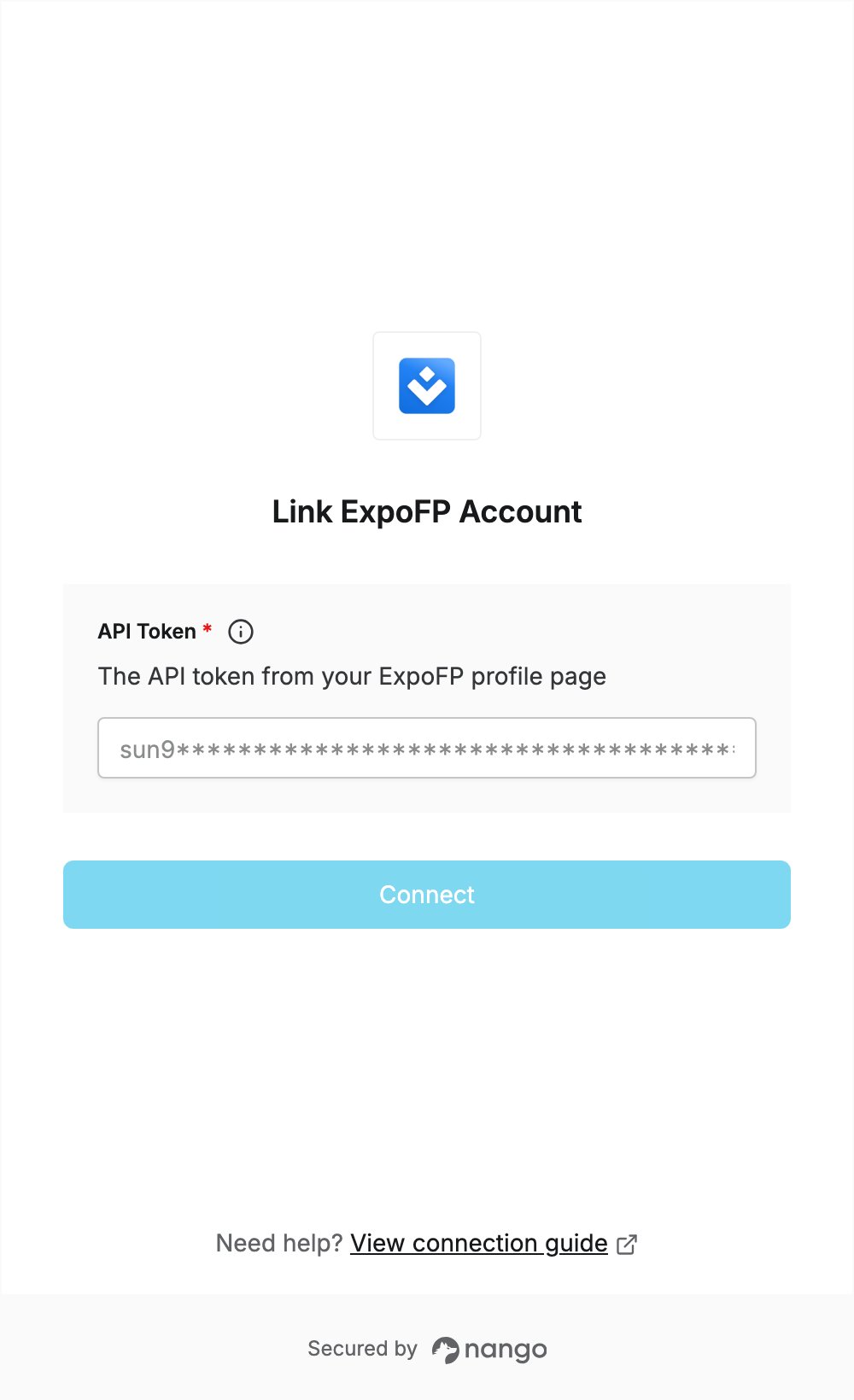
Overview
To authenticate with ExpoFP, you need:- API Token — the API token from your ExpoFP profile.
Prerequisites
- An ExpoFP account (sign up).
Step 1: Copy your API token
- Log in to ExpoFP at app.expofp.com/login.
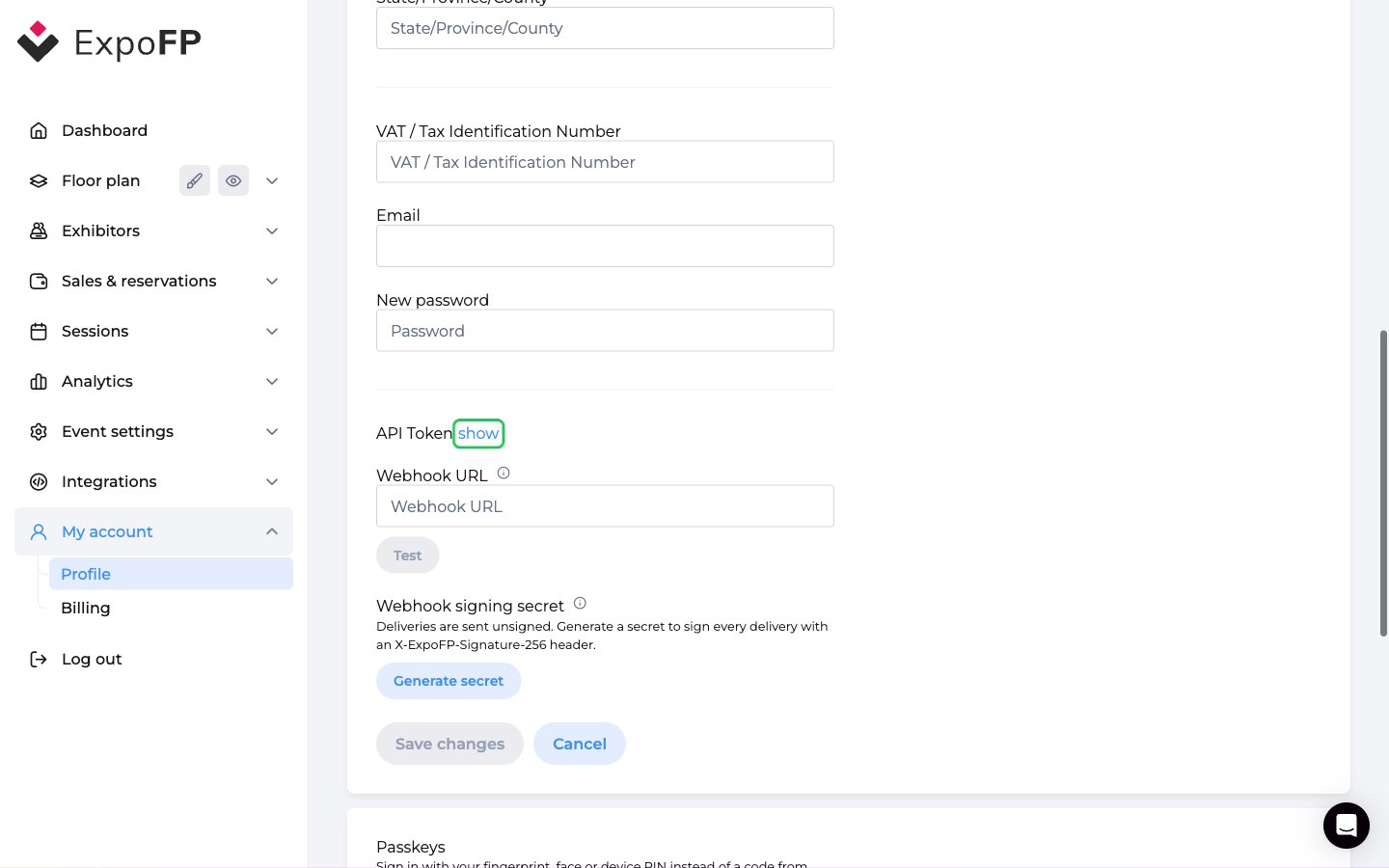
- In the left sidebar, open My account -> Profile (app.expofp.com/profile).
- Click show next to API Token.
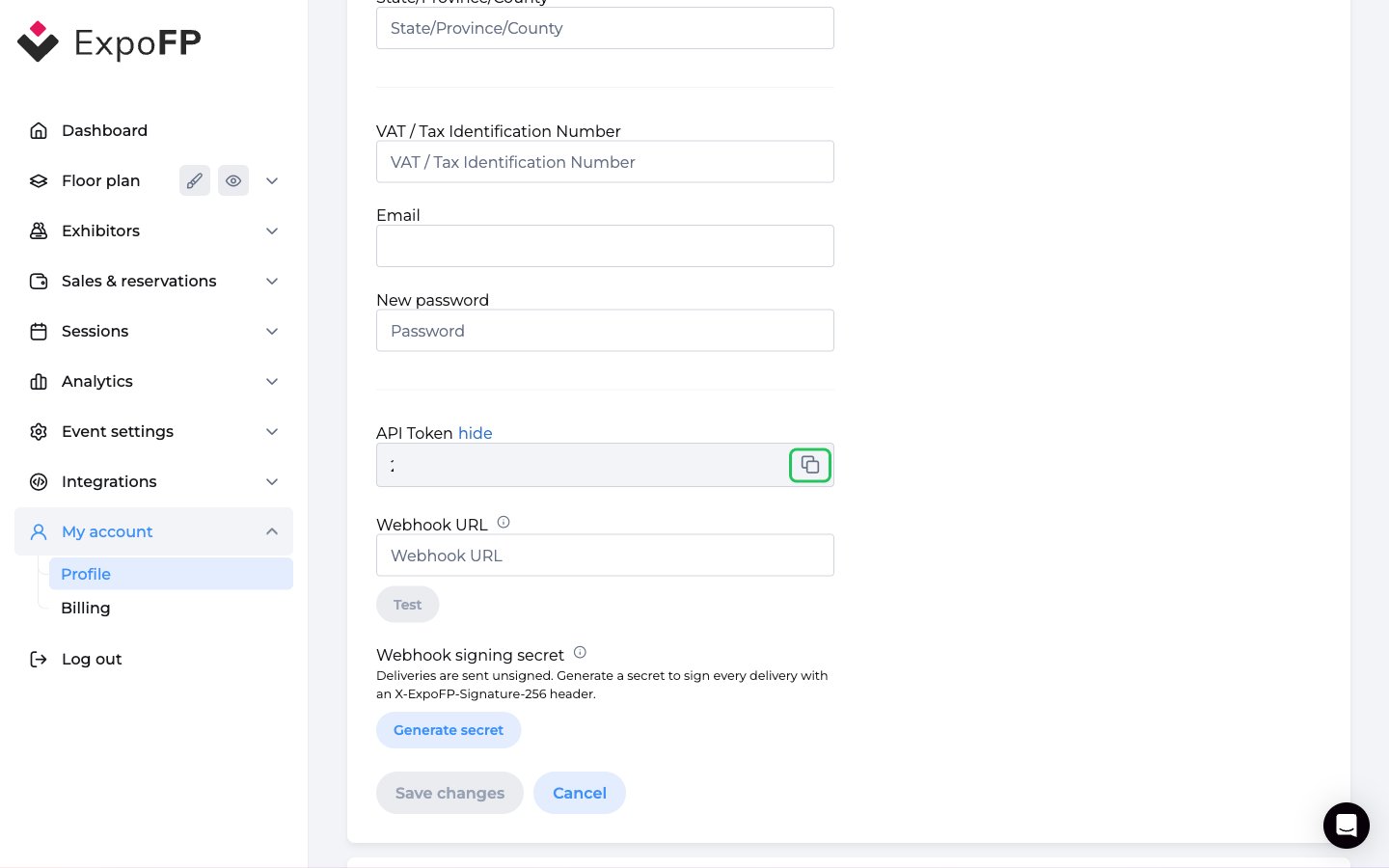
- Copy the token with the copy button next to the field.
Step 2: Enter your API token in the Connect UI
- Open the form where you need to authenticate with ExpoFP.
- Paste the token into the API Token field.
- Submit the form.