Overview
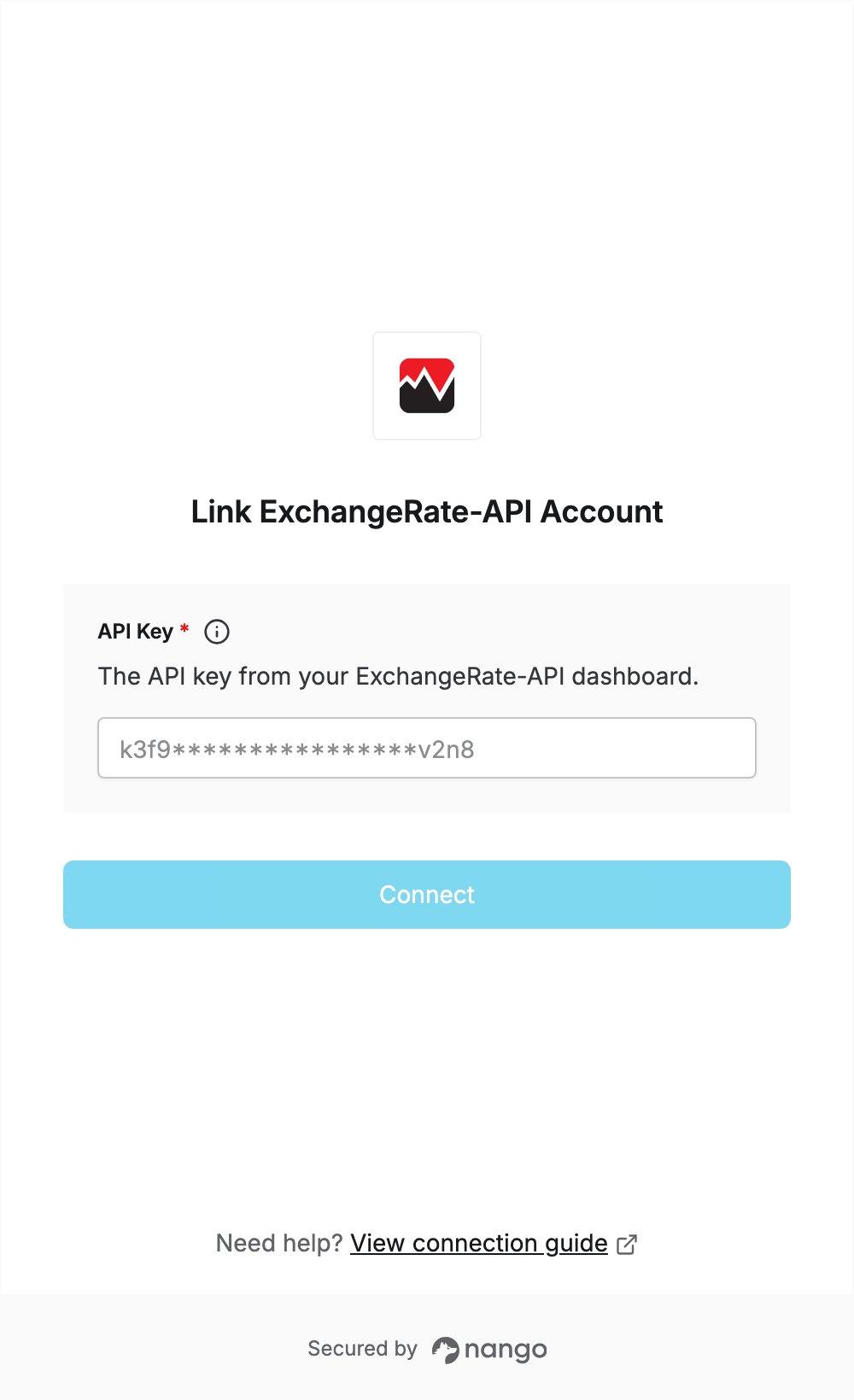
To authenticate with ExchangeRate-API, you need:- API Key — the API key from your ExchangeRate-API dashboard.
Prerequisites
- An ExchangeRate-API account. The Free plan works and needs no credit card.
- The Enriched Data and Historical Data endpoints need a Pro, Business or Volume plan.
Step 1: Copy your API key
- Sign up with your email address and a password.
- Open the confirmation link in the Confirm Email Address email from ExchangeRate-API. Your API key is active once your email is confirmed.
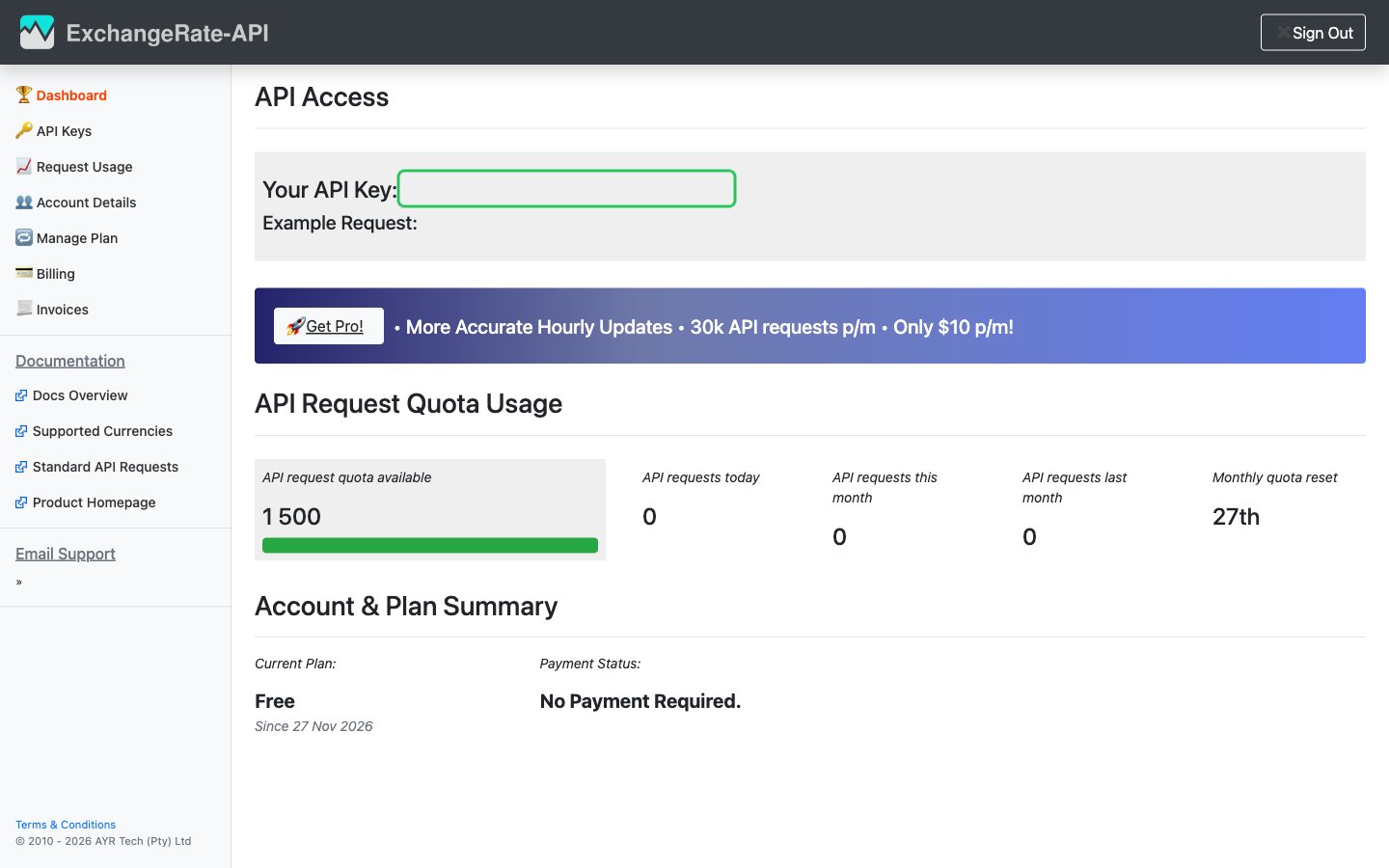
- Sign in to the ExchangeRate-API dashboard and copy the key shown under API Access -> Your API Key.
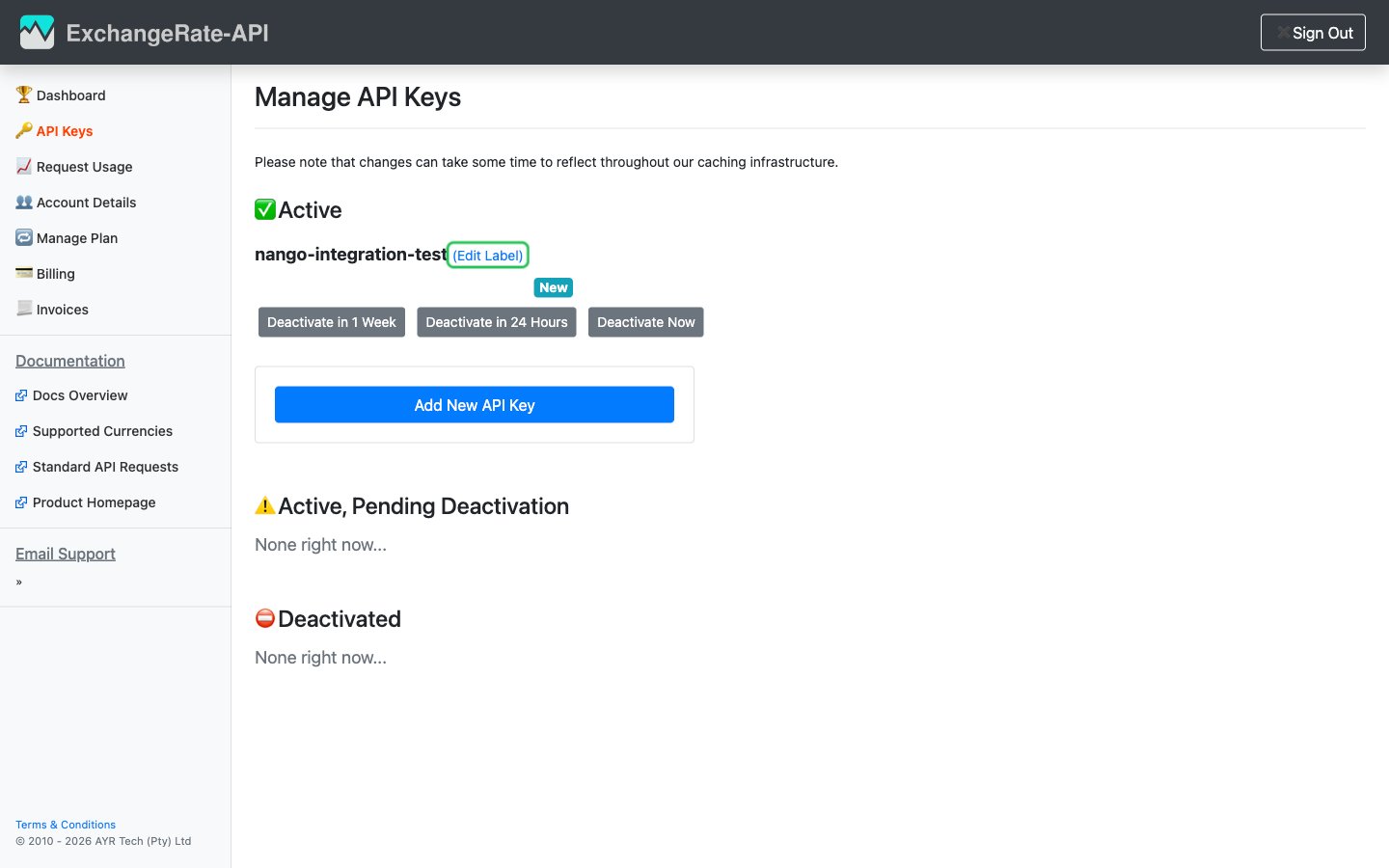
- Optional: open API Keys to label the key with Edit Label, or click Add New API Key to create a separate key for this connection.
Step 2: Enter your API key in the Connect UI
- Open the form where you need to authenticate with ExchangeRate-API.
- Paste the key you copied in Step 1 into the API Key field.
- Submit the form. Nango checks the key with ExchangeRate-API and saves the connection.