Overview
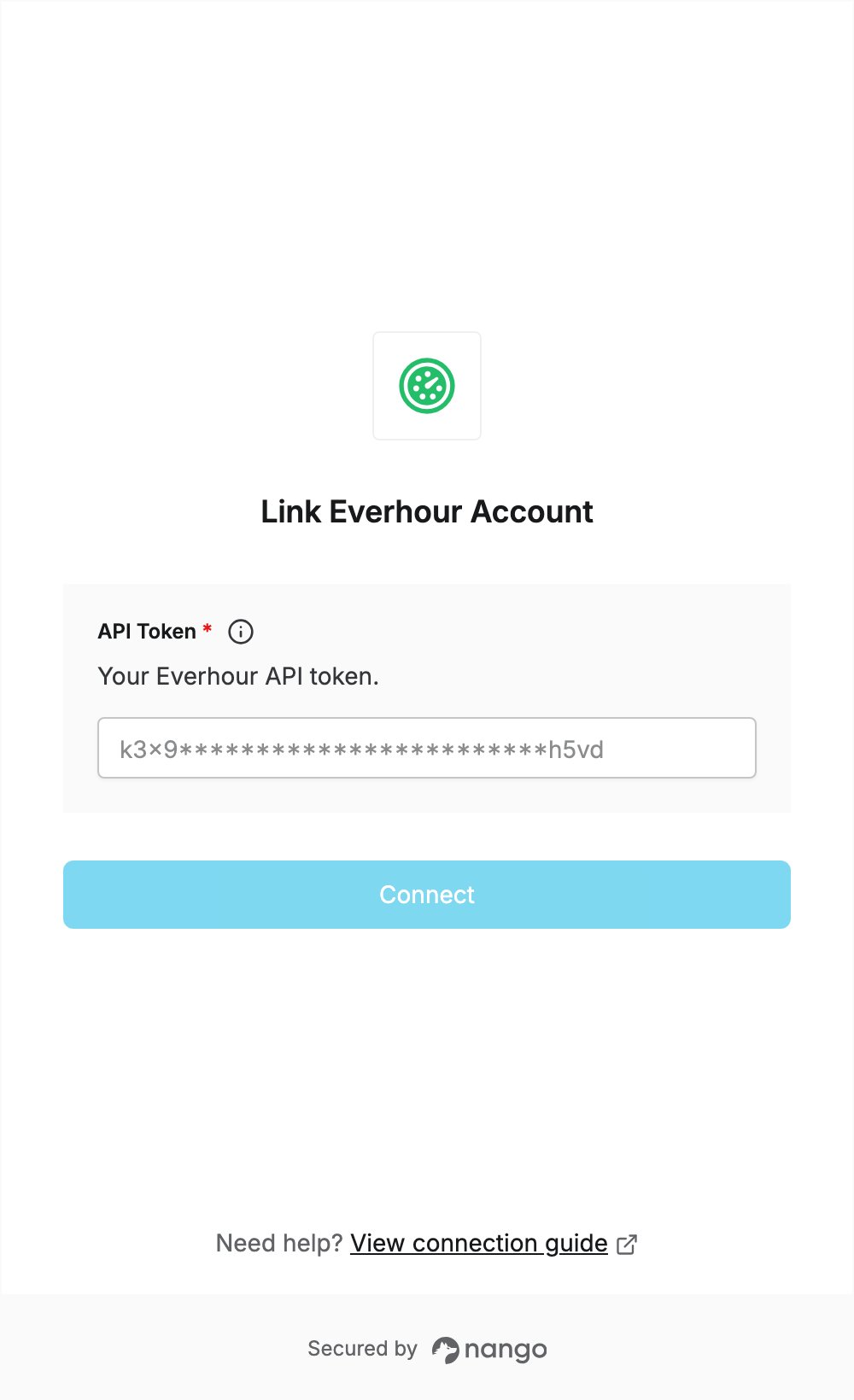
To authenticate with Everhour, you need:- API Token — the personal API token of your Everhour user.
Prerequisites
- An Everhour account. Each user has one token, and it has the same permissions as that user’s role.
Step 1: Copy your API token
- Sign in to Everhour.
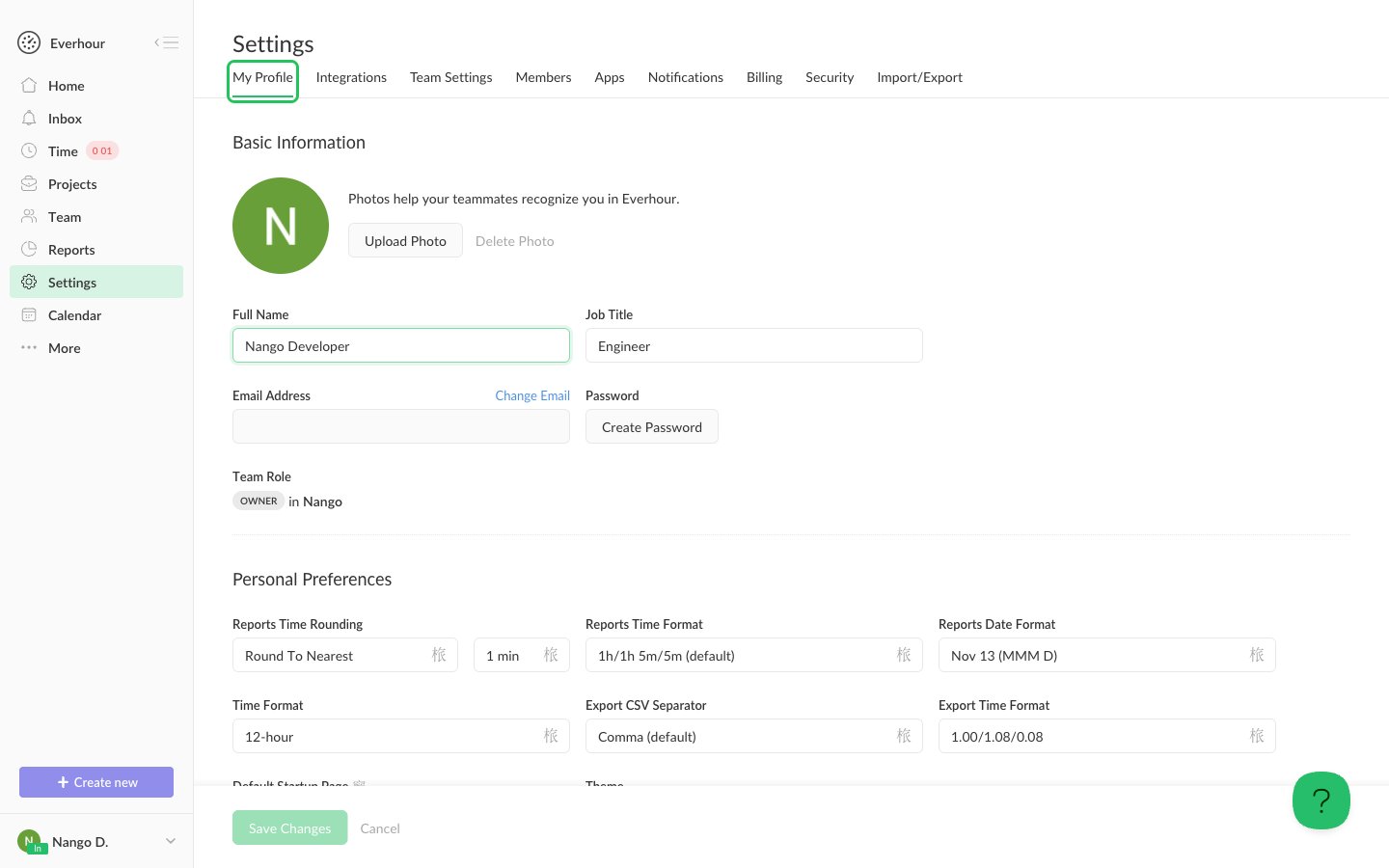
- Click Settings in the left sidebar, then open the My Profile tab.
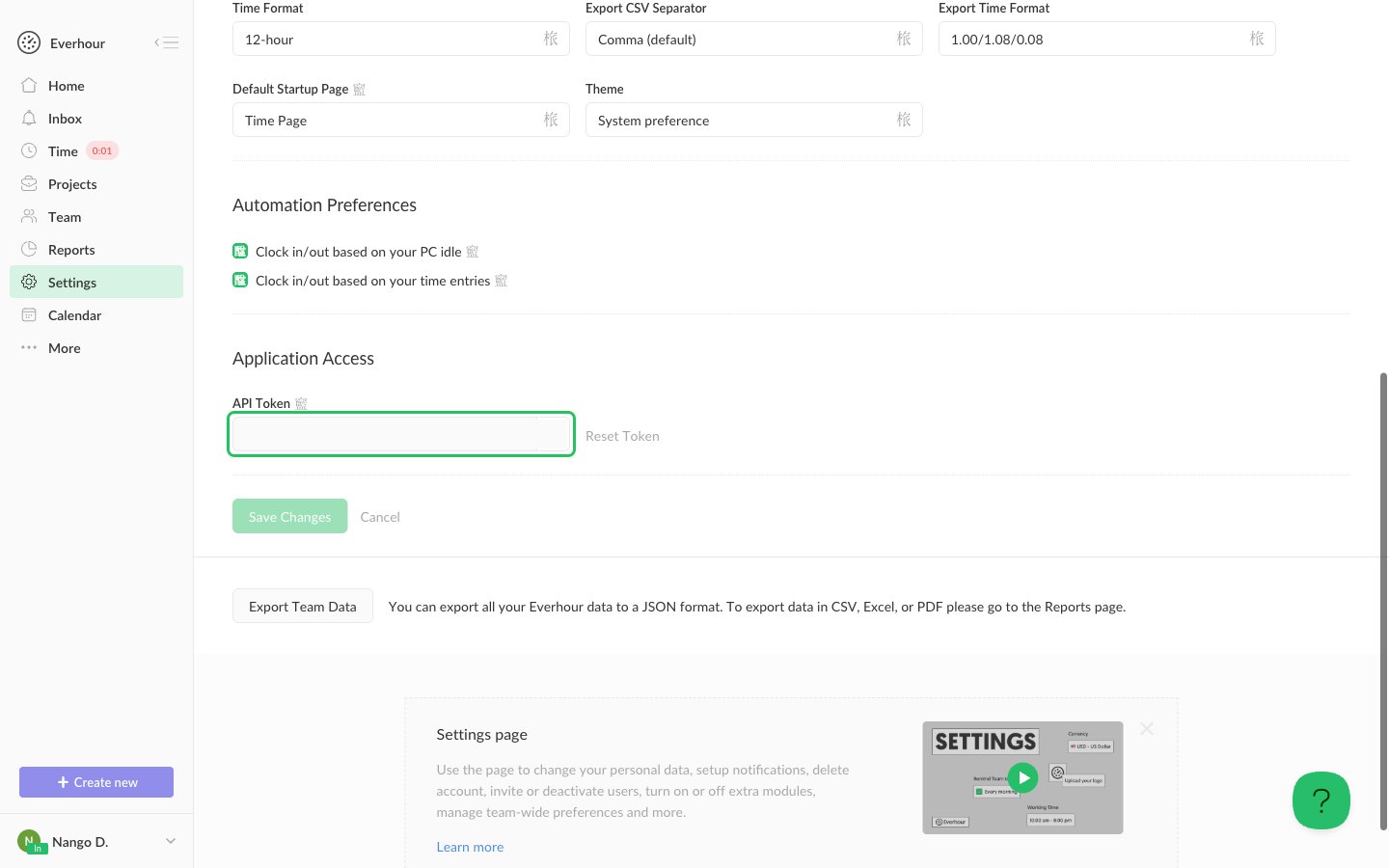
- Scroll down to the Application Access section and copy the value of the API Token field. Only click Reset Token if you want to replace the token.
Step 2: Enter your API token in the Connect UI
- Open the form where you need to authenticate with Everhour.
- Paste the token you copied in Step 1 into the API Token field.
- Submit the form, and you should be successfully authenticated.