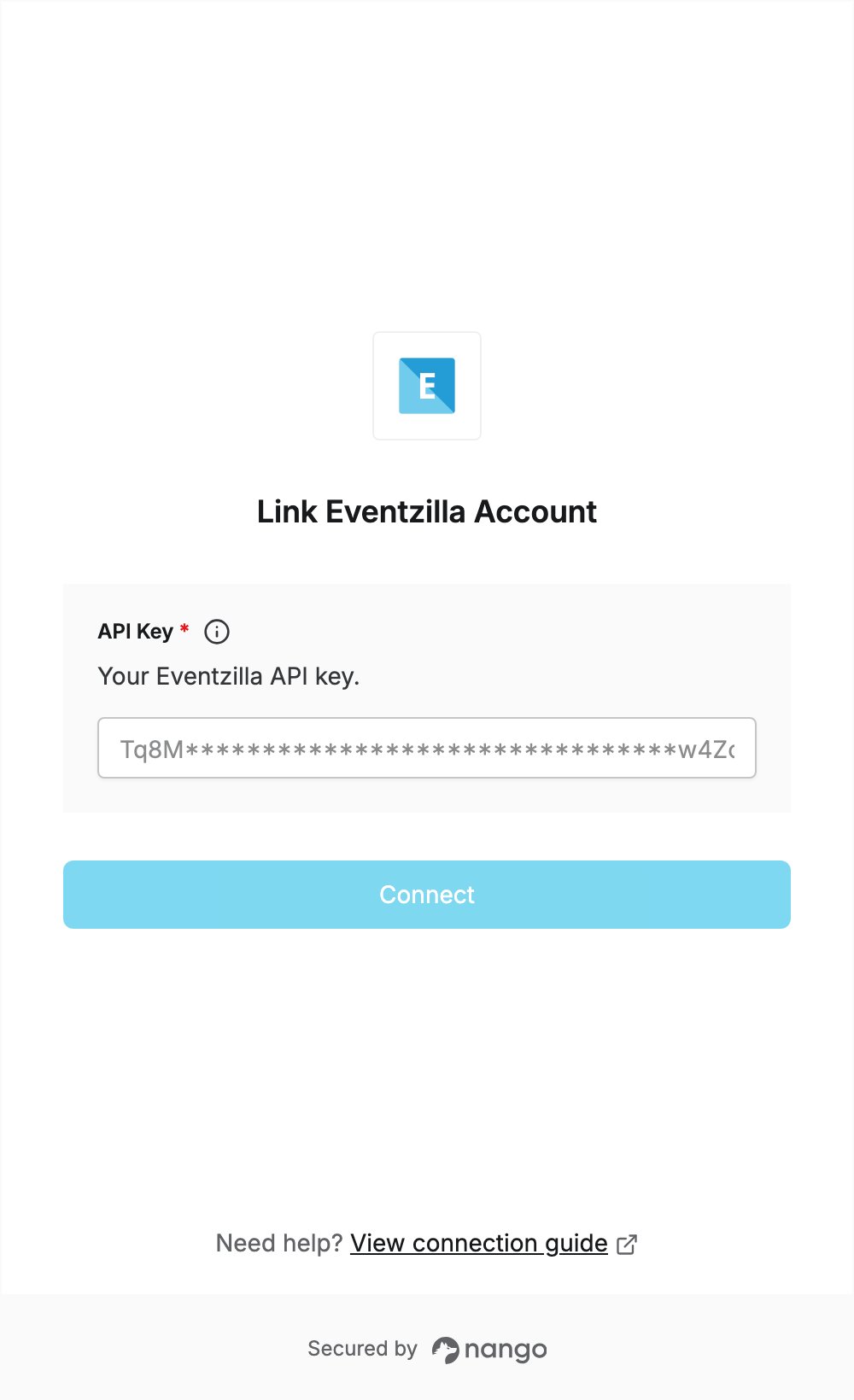
Overview
To authenticate with Eventzilla, you need:- API key — a key generated under API credentials in your Eventzilla settings.
Prerequisites
- An Eventzilla account.
Step 1: Generate an API key
- Sign in to Eventzilla.
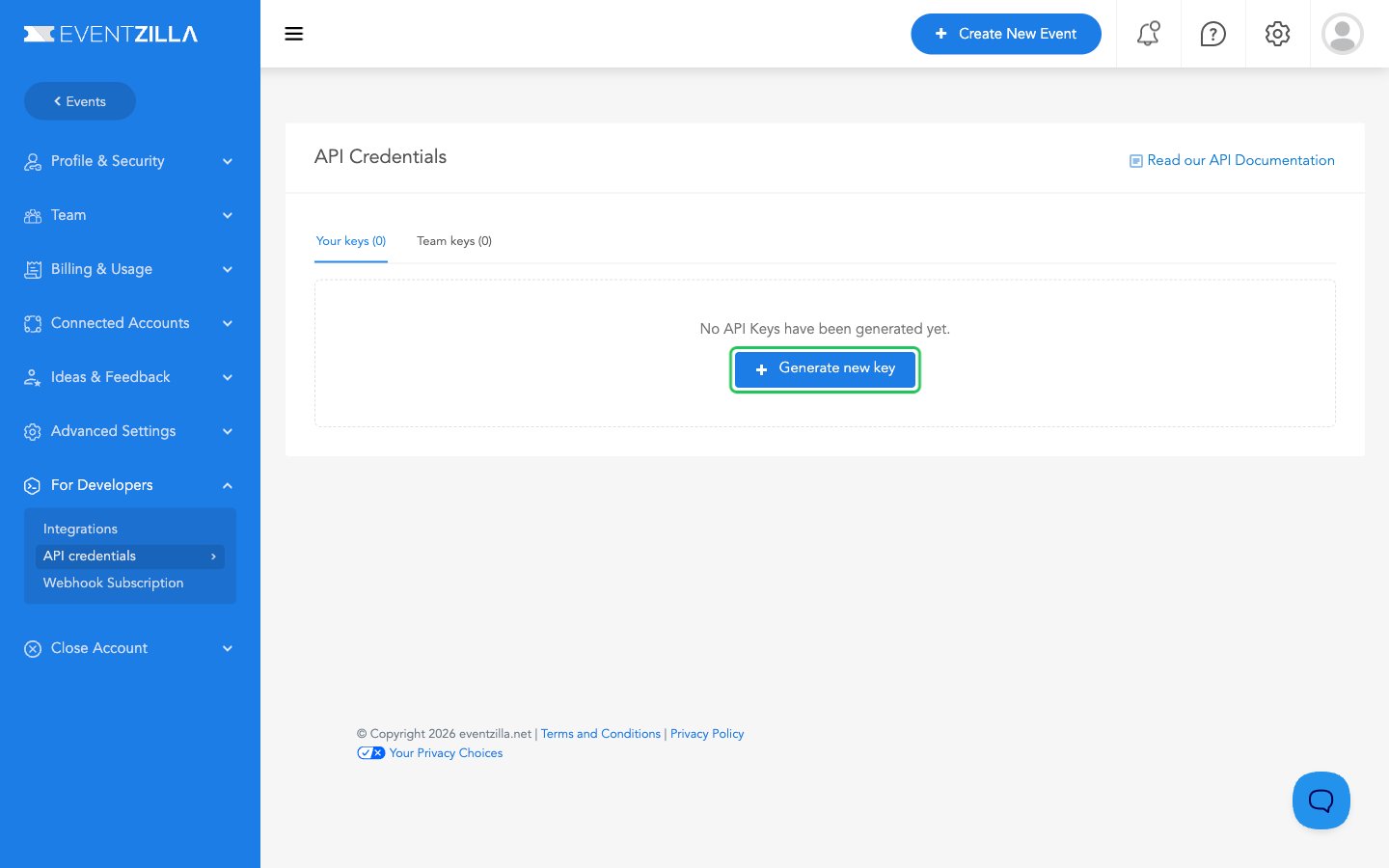
- Open Settings, then go to For Developers > API credentials and click Generate new key.
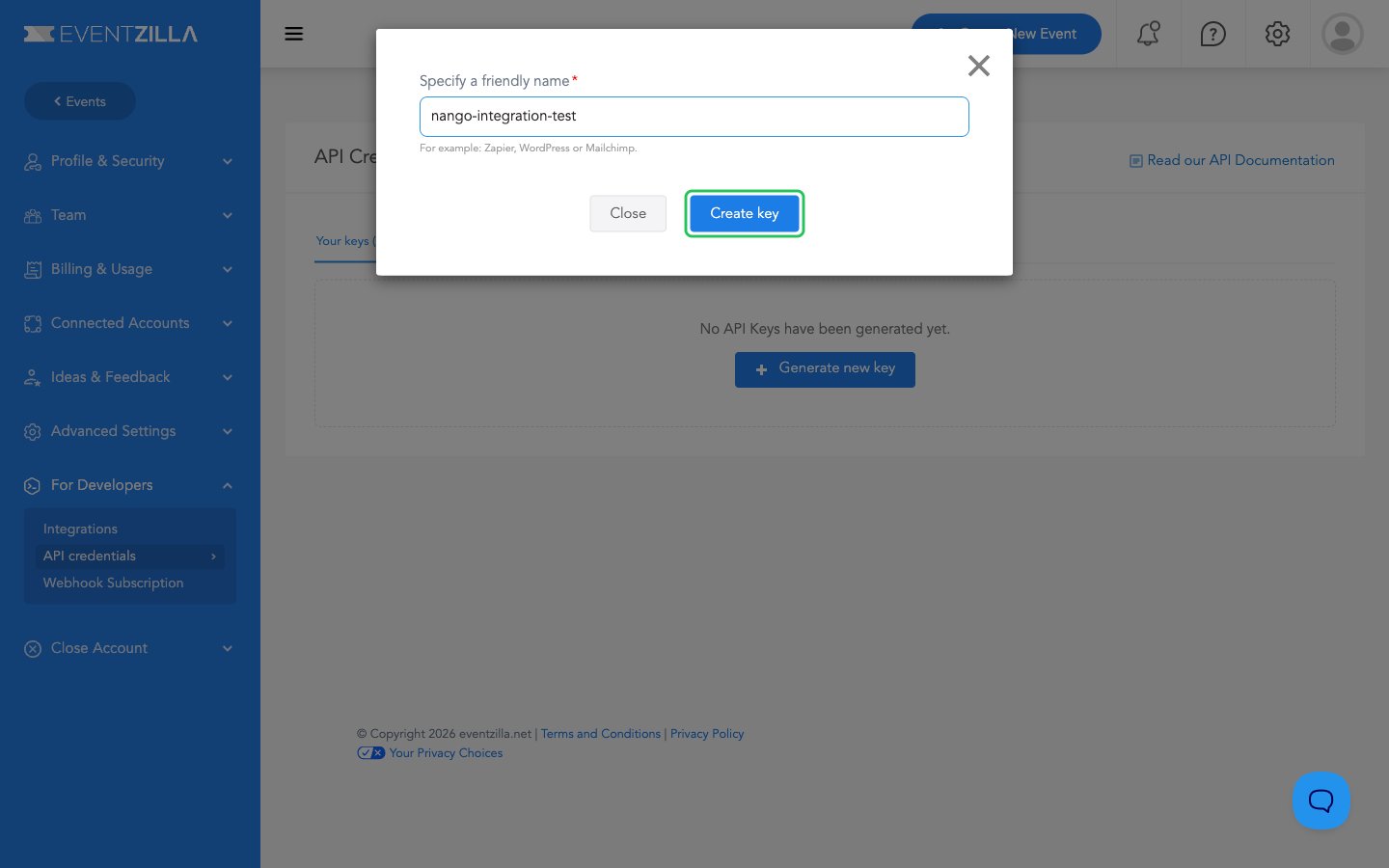
- Enter a friendly name for the key (for example,
Nango) and click Create key.
- In the Copy your API key now dialog, click Copy. Eventzilla shows the full key only in this dialog.
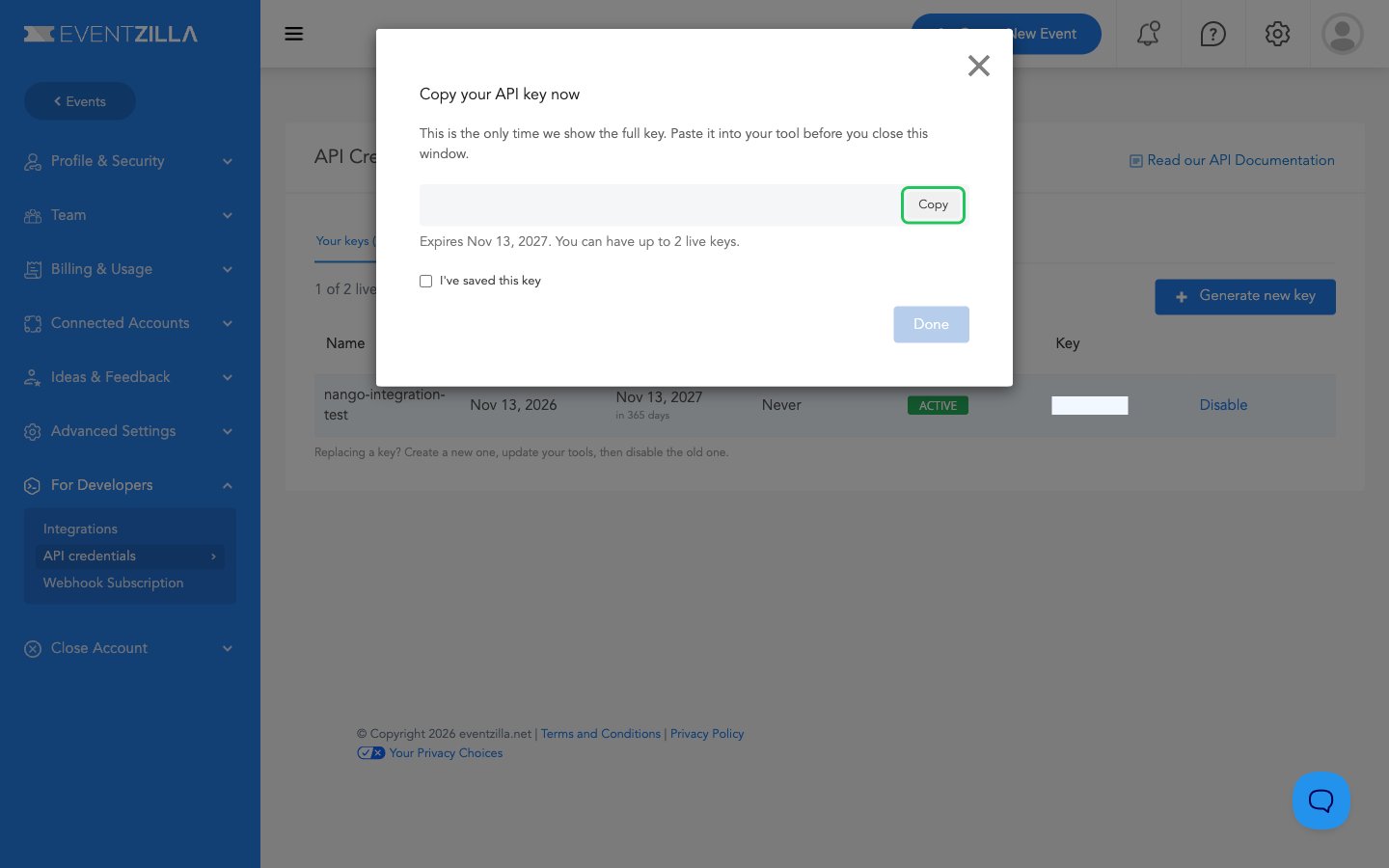
- Tick I’ve saved this key, then click Done.
Step 2: Enter your API key in the Connect UI
- Open the form where you need to authenticate with Eventzilla.
- Paste the key you copied in Step 1 into the API Key field.
- Submit the form, and you should be successfully authenticated.