Overview
To authenticate with Evenium, you need:- API Key — the access token from your Evenium profile.
Prerequisites
- An Evenium organizer account, on evenium.net or an Evenium Facility account on evenium.com.
Step 1: Copy your API key
- Sign in to Evenium.
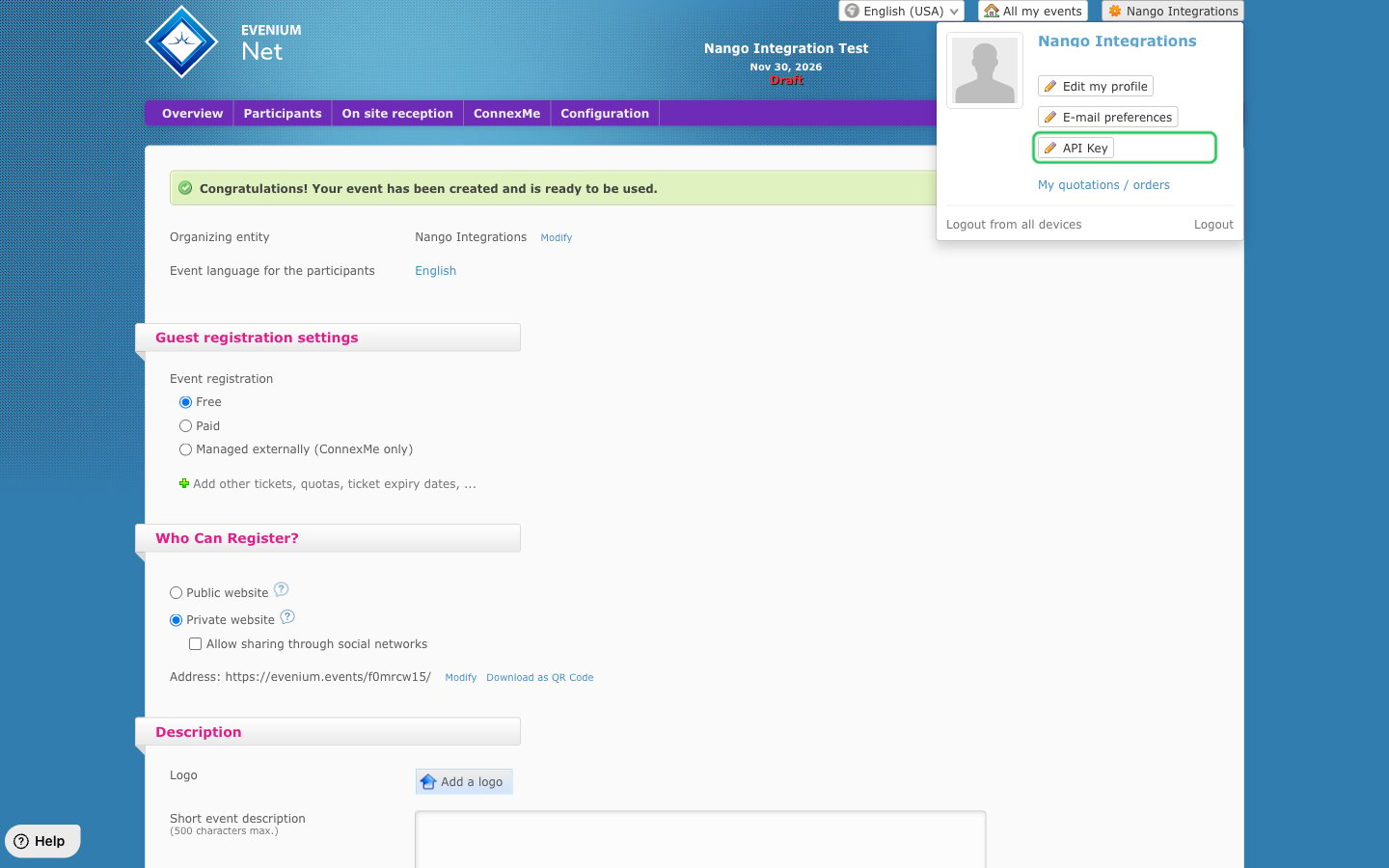
- Click your name in the top bar, then choose API Key. You can also open the API key panel directly: evenium.net or evenium.com (Facility account).
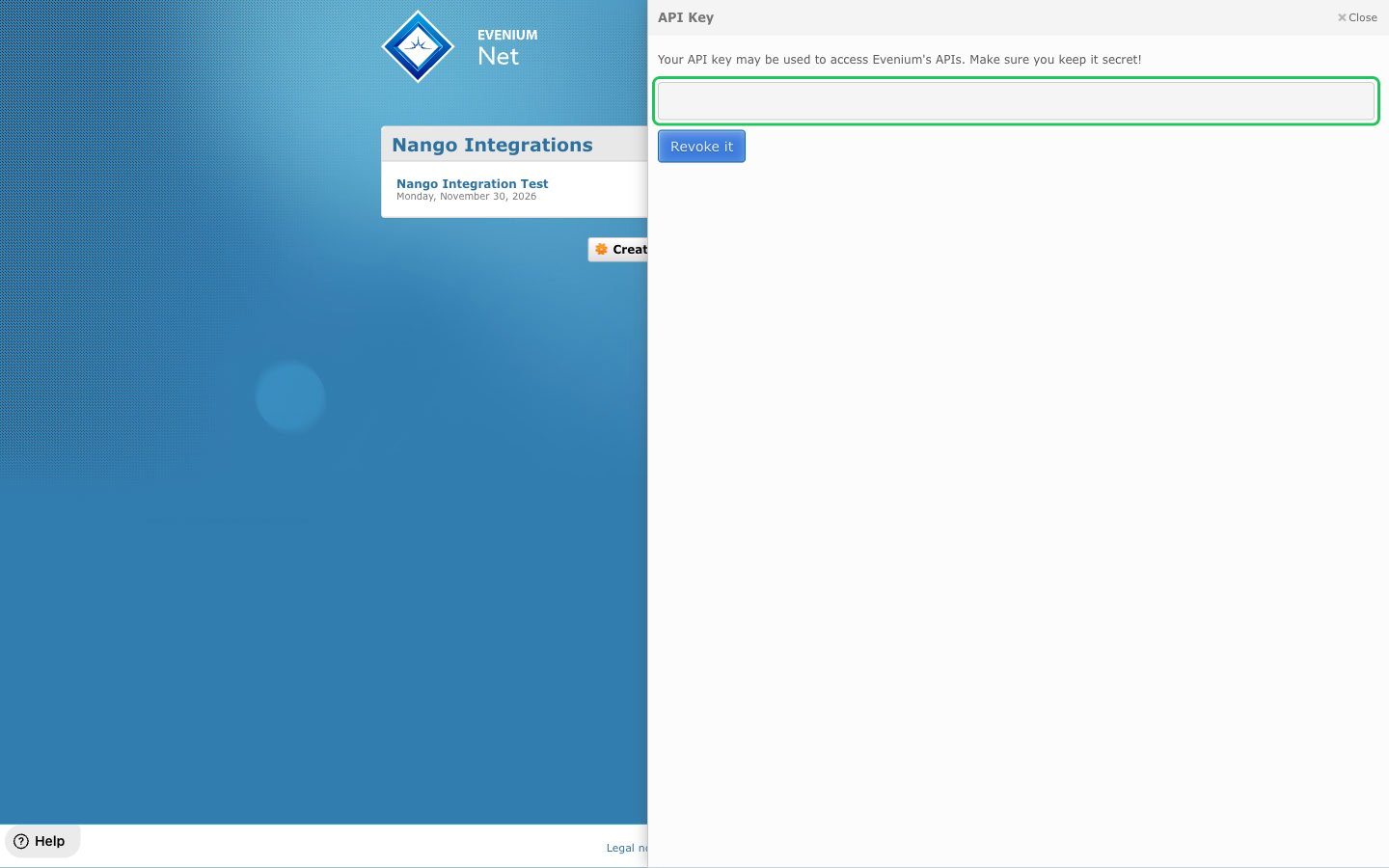
- Copy the access token shown in the API Key panel. Do not click Revoke it unless you want to replace the key with a new one.
Step 2: Enter your API key in the Connect UI
- Open the form where you need to authenticate with Evenium.
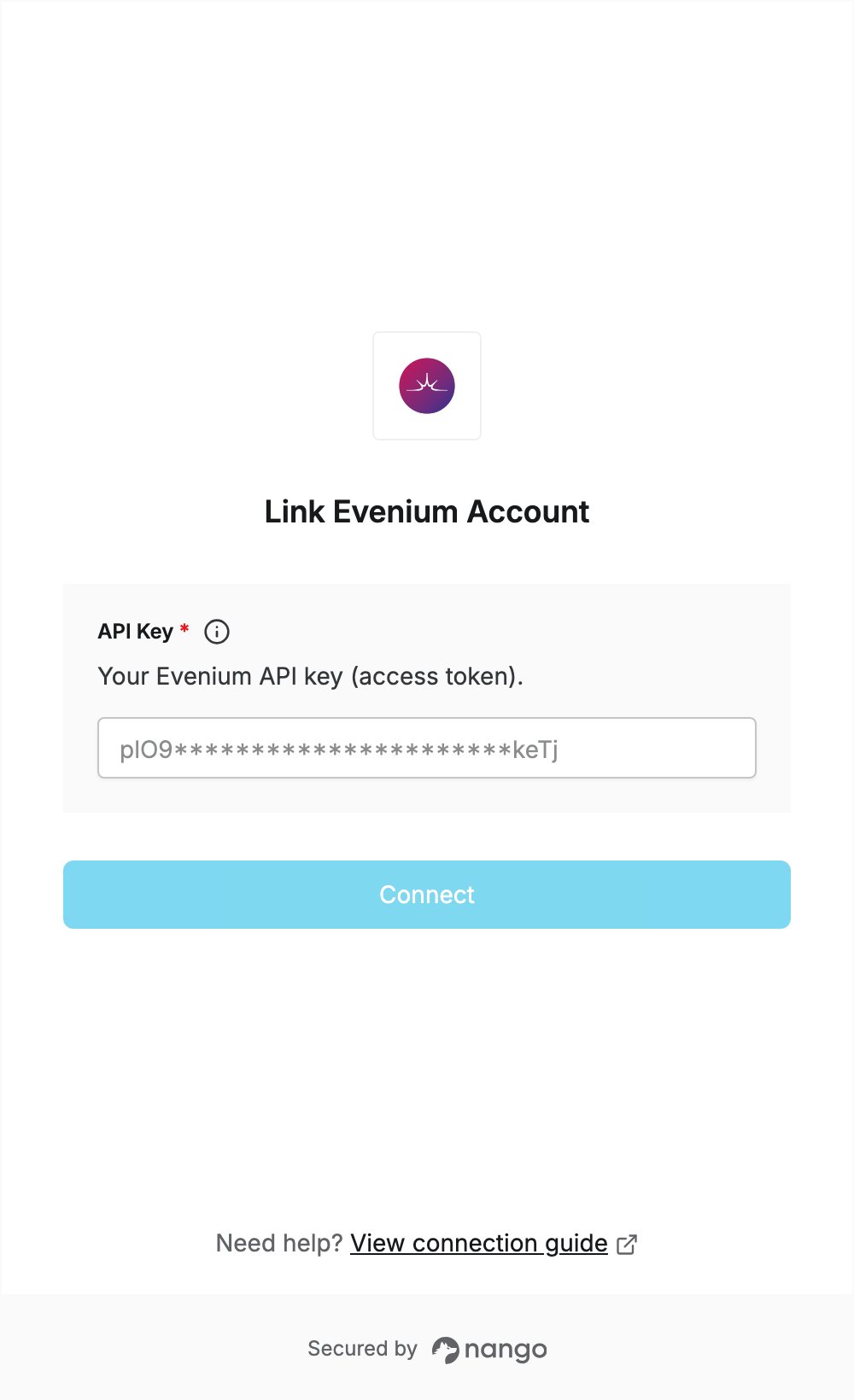
- Enter your API Key in the designated field.
- Submit the form, and you should be successfully authenticated.