Overview
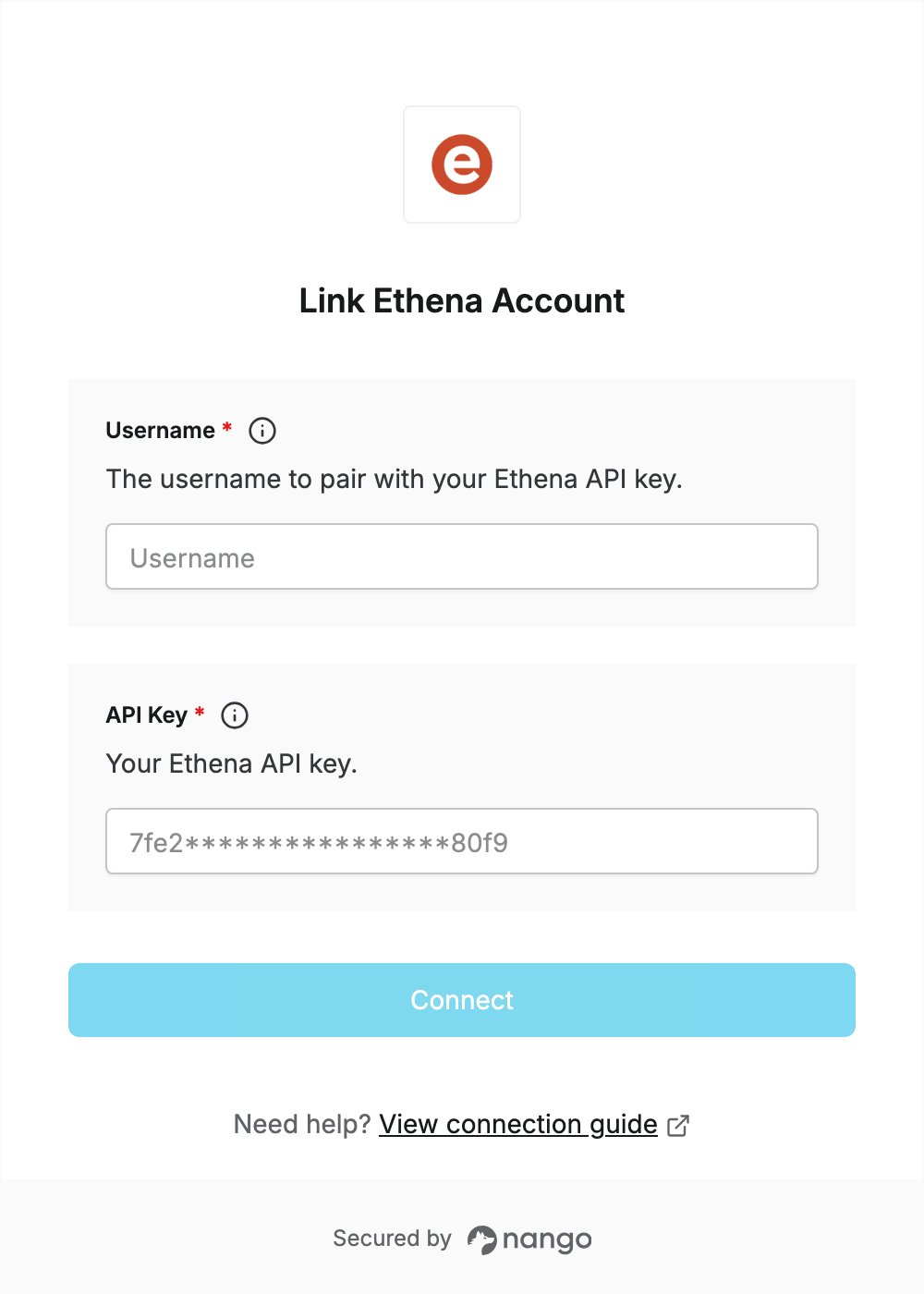
To authenticate with Ethena, you need:- Username — the username that goes with your Ethena API key.
- API Key — the API key Ethena provisions for your company.
Prerequisites
- An Ethena account with API access. Ethena does not offer self-service API keys: contact Ethena or your sales representative to get access.
Step 1: Get your API credentials
- Contact your Ethena sales representative and ask for API access.
- Your representative provisions an API key and shares it with you.
- Ethena’s API docs do not say what the username is, so ask your representative for the username to use with the API key as well.
Step 2: Enter your credentials in the Connect UI
- Open the form where you need to authenticate with Ethena.
- Enter your username in the Username field.
- Enter your API key in the API Key field.
- Submit the form, and you should be successfully authenticated.