Overview
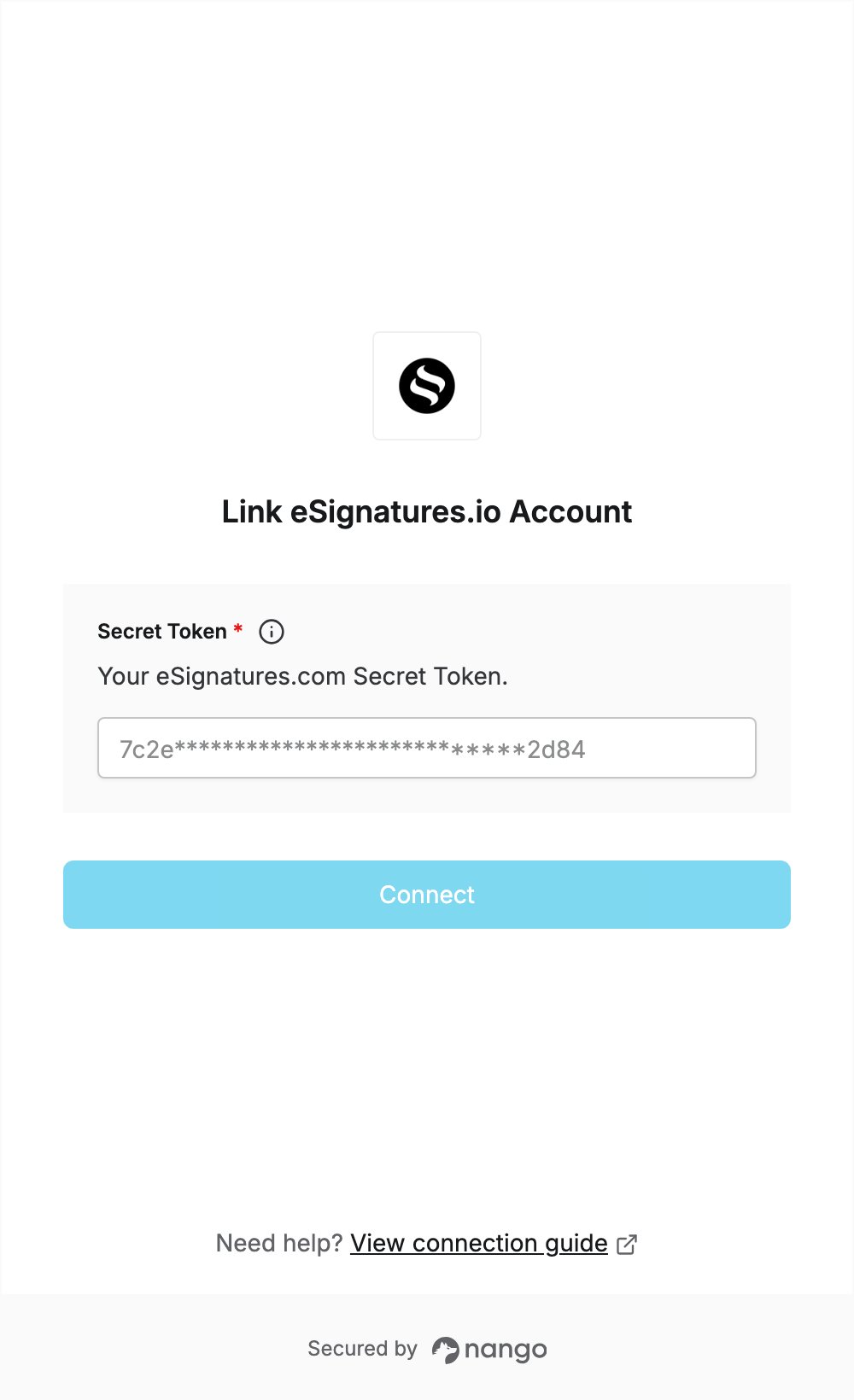
To authenticate with eSignatures.io, you need:- Secret Token - the API token of your eSignatures.com account.
Prerequisites
- An eSignatures.com account. You can create a free account for testing and development.
Step 1: Copy your Secret Token
- Log in to your eSignatures.com account.
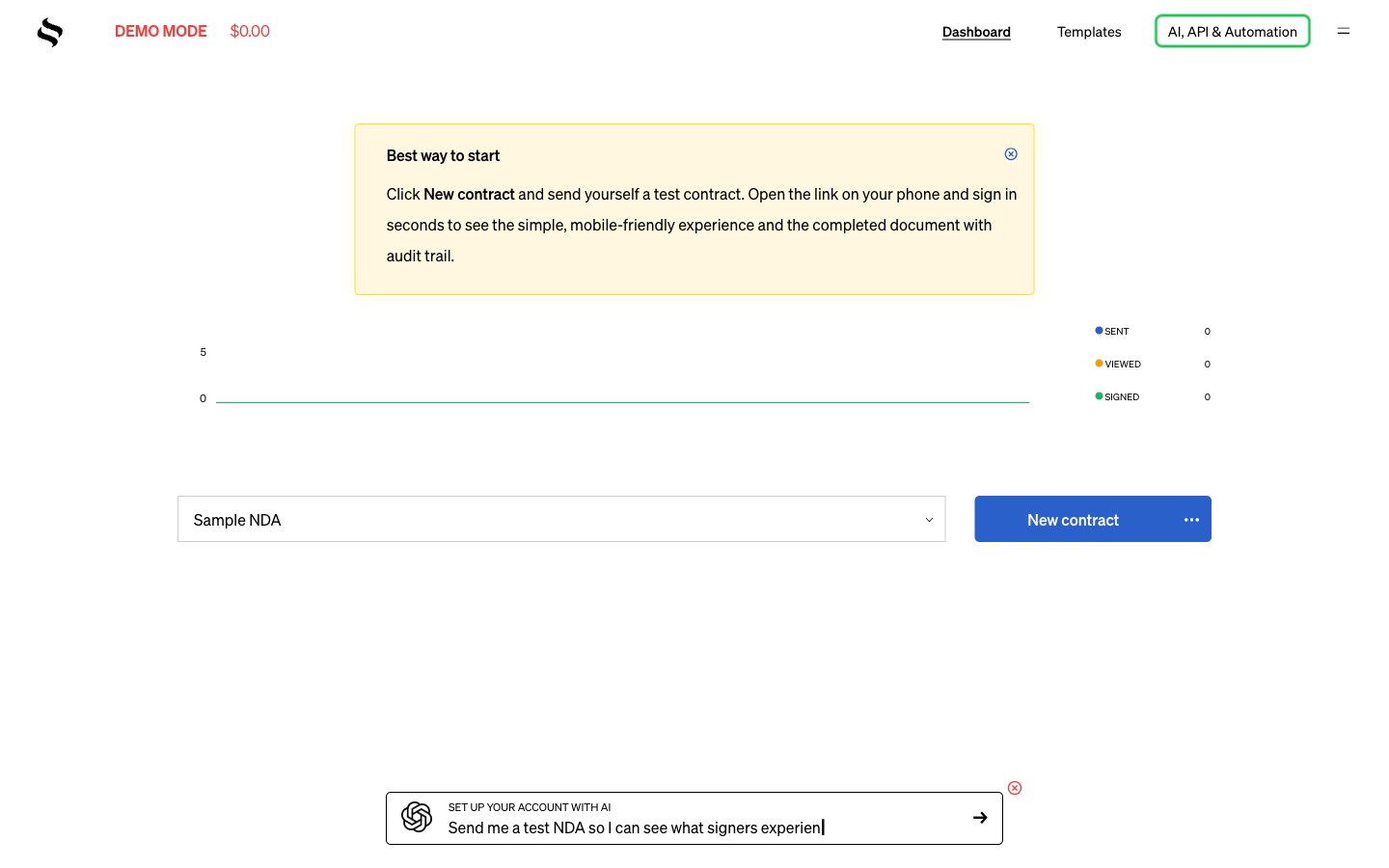
- In the top navigation, click AI, API & Automation.
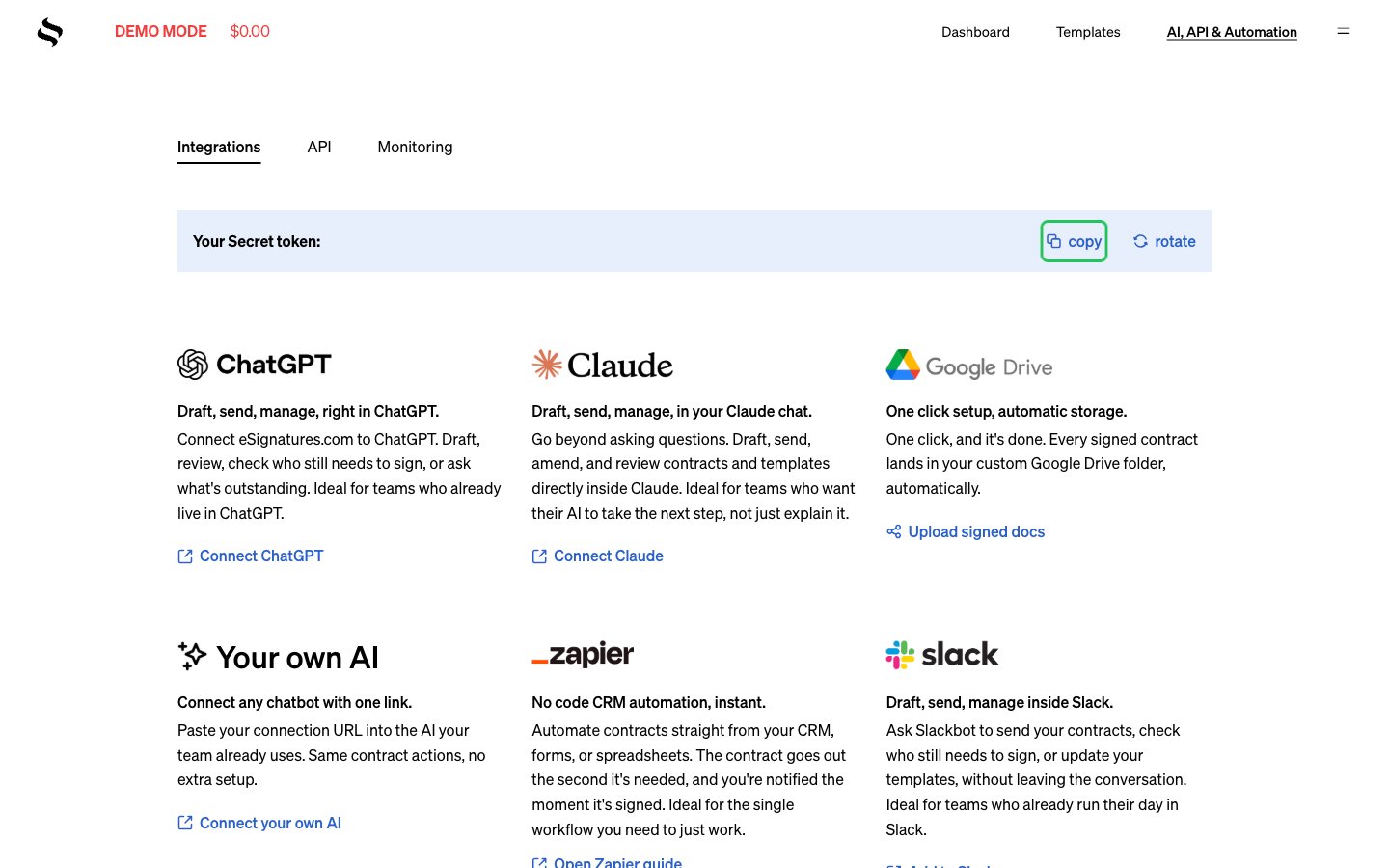
- Next to Your Secret token, click copy.
Step 2: Enter your Secret Token in the Connect UI
- Open the form where you need to authenticate with eSignatures.io.
- Paste the token you copied in Step 1 into the Secret Token field.
- Submit the form, and you should be successfully authenticated.