Overview
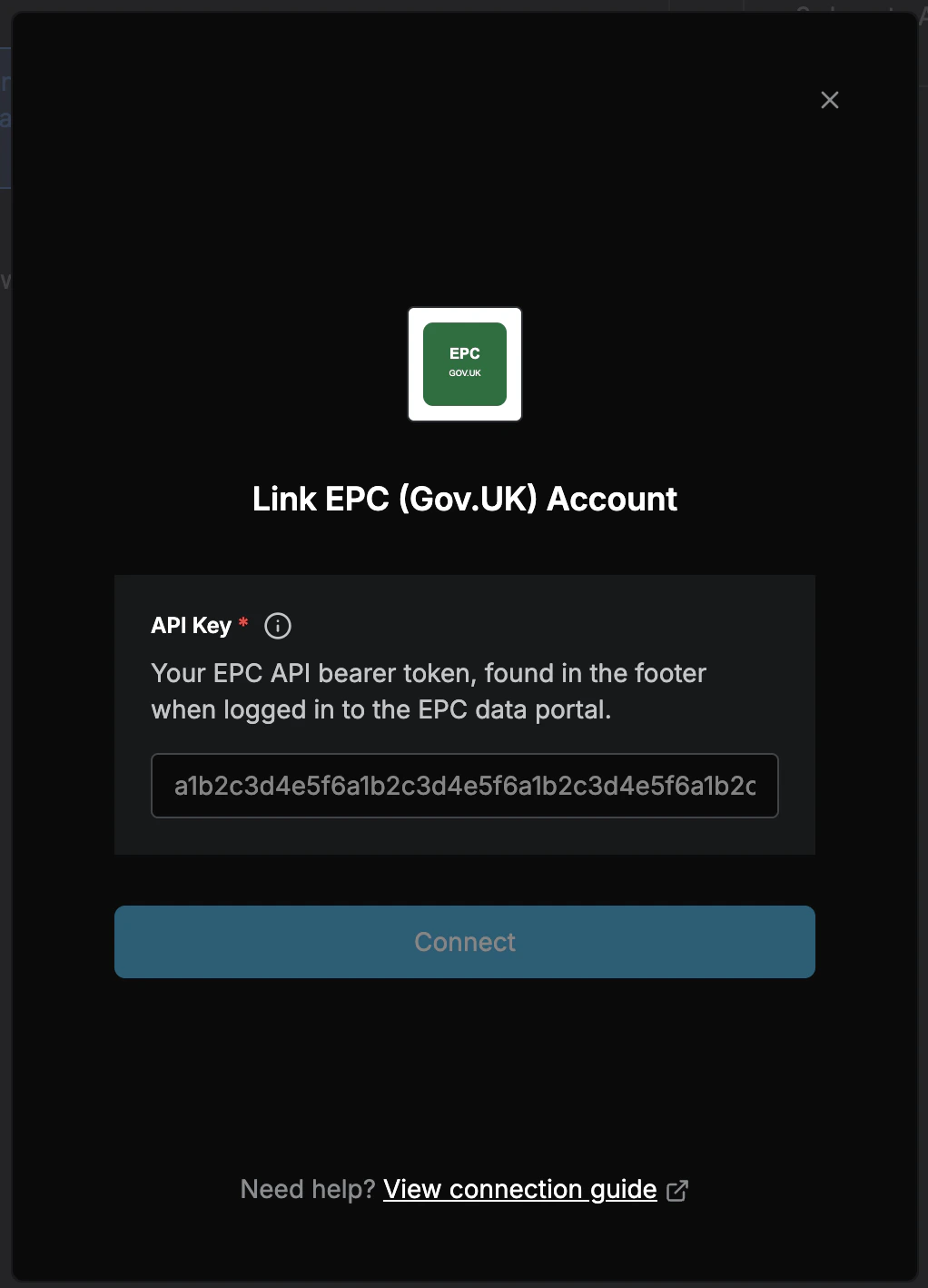
To authenticate with the Energy Performance Certificates (Gov.UK) API, you need:- API Key - A bearer token issued by the EPC data service when you register.
Prerequisites
- A registered account on the Get energy performance of buildings data service.
Instructions
Step 1: Finding Your API Key
Note: This API is provided by the UK Ministry of Housing, Communities and Local Government (MHCLG) for accessing Energy Performance Certificate data for England and Wales. Access is free but requires registration.
- Visit https://get-energy-performance-data.communities.gov.uk and register for an account if you don’t already have one.
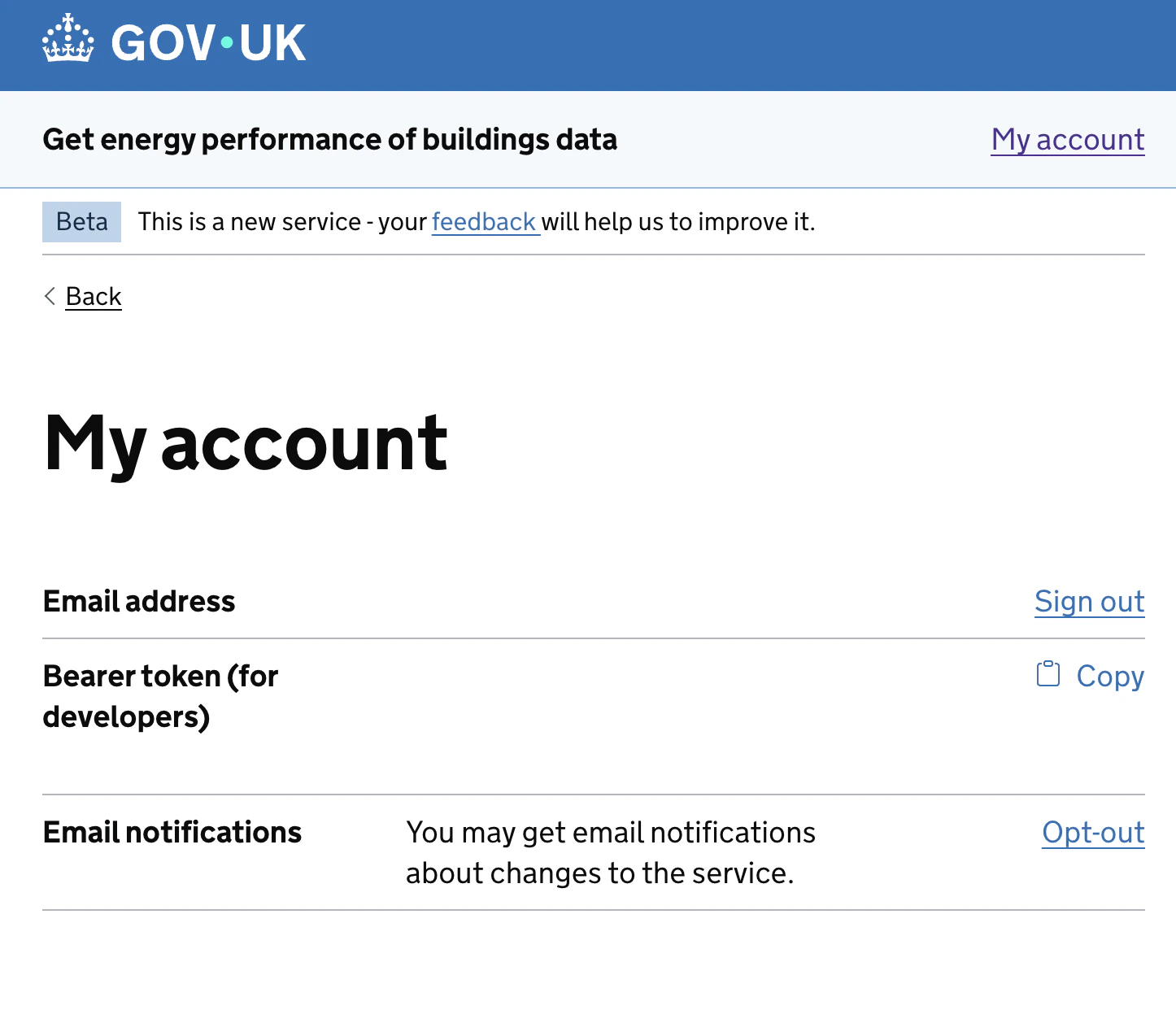
- Once registered, log in and navigate to ‘My Account’.
- Your API Key is displayed in the page footer. Copy the value from Bearer token (for developers).
Step 2: Enter credentials in the Connect UI
Once you have your API Key:- Open the form where you need to authenticate with the EPC API.
- Enter your API Key in the API Key field.
- Submit the form, and you should be successfully authenticated.