Overview
To authenticate with Envoice, you need:- Environment - The Envoice environment your connection uses.
Prerequisites
- An Envoice account with access to the company you want to connect.
Instructions
Step 1: Choose your environment
Envoice has two environments:
The environment must match the credentials of the Envoice integration in Nango. Production credentials do not work against the sandbox, and development credentials do not work against production.
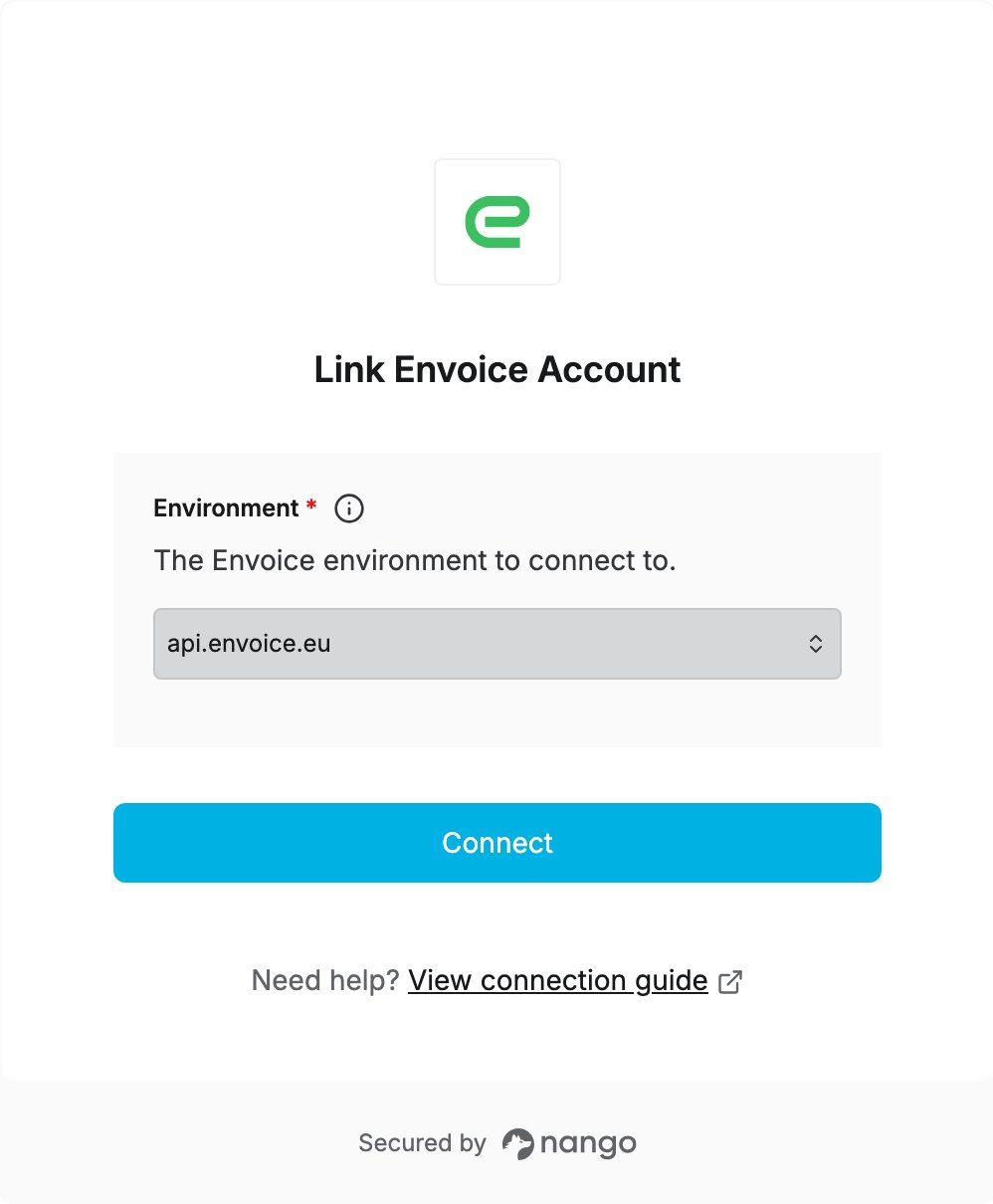
Step 2: Enter your details in the Connect UI
- Open the form where you need to authenticate with Envoice.
- Select the Environment. The form selects
api.envoice.eu(production) by default. - Click Connect, then log in to Envoice and choose the company to connect.