Overview
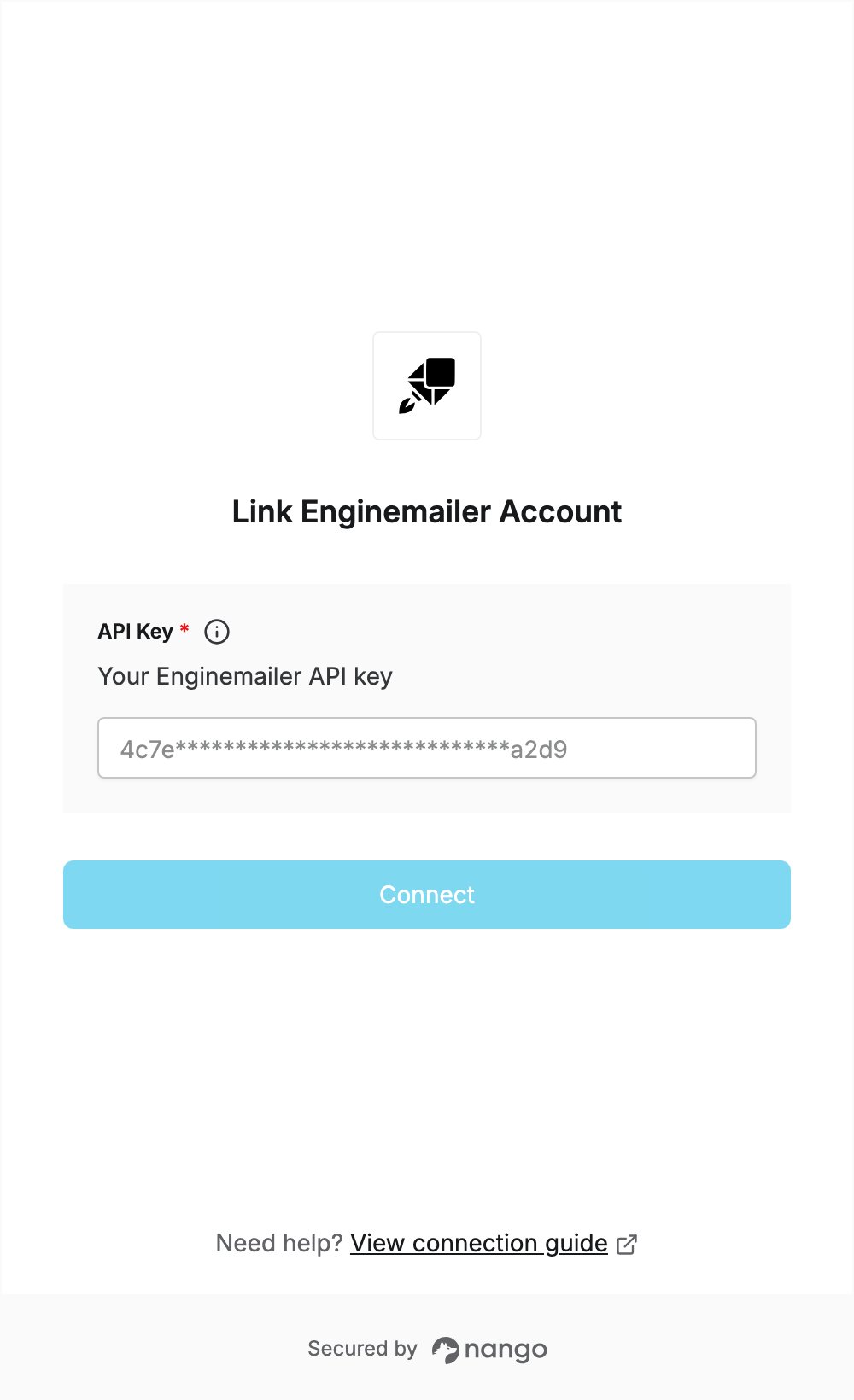
To authenticate with Enginemailer, you need:- API Key — an API key from your Enginemailer account.
Prerequisites
- An Enginemailer account. If you don’t have one, sign up for free; the Free plan includes the REST APIs.
- The Campaign API is only available on paid plans.
Step 1: Create an API key
- Log in to Enginemailer.
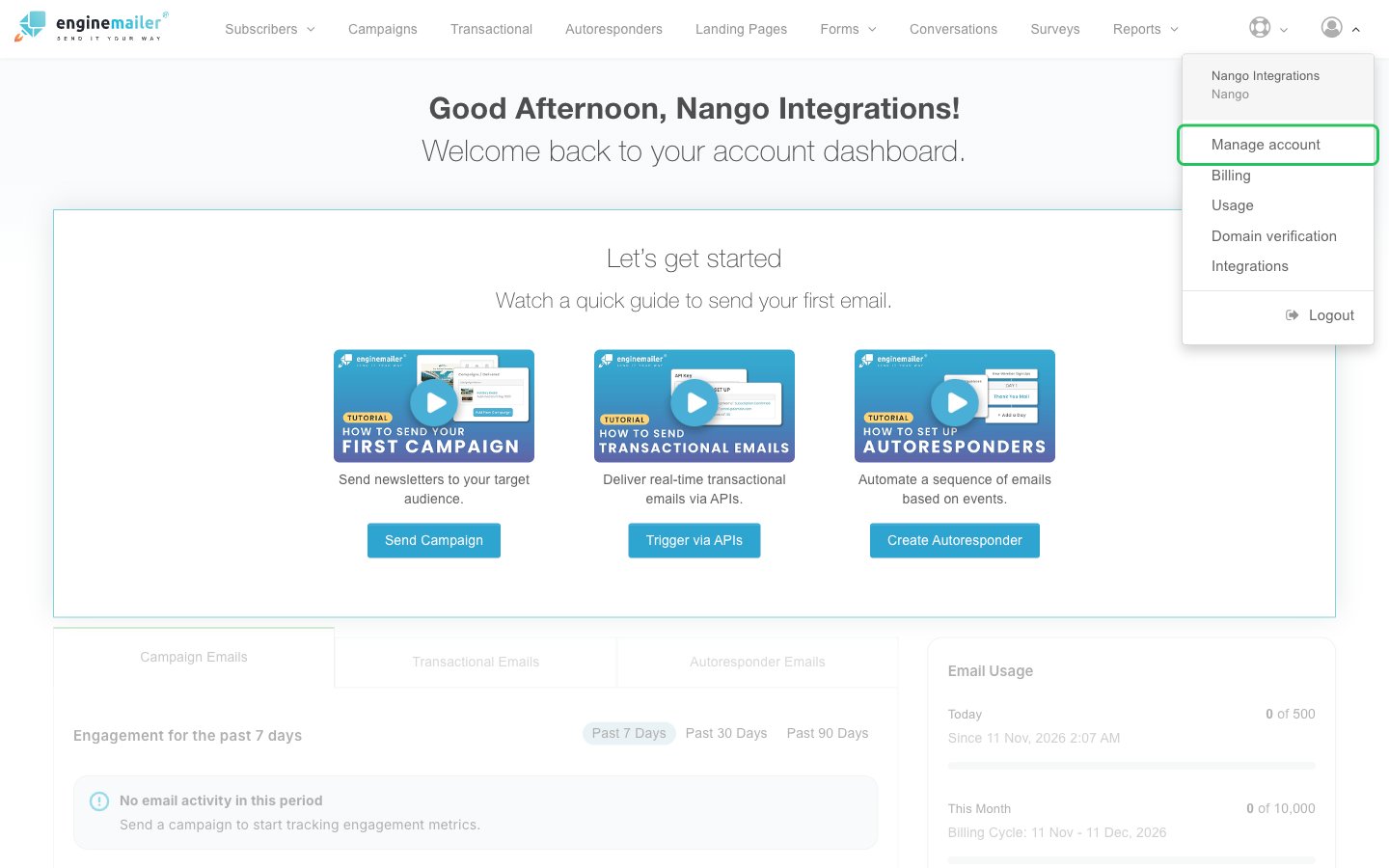
- Open the profile menu in the top right and click Manage account.
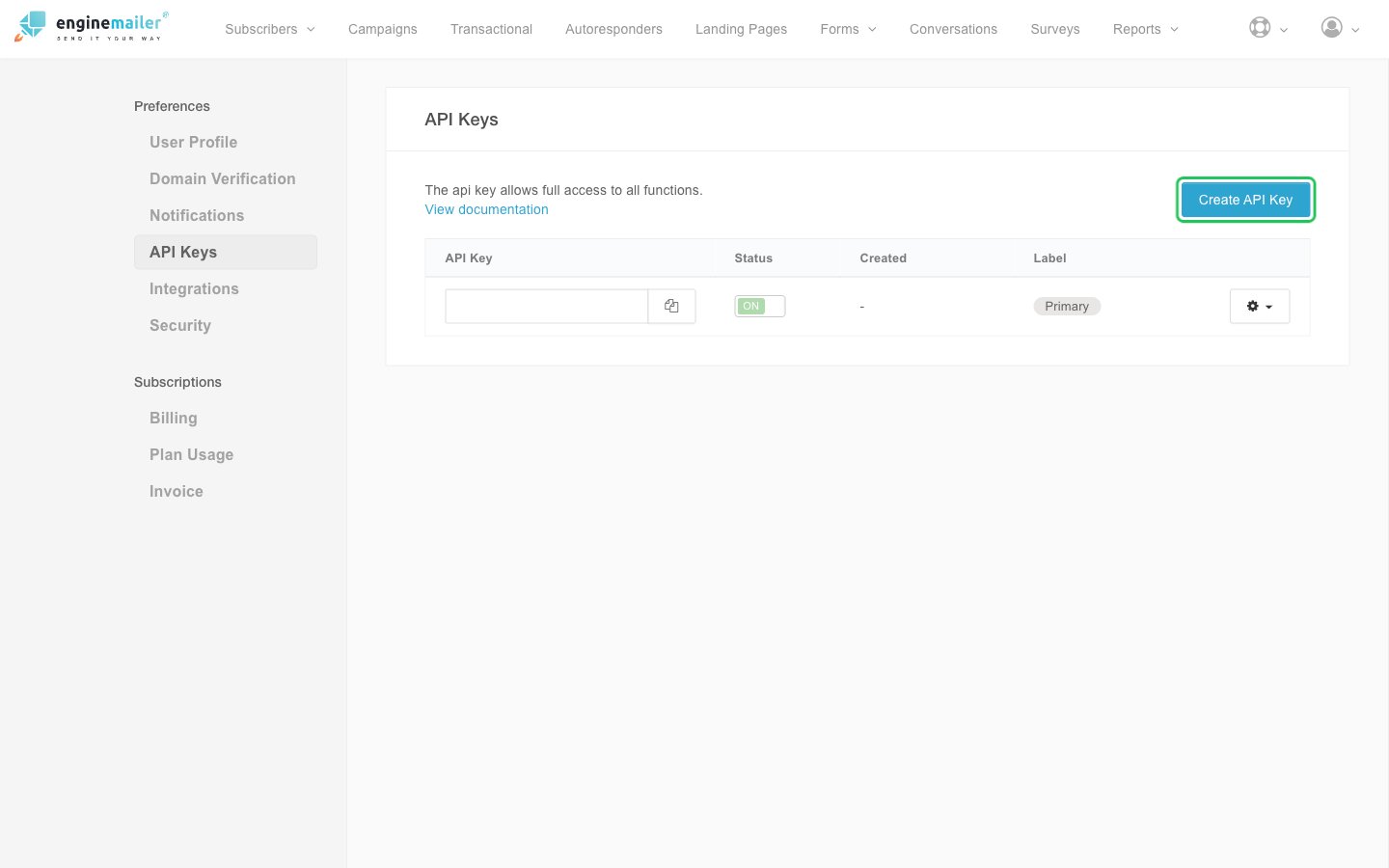
- In the left sidebar, under Preferences, click API Keys, then click Create API Key.
- The new key appears in the list. Optionally type a label for it in the Label column, then click the copy button next to the key.
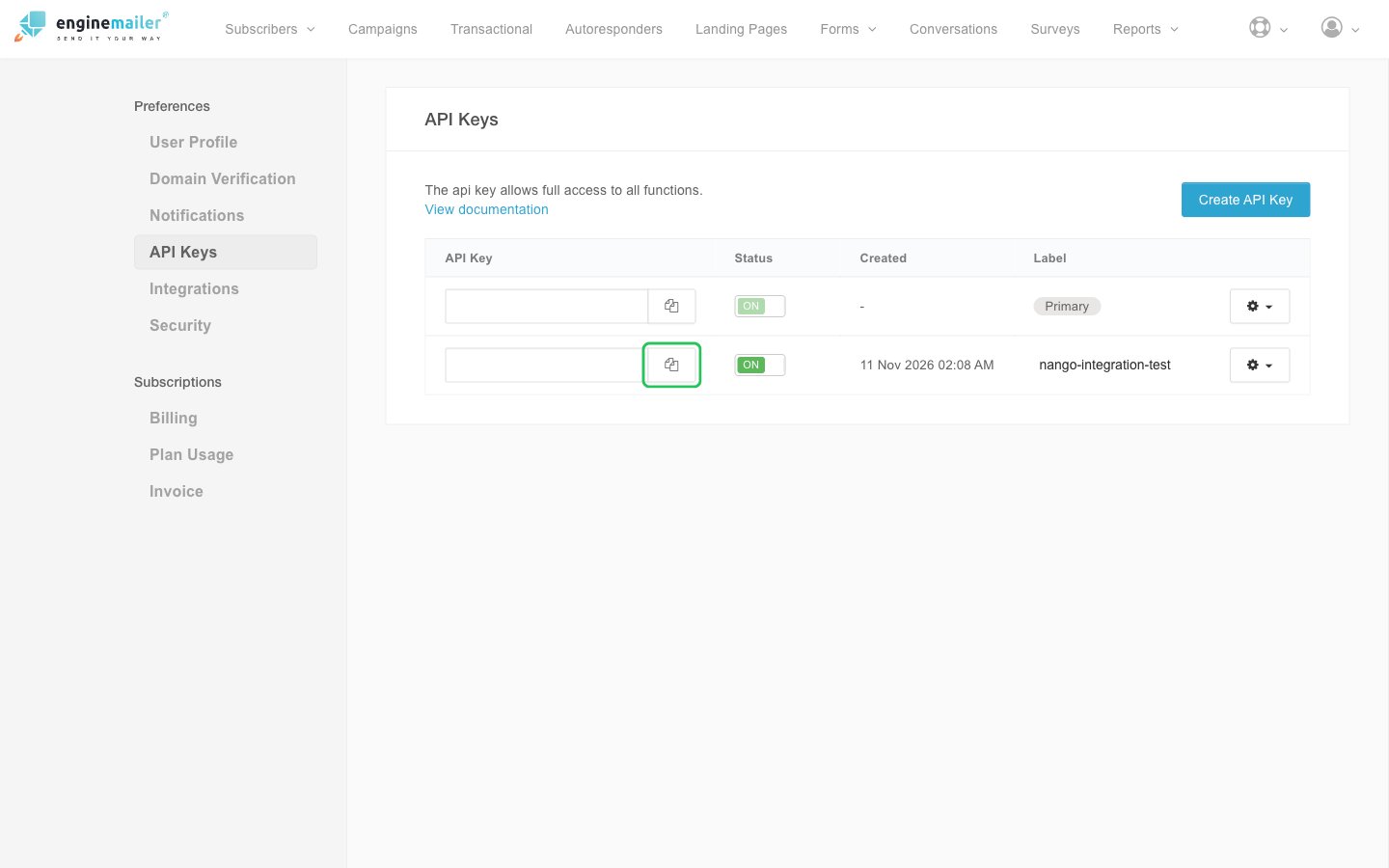
You can also copy the Primary key that comes with your account instead of creating a new one.
Step 2: Enter your API key in the Connect UI
- Open the form where you need to authenticate with Enginemailer.
- Enter your API key in the API Key field.
- Submit the form, and you should be successfully authenticated.