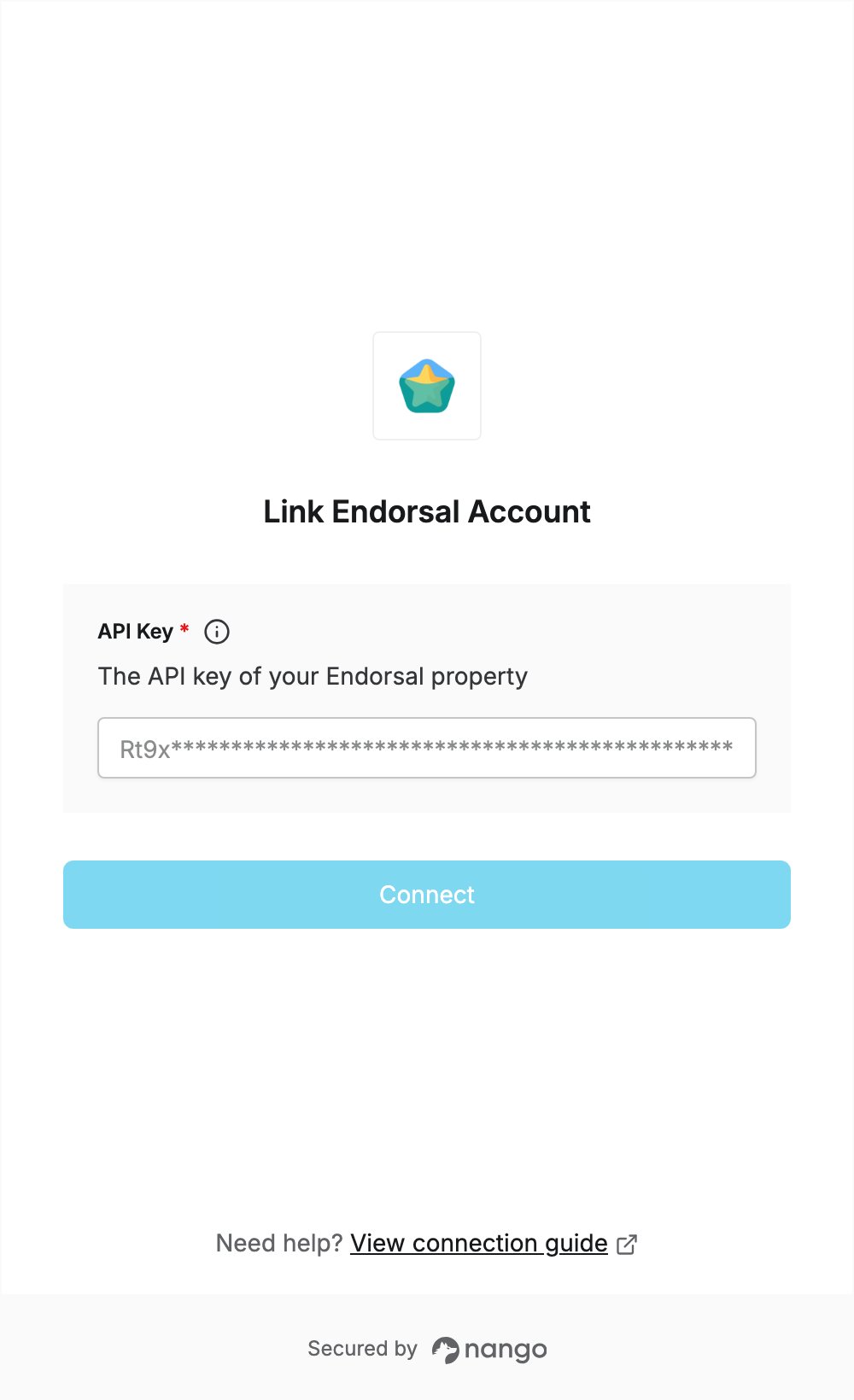
Overview
To authenticate with Endorsal, you need:- API Key — an API key for one of your Endorsal properties.
Prerequisites
- An Endorsal account. If you don’t have one, sign up. New accounts start with a 14-day free trial, and the number of monthly Public API calls depends on your plan.
Step 1: Generate an API key
- Log in to Endorsal.
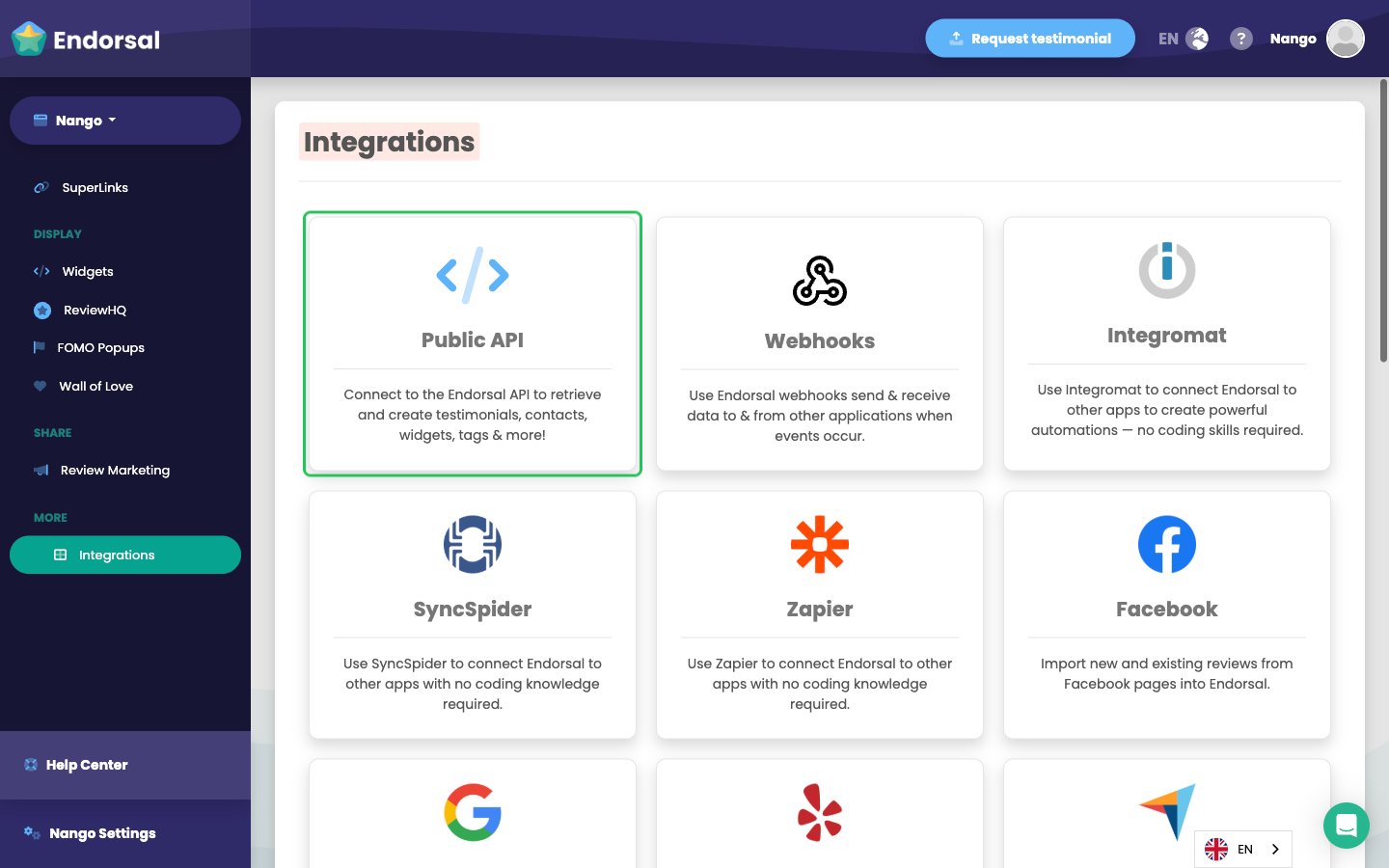
- Click Integrations in the left sidebar, then click the Public API card.
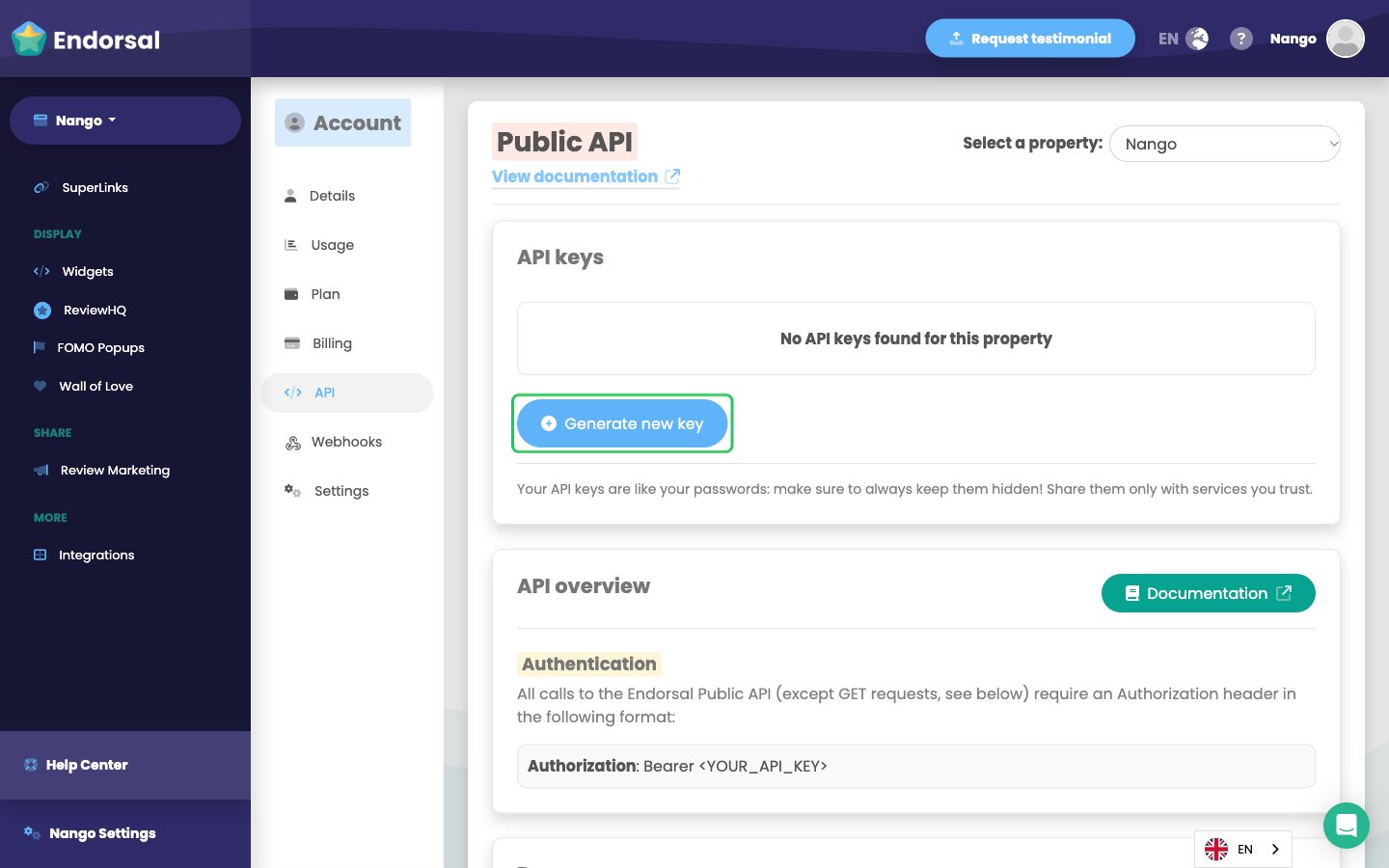
- On the API page, under Select a property, choose the property you want to connect. Each API key belongs to one property.
- Click Generate new key.
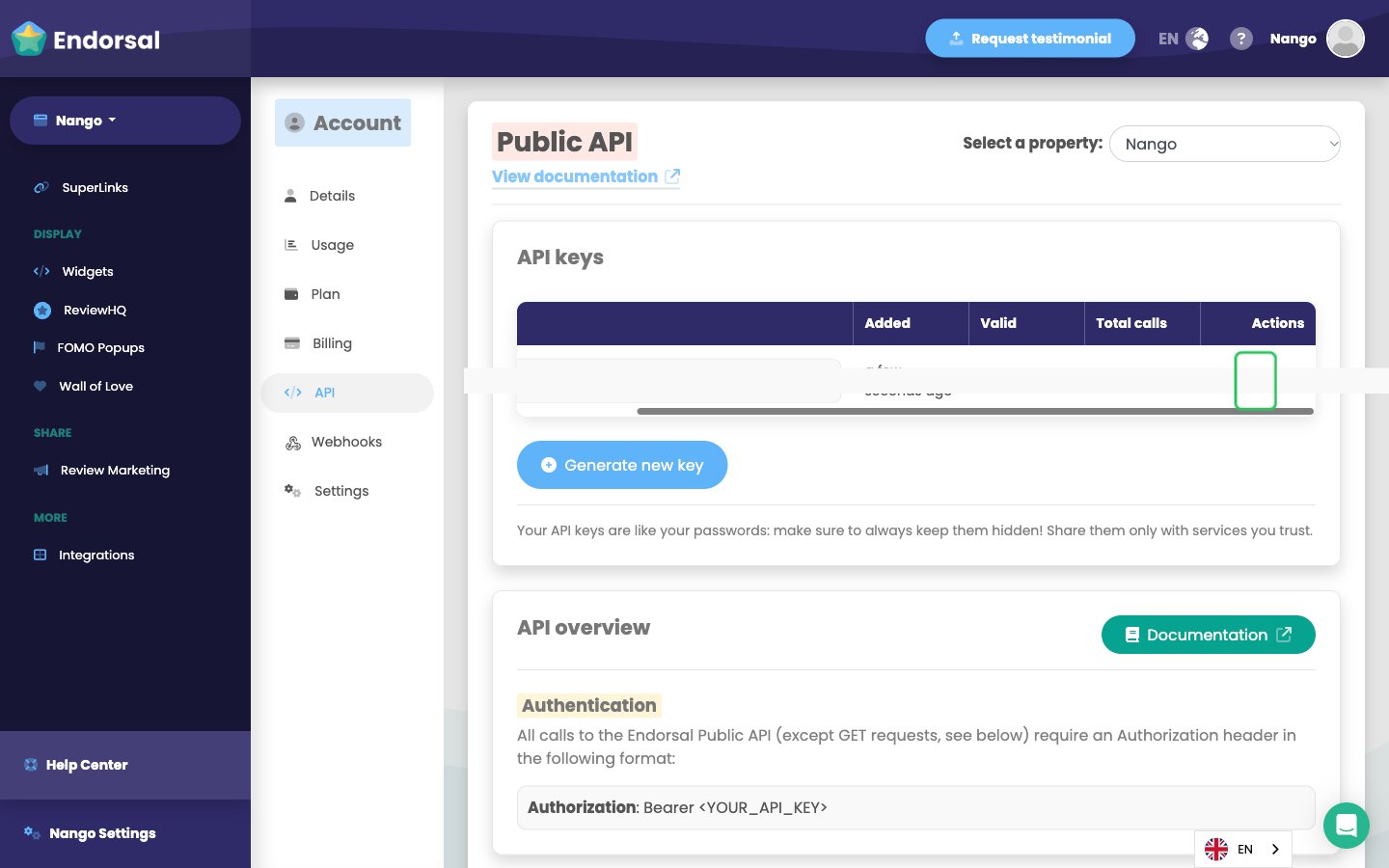
- Your new key shows up in the API keys table. If you like, give it a name, then click the copy icon in the Actions column to copy the key.
Step 2: Enter your API key in the Connect UI
- Open the form where you need to authenticate with Endorsal.
- Enter your key in the API Key field.
- Submit the form, and you should be successfully authenticated.