Overview
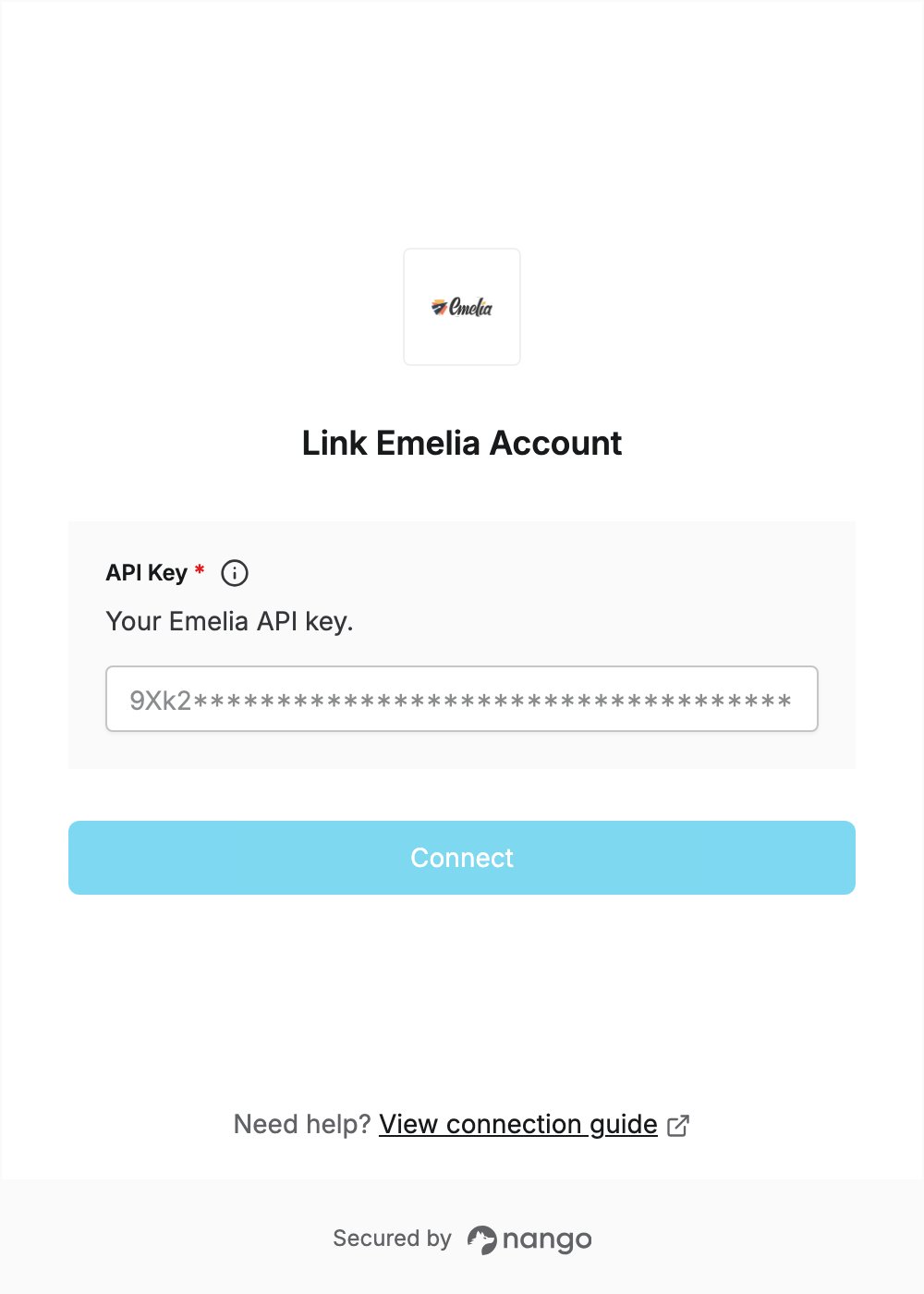
To authenticate with Emelia, you need:- API Key - An Emelia API key.
Prerequisites
- An Emelia account. You can sign up for a 7-day free trial, no credit card required.
Step 1: Create an API key
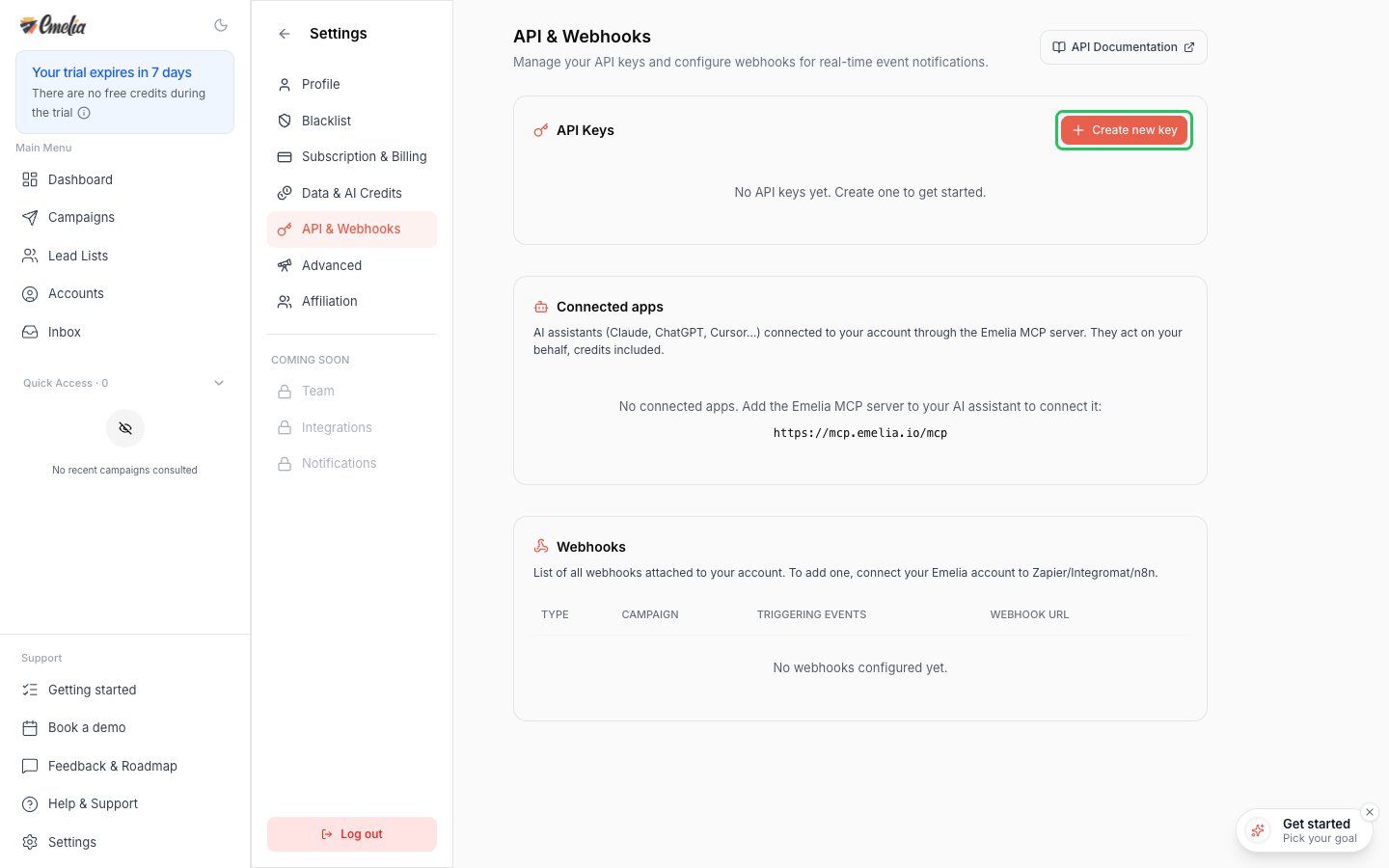
- Sign in to Emelia and go to Settings -> API & Webhooks (v3.emelia.io/settings/api).
- In the API Keys card, click Create new key.
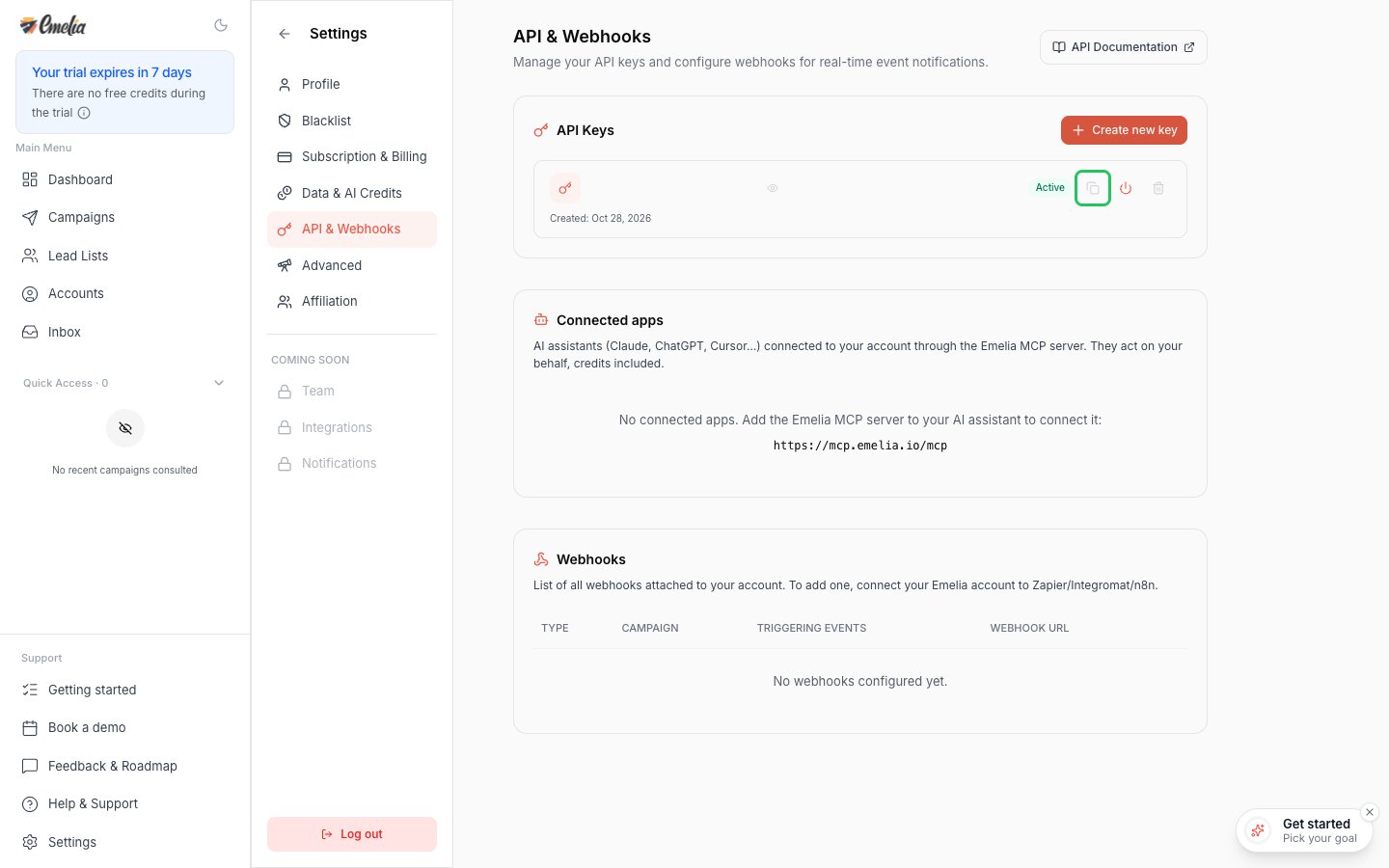
- The new key appears in the API Keys list. Click the copy icon next to the Active badge to copy it.
An Emelia API key has no scopes: it can read and change everything in your account. Store it as a secret.
Step 2: Enter your API key in the Connect UI
- Open the form where you need to authenticate with Emelia.
- Enter your API Key in the designated field.
- Submit the form, and you should be successfully authenticated.