Overview
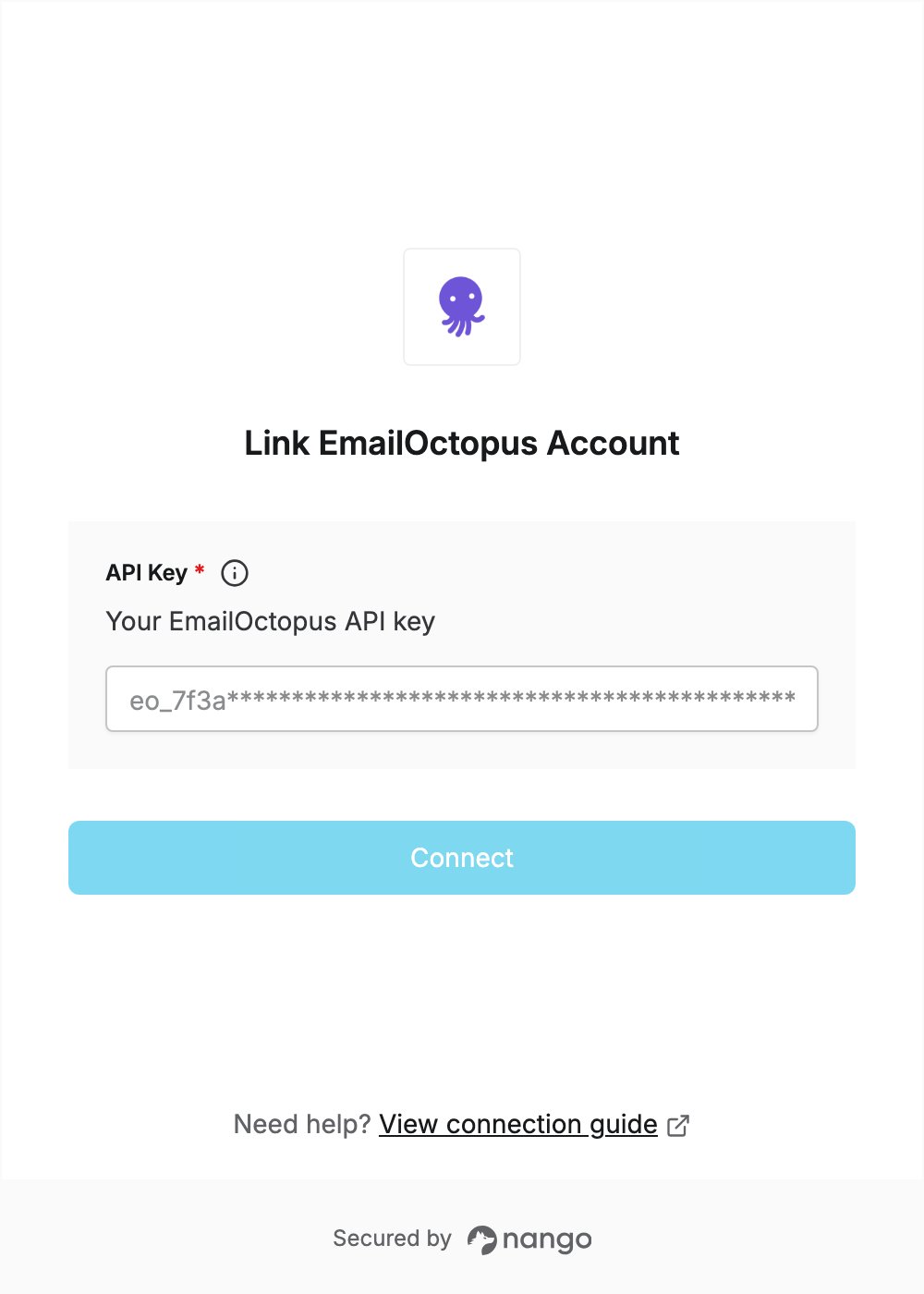
To authenticate with EmailOctopus, you need:- API Key — an EmailOctopus API key.
Prerequisites
- An EmailOctopus account. The API is available on every plan, the free one included. You can sign up if you don’t have one.
Step 1: Create an API key
- Sign in to the EmailOctopus dashboard.
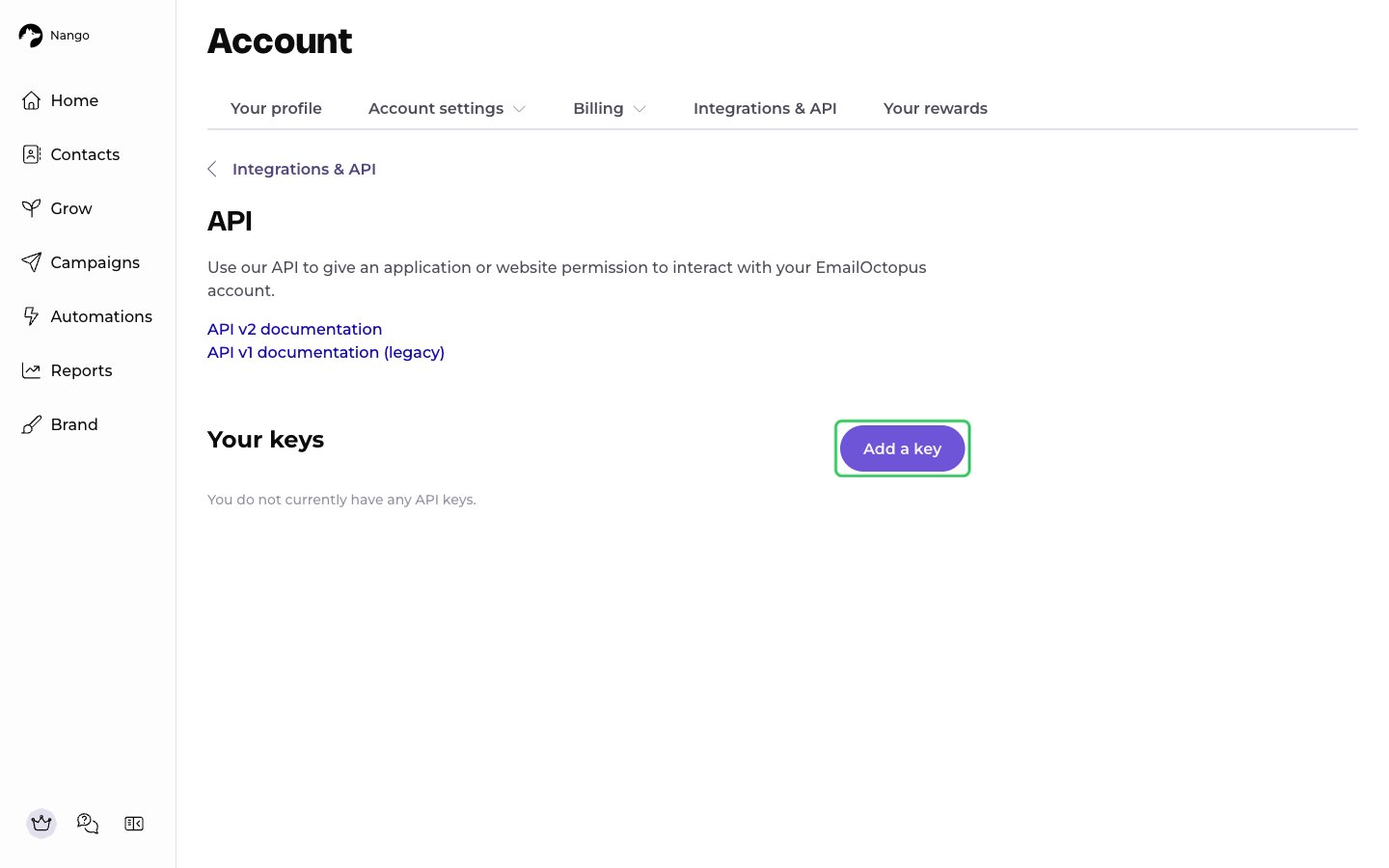
- Go to Account -> Integrations & API -> API keys (direct link), then click Add a key.
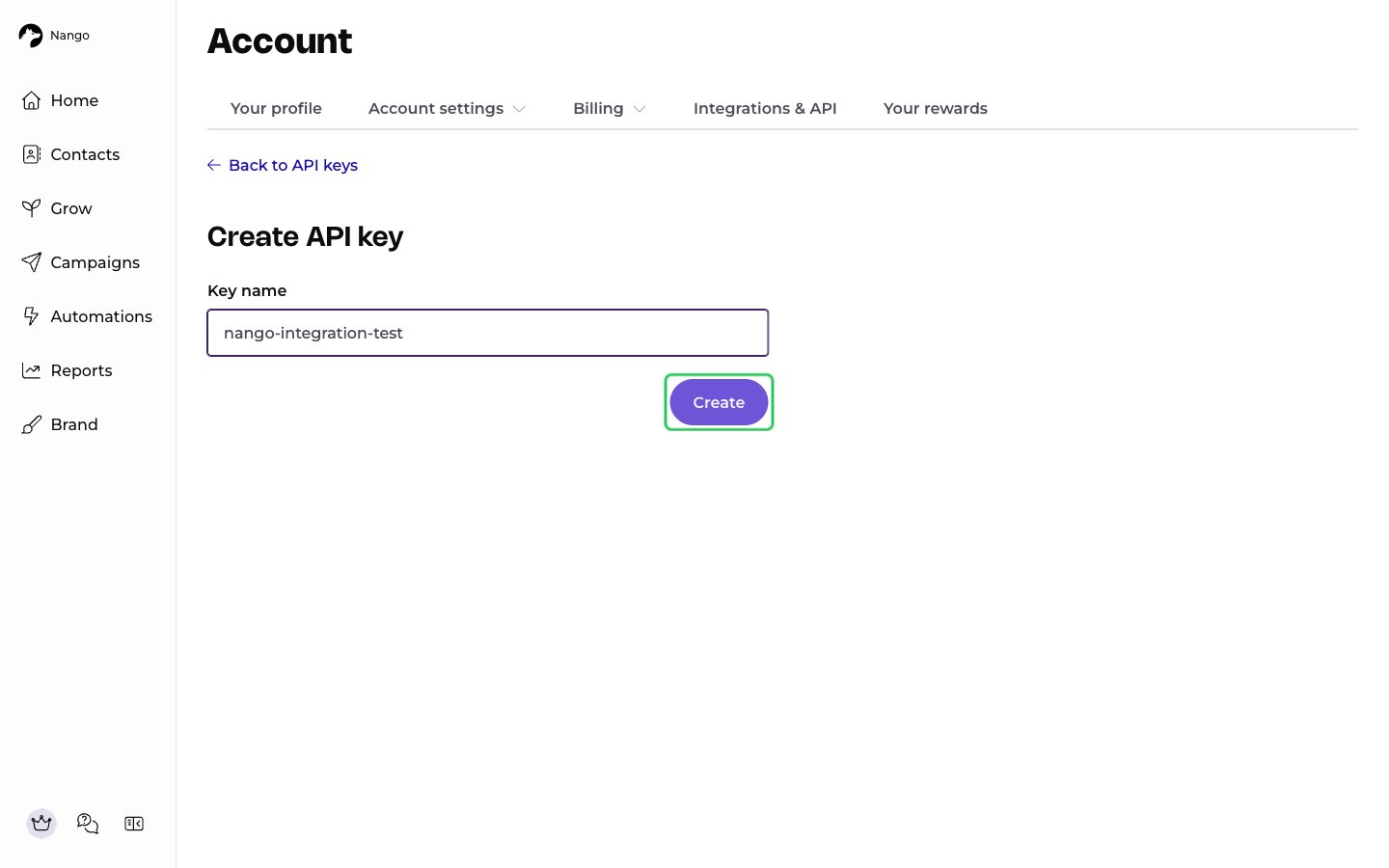
- Enter a name for the key in the Key name field, then click Create.
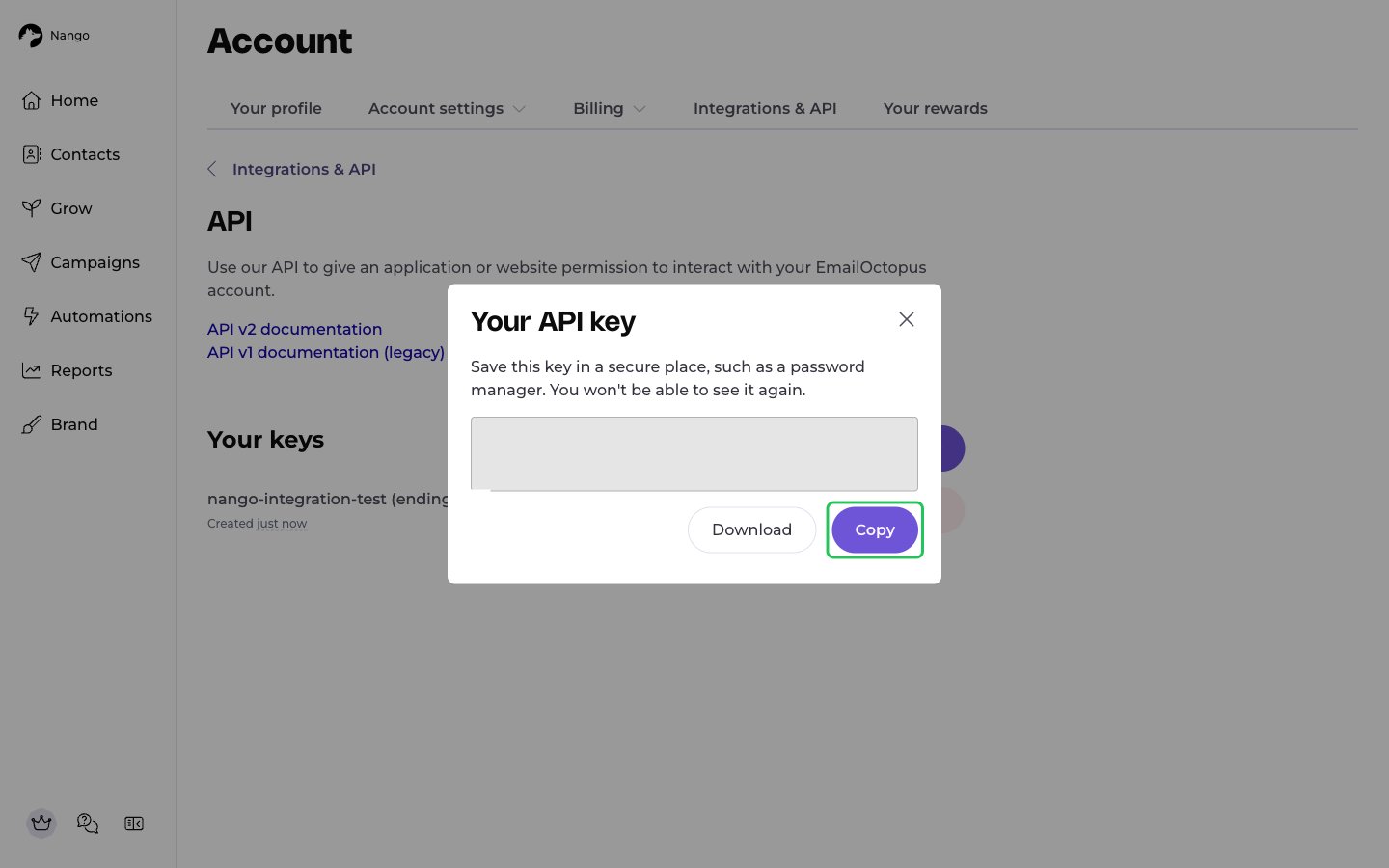
- In the Your API key dialog, click Copy (or Download to save it as a CSV file). The key is shown only once.
If your existing key is labelled legacy, it was created before API v2. Create a new key instead.
Step 2: Enter your API key in the Connect UI
- Open the form where you need to authenticate with EmailOctopus.
- Enter your API key in the API Key field.
- Submit the form, and you should be successfully authenticated.