Overview
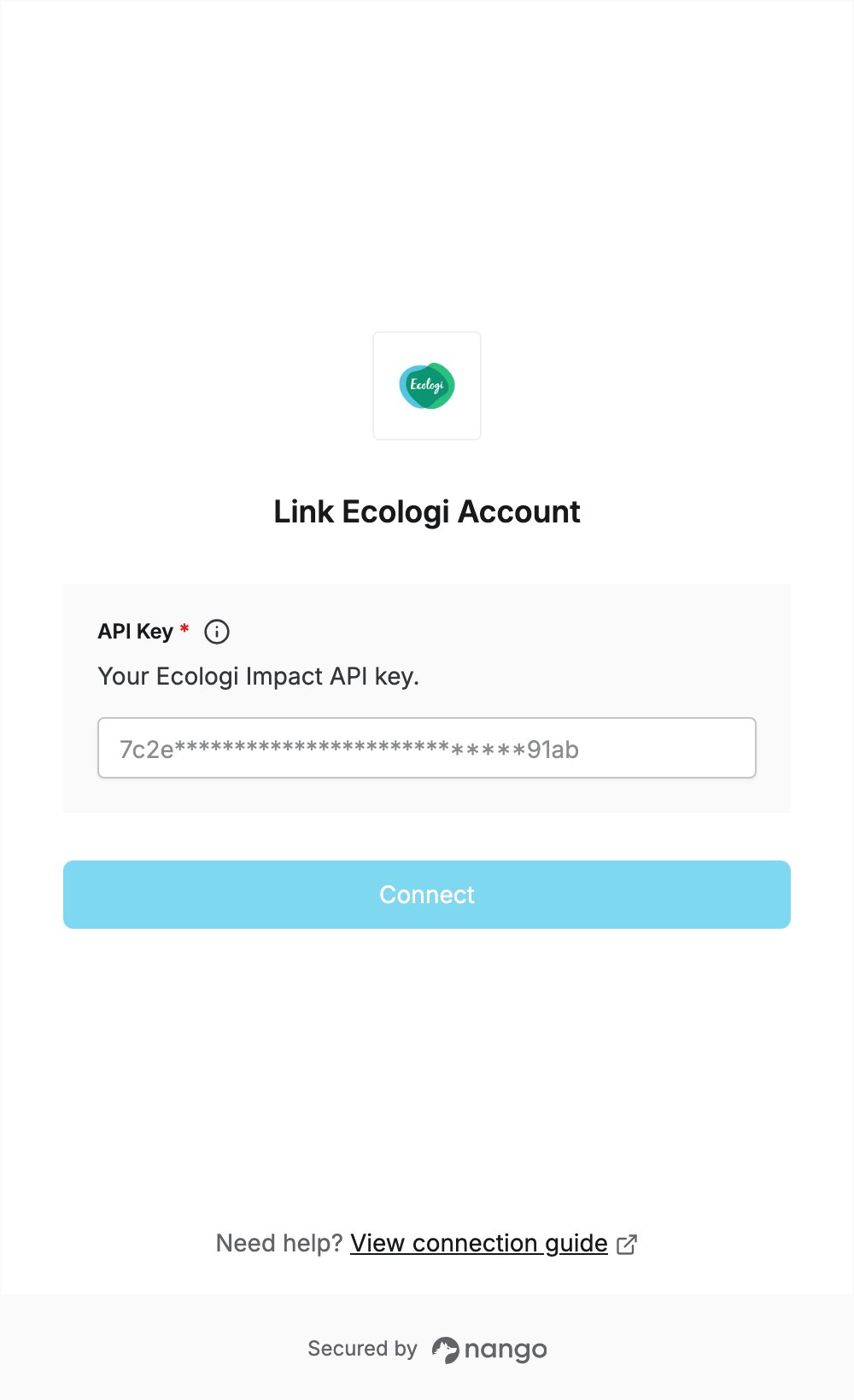
To authenticate with Ecologi, you need:- API Key — an Ecologi Impact API key.
Prerequisites
- An Ecologi account. If you don’t have one, create it on the onboarding page.
Step 1: Generate an API key
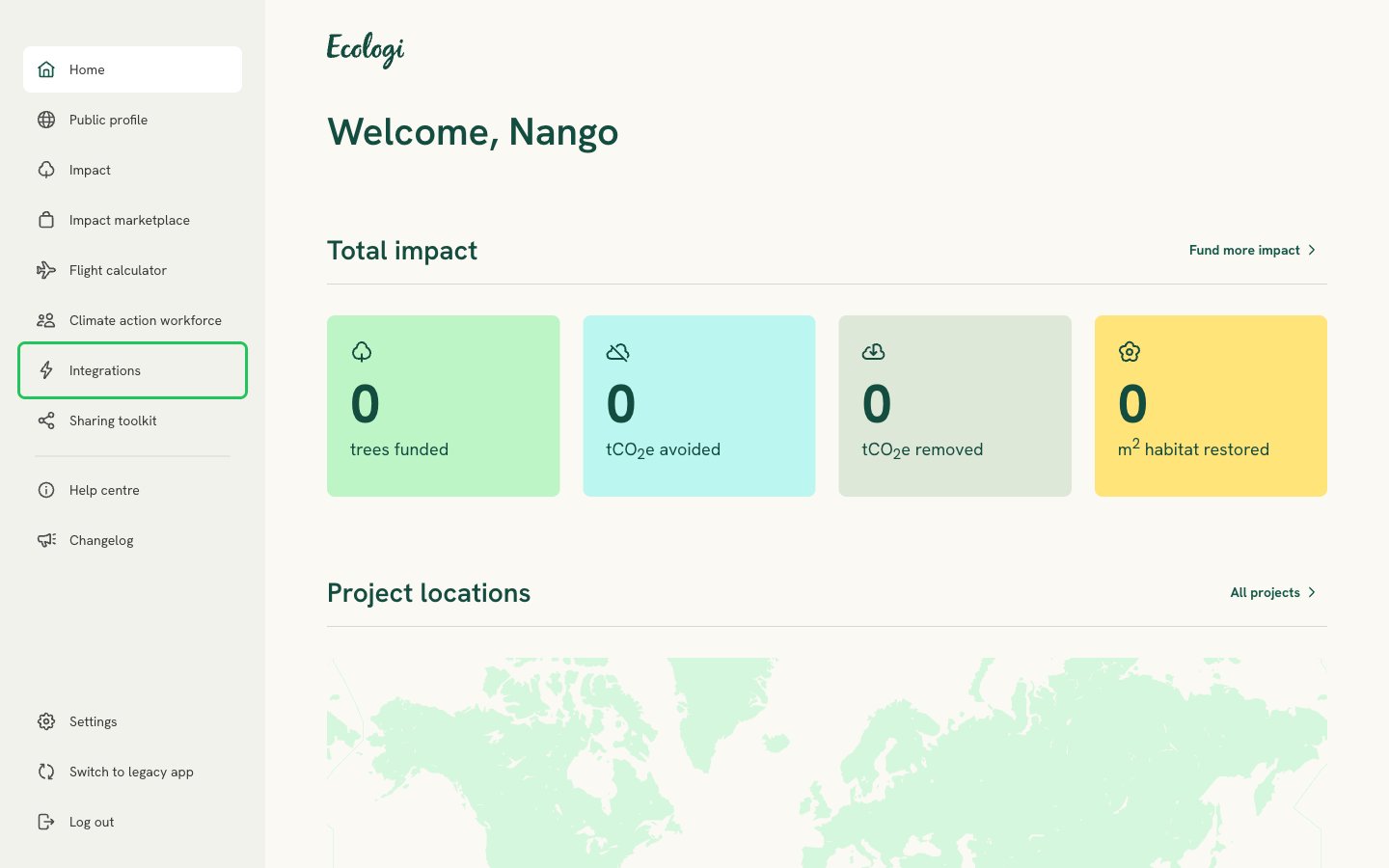
- Log in to Ecologi and select Integrations in the left-hand menu.
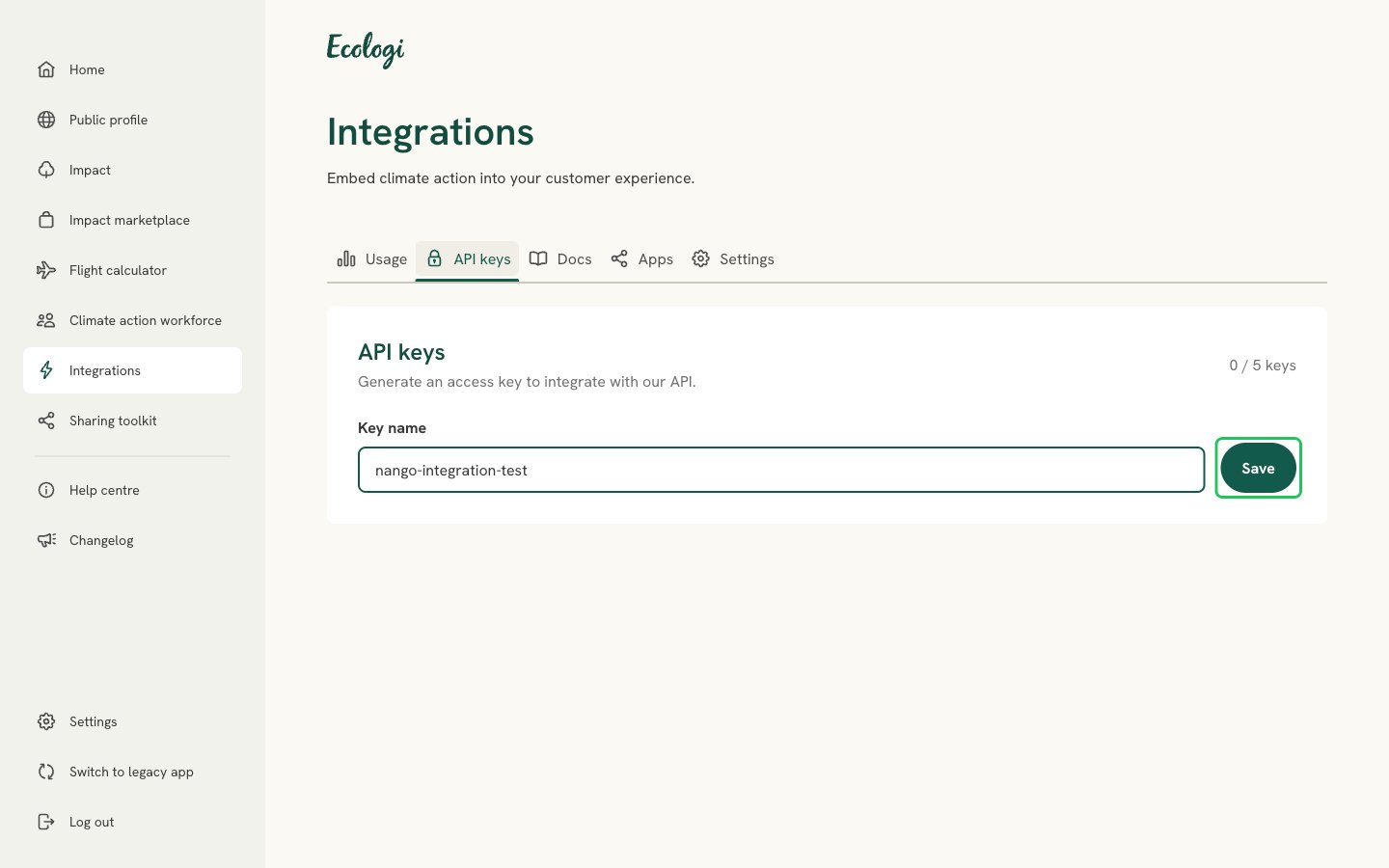
- Open the API keys tab, enter a name for the key, and click Save.
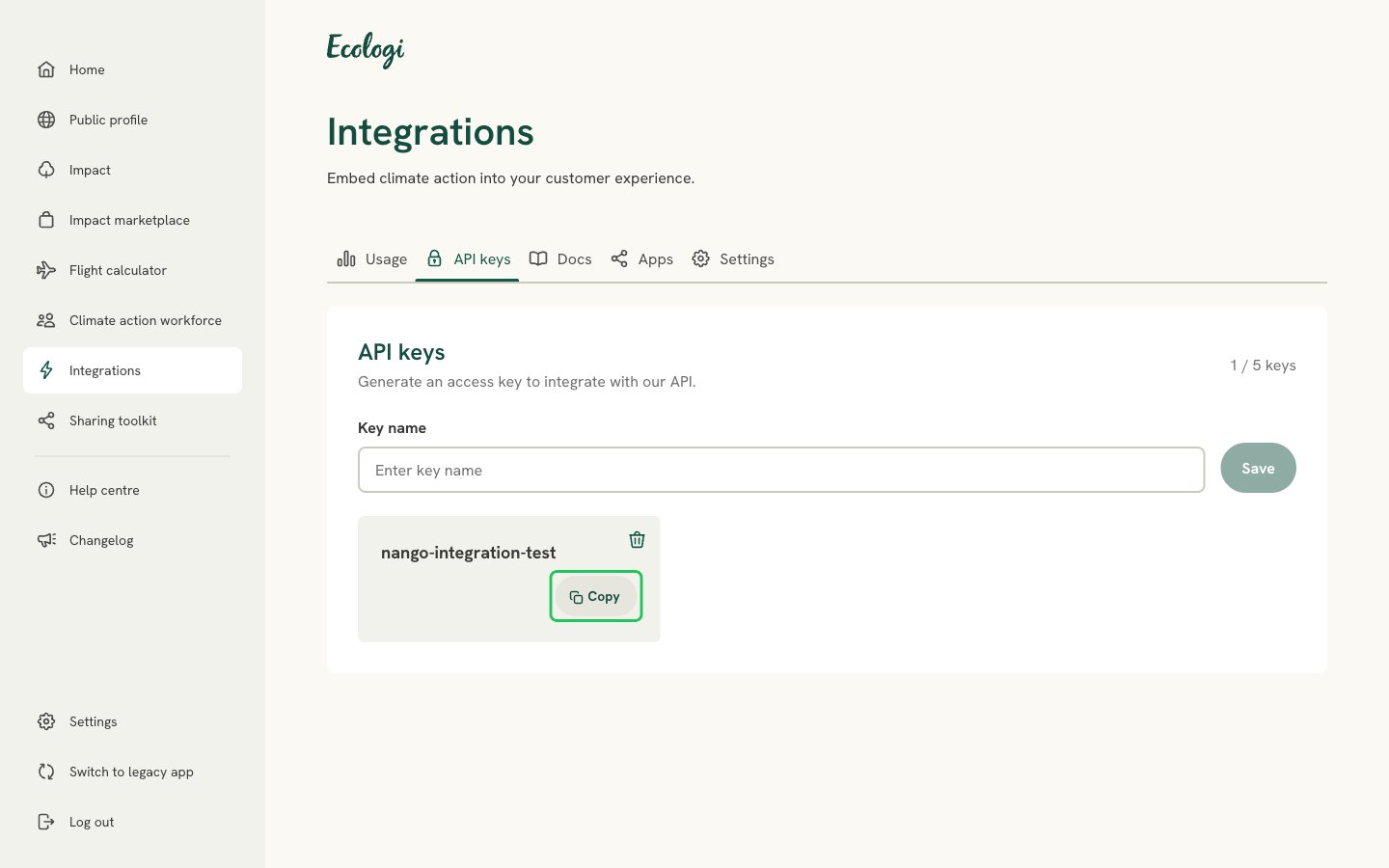
- Click Copy next to your new key to copy the full API key. The list only shows part of it.
Step 2: Enter your API key in the Connect UI
- Open the form where you need to authenticate with Ecologi.
- Paste the key you copied in Step 1 into the API Key field.
- Submit the form. The connection is saved without checking the key: if the key is wrong, the first API request returns an authentication error.