Overview
To authenticate with EasyPost, you will need:- API Key — An EasyPost API key that grants Nango access to your account.
- Test key — for development and testing, no real shipments or charges.
- Production key — for live operations, real shipments and billing apply.
Before you can access API keys, EasyPost requires you to set up an EasyPost Wallet and add a ship-from address on your account. These steps tie all transactions to a verified location.
Prerequisites
- You must have an EasyPost account. Sign up if you don’t have one.
Instructions
Step 1: Get your API key
- Log in to the EasyPost Dashboard.
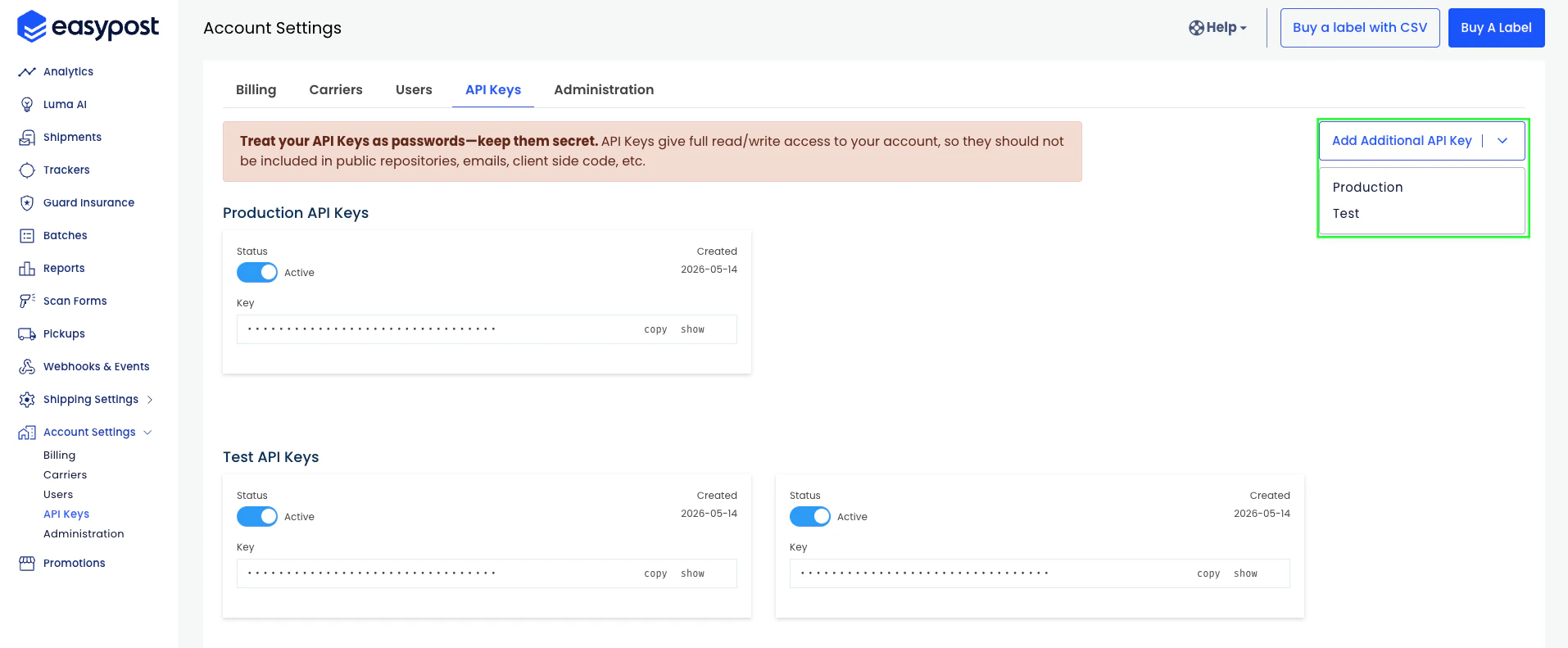
- If you don’t have a key, click Add Additional API Key, select the key type (Test or Production), and your key will be generated — copy it.
Step 2: Enter your API key in the Connect UI
- Open the form where you need to authenticate with EasyPost.
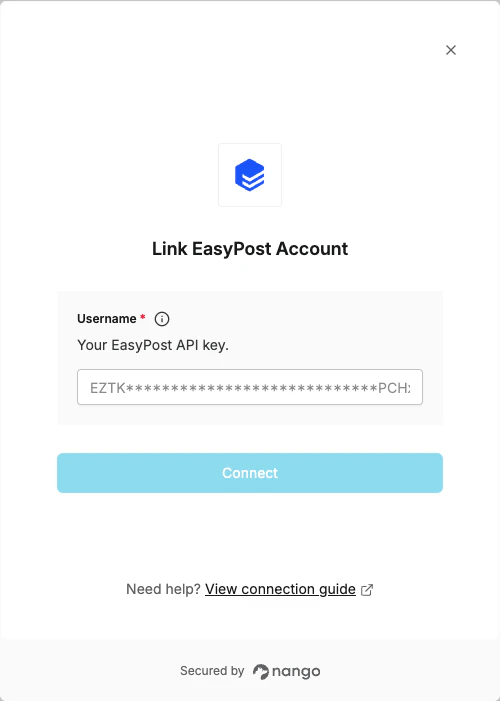
- Paste your API key into the API Key field.
- Submit the form. You are now connected to EasyPost.