Overview
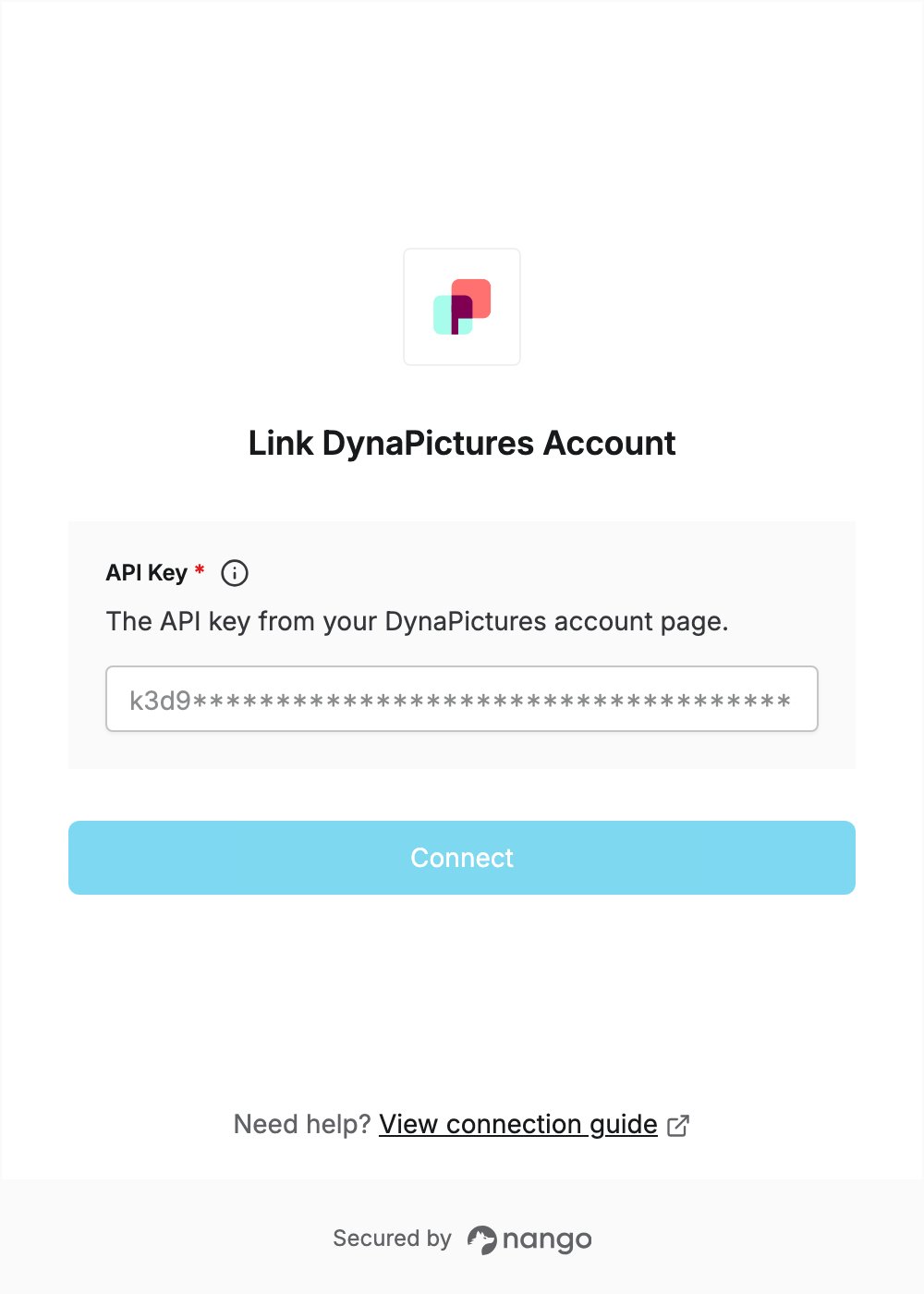
To authenticate with DynaPictures, you need:- API Key — the API key of your DynaPictures account.
Prerequisites
- A DynaPictures account. There is a free plan. If you don’t have an account, sign up.
Step 1: Copy your API key
- Sign in to DynaPictures.
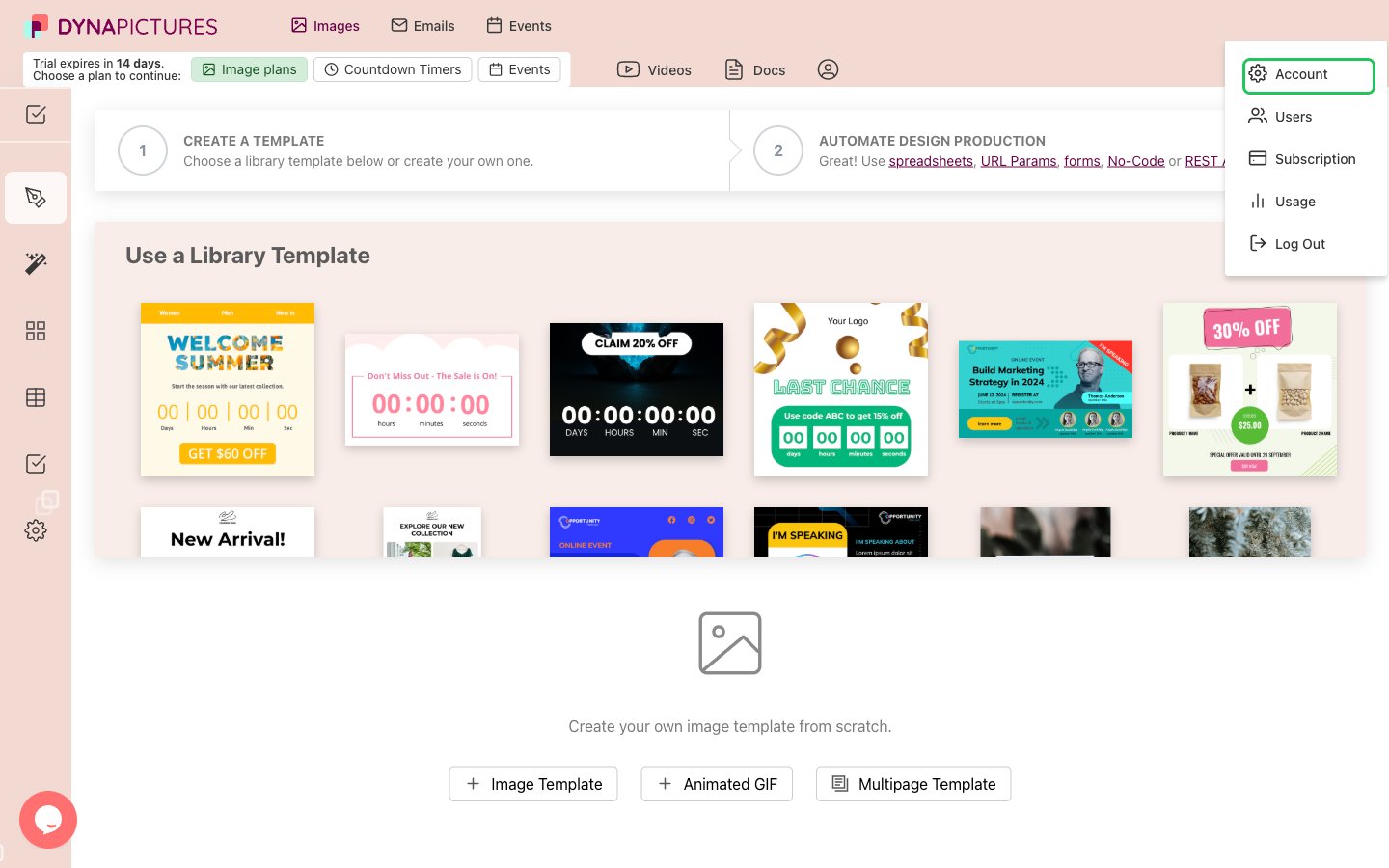
- Click the profile icon in the top-right corner, then choose Account.
- On the Account Settings page, find the API Key section and click Copy.
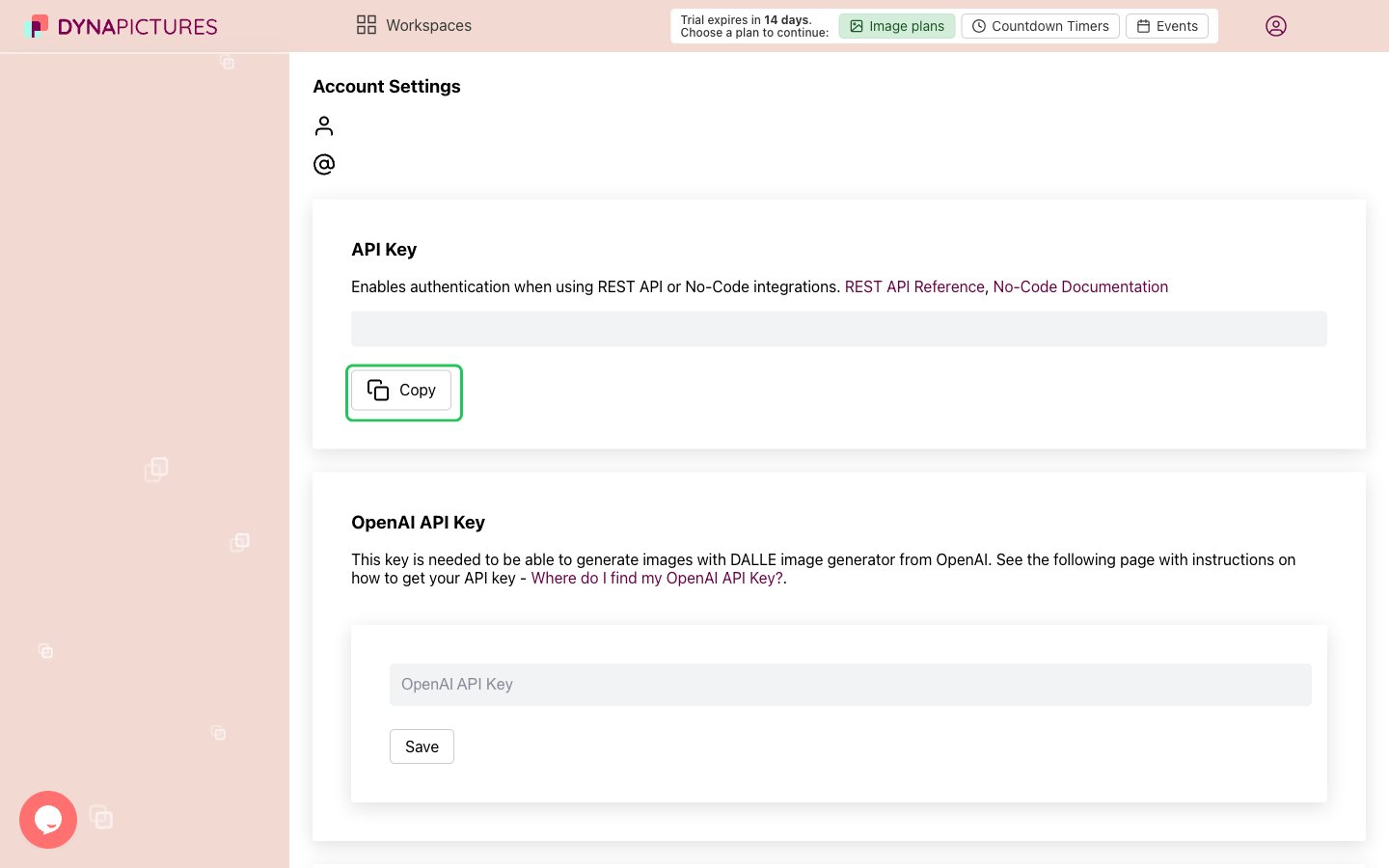
Each DynaPictures account has one API key, and it carries the full access of your user. It can’t be limited to particular workspaces or actions.
Step 2: Enter your API key in the Connect UI
- Open the form where you need to authenticate with DynaPictures.
- Paste your API key in the API Key field.
- Submit the form, and you should be successfully authenticated.