Overview
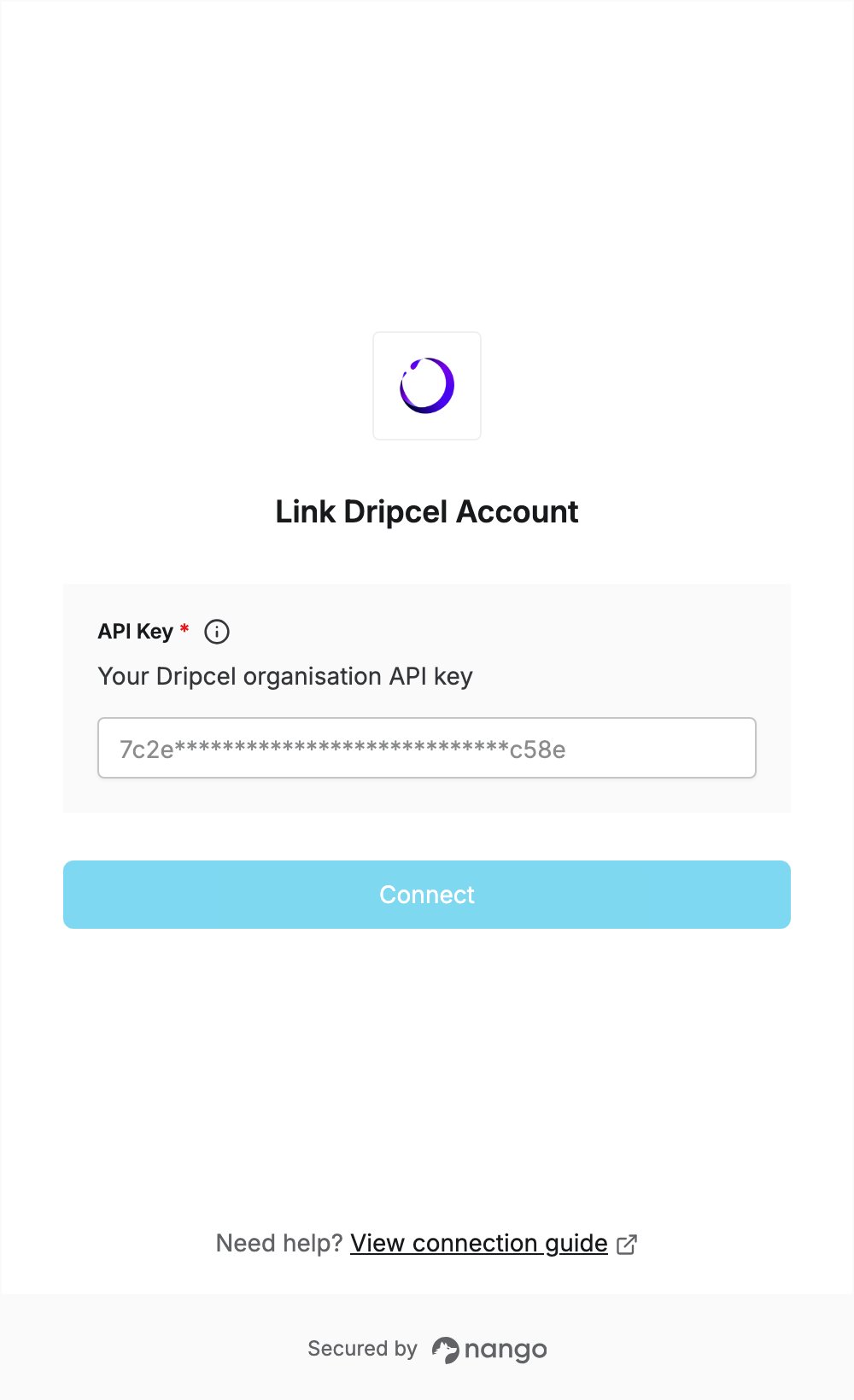
To authenticate with Dripcel, you need:- API Key — an API key for your Dripcel organisation.
Prerequisites
- A Dripcel account. You can sign up if you don’t have one.
Step 1: Generate an API key
- Sign in to Dripcel and open the API keys page.
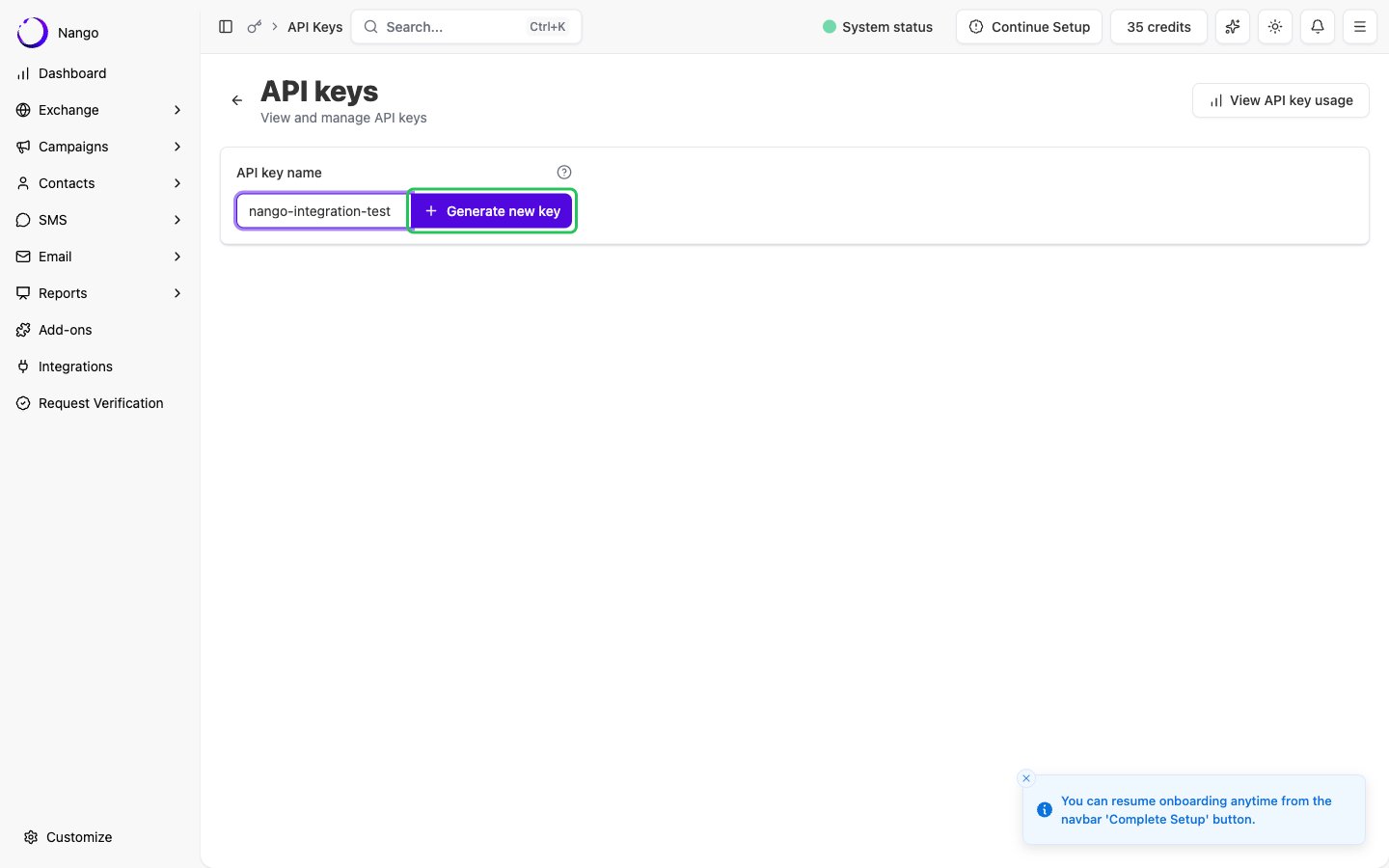
- Enter a name in the API key name field and click Generate new key.
- On the key’s permissions page that opens, pick a role under Prebuilt Permissions (for example Viewer for read-only access) and click Save.
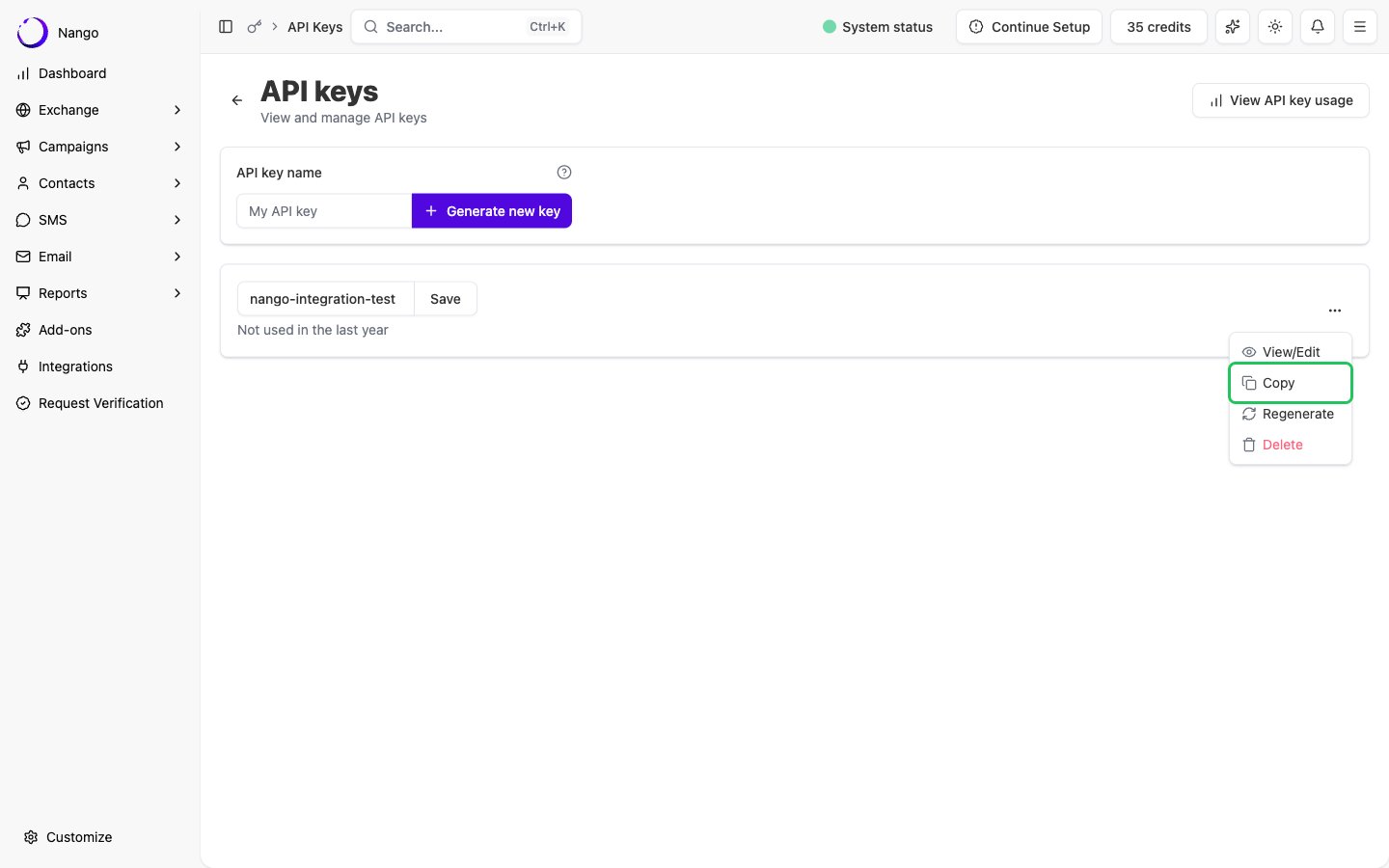
- Go back to the API keys list, open the key’s actions menu (…) and click Copy.
Step 2: Enter your API key in the Connect UI
- Open the form where you need to authenticate with Dripcel.
- Enter your API key in the API Key field.
- Submit the form. Nango checks the key with Dripcel before saving the connection.