Overview
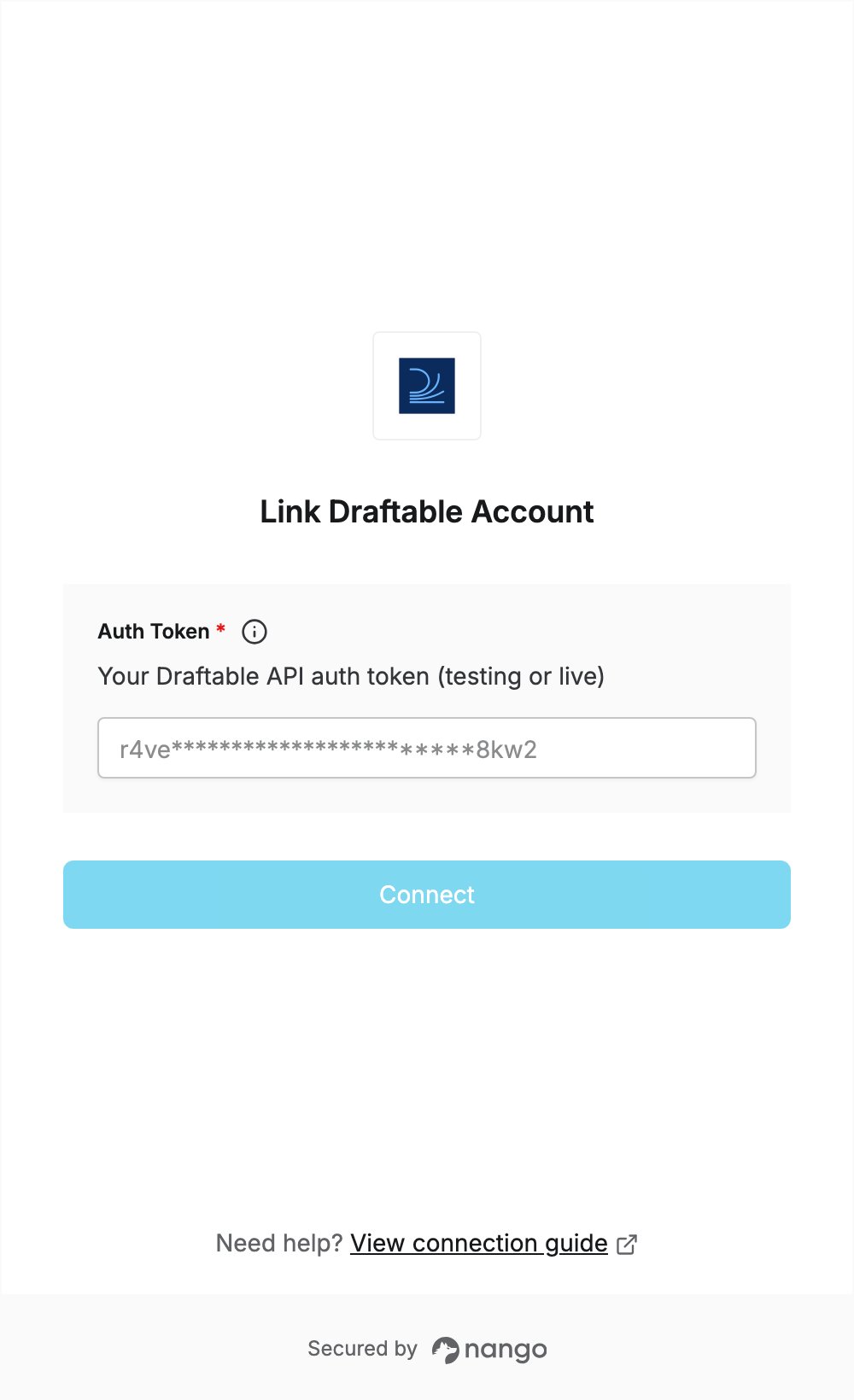
To authenticate with Draftable, you need:- Auth Token — the auth token of your Draftable API account.
Prerequisites
- A Draftable API account. You can sign up for full access to the Draftable API for 30 days, with no credit card required.
Step 1: Copy your auth token
- Sign in to your Draftable API account.
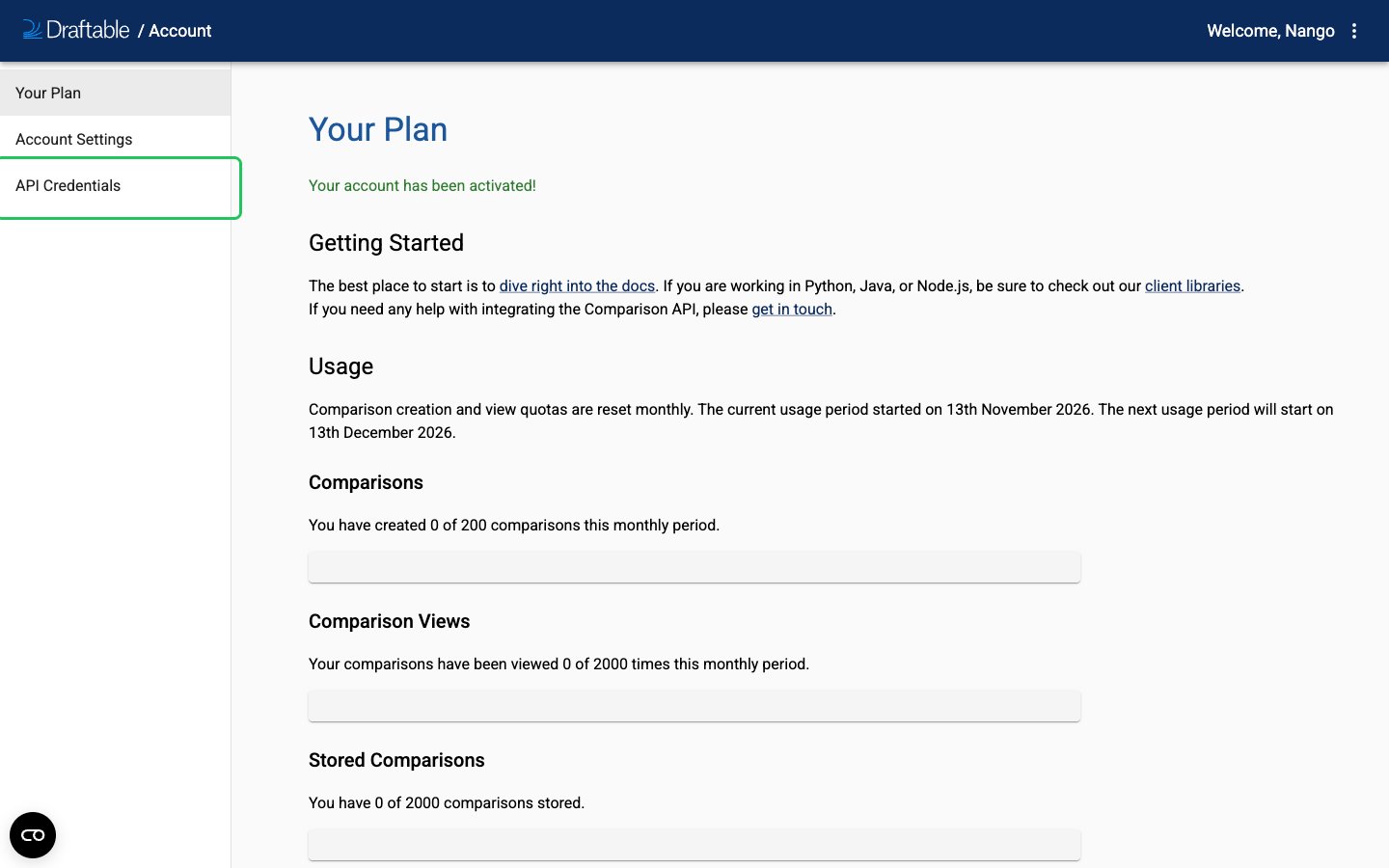
- Click API Credentials in the left-hand menu.
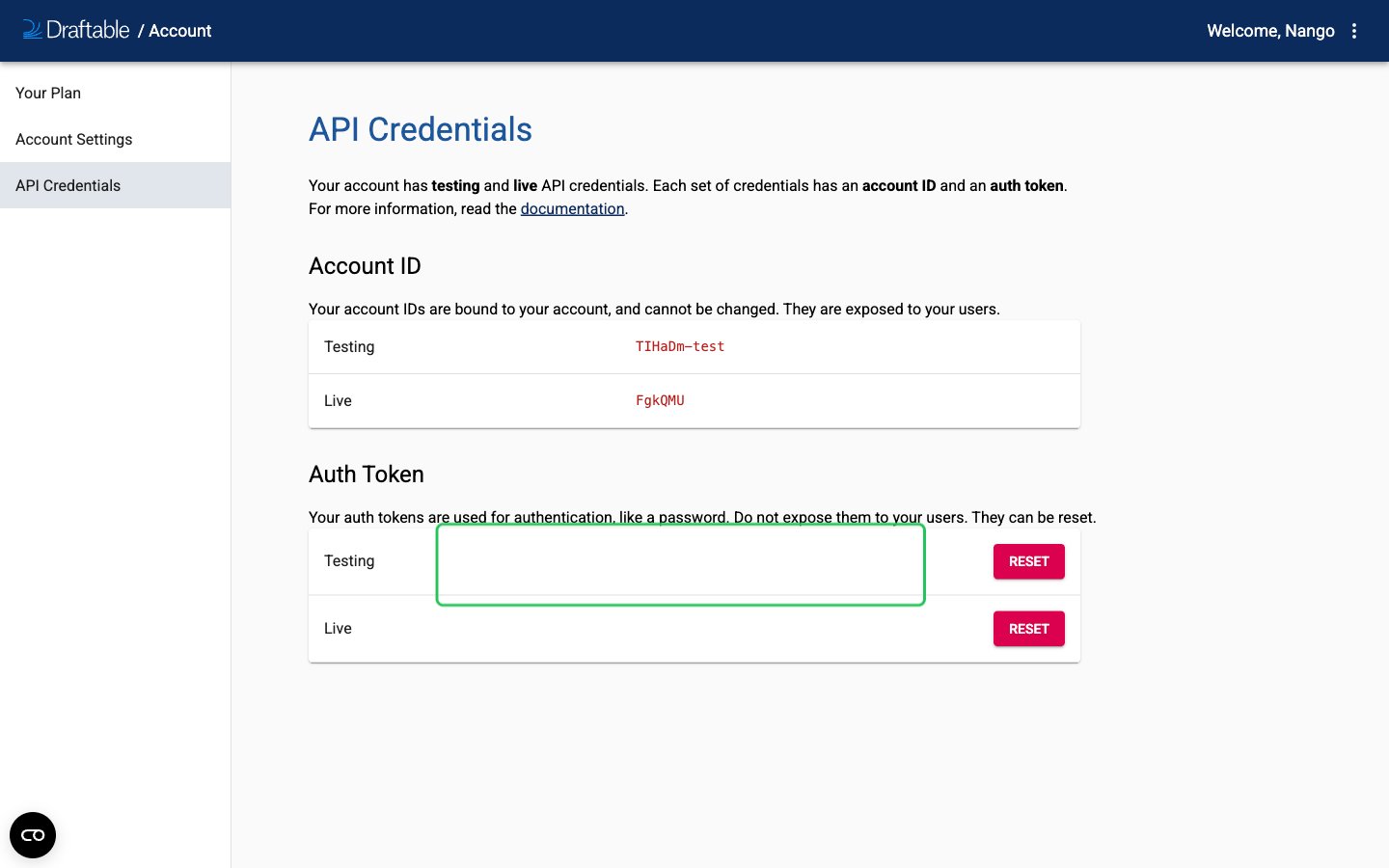
- Under Auth Token, copy the token from the Testing row (for development) or the Live row (for production). Both are sent the same way. To generate a new token, click Reset on that row.
Step 2: Enter your auth token in the Connect UI
- Open the form where you need to authenticate with Draftable.
- Enter your Auth Token in the designated field.
- Submit the form, and you should be successfully authenticated.