Overview
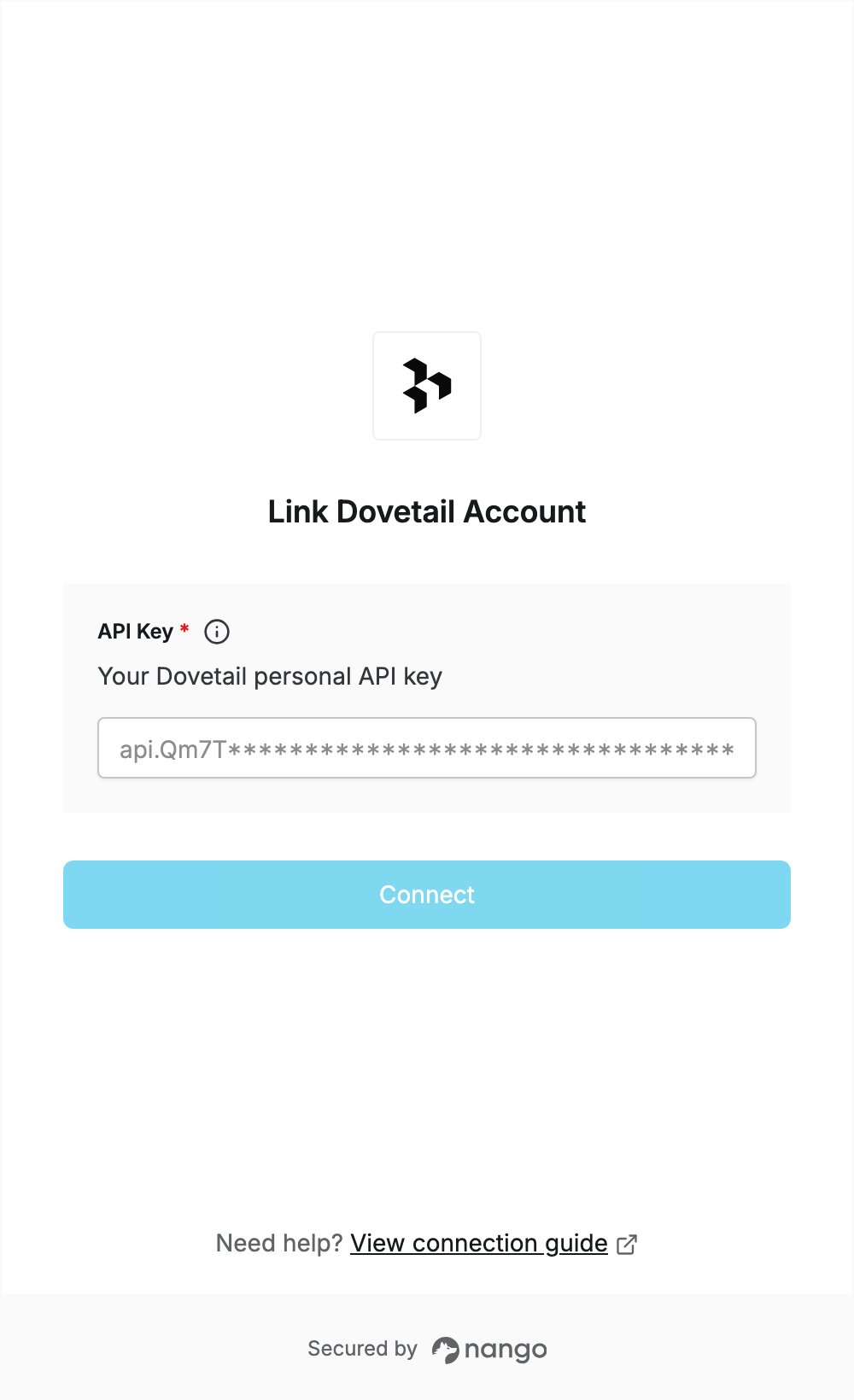
To authenticate with Dovetail, you need:- API Key — a Dovetail personal API key.
Prerequisites
- A Dovetail account. You can start a free 30-day trial of Dovetail One Gold.
Step 1: Create a personal API key
- Sign in to Dovetail and go to Settings → Account.
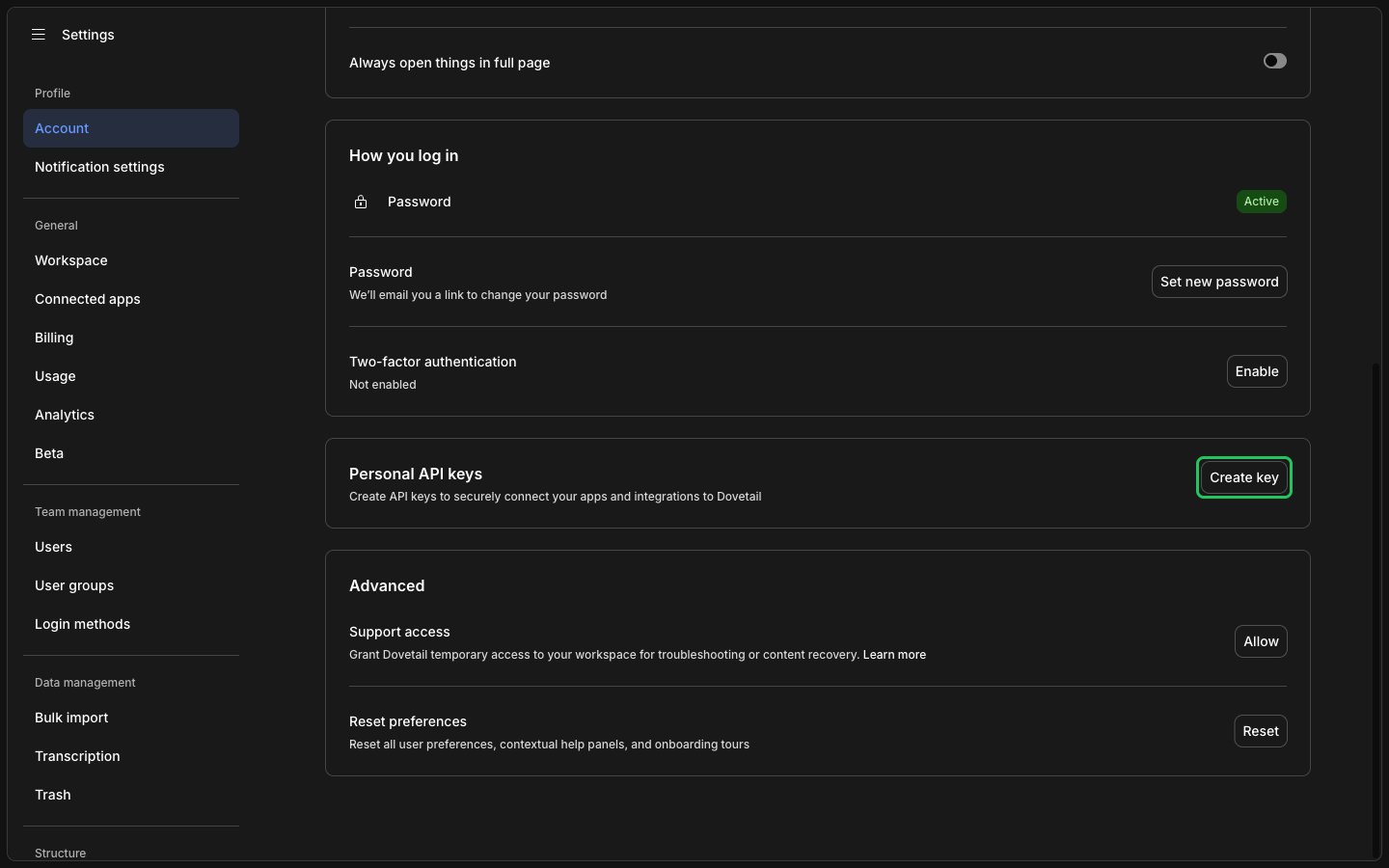
- Find Personal API keys and click Create key.
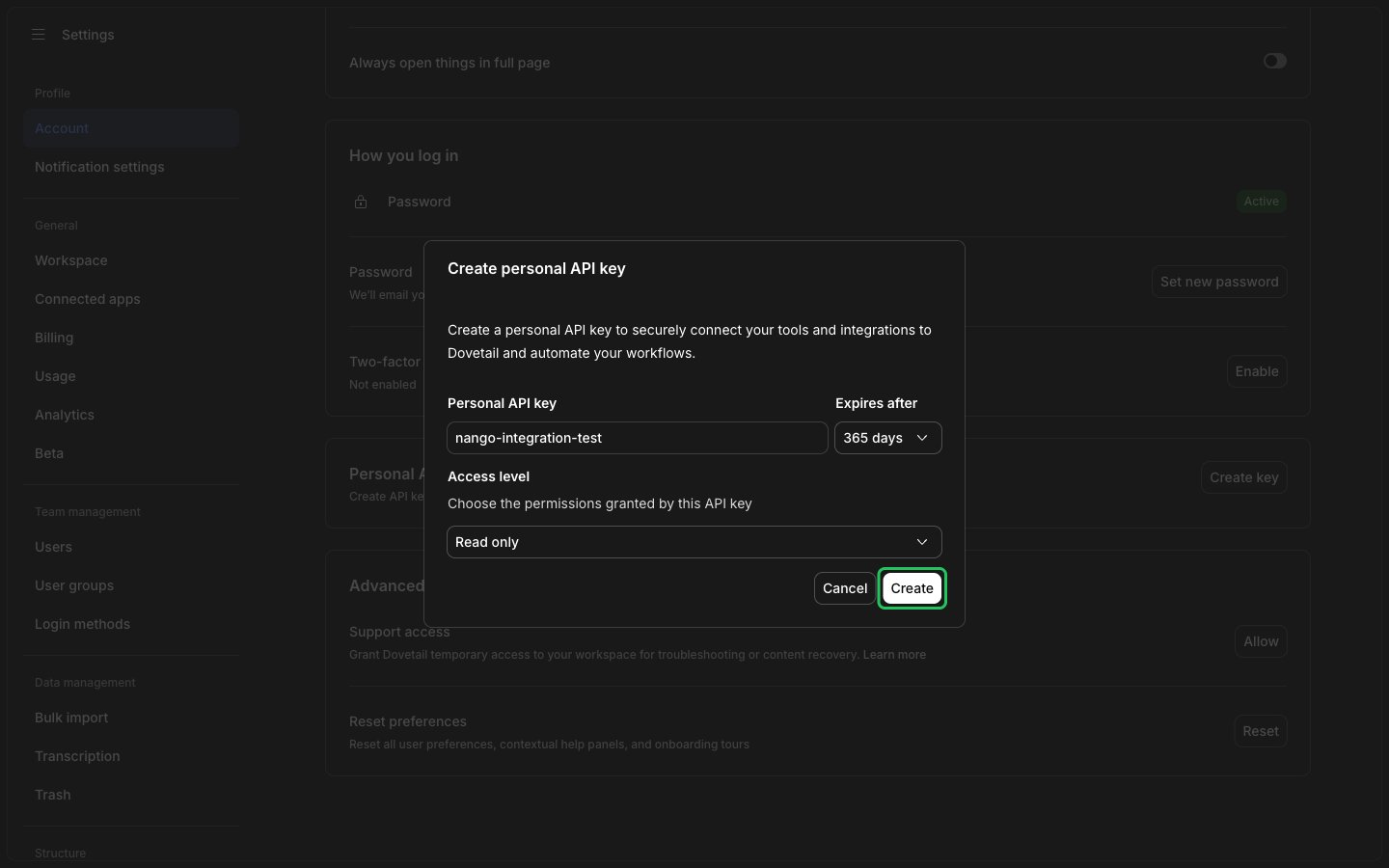
- Enter a label, choose how long the key lasts under Expires after, and choose an Access level (for example Read only). Then click Create.
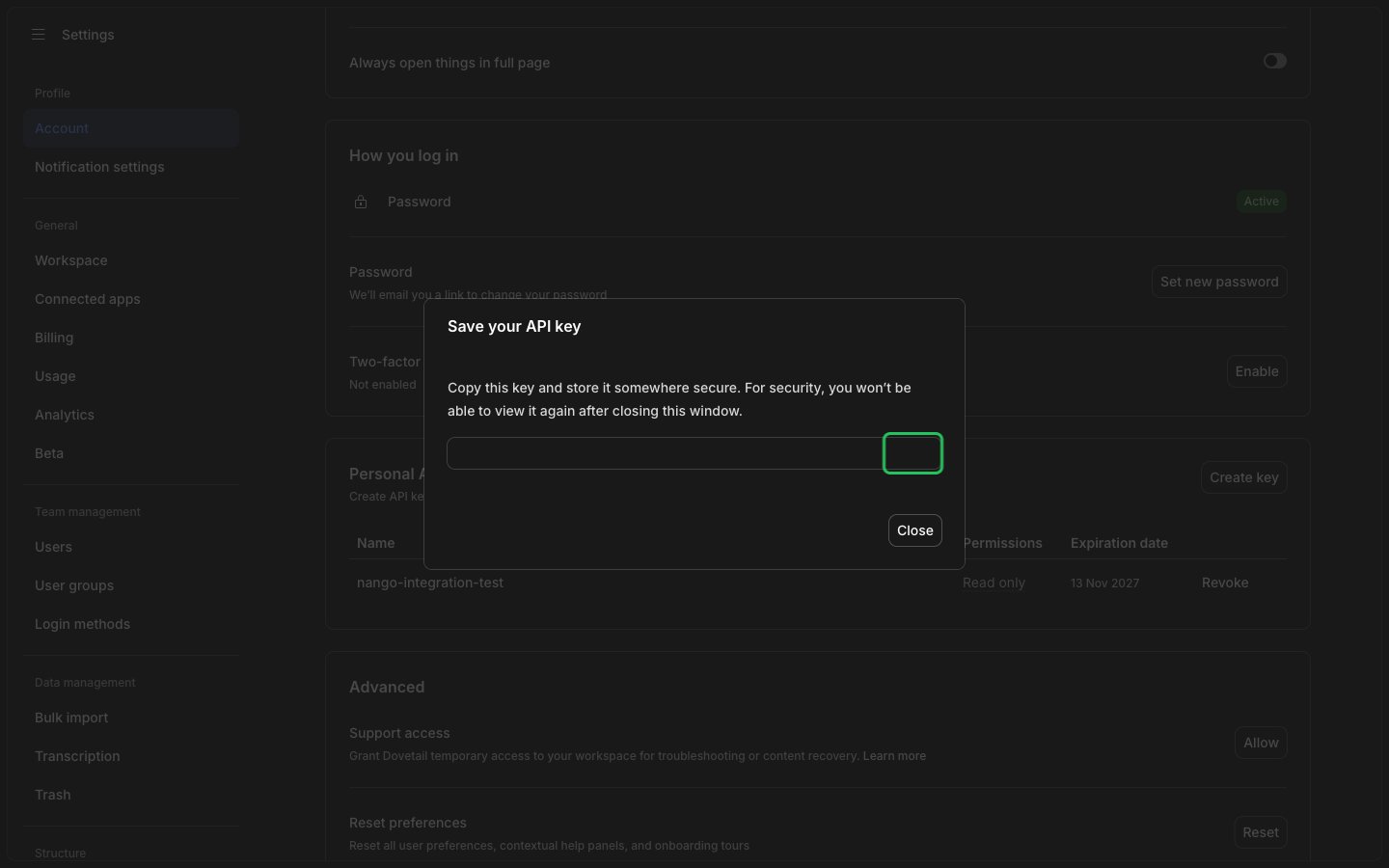
- Copy the key straight away. It is shown only once.
Step 2: Enter your API key in the Connect UI
- Open the form where you need to authenticate with Dovetail.
- Enter your API Key in the designated field.
- Submit the form, and you should be successfully authenticated.