Overview
To authenticate with Domo, you need:- Client ID – The public identifier for your Domo API client.
- Client Secret – The secret that authenticates your client; treat it like a password and keep it secure.
Prerequisites
- You must have a Domo account.
Instructions
Step 1: Creating your API client
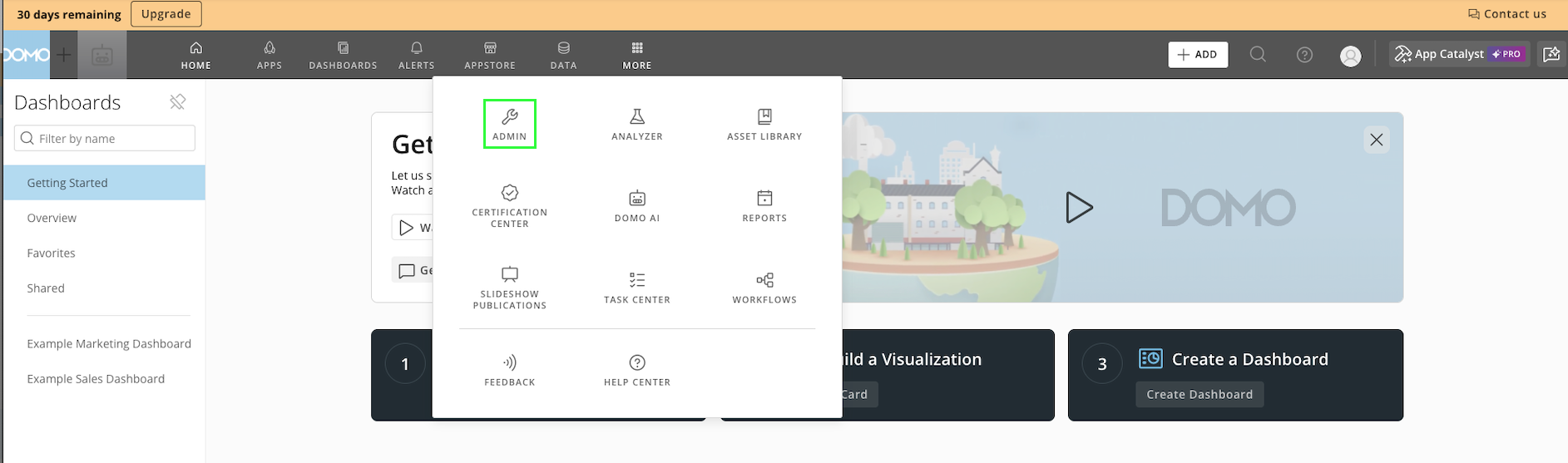
- Log in to Domo and go to Admin → Authentication → API Clients.
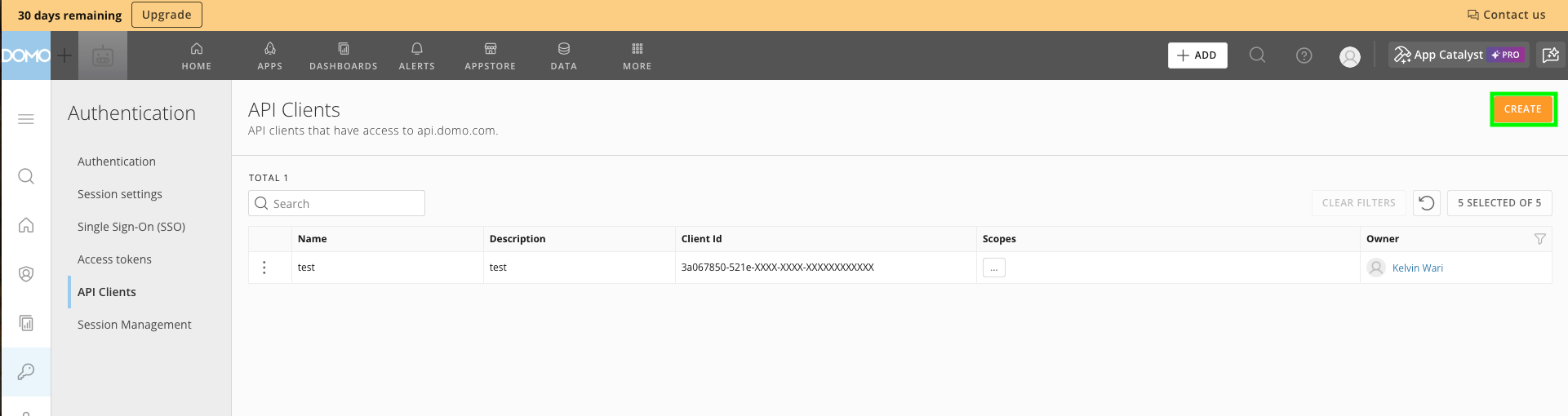
- Click Create to open the creation modal.
- Enter a unique name and description for your client, and select the scopes to grant the client.
- Click Create. After confirmation, the Client ID and Client Secret are shown.
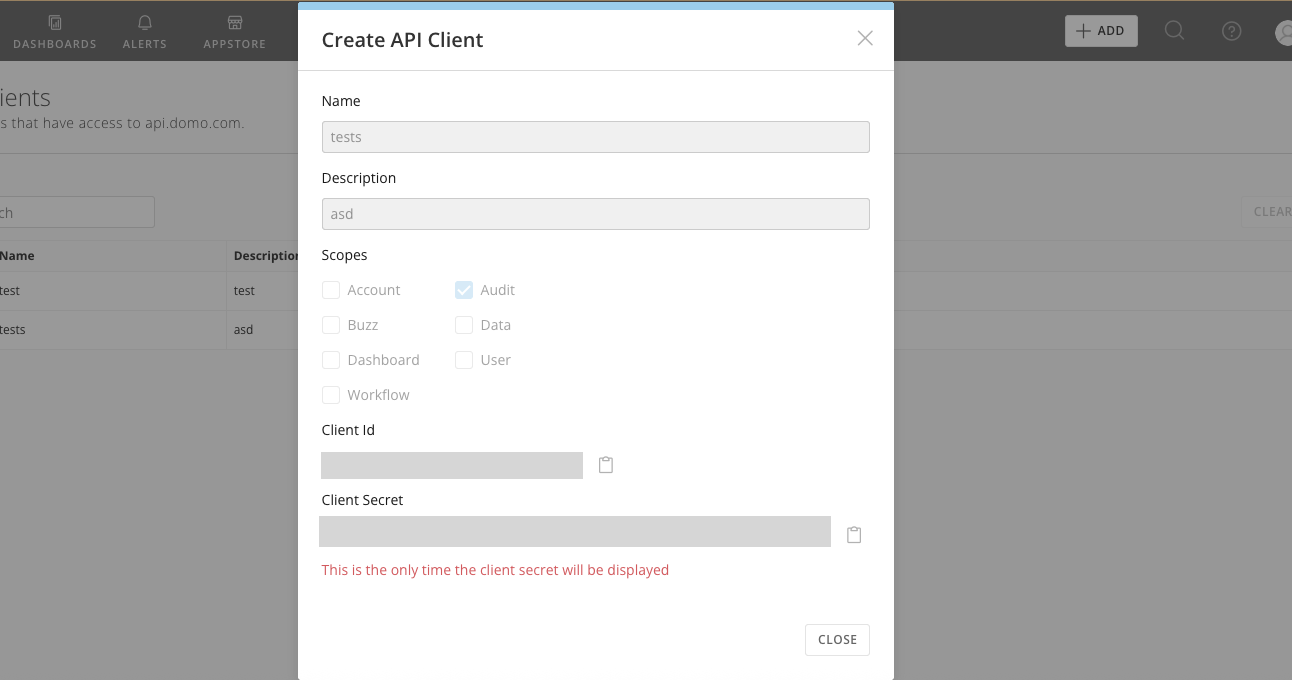
The client credentials are displayed only once. Copy and store them securely immediately.
Step 2: Enter credentials in Nango
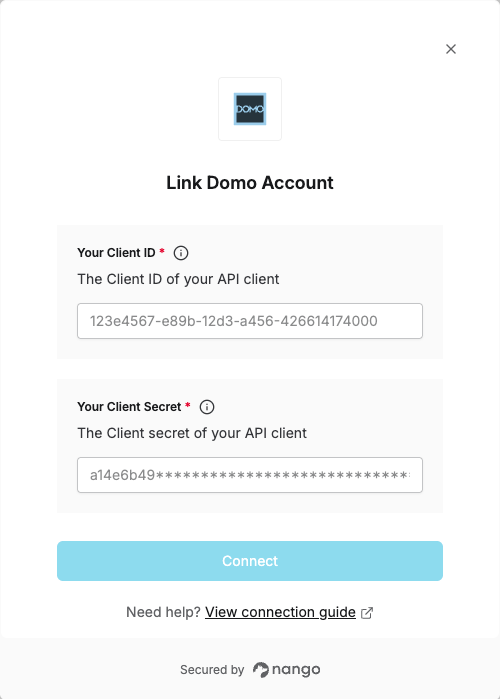
Once you have your Client ID and Client Secret:- Open the form where you need to authenticate with Domo.
- Enter your Client ID and Client Secret in their respective fields.
- Submit the form, and you should be successfully authenticated.