Overview
To authenticate with DocuPost, you need:- API Token — a DocuPost API token.
Prerequisites
- A DocuPost account. You can sign up online.
Step 1: Generate an API token
- Log in to DocuPost and go to the Developer page of your account settings.
- Click Generate API Token.
- Copy the generated token and store it somewhere safe.
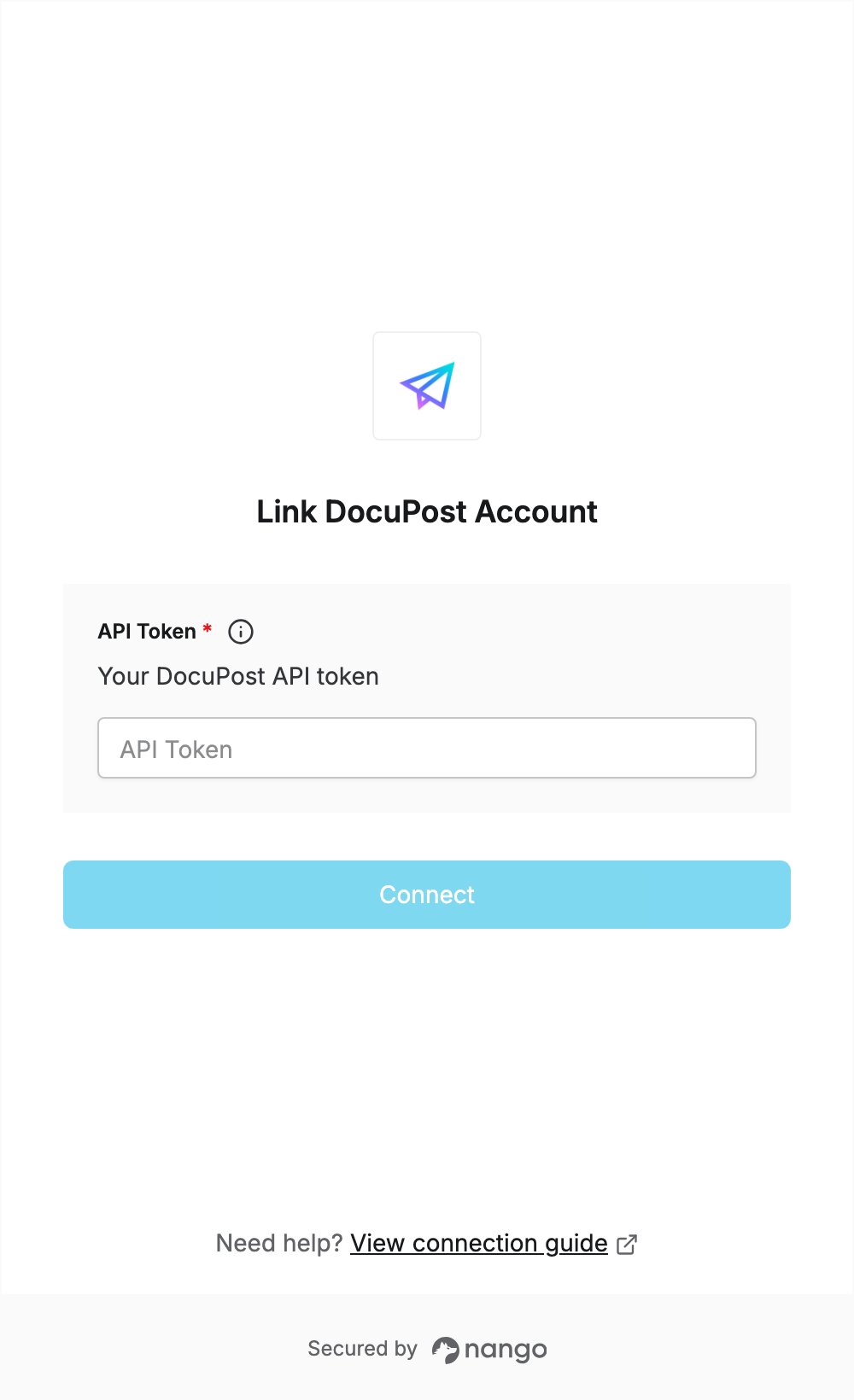
Step 2: Enter your API token in the Connect UI
- Open the form where you need to authenticate with DocuPost.
- Paste the token you copied in Step 1 into the API Token field.
- Submit the form. The connection is saved without checking the token: if the token is wrong, the first API request returns an authentication error.