Overview
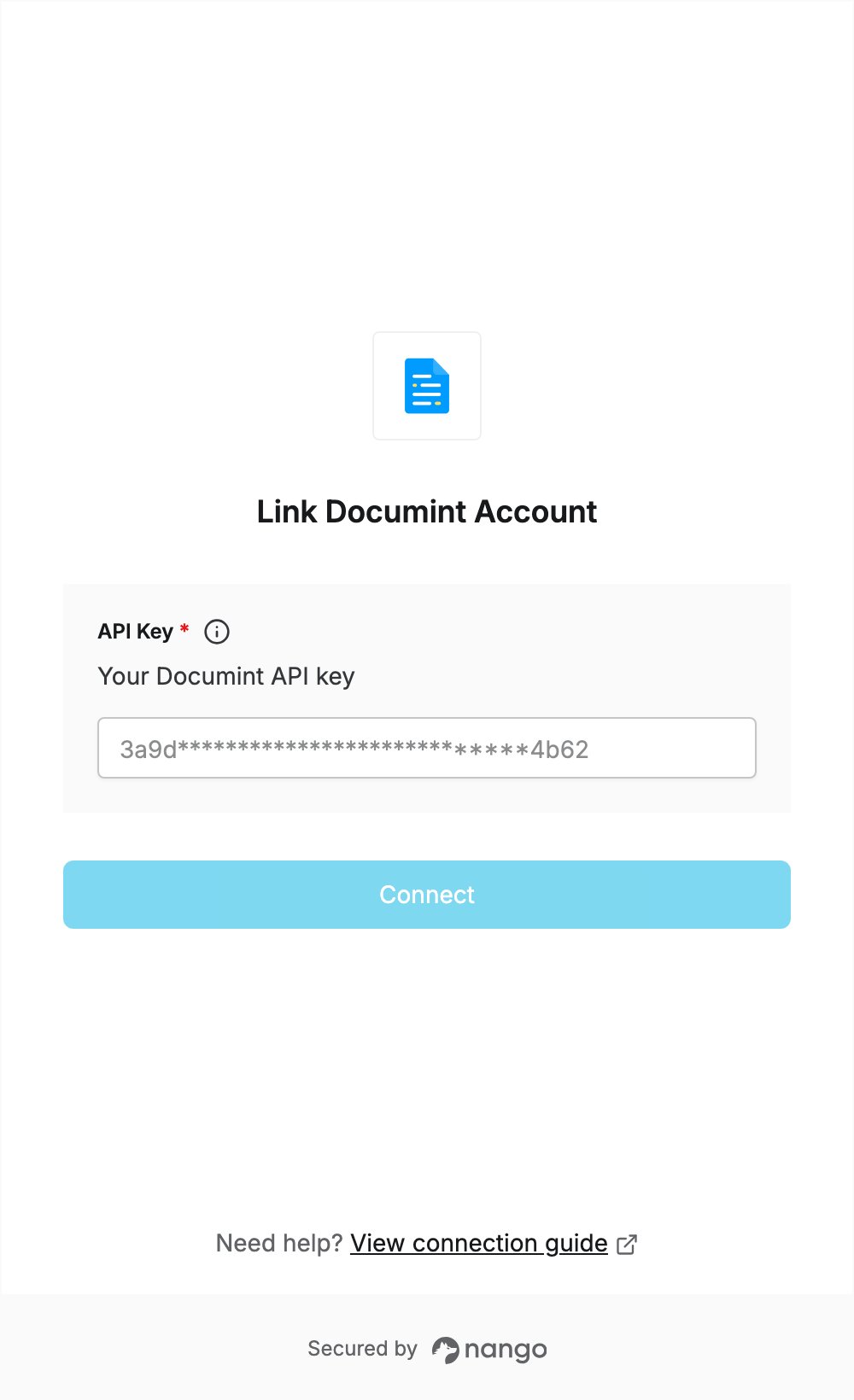
To authenticate with Documint, you need:- API Key — an API key from your Documint account.
Prerequisites
- A Documint account. You can sign up and try Documint free for 14 days with the Silver plan.
Step 1: Create an API key
- Log in to Documint.
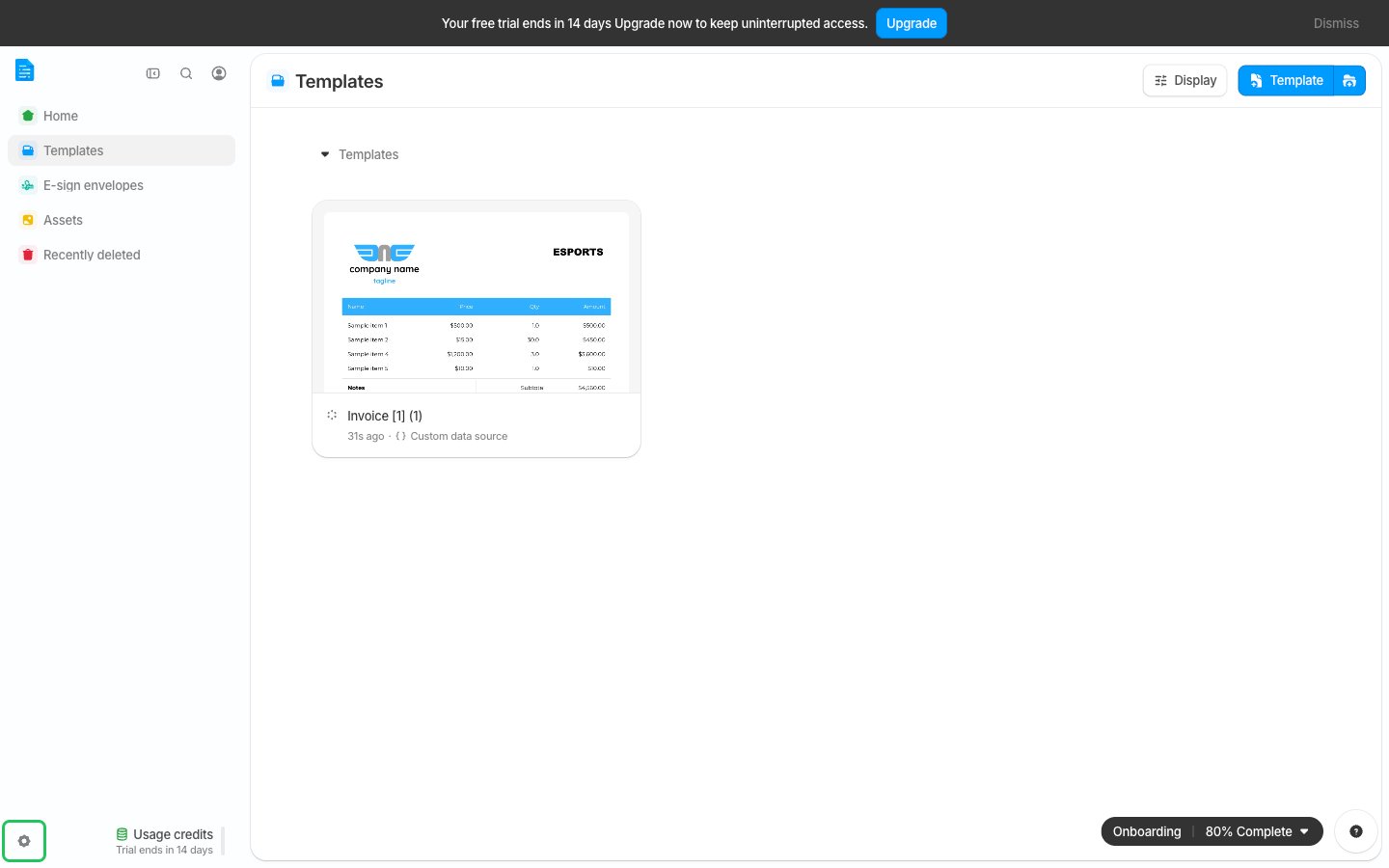
- Click the Settings gear icon at the bottom of the left-hand panel.
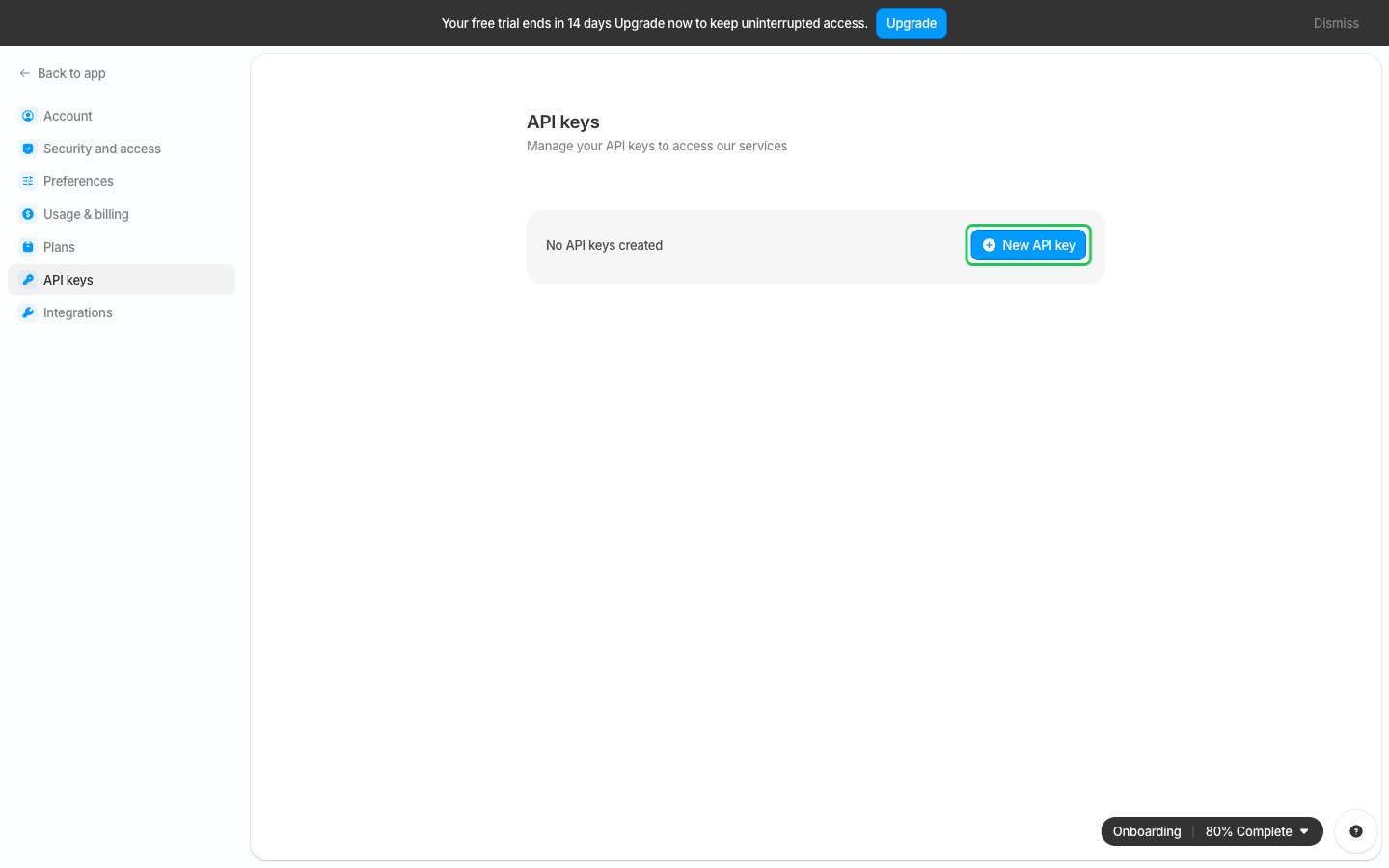
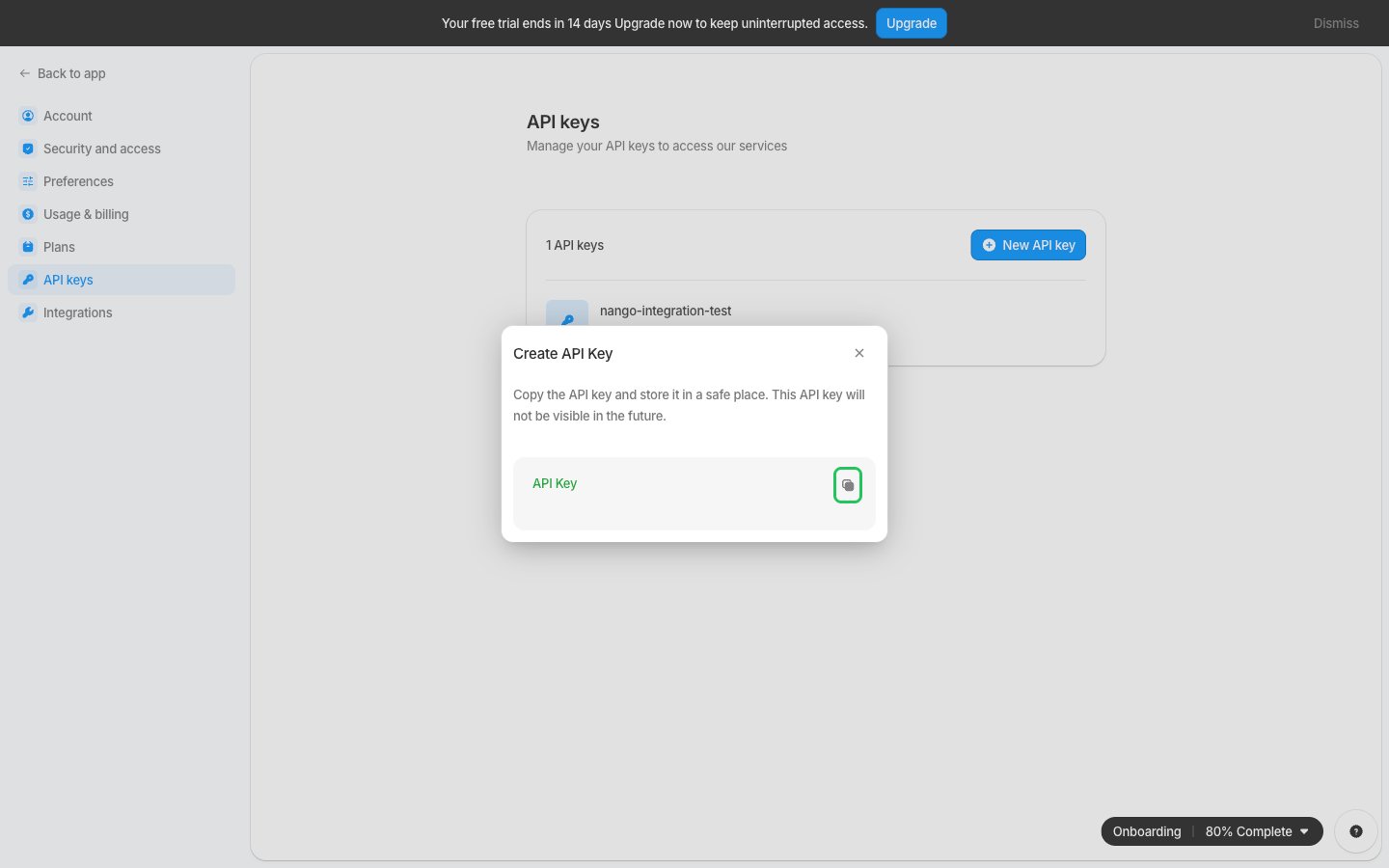
- In Settings, open API keys from the left-hand panel and click New API key.
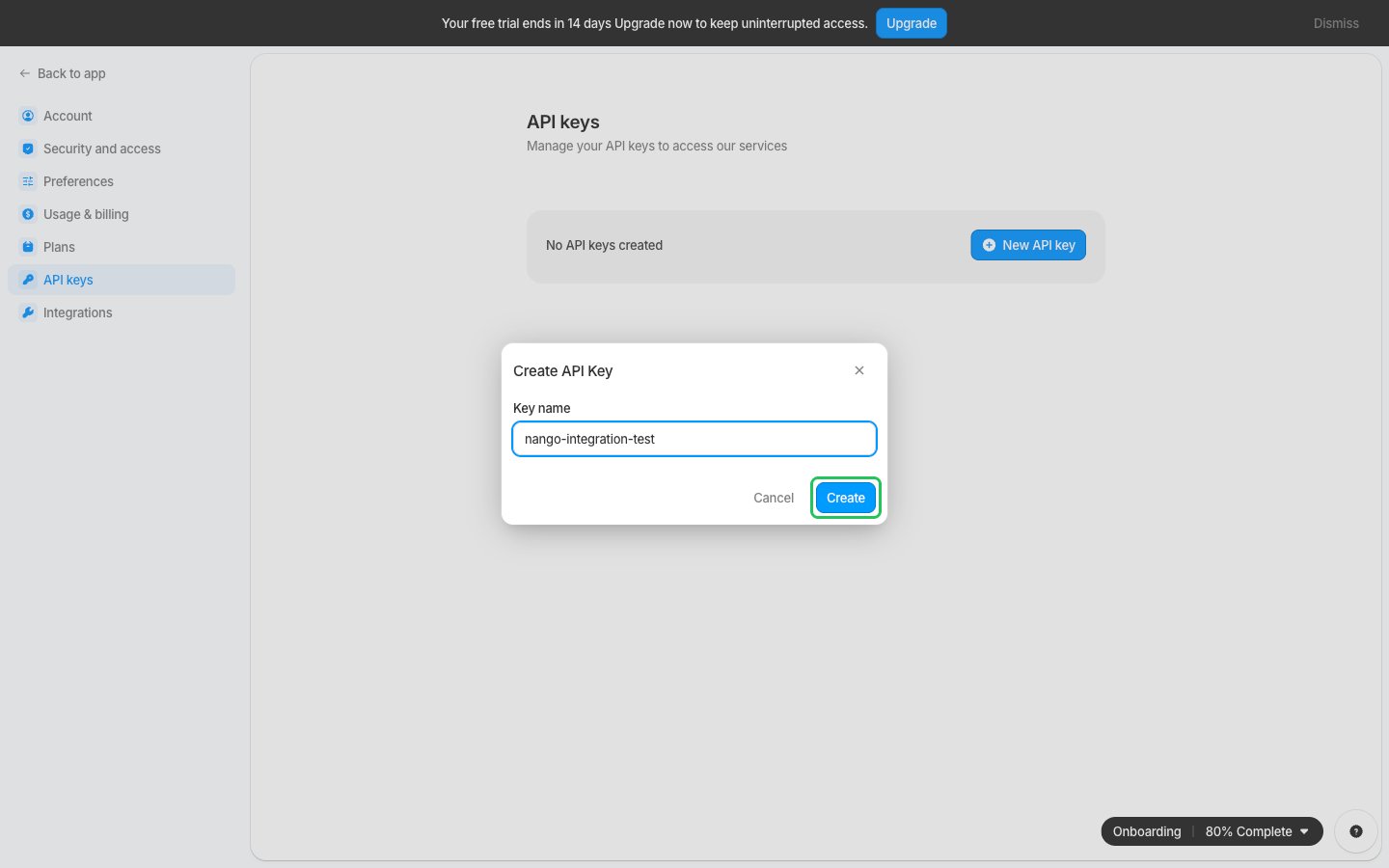
- Give your key a name and click Create.
- Copy your API key. Documint shows it only once, so store it somewhere safe.
Step 2: Enter your API key in the Connect UI
- Open the form where you need to authenticate with Documint.
- Paste your API key in the API Key field.
- Submit the form, and you should be successfully authenticated.