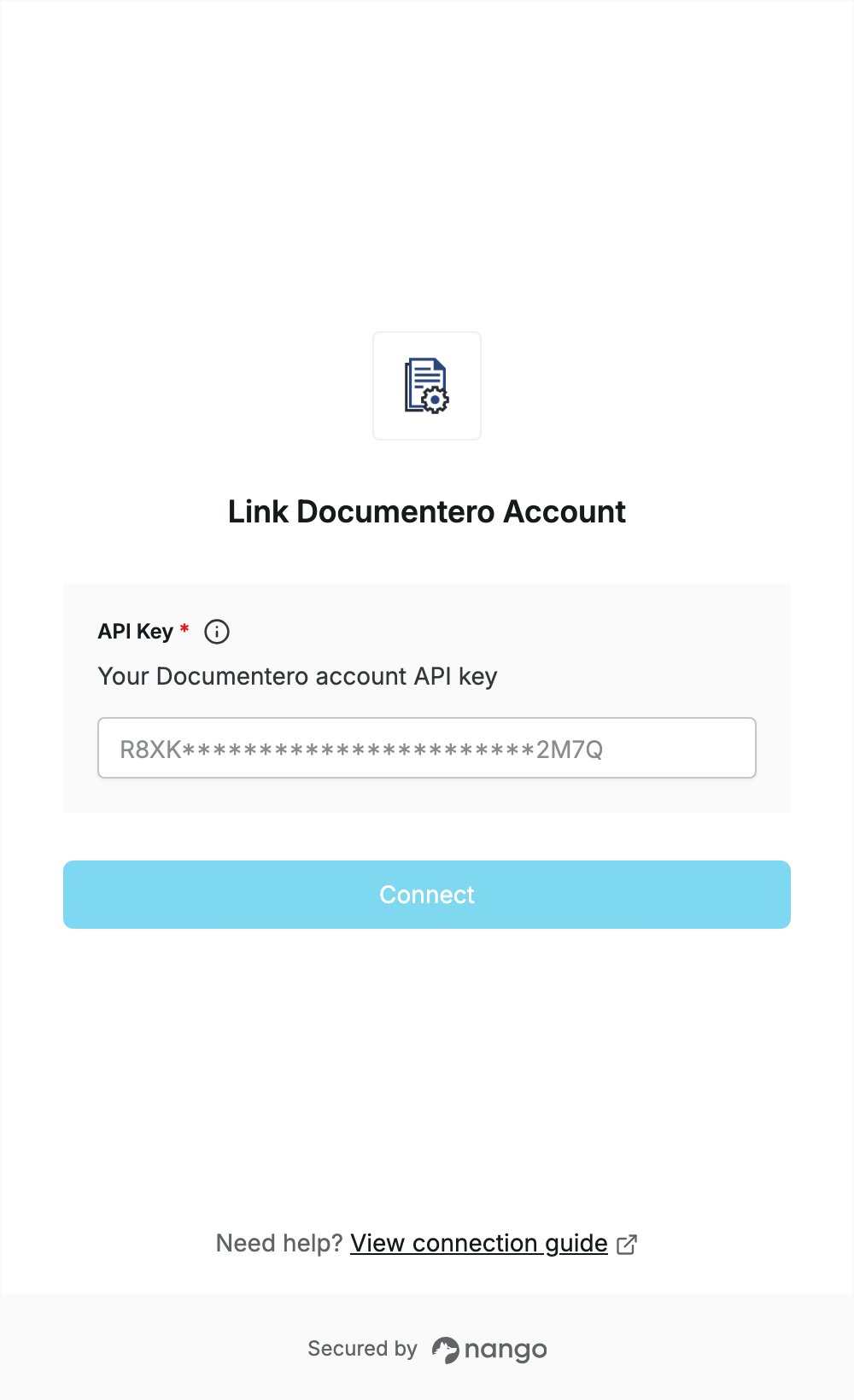
Overview
To authenticate with Documentero, you need:- API Key — your Documentero account API key.
Prerequisites
- A Documentero account. The free plan includes the Cloud API, and no credit card is needed. If you don’t have an account, sign up.
Step 1: Copy your API key
- Sign in to Documentero.
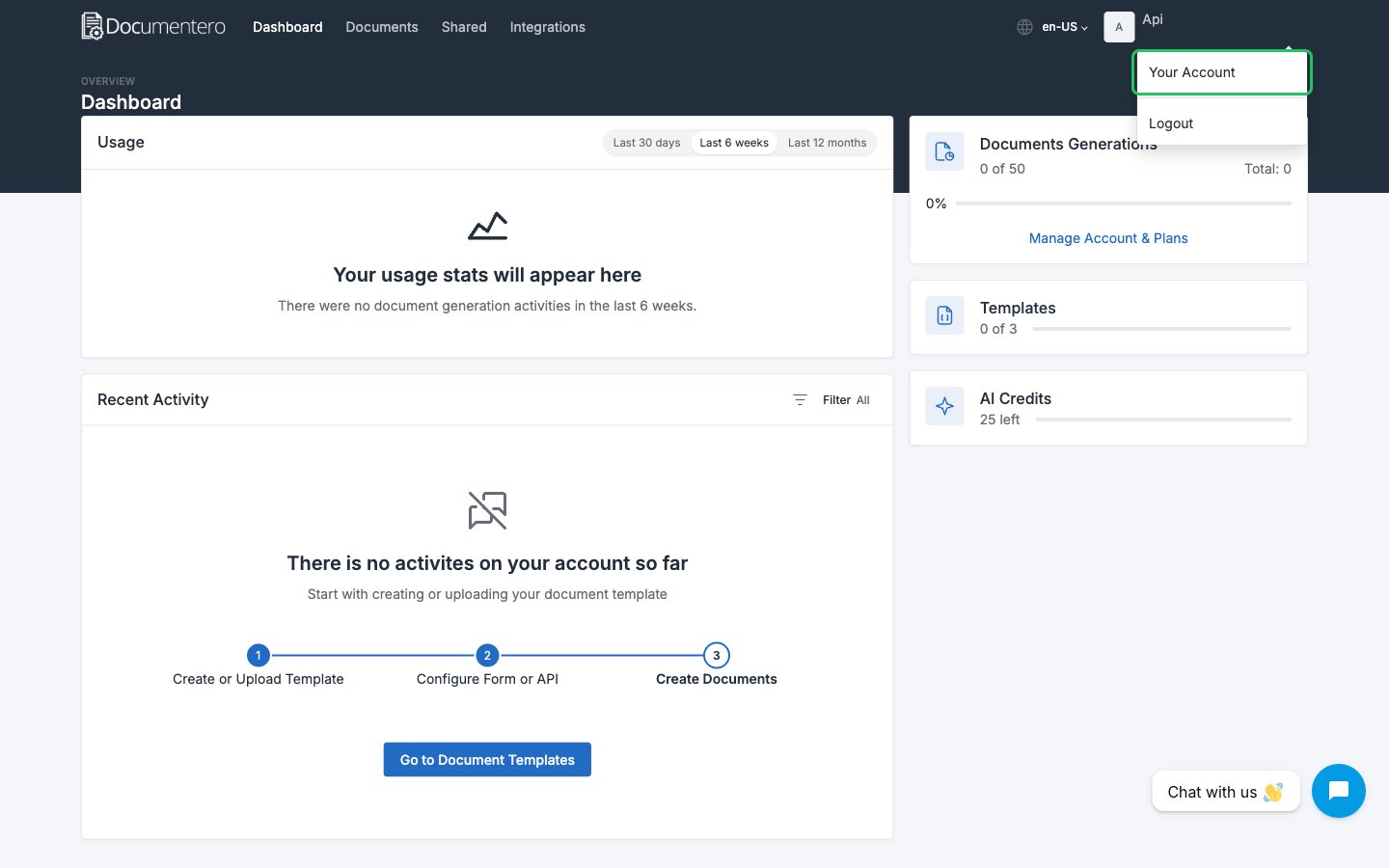
- Click your user avatar in the header and select Your Account (direct link).
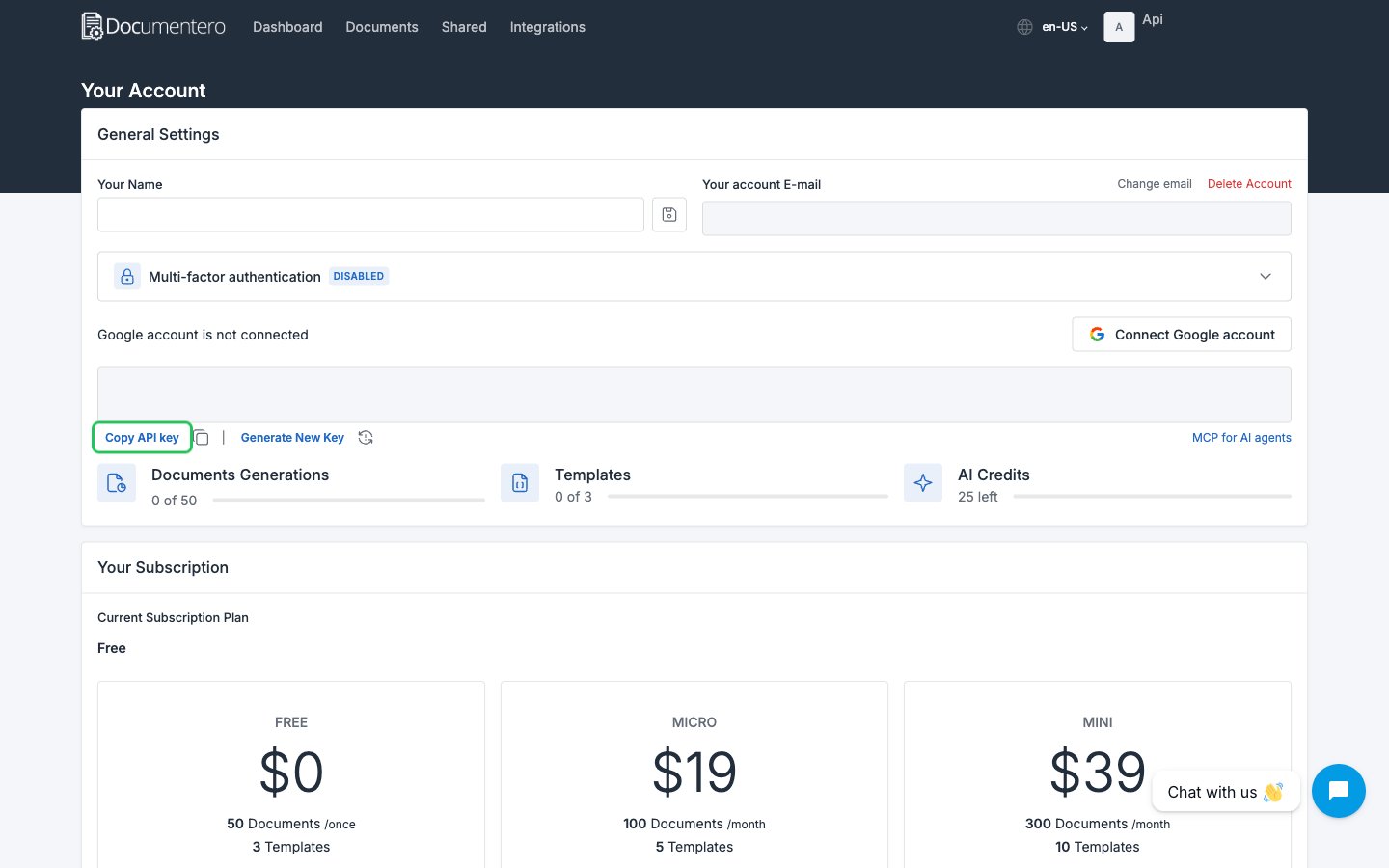
- Under General Settings, click Copy API key. Click Generate New Key only if you want to replace the key.
Step 2: Enter your API key in the Connect UI
- Open the form where you need to authenticate with Documentero.
- Enter your key in the API Key field.
- Submit the form. The connection is saved without checking the key: if the key is wrong, the first API request returns an error.