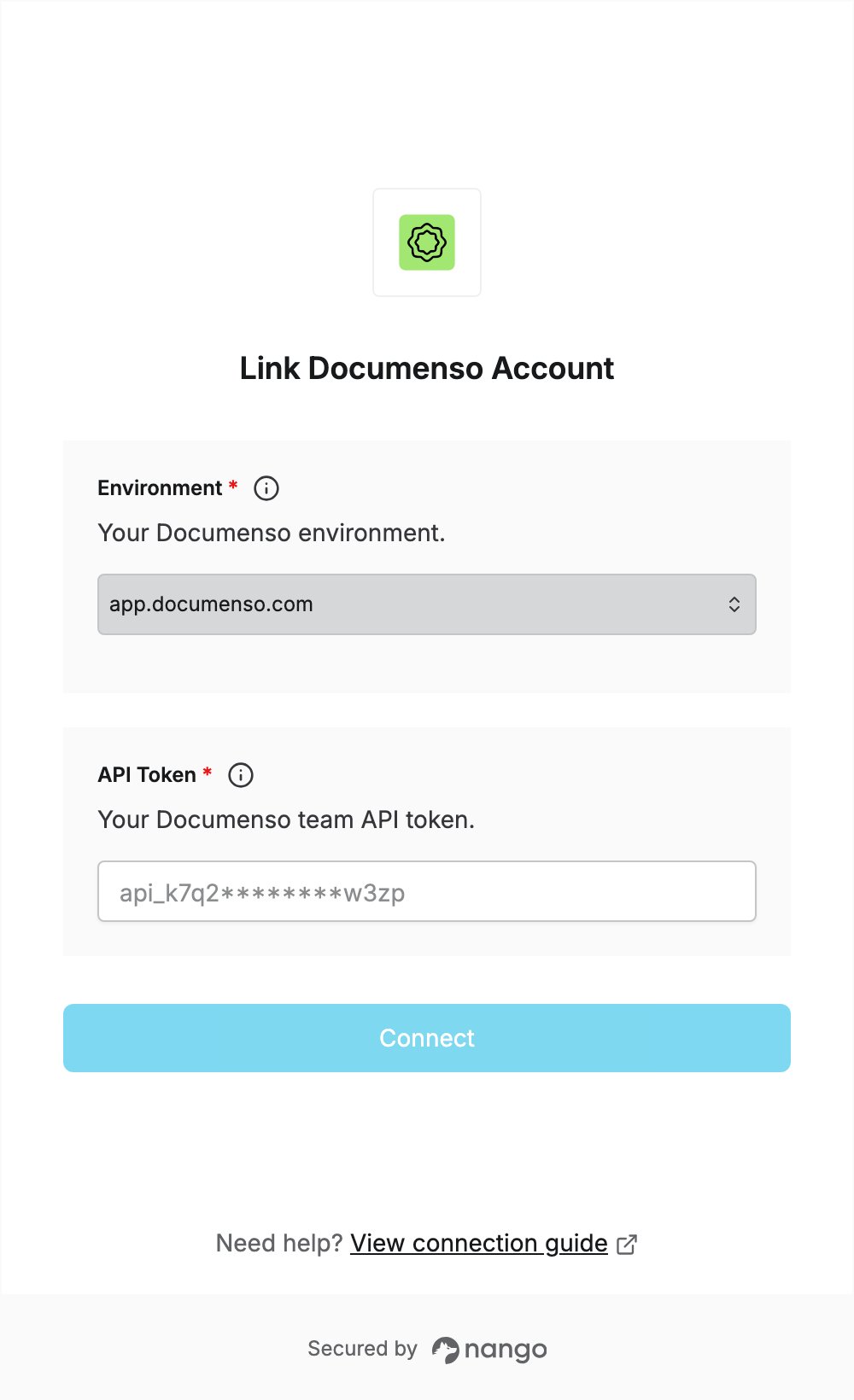
Overview
To authenticate with Documenso, you need:- Environment — the Documenso environment your account is on.
- API Token — a Documenso API token for the team you want to connect.
Prerequisites
- A Documenso account. The API is available on all plans, including Free. You can sign up here.
Step 1: Choose your environment
Select the environment matching the Documenso app you log in to:
The staging environment needs its own account; your production account does not work there. See Demo environment.
Step 2: Create an API token
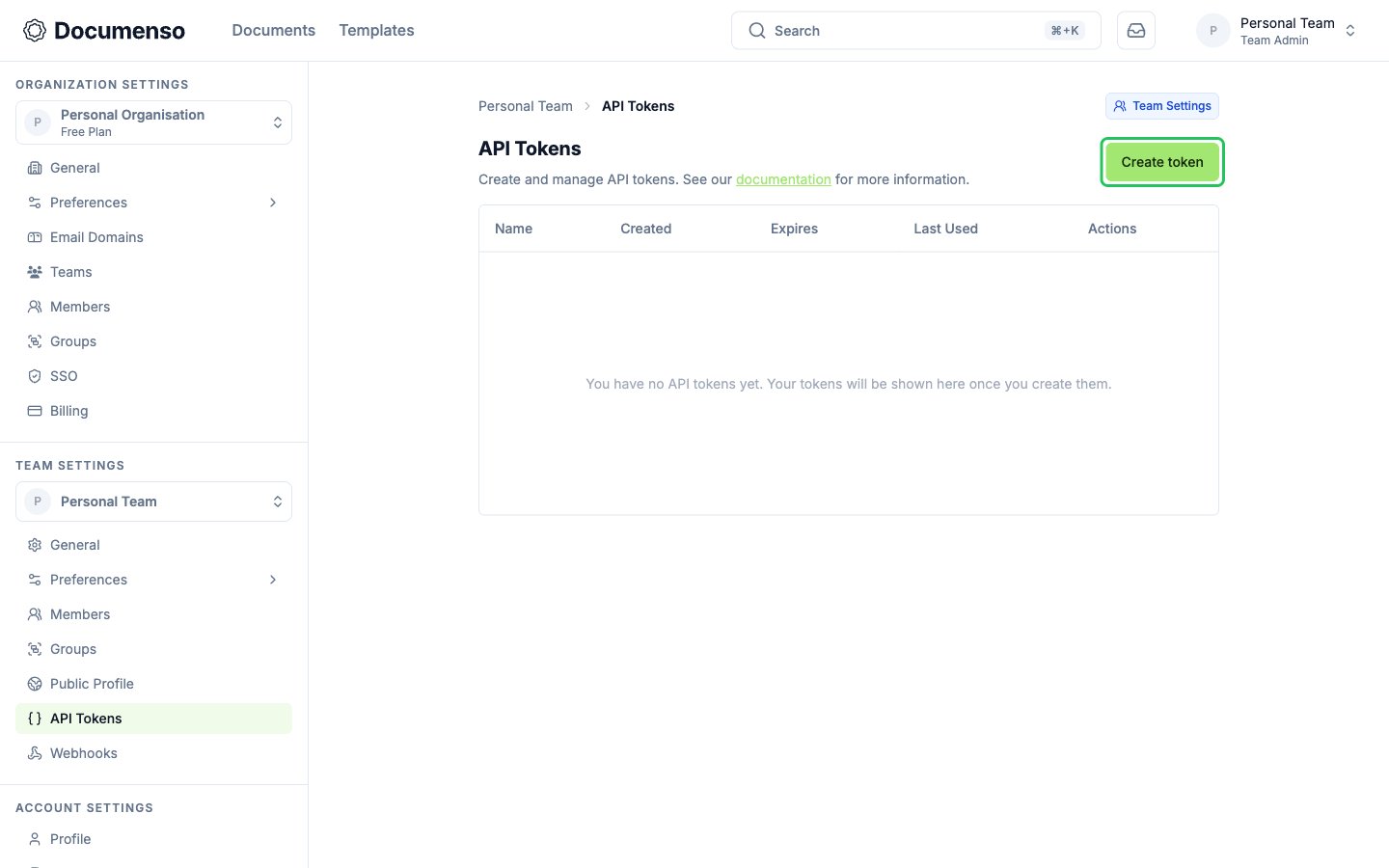
API tokens belong to a team and give full access to that team.- Sign in to Documenso and switch to the team you want to connect.
- Go to Team Settings -> API Tokens, then click Create token.
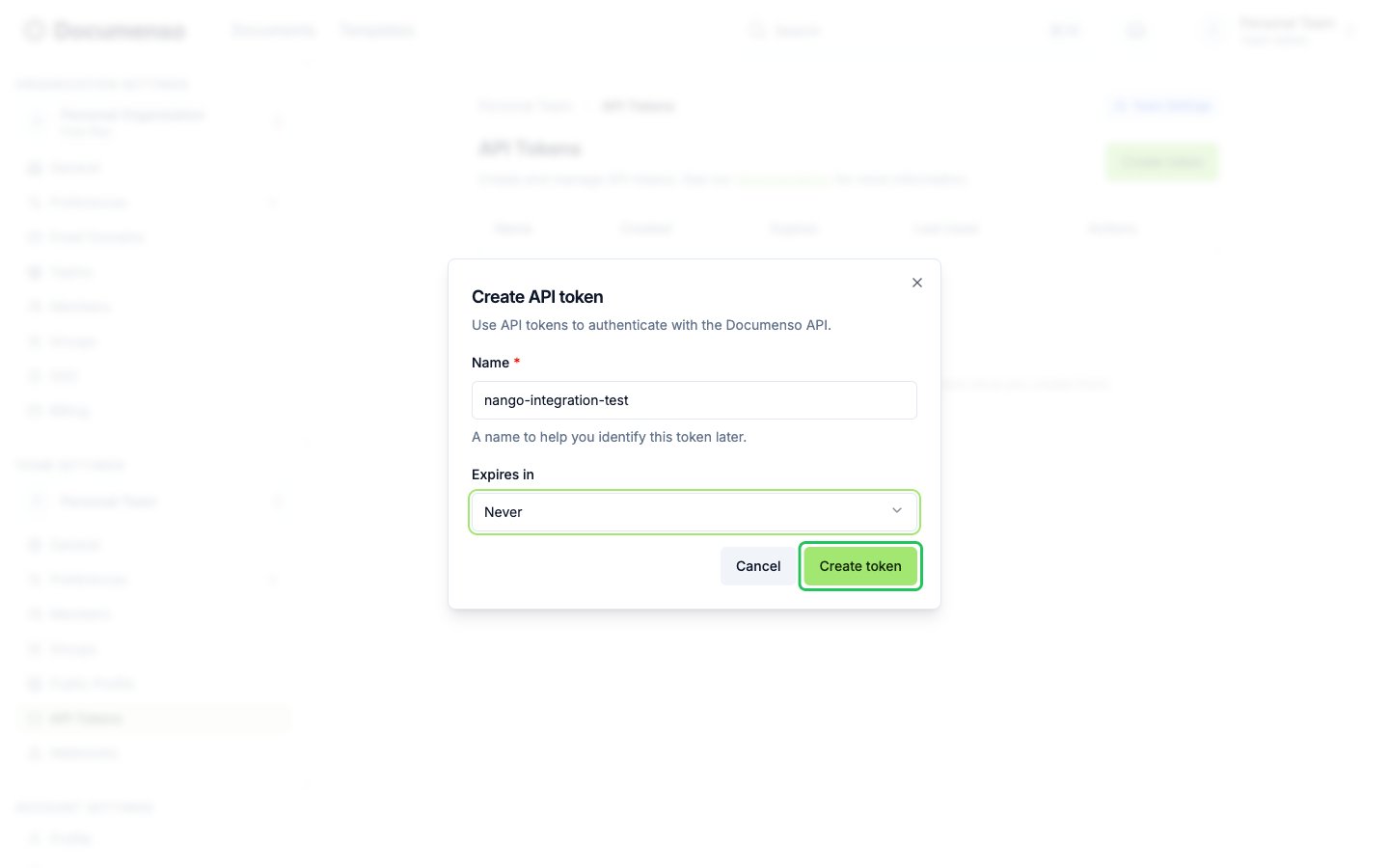
- Enter a name for the token, choose when it expires under Expires in, then click Create token.
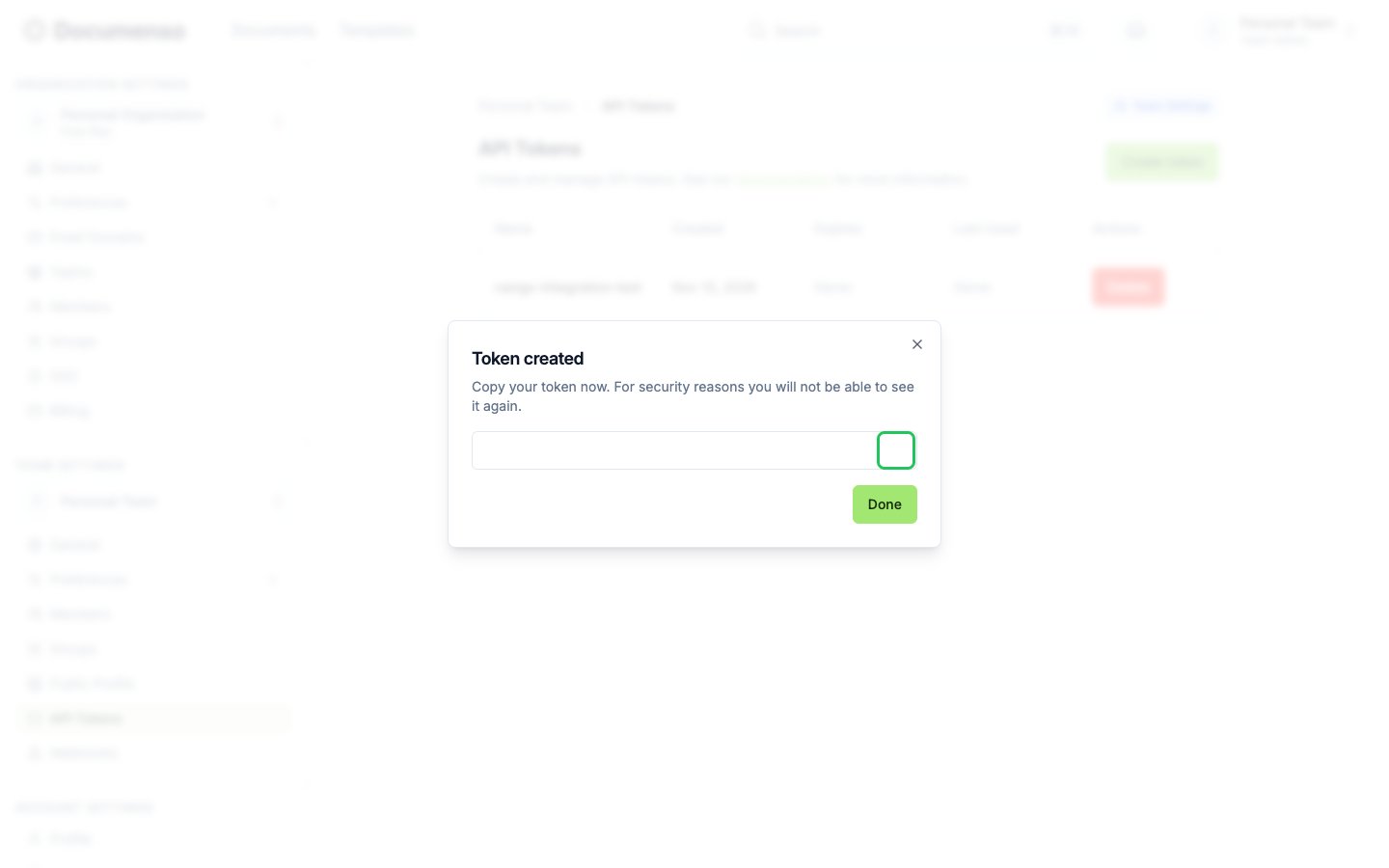
- Copy the token from the Token created dialog. It is only shown once.
Step 3: Enter your credentials in the Connect UI
- Open the form where you need to authenticate with Documenso.
- Select your Environment and enter your API Token in the designated fields.
- Submit the form, and you should be successfully authenticated.