Overview
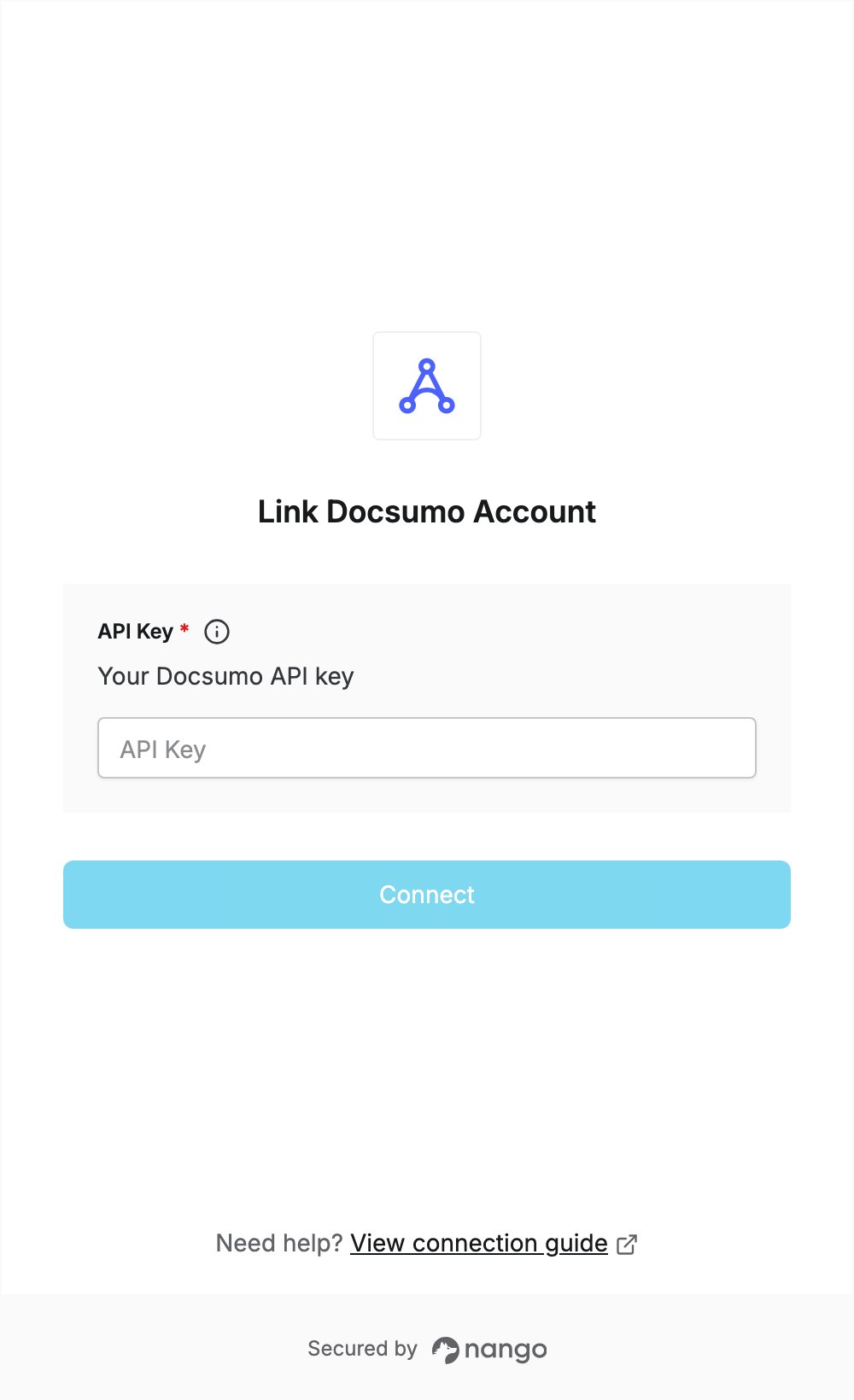
To authenticate with Docsumo, you need:- API Key - The API key of your Docsumo account.
Prerequisites
- A Docsumo account with API access. The free trial includes APIs; it starts with a short setup call with Docsumo.
Step 1: Copy your API key
- Log in to Docsumo.
- Open the API settings page at app.docsumo.com/settings/webhook-api.
- Click the copy button next to your API key to copy it to your clipboard.
Step 2: Enter your API key in the Connect UI
- Open the form where you need to authenticate with Docsumo.
- Paste your API key in the API Key field.
- Submit the form, and you should be successfully authenticated.