Overview
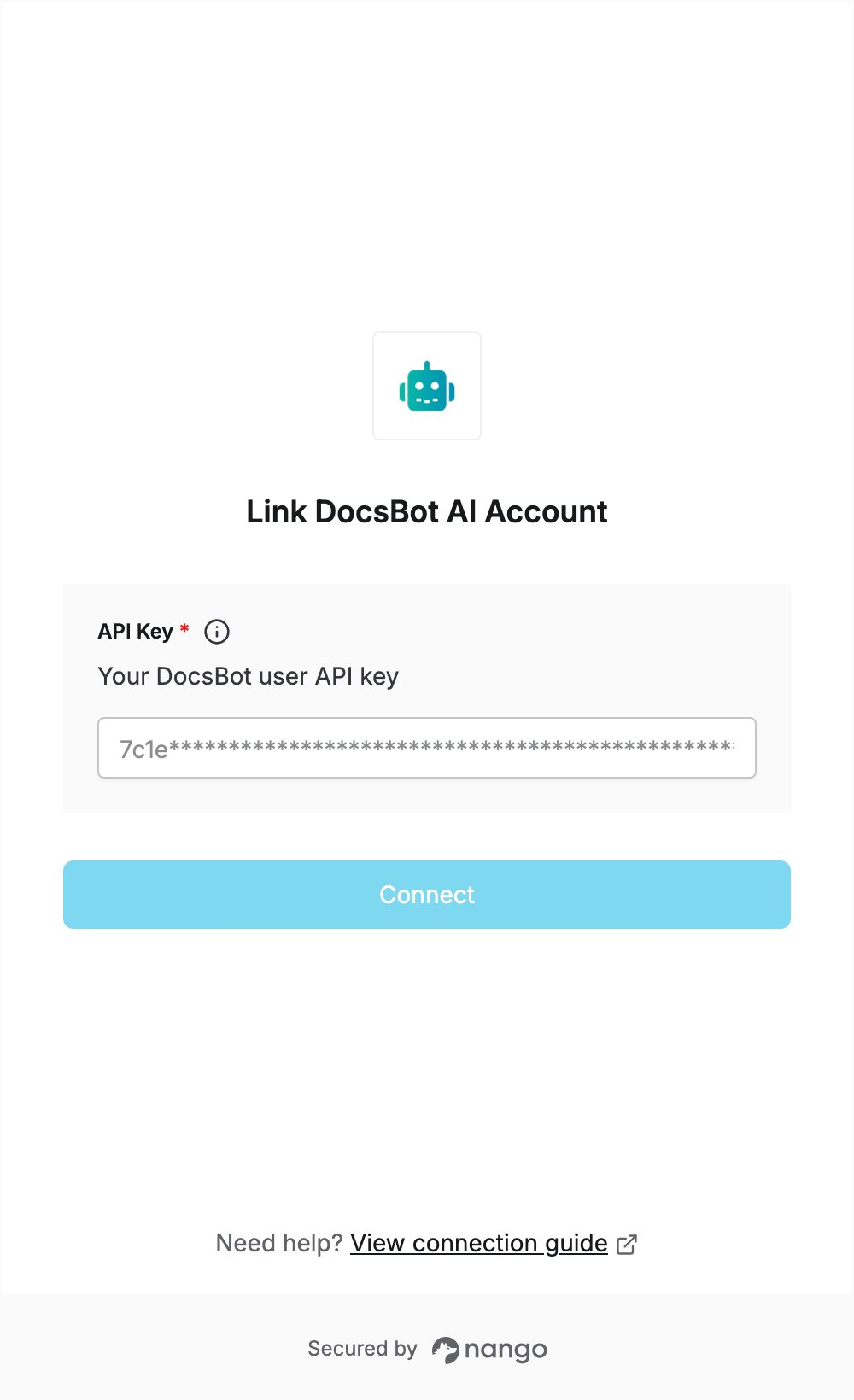
To authenticate with DocsBot AI, you need:- API Key — your DocsBot user API key.
Prerequisites
- A DocsBot account. If you don’t have one, sign up. The free plan needs no credit card.
Step 1: Generate your API key
- Sign in to DocsBot.
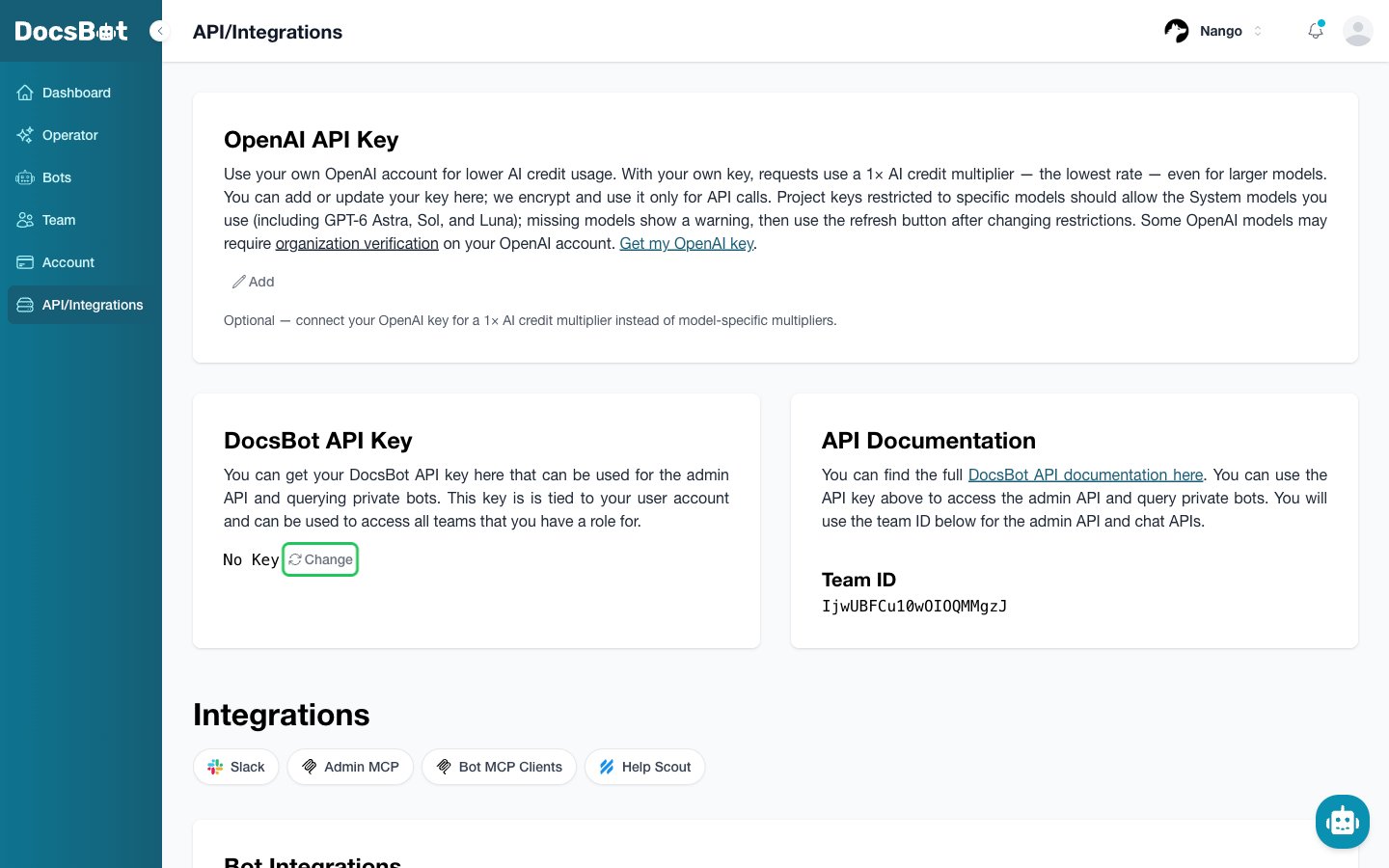
- In the left sidebar, open API/Integrations.
- Under DocsBot API Key, click Change to generate a new key.
- Click the copy button next to the new key and store it somewhere safe. DocsBot shows the key only once.
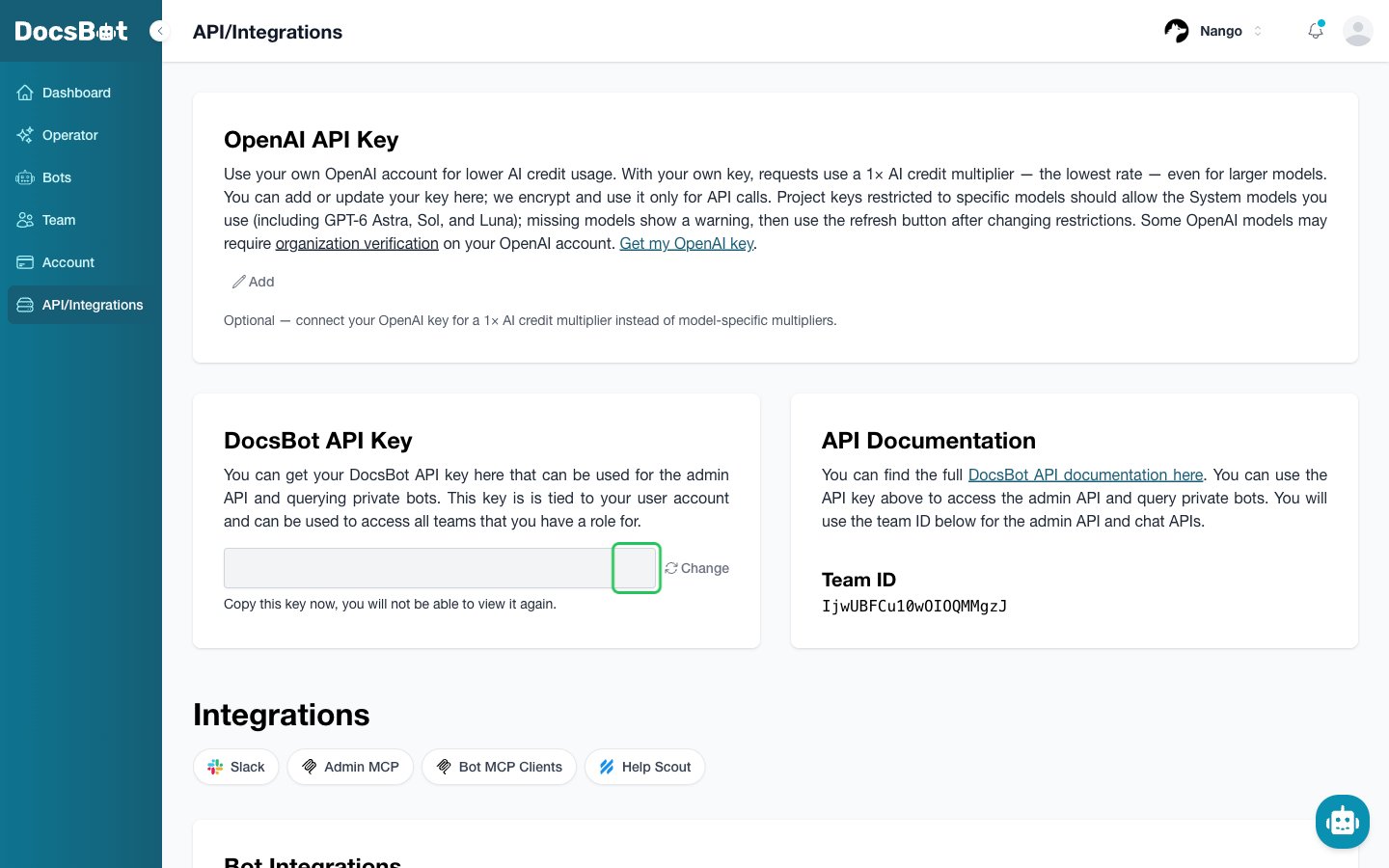
The API key belongs to your user account and works for every team you have a role in. There is one key per user: clicking Change again replaces it, and the old key stops working.
Step 2: Enter your API key in the Connect UI
- Open the form where you need to authenticate with DocsBot AI.
- Enter your API key in the API Key field.
- Submit the form, and you should be successfully authenticated.